AI Tools for Image Enhancement

Discover the best Image Enhancement AI tools to enhance your productivity and creativity.

Page 5 of 9 • 106 total tools

In today’s world, where visuals are everything, making sure your images look their absolute best is more important than ever. Whether you’re a pro photographer, run a small business, or just love sharing memories, how good your photos look can really make a difference. But let’s be honest, not every shot is perfect right out of the camera.

That’s where AI-powered image enhancers and upscalers come in. These tools use smart algorithms to refine and improve your images without a fuss. They can restore detail in low-res photos, boost colors, and tweak contrasts, basically transforming your visuals in ways that used to need fancy professional software.

Over the last year, image enhancement tech has gotten so much better. What used to take ages of manual editing can now be done in seconds with just a few clicks. I’ve spent time trying out some of the best options out there, focusing on ones that give great results without needing you to be a digital art whiz.

If you’re ready to give your images a new lease on life, this guide will show you the top AI image enhancers and upscalers available right now. Let’s jump in and see how to make your photos go from good to amazing.

The best AI Image Enhancer & Upscalers

  1. Pixelcut: Great for improving image clarity and resolution.
  2. Cutout.pro: Helps boost photo clarity and resolution.
  3. Pica AI: Smoothly enhances and upscales anime images.
  4. Image Upscaler: Perfect for turning low-res images into print-ready files.
  5. Upscale.media: Quickly boosts visuals for e-commerce.
  6. Remini AI: Transforms low-res images into stunning visuals.
  7. Vectorizer.ai: Improves image quality for large prints.
  8. Let’s Enhance: Enhances images for vibrant large prints.
  9. Clip Drop: Boosts the quality of low-res images.
  10. Bigjpg: Enlarges anime art while keeping details sharp.
  11. Adobe Photoshop AI: Upscales low-res photos for better clarity.
  12. Vance AI: Improves photo quality for prints.
  13. Passport Photo Online: Enhances photo quality for official documents.
  14. Reface: Improves image quality for clearer details.
  15. Magnific AI: Transforms low-res images into high-definition.

How do AI image enhancers & upscalers work?

AI image enhancers and upscalers use advanced algorithms, especially deep learning models like convolutional neural networks (CNNs). These models analyze images to understand what they’re seeing and how they’re structured. The main goal is to make images look better, adding detail and clarity while reducing any oddities that can pop up when you enlarge a picture.

Basically, AI image upscaling looks at a low-resolution image and figures out what a high-resolution version would likely look like. By learning from tons of image data, these models can fill in details that aren’t actually there.

When training, the AI gets shown countless pairs of low and high-resolution images. This teaches it how to effectively reconstruct missing information. So, when you enlarge a smaller image, the model can create realistic textures, subtle lighting, and smooth color transitions.

Some common methods include super-resolution, where the AI creates new pixel data based on what’s already there, ensuring a smooth enlargement. This helps keep the image looking natural while making it sharper and generally better looking.

AI tools also fine-tune images by adjusting colors, contrast, and brightness. This isn’t just about resizing; it genuinely improves the look and feel of the photo. It makes distracting elements less obvious and really makes the main subject pop.

So, to sum it up, AI image enhancers and upscalers use deep learning and massive training datasets to create great-looking images from lower-quality sources. Their knack for recreating details and improving overall image quality really shows off how powerful artificial intelligence is for creating and enhancing visual content.

Our best AI image enhancer & upscalers at a glance

RankNameBest forPlans and PricingRating
1PixelcutImproving image clarity and resolution.N/A4.64 (11 reviews)
2Cutout.proBoosting photo clarity and resolution.N/A4.46 (13 reviews)
3Pica AIEnhancing and upscaling anime images smoothly.N/A4.58 (12 reviews)
4Image UpscalerTurning low-res images into print-ready files.Paid plans start at $3.9/year.4.54 (13 reviews)
5Upscale.mediaQuickly boosting visuals for e-commerce.N/A4.17 (6 reviews)
6Remini AITransforming low-res images into stunning visuals.N/A4.67 (6 reviews)
7Vectorizer.aiImproving image quality for large prints.N/A4.17 (6 reviews)
8Let’s EnhanceEnhancing images for vibrant large prints.Paid plans start at $12/month.4.72 (25 reviews)
9ClipDropBoosting the quality of low-res images.Paid plans start at N/A—/month.4.75 (12 reviews)
10BigjpgEnlarging anime art while keeping details sharp.N/A4.77 (13 reviews)
11Adobe Photoshop AIUpscaling low-res photos for better clarity.N/A4.70 (27 reviews)
12VanceAIImproving photo quality for prints.N/A4.73 (11 reviews)
13Passport Photo OnlineEnhancing photo quality for official documents.Paid plans start at $16.95/N/A.4.67 (6 reviews)
14RefaceImproving image quality for clearer details.N/A4.35 (20 reviews)
15Magnific AITransforming low-res images into high-definition.Paid plans start at $39/month.4.67 (6 reviews)
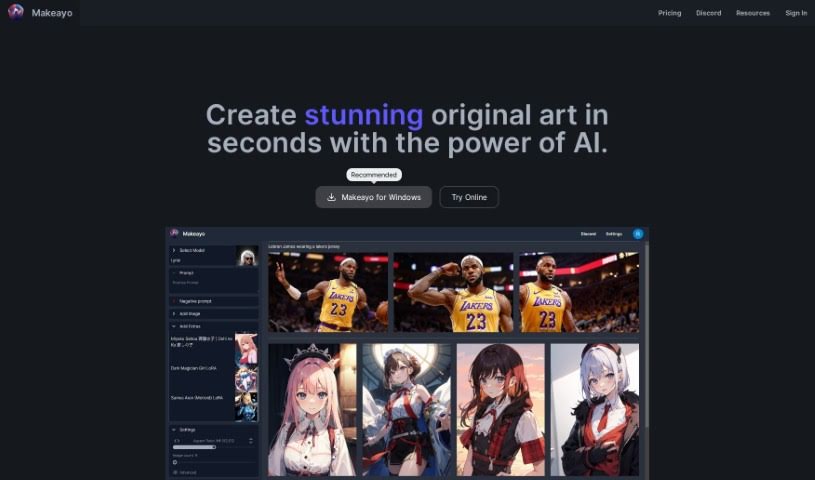
Screenshot of Makeayo

Makeayo

Freemium

Makeayo is a really neat AI tool that helps you create unique and stunning art. It's designed to be super easy to use, offering unlimited art generation so you can really play around. You can transform images into different styles, upscale them to high definition for incredible detail, and even match poses from existing pictures. Plus, it comes with a variety of different art models to choose from. The best part? It's completely free to use right now, and it works on Windows 10 and 11. They're planning to bring it to Mac and Linux soon, too! The community around Makeayo is also a big plus – it's a lively and supportive group that really sparks artistic inspiration and encourages people to create together.

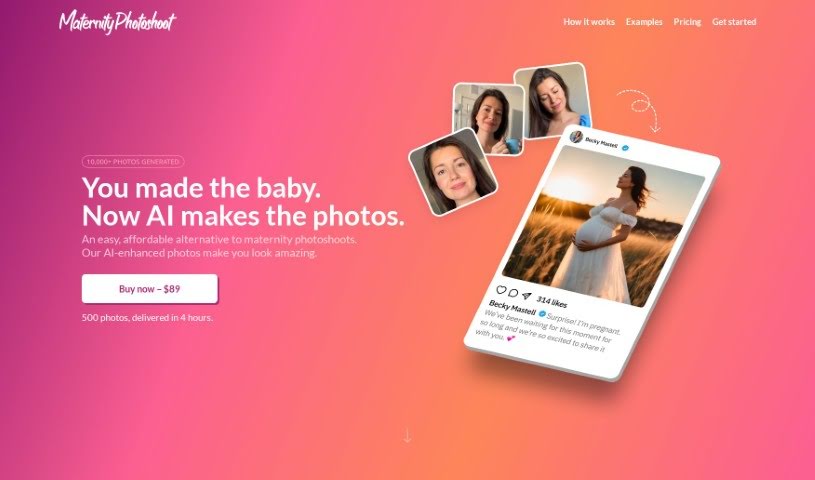
Screenshot of Maternityphotoshoot

Maternityphotoshoot

Freemium

MaternityPhotoshoot.com offers a fresh, easy way to get beautiful maternity photos without the usual fuss. You can snap 5-10 selfies right at home, upload them to the site, and within 24 hours, you'll get 50 professionally enhanced pictures for just $19. It's all powered by AI, which means you get high-quality images super fast and without spending a fortune. Forget about needing professional hair, makeup, or special outfits – this service handles it all. Plus, they're so confident you'll love the results that they offer a full refund if you're not completely satisfied.

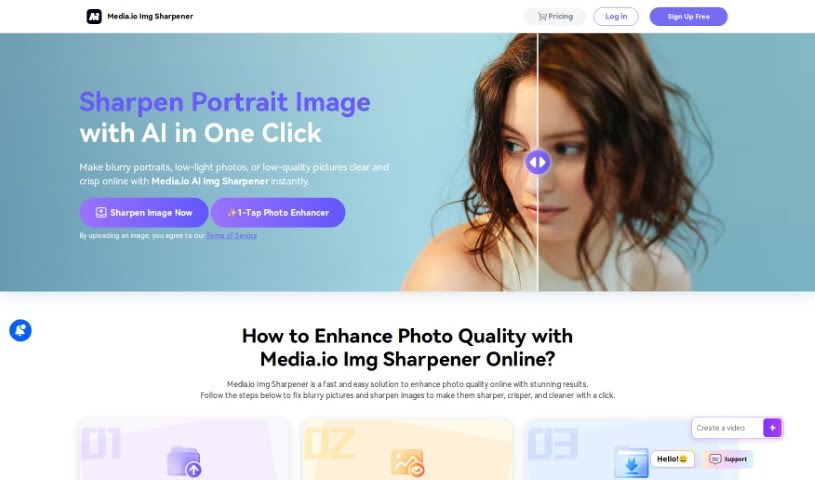
Screenshot of Media.io Online Img Sharpener

Media.io Online Img Sharpener

Freemium

Media.io Online Img Sharpener is a handy tool designed to really make your photos shine for all sorts of uses. For those selling products online, it's a game-changer. It helps boost sales on e-commerce platforms like Amazon, eBay, Shopify, and Etsy by making your product images look much clearer and more appealing. By sharpening details and generally improving the quality, it draws customers in without you having to fuss with complicated manual editing.

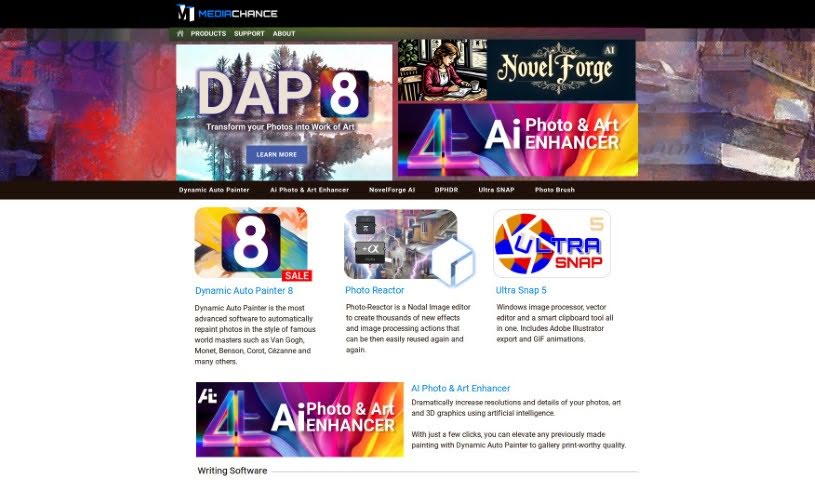
Screenshot of Mediachance

Mediachance

Freemium

The AI Photo & Art Enhancer from Mediachance is a really impressive tool. It uses artificial intelligence to make your photos, digital paintings, vector art, and even 3D graphics look much better. You can actually upscale your photos by up to 16 times, creating incredibly detailed images that look like they were taken with a much better camera, perfect for printing. It's also fantastic for digital paintings; it can really bring out the brush strokes and textures, adding amazing micro-details without losing the original artistic feel. Plus, it's great at reducing noise in photos and 3D graphics, turning drawings into something like vector art without any jagged edges, and it can even speed up your 3D rendering by cleaning up noise in images that aren't quite finished. And if you have a lot of images to work on, the batch processing feature lets you enhance them all at once, which is a huge time-saver. To really get the most out of this software, having a Windows computer with a good graphics card (GPU) is key, as it lets the AI do its best work.

Screenshot of Mems

Mems

Freemium

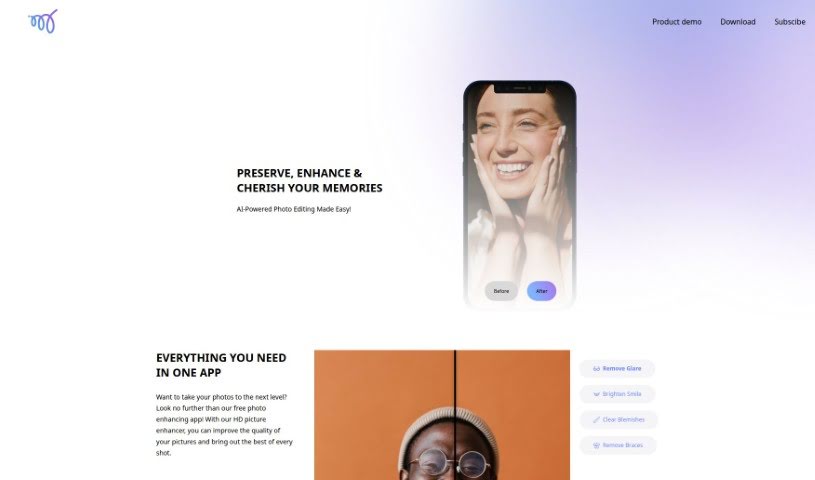
Mems is a photo editing app designed to boost your photos' quality using advanced AI. It's really easy to use, offering natural-looking retouching, glare removal, smile brightening, and blemish clearing, among other editing tools. What's great is that Mems lets you edit without watermarks, keeping your photos looking authentic. It's perfect for both professional work and personal snaps. Plus, you can share your enhanced photos freely, as Mems makes sure the original subjects aren't altered in any way.

Screenshot of Meta ImageBind

Meta ImageBind

Freemium

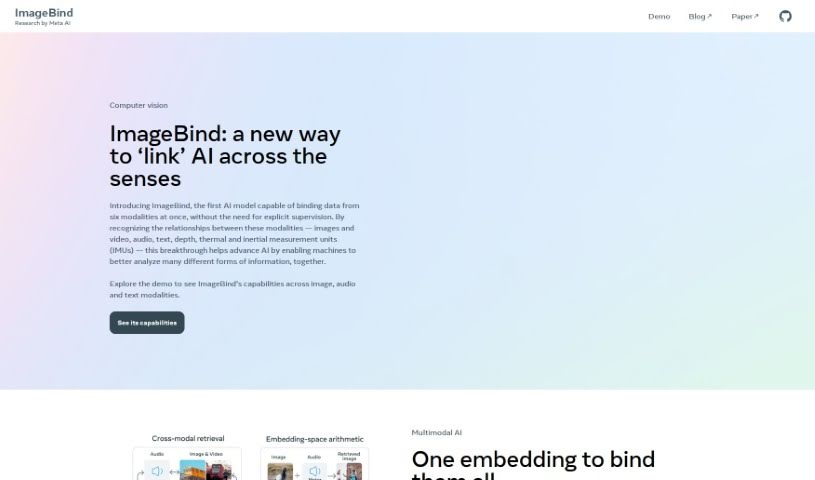
Meta ImageBind is a really versatile multimodal model that Meta AI developed. Its main goal is to make it super easy to bring different kinds of data together, like images and other media. It uses some pretty advanced AI technology to make sure all these different data formats can work well with each other. This makes it a fantastic tool for anyone who works with data, whether you're a pro or just getting started. ImageBind really helps to blend images with other types of media smoothly, all thanks to its clever algorithms and an interface that’s easy to navigate. You can really get the most out of your projects by using what this model can do. It was actually designed by one of the top companies pushing the boundaries in artificial intelligence. Some of the standout things about it are its advanced abilities to handle multiple types of data at once, its straightforward interface, its clever, new algorithms, how smoothly it handles different data, and the fact that it’s built on Meta AI’s dependable framework.

Screenshot of Nostalgia Photos

Nostalgia Photos

Freemium

Nostalgia Photos is an online tool that uses advanced AI to bring your old photographs back to life. It's designed to restore and enhance those cherished memories, making them look as vibrant as they once were. The platform uses cutting-edge Artificial Intelligence to boost resolution, clean up imperfections, and generally improve the quality of your images. Just upload your old or faded photos to their secure online platform, and watch as the AI works its magic. You'll see your pictures transformed into stunning, high-quality images that still hold onto all the original details and that special charm. The AI doesn't just restore; it also sharpens images, brightens colors, and makes everything look more visually appealing, all while keeping that nostalgic feel intact.

Screenshot of Novita AI

Novita AI

Freemium

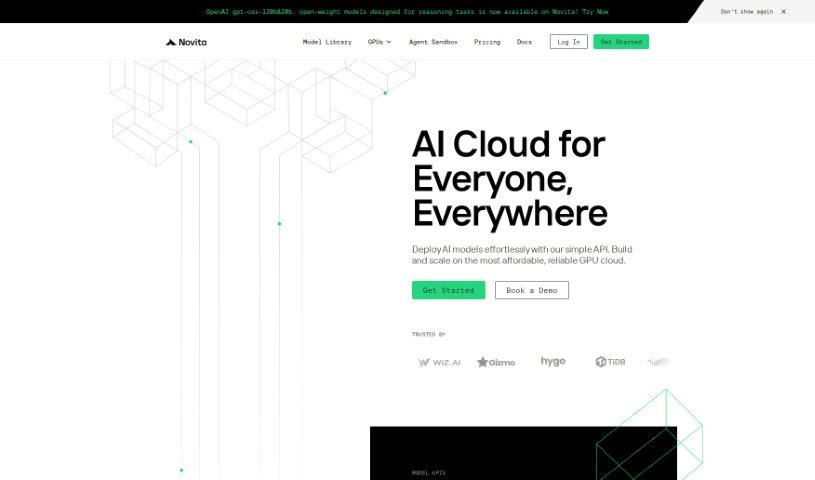
Novita AI, which you might know as novita.ai now, is a really neat platform for creating AI images. What's cool about it is that it offers an API with over 10,000 different models, letting you generate images super fast – we're talking just 2 seconds per image! And you don't even need a powerful computer with a GPU to do it. Plus, it's really affordable, with prices starting at just $0.0015 per image. Novita.ai's API makes it easy to use all sorts of AI models, and it even has a service to upscale your images, making them look even better. The company's goal is to give innovators everywhere access to AI technologies that are affordable, ethical, and easy to use, all while focusing on new ideas, working together, being honest, doing great work, and always learning how to do the right thing.

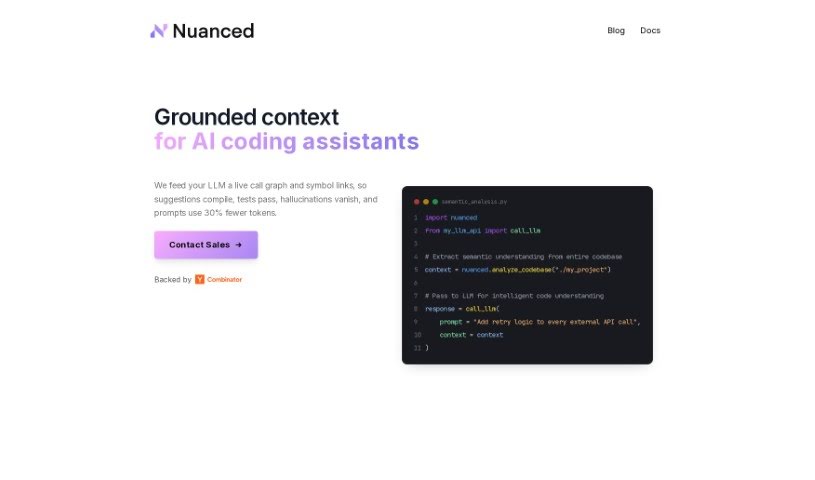
Screenshot of Nuanced

Nuanced

Freemium

Nuanced is an artificial intelligence tool built to spot AI-generated images. Its main goal is to keep services honest and reliable. It is a digital detective, helping to fight against fraud, deepfakes, and any content that isn't genuine. It does this by carefully telling the difference between images made by people and those created by AI, using some pretty advanced models. What's great is that Nuanced really cares about your privacy. It always asks for clear permission before it looks at any data, and it operates without collecting any Personally Identifiable Information (PII). You can also easily plug Nuanced into your current tech setup. It's flexible enough for all sorts of needs, whether you're managing content, running a fraud detection system, dealing with user-generated content, or just need a better way to handle spam and abuse.

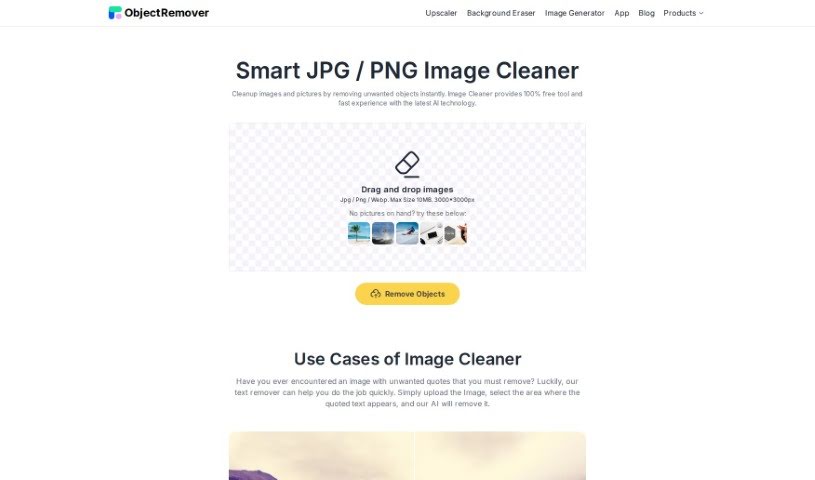
Screenshot of Object Remover Image Cleaner

Object Remover Image Cleaner

Freemium

Image Cleaner is a really smart tool that helps you make your JPG and PNG images look better, and it does it without any fuss. You can easily clean up your pictures by getting rid of anything you don't want in them, just like that! It's a fast, free tool that uses the latest AI technology, so it's super easy to use. Whether you're trying to remove pesky quotes or promotional text from an image, Image Cleaner offers a simple and effective way to improve your visuals and get rid of those unwanted elements.

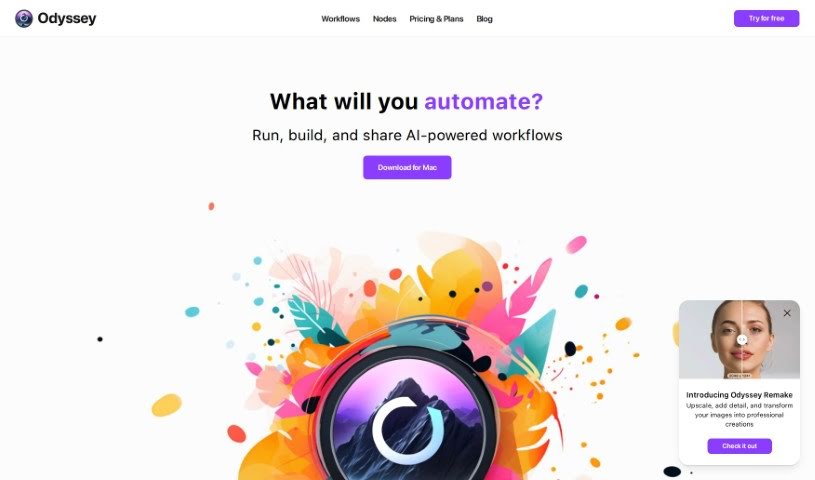
Screenshot of Odyssey

Odyssey

Freemium

Odyssey is a really neat AI-powered app for Mac. What's cool about it is that it lets you connect different AI models without needing to write a single line of code. It uses intuitive drag-and-drop nodes and comes with pre-built workflows, making it super easy to integrate and run models like Stable Diffusion, ControlNet, and LLMs right on your computer. You can also link up with various APIs to do things like generate images, work with text, or run large language models. Essentially, Odyssey's goal is to make creating art, boosting your productivity, and playing around with AI much simpler and more enjoyable, all thanks to its user-friendly interface.

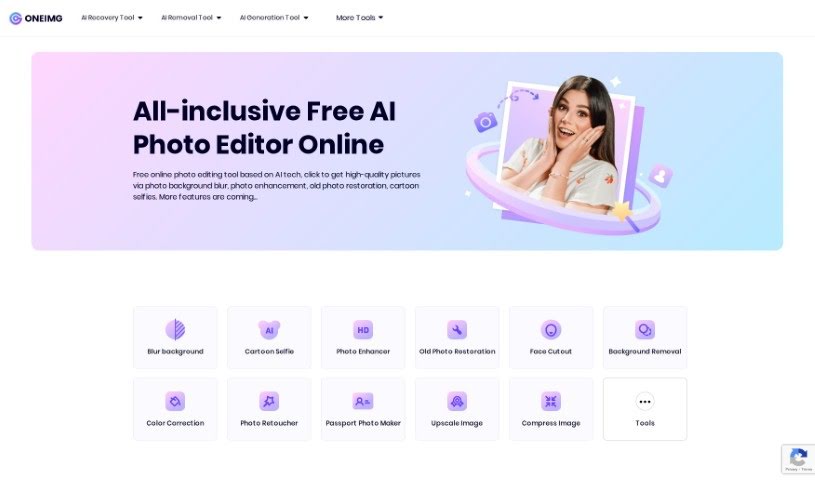
Screenshot of Oneimg

Oneimg

Freemium

Oneimg is a free online platform that uses AI to help you enhance and edit photos. You can do all sorts of things with it, like blurring backgrounds, fixing old photos, turning yourself into a cartoon, removing backgrounds, cutting out faces, correcting colors, and retouching pictures. It also offers tools to shrink images, make them bigger, create memes, resize, crop, rotate, and convert them to different formats. The goal here is to make photo editing simple and quick, so you can get your photos looking great without a lot of fuss or manual work. Many people, especially designers and social media folks, really like Oneimg, particularly its background blur and cartoon selfie features. The old photo restoration is also a big hit for bringing damaged or old pictures back to life. Basically, Oneimg is a well-rounded, easy-to-use AI photo editor that helps users improve their images and get more done, thanks to its focus on being simple, versatile, and producing good quality results.

Stay Updated with AI Tools

Get weekly updates on the latest AI tools, trends, and insights delivered to your inbox

Join 25,000+ AI enthusiasts. No spam, unsubscribe anytime.