123RF AI Image Generator
Creative Image Generation
Learn more
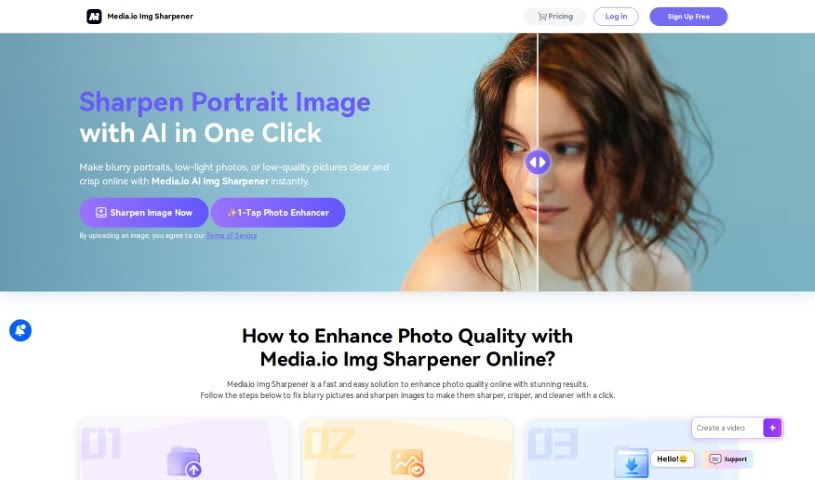
Discover what Media.io Online Img Sharpener is and how it uses AI to sharpen blurry photos for e-commerce, design, and marketing work.
Media.io Online Img Sharpener is an AI-powered tool that sharpens blurry photos and improves overall image quality. It can reduce noise and blurriness, fix issues like poor lighting, and make colors more vibrant — all without manual editing.
For e-commerce sellers, clearer product images can help listings perform better on platforms like Amazon, eBay, Shopify, and Etsy. Creative professionals can use it to polish visuals quickly, saving time on tedious fixes. The tool can also optimize website graphics for faster loading while maintaining image quality, which helps attract visitors and encourage conversions.
Media.io is a product developed by Wondershare Technology Group, a global technology company founded in 2003. Wondershare builds multimedia, utility, and mobile software aimed at boosting productivity and creativity. Specific details about the individual team behind the sharpener tool aren’t publicly available.
The tool suits anyone working with images, including:
The whole process runs in the browser, so there’s no software to install — upload, sharpen, and download in a few minutes.
Related
Discover more tools in similar categories
Weekly picks of the best AI tools we've researched and added — no spam, unsubscribe anytime.
Join 25,000+ AI enthusiasts. No spam, unsubscribe anytime.