What is Odyssey?
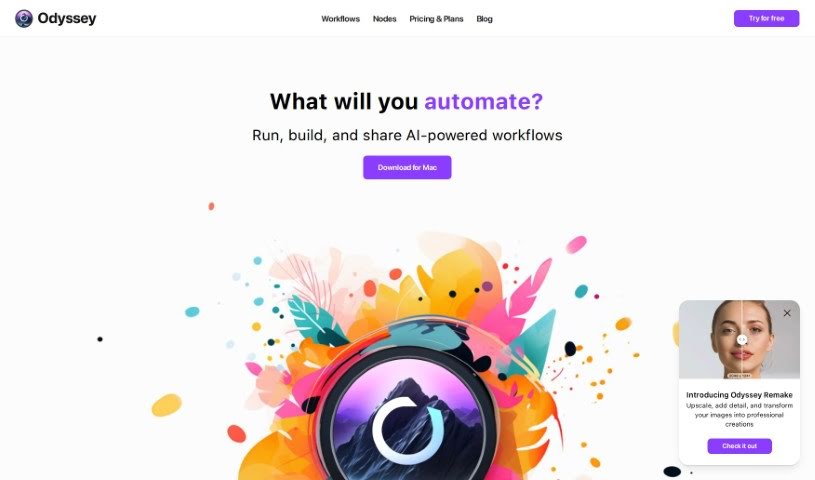
Odyssey is a really neat AI-powered app for Mac. What’s cool about it is that it lets you connect different AI models without needing to write a single line of code. It uses intuitive drag-and-drop nodes and comes with pre-built workflows, making it super easy to integrate and run models like Stable Diffusion, ControlNet, and LLMs right on your computer. You can also link up with various APIs to do things like generate images, work with text, or run large language models. Essentially, Odyssey’s goal is to make creating art, boosting your productivity, and playing around with AI much simpler and more enjoyable, all thanks to its user-friendly interface.
Who created Odyssey?
The specific person or company behind Odyssey isn’t mentioned in the information I have. What I can tell you is that Odyssey is a straightforward and user-friendly AI-powered Mac app. It really shines because it allows users to easily connect and run a variety of AI models locally, and it also lets you connect to different APIs. This setup helps boost productivity and encourages experimentation with AI, all managed through its drag-and-drop nodes and handy pre-built workflows. Unfortunately, I don’t have any further details about the founder or the company itself from the files provided.
What is Odyssey used for?
Odyssey is quite versatile! Here’s a breakdown of what you can do with it:
- Image Generation and Processing: Create and manipulate images.
- Automation and Batch Workflows: Streamline repetitive tasks.
- Language Models and Math: Work with large language models and solve math problems.
- Custom Image Transitions: Make powerful slideshows with unique image transitions.
- Advanced ControlNet Support: Includes features like Canny edges, depth estimation, and even QR Code Monster.
- Problem Solving: Features a solver node for word problems and math nodes for tackling complex equations.
- Bulk Processing: Handles hundreds of images and lines of text or documents at once with its batch-image and -text nodes.
- Apple Shortcuts Integration: Connect your workflows seamlessly with Apple Shortcuts.
- Privacy Focused: It’s private, customizable, and you can share your creations.
- Local Llama2 Models: Run multiple Llama2-based models entirely on your own machine.
Who is Odyssey for?
Odyssey is a great tool for anyone interested in:
- Generating images.
- Working with language models and processing math.
- Automating tasks using batch workflows.
- Creating chatbots.
- Streamlining various processes with batch workflows.
How to use Odyssey?
Getting started with Odyssey is pretty straightforward. Just follow these steps:
- Get Access: Head over to the official Odyssey website. If you need an account, you can sign up there.
- See What It Can Do: Take a look at the main features. You can run models like Stable Diffusion and large language models right on your Mac, load your own custom models, and use easy workflows.
- Work with Images: Use Odyssey for all sorts of image tasks. You can run different versions of Stable Diffusion locally, connect to APIs for things like upscaling or transformations with Odyssey Remake, and use a variety of image processing nodes.
- Connect AI: You can run multiple Llama2 models locally, use ChatGPT with your own API key, and interact with chatbots, including using instruction modes.
- Automate Your Tasks: Make your life easier with automation and batch workflows. You can process lots of images or text at once – think bulk background removal, upscaling, changing aspect ratios, and using multiple image processors all in one go.
- Link with Shortcuts: Integrate your workflows with Apple Shortcuts to make everything run smoothly.
- Your Privacy Matters: Odyssey keeps your data private. Your images, chats, and inputs aren’t stored or accessed by the Odyssey team. They only use anonymized usage data to make the app better for you.
- Process Locally: Everything runs on your computer, so you don’t even need an internet connection for processing. You can use your own API keys for ChatGPT and Stable Diffusion, and it’s easy to save, reuse, and share the workflows you create.
- Stay Updated: Since Odyssey is in public beta, they’re always working on adding new features and improvements, so keep an eye out for updates!
By following these steps, you’ll be able to make the most of Odyssey for all your AI-related projects and really speed up your workflow.