AI Tools for Productivity

Discover the best Productivity AI tools to enhance your productivity and creativity.

Page 99 of 114 • 1361 total tools

In today’s busy world, staying productive can feel like a real challenge. With so much to do, constant notifications, and distractions everywhere, having the right tools to manage your time well is more important than ever. That’s where AI productivity tools come in—they’re designed to make your work smoother, handle repetitive tasks for you, and keep you organized.

These smart solutions have come a long way recently. They’ve gone from simple task managers to complete systems that can adapt to what you need. Whether you’re trying to organize your day better, improve how your team works together, or finally tackle that huge inbox, the right AI tools can make a big difference.

As I looked into the best AI productivity tools out there, I tried out several apps that promise to make you more efficient and focused. From smart schedulers to new project management systems, there are tons of options to help you get your time back.

So, if you’re ready to boost your productivity and make the most of your workday, you’re in the right place. Here’s a list of great AI productivity tools that are definitely worth checking out. Let’s explore how to work smarter together!

The best AI Productivity Tools

  1. Perplexity for automating tasks and helping with management.
  2. Small PDF.com for smoother document management for teams.
  3. Gamma for document creation tools that save time.
  4. Odoo for a task management and collaboration app.
  5. Zoom for analyzing and summarizing meeting content.
  6. N8N for smoother team onboarding processes.
  7. Prezi for engaging team collaboration sessions.
  8. Tableau for creating reports and dashboards more easily.
  9. Data Camp for efficient team collaboration workflows.
  10. Otter.ai for getting action items from meetings without the fuss.
  11. Tenorshare for easily summarizing long PDF documents.
  12. Slidesgo for creating professional presentations efficiently.
  13. Facecheck Id for streamlining identity verification tasks.
  14. HIX.AI for boosting writing speed with smart tools.
  15. Tactiq for automating meeting notes for teams.
How do AI productivity tools work?

AI productivity tools use machine learning to look at how you work and make your tasks more efficient. These tools are built to handle lots of information, spotting patterns and your preferences to help smooth out your workflows. By understanding how you use different apps, AI can suggest personal improvements to boost your productivity.

Basically, these tools use natural language processing (NLP) to understand and respond to what you ask. For example, they can schedule meetings, set reminders, or create reports just by understanding simple requests. This saves you time and cuts down on manual work.

Many AI productivity apps connect with popular tools like calendars, email, and project management software. This connection lets them gather information and automate tasks across different places. As a result, you get a smooth, connected experience that improves how you work day-to-day.

AI productivity tools also learn from how you use them to get better over time. The more you use a tool, the better it gets at guessing what you need and offering helpful suggestions. This ability to adapt is what makes AI tools increasingly valuable for improving productivity for both individuals and teams.

Plus, these tools can look at data about how you complete tasks and suggest ways to improve. For instance, if you often miss deadlines, the AI might suggest better ways to manage your time. By giving you useful insights, AI productivity tools help you work smarter, not just harder.

In the end, AI productivity tools show how technology can change everyday tasks into more efficient processes. By automating routine jobs and offering personal insights, they help you focus on what’s most important—hitting your goals and being more effective overall.

Our best AI productivity tools at a glance

RankNameBest forPlans and PricingRating
1PerplexityAutomating tasks and helping with management.N/A4.70 (10 reviews)
2SmallPDF.comSmoother document management for teams.Paid plans start at $9/month.4.73 (11 reviews)
3GammaDocument creation tools that save time.N/A4.79 (19 reviews)
4OdooA task management and collaboration app.N/A4.67 (6 reviews)
5ZoomAnalyzing and summarizing meeting content.Paid plans start at $15.99/month.4.73 (11 reviews)
6N8NSmoother team onboarding processes.Paid plans start at $50/month.4.58 (12 reviews)
7PreziEngaging team collaboration sessions.Paid plans start at $19/month.4.18 (11 reviews)
8TableauCreating reports and dashboards more easily.N/A4.70 (43 reviews)
9DataCampEfficient team collaboration workflows.Paid plans start at $25/month.4.71 (24 reviews)
10Otter.aiGetting action items from meetings without the fuss.Paid plans start at $13.59/month.4.73 (11 reviews)
11TenorshareEasily summarizing long PDF documents.N/A4.64 (11 reviews)
12SlidesgoCreating professional presentations efficiently.N/A4.68 (22 reviews)
13Facecheck IdStreamlining identity verification tasks.N/A4.42 (19 reviews)
14HIX.AIBoosting writing speed with smart tools.N/A4.36 (11 reviews)
15TactiqAutomating meeting notes for teams.N/A4.64 (11 reviews)
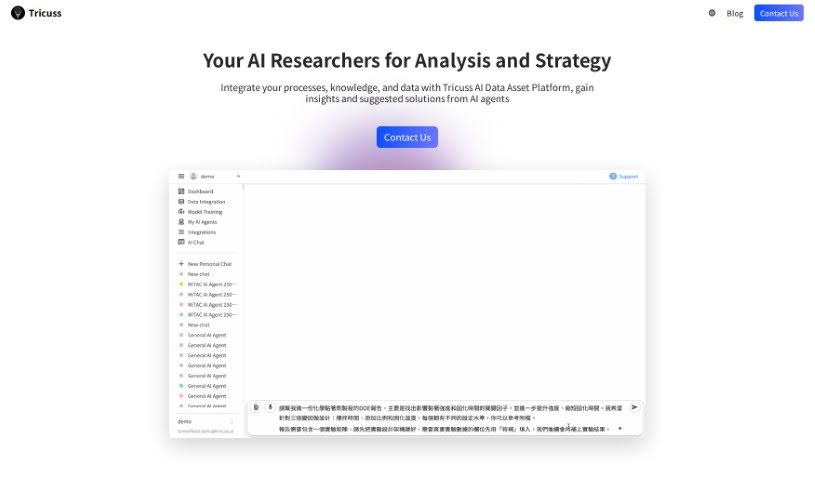
Screenshot of Tango Eye

Tango Eye

Freemium

Tango Eye is a retail analytics solution from Tango IT Solutions India Pvt Ltd. It's designed to give you practical insights by using artificial intelligence and advanced real-time analytics. The product suite includes Tango Traffic, Tango Zone, Tango RevOp, and Tango StoreOps. Together, these tools offer a deep dive into customer behavior and help boost store performance. Some of its standout features are AI-powered analysis of CCTV data, precise tracking of store traffic, customer engagement levels, and even missed sales opportunities. Plus, you get zone-wise customer activity insights, which are great for making specific improvements. Essentially, Tango Eye helps retail brands improve their in-store experience by using the latest AI and computer vision technologies.

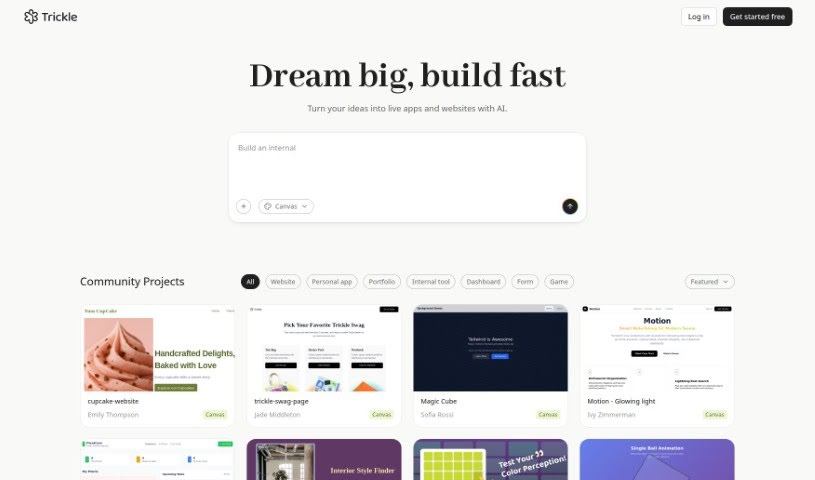
Screenshot of Taskagi

Taskagi

Freemium

Taskagi is an AI automation solution designed to bring the latest AI technologies into your work and business. It's built to automate a variety of tasks, offering a secure platform that integrates smoothly with other tools. Think custom APIs, or connections to popular platforms like WordPress and Shopify. With Taskagi, you can count on reliable results day and night, boosting your efficiency through AI solutions that work consistently and always keep security and compliance in mind.

Screenshot of Taskaid AI

Taskaid AI

Freemium

Taskaid AI takes an AI-first approach to managing your tasks and to-dos. It's designed to help you harness the power of AI and Large Language Models (LLMs) to be more efficient. It is a productivity booster that lets you get more done in less time, thanks to technologies like ChatGPT and GPT4. With Taskaid AI, you can actually chat with your to-do lists, strategize your next steps, and make changes on the fly, all while the AI handles the heavy lifting. It's packed with features like agenda planning, task organization, time management tools, helpful alerts, and integration capabilities, giving you a really complete way to manage your tasks. Plus, it's super user-friendly and intuitive – you don't need any special AI knowledge to get started. Taskaid AI also takes your privacy seriously, with strict data protection policies and transparent operations to keep your information safe.

Screenshot of Taskio

Taskio

Freemium

I couldn't find specific details about "Taskio" in the information I have. If you could share more about it, perhaps by providing another file or more context, I'd be happy to help explain it!

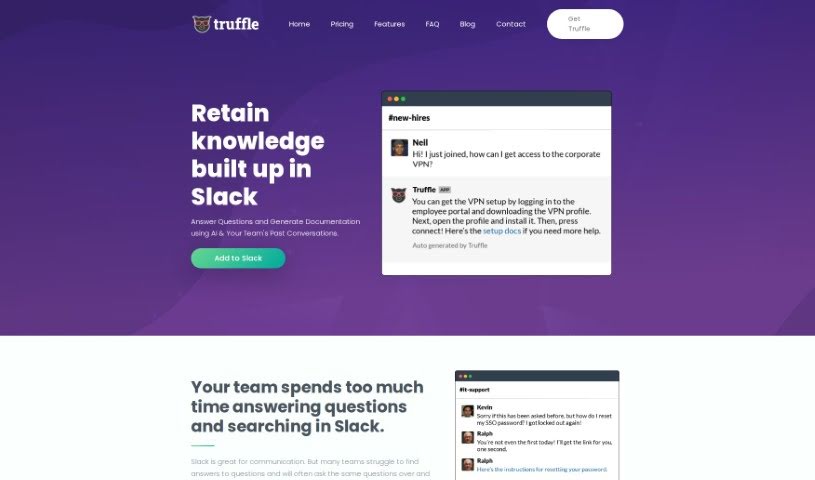
Screenshot of Taskmole

Taskmole

Freemium

Taskmole is your business's personal AI Doctor. It's designed to make your operations smoother and more automated. How? By bringing together task mining, process mapping, and smart automation suggestions all in one easy-to-use place. What really sets Taskmole apart is its ability to watch and record what you do on your computer every day, in real-time. This makes it super simple to map out your processes and figure out how to make things more efficient. Plus, Taskmole takes data security seriously. It uses encryption and works directly from your desktop, meaning you stay in control of your sensitive information. It also plays nicely with a lot of popular apps you might already use, like Zapier, Make, and n8n, as well as diagramming tools such as MS Visio, Miro, and Lucidchart. This makes it a really well-rounded solution for anyone looking to automate and improve their business processes.

Screenshot of Tavrn

Tavrn

Freemium

Tavrn is an AI work assistant developed by the company Tavrn. It's designed to work smoothly with tools you probably already use, like Google Drive and Notion. It is your smart helper for tasks like answering questions, boiling down long documents into summaries, and even helping you write emails. What's really great is how seriously Tavrn takes security and compliance. They use SOC 2 compliant data centers, and all your data is encrypted, both when it's stored and when it's being sent. You've got options when it comes to pricing, too: there's a free trial to get you started, a Plus plan that gives you unlimited messages, and an Enterprise plan for bigger teams that need extra integrations and custom workflows built just for them.

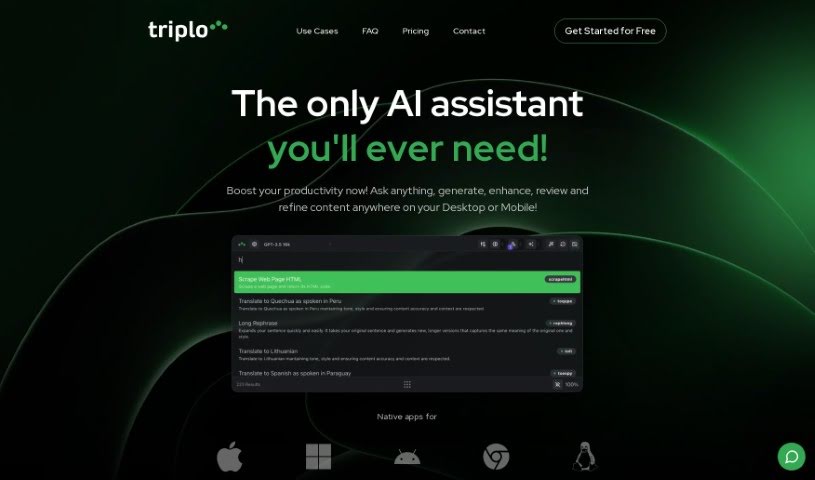
Screenshot of Taylor AI

Taylor AI

Freemium

Taylor AI is a sophisticated data engine built specifically for working with unstructured natural language data. It like BigQuery or Athena, but with a special focus on handling content that isn't neatly organized. Data engineers can use Taylor AI to build data pipelines that pull out valuable information from messy cloud file systems. This keeps your datasets clean and ready to go. What's really neat is that Taylor AI is dynamic; it adjusts to your daily data needs, so your pipelines can change and grow is you do. Plus, you can train AI models using Taylor AI's own AI Toolkit. This lets you classify text data right when it comes in, incorporating things like text embedding and classification directly into your data pipeline. It’s a great way to structure data, understand what users are saying, and even figure out their likelihood to buy something based on their messages.

Screenshot of TeamAI

TeamAI

Freemium

TeamAI is a powerful team workspace that uses AI to help teams and businesses collaborate smoothly and keep their resources organized. It is your team's central hub for getting things done. It comes with handy features like prompt libraries you can customize, the ability to chat directly with your documents, and a neat folder system with subfolders. What's really cool is that TeamAI lets you tap into advanced AI models from big names like OpenAI, Anthropic, Google, and Meta, all without needing your own API keys. You can integrate these models, have collaborative conversations, and create personalized AI experiences. Getting started is easy: the platform begins at $15 a month, which gives 100 team members access to models like GPT-4, PaLM, Claude, and LLaMA. There's also a free tier available with usage limits. Ultimately, TeamAI aims to make team collaboration simpler, boost everyone's productivity, and provide a great space for inviting team members and working together effectively.

Screenshot of Teameet

Teameet

Freemium

Teameet is a smart online meeting tool, brought to you by HiThink Financial Services Inc. It is your AI assistant for meetings. It's packed with features designed to make your conversations smoother, no matter who you're talking to or where they are. You get real-time translation, which is a game-changer for teams spread across different countries or speaking different languages. Plus, there's video conferencing, screen sharing so you can show what you mean, and live captioning to help everyone follow along, especially those who are hearing-impaired. You can also record your meetings in the cloud and get transcriptions afterward. It's completely free to use, making it super accessible for everyone.

Screenshot of TeamSmart AI

TeamSmart AI

Freemium

TeamSmart AI is a handy Chrome extension developed by TeamSmart AI, packed with a whole bunch of AI assistants designed to seriously boost your productivity. This clever tool aims to save you over 10 hours every single week. How? By giving you instant, one-click access to more than 25 AI assistants, each specialized for different marketing tasks. You can use it for things like getting code reviews, summarizing long documents, or even getting help with creative writing. It fits right into your Chrome browser with an easy-to-use interface, and it keeps your data stored locally, which is great for privacy. Whether you're a marketer, a developer, a writer, or just someone who wants to make daily tasks smoother, TeamSmart AI is a great fit. If you want even more features and access to all the assistants, there's a Premium version available. The best part? You don't need to juggle a bunch of expensive subscriptions; it all comes in one neat package.

Screenshot of TekMatix

TekMatix

Freemium

TekMatix is a comprehensive business platform designed to simplify your operations and speed up growth. It is a single, integrated solution that replaces multiple tech subscriptions you might be using. It's built with ease of use in mind, offers 24/7 support, and packs in features like course creation, custom white-labelled websites, membership areas, communities, marketing automations, and even AI tools for creating content and planning your social media. Essentially, TekMatix wants to be your go-to hub for all your business tech needs, making everything smoother and more enjoyable to use.

Screenshot of Template Prompts

Template Prompts

Freemium

Template Prompts is a smart AI tool that helps you create, organize, and save your AI prompts. It is your personal prompt manager. It lets you build custom prompts for machine learning, then save them as templates so you can easily reuse them with different AI tools or in various situations. This really boosts your productivity by keeping your prompts neat and tailored to your needs. You can even plug your own variables right into the prompts, copy them to your AI tools with just one click, and sort everything by the tools you use or by tags. It's got a private library too, so your prompts are safe and sound. Plus, you can tweak, copy, and change prompts to fit different data sets or contexts. Template Prompts even helps you build specialized AI tools, like a copywriting assistant, thanks to its flexible prompt customization.

Stay Updated with AI Tools

Get weekly updates on the latest AI tools, trends, and insights delivered to your inbox

Join 25,000+ AI enthusiasts. No spam, unsubscribe anytime.