Top AI Productivity Tools

AI Tools for Productivity

Discover the best Productivity AI tools to enhance your productivity and creativity.

Page 94 of 108 • 1290 total tools
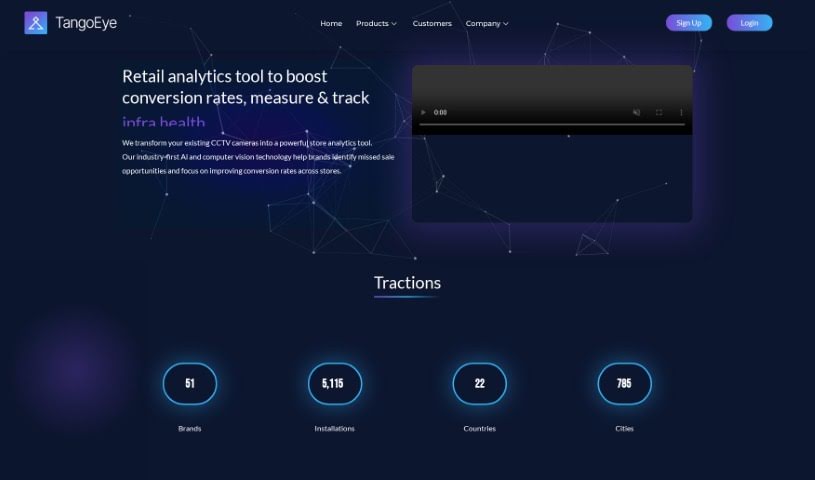
Screenshot of Tango Eye

Tango Eye

Freemium

Tango Eye is a retail analytics solution from Tango IT Solutions India Pvt Ltd. It uses artificial intelligence, real-time analytics, and computer vision to turn existing CCTV footage into practical insights about customer behavior and store performance. The product suite includes Tango Traffic, Tango Zone, Tango RevOp, and Tango StoreOps. Standout features include AI-powered analysis of CCTV data, precise tracking of store traffic, customer engagement levels, missed sales opportunities, and zone-wise customer activity insights for targeted improvements.

Productivity View Tool →
Screenshot of Taskagi

Taskagi

Freemium

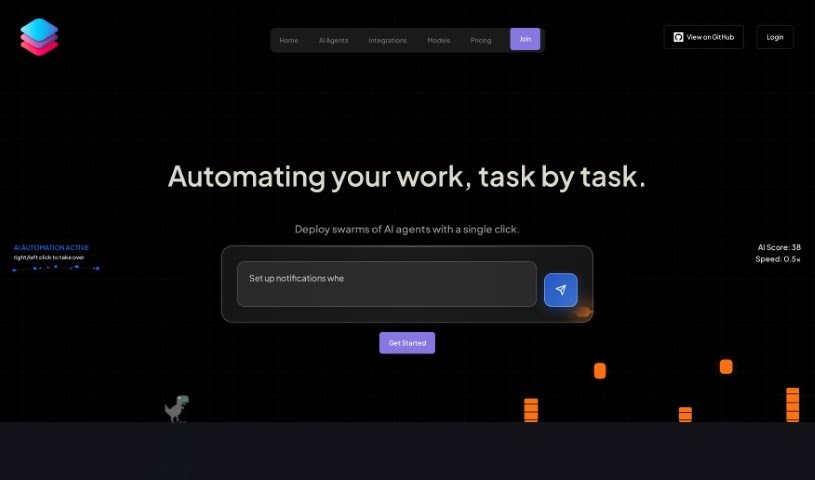
Taskagi is an AI automation platform designed to automate a variety of work and business tasks. It runs on a secure platform that integrates with custom APIs and popular services like WordPress and Shopify, with an emphasis on reliable, around-the-clock results, security, and compliance. Everything is managed from a user dashboard, where you connect the integrations your workflow requires.

Productivity View Tool →
Screenshot of Taskaid AI

Taskaid AI

Freemium

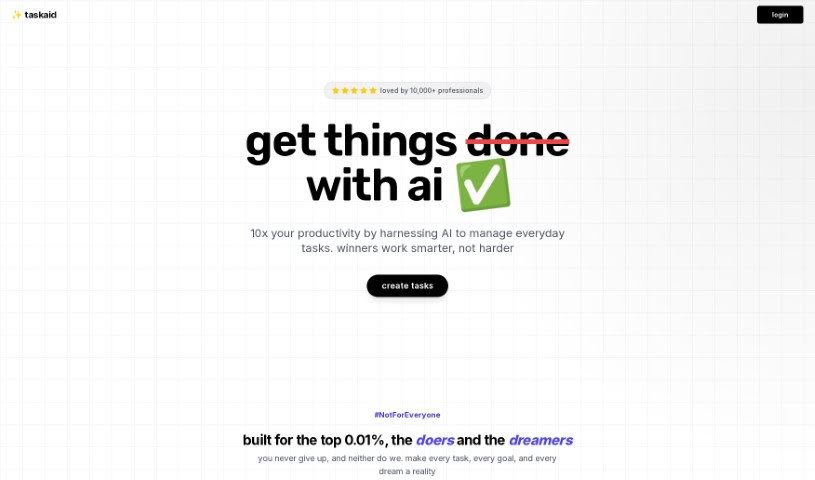
Taskaid AI is an AI-first task management tool built on large language models (LLMs), including technologies like ChatGPT and GPT-4. Instead of managing lists manually, you can chat with your to-dos, plan next steps, and adjust tasks in real time.

Productivity View Tool →
Screenshot of Taskmole

Taskmole

Freemium

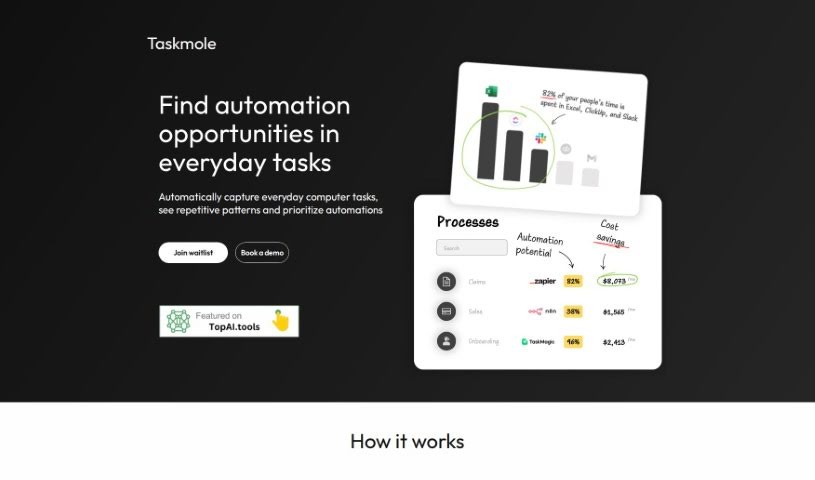
Taskmole is a business process tool that combines task mining, process mapping, and automation recommendations in a single interface. It monitors and records the tasks you perform on your computer in real time, making it straightforward to map your processes and identify efficiency gains. Data security is handled through encryption and a desktop-based approach, so sensitive information stays under your control. Taskmole also integrates with popular automation platforms like Zapier, Make, and n8n, as well as diagramming tools such as MS Visio, Miro, and Lucidchart.

Productivity View Tool →
Screenshot of Tavrn

Tavrn

Freemium

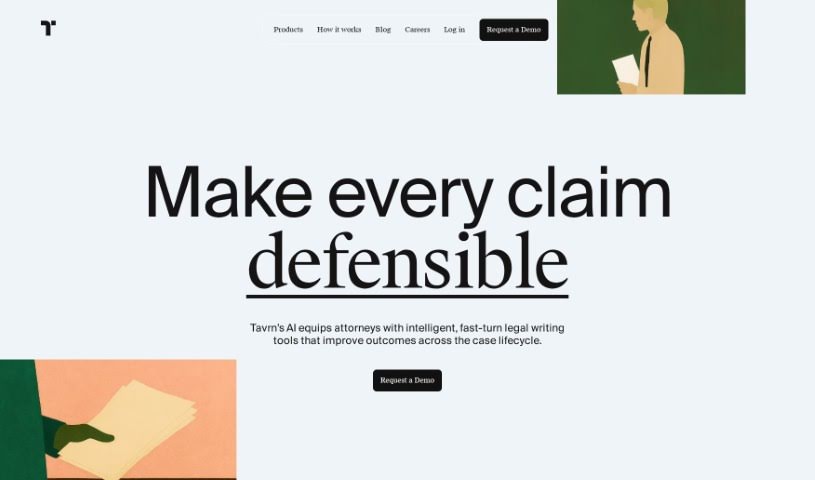
Tavrn is an AI work assistant designed to integrate with tools like Google Drive and Notion. It answers questions, summarizes long documents, and helps draft emails. Security and compliance are priorities: Tavrn uses SOC 2 compliant data centers and encrypts data both at rest and in transit.

Productivity View Tool →
Screenshot of Taylor AI

Taylor AI

Freemium

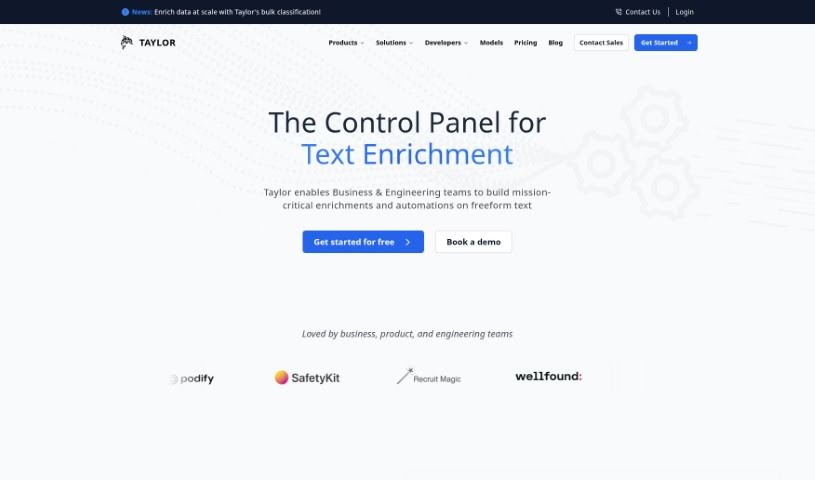
Taylor AI is a data engine built for working with unstructured natural language data. It's comparable to BigQuery or Athena, but focused on content that isn't neatly organized. Data engineers can use it to build pipelines that extract valuable information from messy cloud file systems, keeping datasets clean and ready to use.

Productivity View Tool →
Screenshot of TeamAI

TeamAI

Freemium

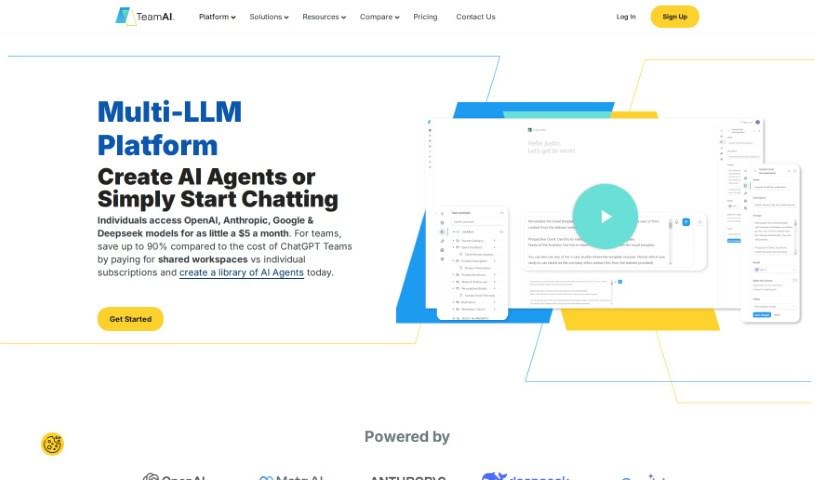
TeamAI is a team workspace that uses AI to help teams and businesses collaborate and keep their resources organized. It serves as a central hub for team work, with customizable prompt libraries, the ability to chat directly with your documents, and a folder system with subfolders.

Productivity View Tool →
Screenshot of Teameet

Teameet

Freemium

Teameet is a free online meeting tool developed by HiThink Financial Services Inc. It combines video conferencing with AI-powered features that support clearer conversations across languages and locations. Key features include:

Productivity View Tool →
Screenshot of TeamSmart AI

TeamSmart AI

Freemium

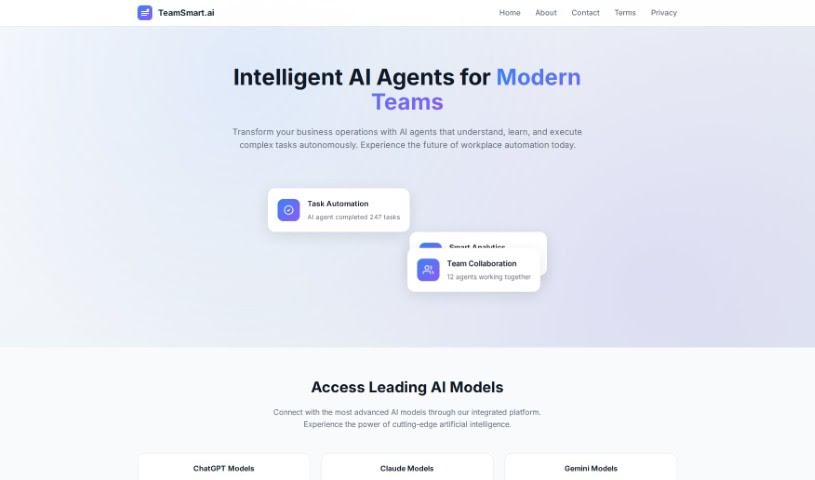
TeamSmart AI is a Chrome extension that provides one-click access to more than 25 specialized AI assistants, with the stated goal of saving users over 10 hours per week. Each assistant is tailored to a specific task, such as code reviews, document summarization, or creative writing. The extension integrates directly into Chrome with a straightforward interface, and data is stored locally for privacy. A Premium version unlocks access to all assistants and additional features, consolidating multiple AI capabilities into a single tool instead of separate subscriptions.

Productivity View Tool →
Screenshot of TekMatix

TekMatix

Freemium

TekMatix is an all-in-one business platform designed to simplify operations and replace multiple tech subscriptions with a single, integrated solution. It includes course creation, custom white-labelled websites, membership areas, communities, marketing automations, and AI tools for content creation and social media planning. The platform offers 24/7 support and is built with ease of use in mind.

Productivity View Tool →
Screenshot of Template Prompts

Template Prompts

Freemium

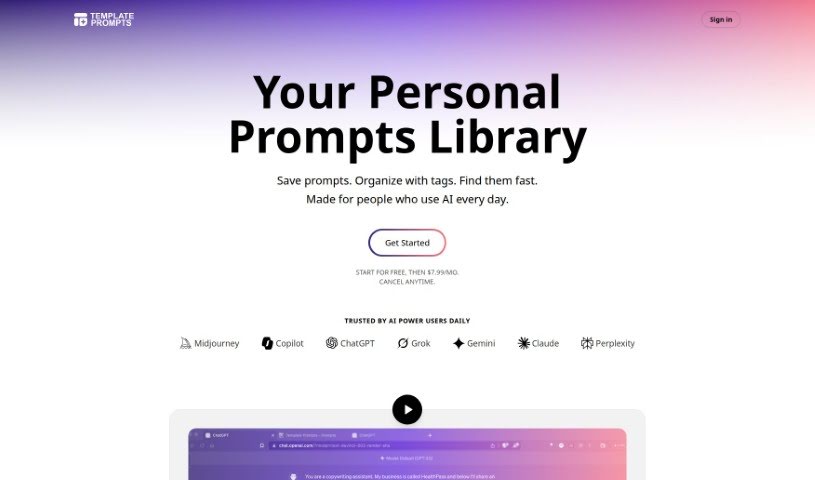
Template Prompts is a prompt manager for creating, organizing, and saving AI prompts. You can build custom prompts, save them as templates, and reuse them across different AI tools and situations.

Productivity View Tool →
Screenshot of Templatesgo

Templatesgo

Freemium

Templatesgo is a document automation tool that converts existing documents into fillable forms. It supports contracts, proposals, business letters, and other document types, letting you design a form once and reuse it. No coding knowledge is required, and forms can be shared easily to speed up document creation and deal closing.

Productivity View Tool →

About Productivity tools

Having a task list that seems to grow longer by the hour is a fast track to burnout. Between managing clogged email inboxes, jumping across context-heavy browser tabs, updating project boards, and tracking down files, everyday administrative work drains momentum. When managing your workflow takes more energy than doing your actual job, staying focused gets tough.

These workflow platforms act as high-speed productivity partners for task management, scheduling, and daily automation. They won’t replace your personal discipline or strategic priorities, but they handle routine administrative tasks so you can protect your focus time.

Organizing daily tasks and scheduling focus blocks takes far less manual effort. Manually moving deadlines around when a project slips or trying to carve out focus time between back-to-back meetings usually leaves you with a chaotic calendar. Smart scheduling assistants evaluate your working habits, auto-prioritize tasks, and block out dedicated focus time on your calendar before your day gets overrun.

Clearing out email backlogs and workspace communications becomes much faster, too. Sifting through dozens of unread messages just to pull out two urgent client requests wastes valuable time. Intelligent inbox tools summarize long email threads, draft contextual replies, and sort low-priority newsletters away from critical messages—helping you reach inbox zero without reading every word.

Synthesizing notes and cross-platform information creates a central memory hub. Losing track of an important project link or a quick thought saved in a random document stalls your momentum when you need it most. AI productivity assistants search across your workspace apps, notes, and bookmarked links, letting you ask plain-English questions to pull up specific files, meeting notes, or ideas in seconds.

Key Capabilities to Consider:

  • Smart calendar and time blocking: Systems that auto-schedule tasks into your calendar around existing meetings and focus preferences.
  • Contextual email and message drafting: Tools that scan long communication threads to generate concise replies and action items.
  • Universal workspace search: Software that connects with your documents, notes, and cloud storage to retrieve files through simple prompts.
  • Task prioritization algorithms: Applications that rank daily action items by urgency, deadlines, and project dependencies.
  • Workflow automation builders: Connectors that trigger actions across different apps without requiring manual data entry.

Daily productivity will always depend on clear personal priorities and healthy work habits. Software can organize a calendar, draft an email reply, and index your notes, but choosing what truly deserves your time requires human judgment.

Explore the productivity tools below to take control of your workday.

The Best AI Productivity Tools

  1. Perplexity: for automating tasks and helping with management.
  2. Small PDF.com: for smoother document management for teams.
  3. Gamma: for document creation tools that save time.
  4. Odoo: for a task management and collaboration app.
  5. Zoom: for analyzing and summarizing meeting content.
  6. N8N: for smoother team onboarding processes.
  7. Prezi: for engaging team collaboration sessions.
  8. Tableau: for creating reports and dashboards more easily.
  9. Data Camp: for efficient team collaboration workflows.
  10. Otter.ai: for getting action items from meetings without the fuss.
  11. Tenorshare: for easily summarizing long PDF documents.
  12. Slidesgo: for creating professional presentations efficiently.
  13. Facecheck Id: for streamlining identity verification tasks.
  14. HIX.AI: for boosting writing speed with smart tools.
  15. Tactiq: for automating meeting notes for teams.
New tools, in your inbox.

Weekly picks of the best AI tools we've researched and added — no spam, unsubscribe anytime.

Join 25,000+ AI enthusiasts. No spam, unsubscribe anytime.