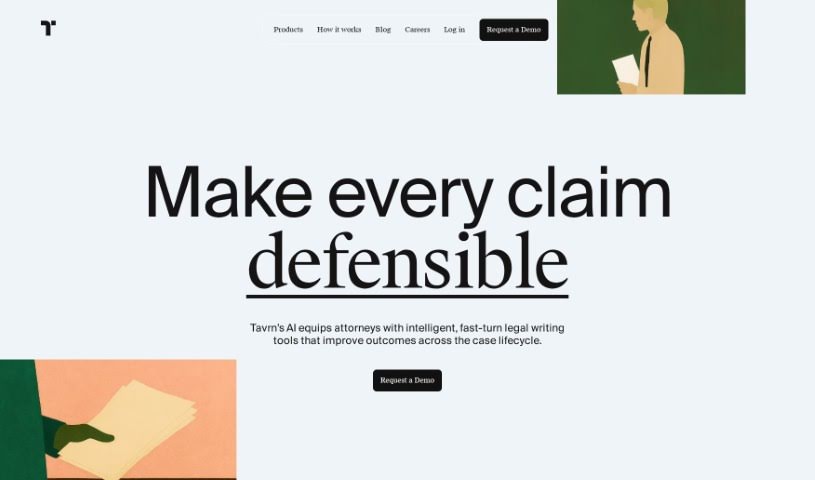
Screenshot of Tavrn

Tavrn

Discover what Tavrn is and how to use it effectively in 2025. We'll explore its features and see how it stacks up against other documentation tools.

Screenshot

What is Tavrn?

Tavrn is an AI work assistant developed by the company Tavrn. It’s designed to work smoothly with tools you probably already use, like Google Drive and Notion. It is your smart helper for tasks like answering questions, boiling down long documents into summaries, and even helping you write emails. What’s really great is how seriously Tavrn takes security and compliance. They use SOC 2 compliant data centers, and all your data is encrypted, both when it’s stored and when it’s being sent. You’ve got options when it comes to pricing, too: there’s a free trial to get you started, a Plus plan that gives you unlimited messages, and an Enterprise plan for bigger teams that need extra integrations and custom workflows built just for them.

Who created Tavrn?

Noah, the AI work assistant, was actually created by Tavrn. This company is known for its high-accuracy medical record chronologies, which they provide to law firms using advanced AI. Beyond that, Tavrn also offers other solutions aimed at boosting productivity and automating tasks within legal practices. They really focus on security and compliance, offering features like OCR, live support, and custom workflows. Noah, their AI work assistant, fits right into this, integrating with tools like Google Drive and Notion. This integration means you can ask it questions, get content summarized, and draft emails much more efficiently. Tavrn offers a few different pricing plans for Noah, including a free trial, a Plus plan with unlimited messages, and an Enterprise plan that comes with more integrations and custom workflows designed for specific team needs.

What is Tavrn used for?

  • Summarizing content: Need the gist of a long document fast? Tavrn can do that.
  • Answering your questions: Just ask, and get quick, relevant answers.
  • Connecting with your tools: It works seamlessly with Google Drive and Notion.
  • Helping with emails: Get a hand drafting your professional correspondence.

Who is Tavrn for?

  • Lawyers
  • Legal professionals

How to use Tavrn?

Using Noah, Tavrn’s AI work assistant, is pretty straightforward. Here’s a quick rundown:

  1. Connect Your Favorite Tools: Noah plays nicely with Google Drive and Notion. This means you can access and work with your files and content right from the Noah platform, which is super convenient.
  2. Ask Away: Got a question? Just ask Noah. It’s designed to give you accurate, relevant answers quickly.
  3. Summarize Content: Facing a lengthy article or document? Noah can summarize it for you, saving you a ton of time and effort.
  4. Draft Emails Faster: Noah can help you draft professional emails. It can suggest the right structure and content, making the writing process much more efficient.
  5. Stay Secure and Compliant: Tavrn really prioritizes security and compliance. They use best industry practices, including SOC 2 compliant data centers and encrypting your data both when it’s stored and when it’s in transit. Your data is protected.
  6. Choose Your Plan: Noah offers different plans to suit your needs. There’s a free trial with some limits, a Plus plan that gives you unlimited messages and syncs, and an Enterprise plan for companies. The Enterprise option includes integrations with Slack and Microsoft Teams, plus custom workflows built specifically for your team.

If you’re interested in giving Noah a try, it’s a good idea to reach out to Tavrn. They can tell you more about the pricing and help you get started with Noah as your AI work assistant.

Related AI Tools

Discover more tools in similar categories that might interest you

Stay Updated with AI Tools

Get weekly updates on the latest AI tools, trends, and insights delivered to your inbox

Join 25,000+ AI enthusiasts. No spam, unsubscribe anytime.