Top AI Productivity Tools

AI Tools for Productivity

Discover the best Productivity AI tools to enhance your productivity and creativity.

Page 82 of 108 • 1290 total tools
Screenshot of Scribe How Scribe AI

Scribe How Scribe AI

Freemium

Scribe AI turns your processes into clear, step-by-step visual guides so you can focus on the work that matters. Guides can be customized in seconds — add titles, descriptions, and context, and redact sensitive information.

Productivity View Tool →
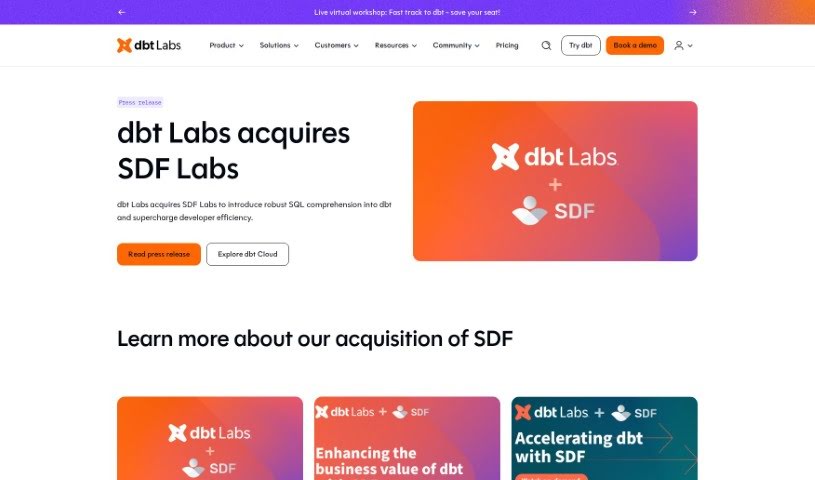
Screenshot of SDF Labs

SDF Labs

Freemium

SDF is a developer platform for data, designed to help organizations scale their understanding and use of SQL. It is a single command-line package that combines a multi-dialect SQL compiler, a transformation framework, and an analytical database engine. What sets SDF apart is its ability to deeply extract SQL compilers from cloud environments, meaning it can run proprietary SQL dialects, like the ones used by Snowflake.

Productivity View Tool →
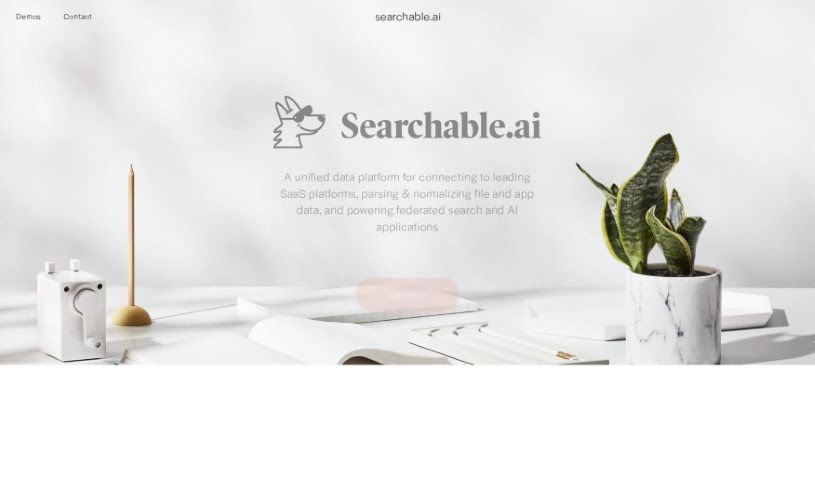
Screenshot of Searchable.ai

Searchable.ai

Freemium

Searchable.ai is a unified data platform that connects with leading SaaS applications. It parses and organizes data from files and apps, and powers federated search and AI applications. The goal is to make data easy to manage and access, supporting productivity and better decision-making.

Productivity View Tool →
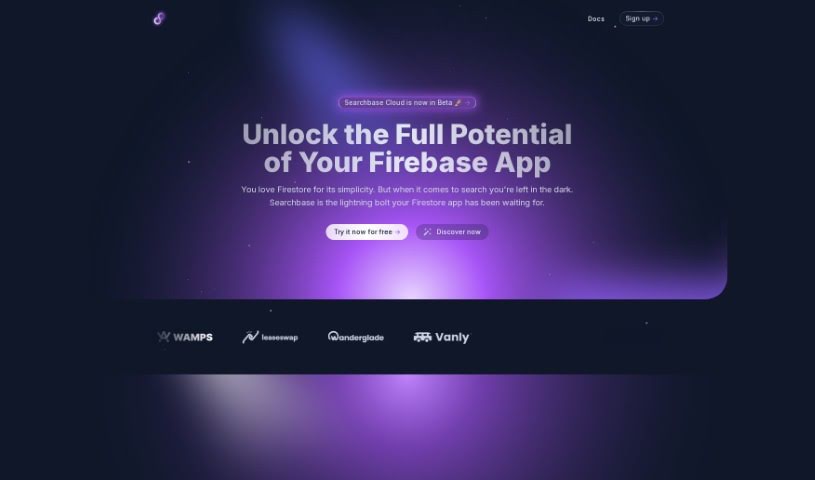
Screenshot of Searchbase

Searchbase

Freemium

Searchbase is a search tool built for Firestore applications. It provides database integration, a no-code visual query builder, real-time data syncing, and customizable search filters. AI features include semantic clustering (grouping similar results) and image semantic search.

Productivity View Tool →
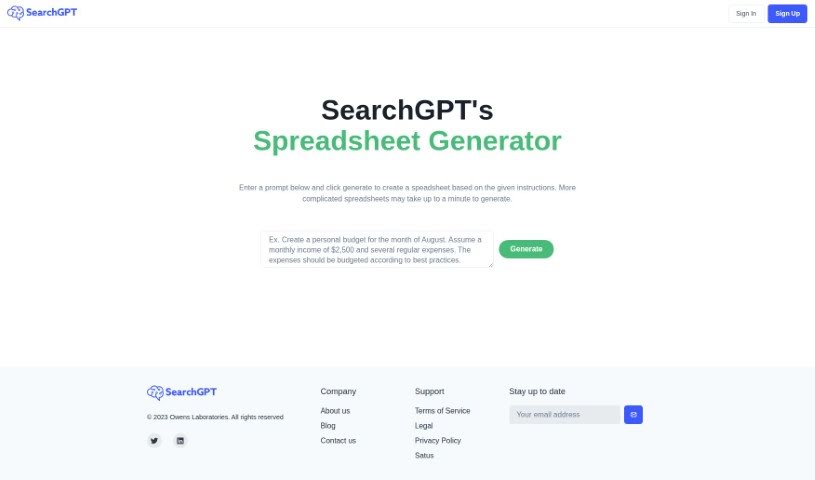
Screenshot of Searchgpt

Searchgpt

Freemium

SearchGPT is an AI tool from Owens Laboratories that generates spreadsheets from text instructions. You describe what you need, and it builds the spreadsheet, using deep learning to translate your request into spreadsheet structures. The prompt-based interface requires no technical background, and the tool is designed to boost productivity by reducing tedious manual work. To use it, sign up on the SearchGPT website, type your instructions, and generate the spreadsheet. Owens Laboratories offers support and addresses data privacy in its privacy policy on the website.

Productivity View Tool →
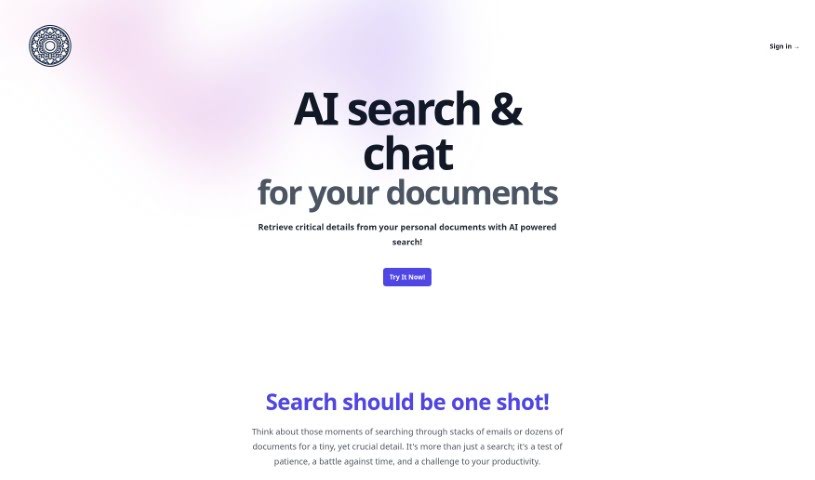
Screenshot of Searchmydocs.ai

Searchmydocs.ai

Freemium

SearchMyDocs.ai is an AI search engine for your own documents. Upload files to a private library, then ask questions about their contents and get context-aware answers. It runs on ChatGPT 3.5, combined with deep learning models and OCR technology.

Productivity View Tool →
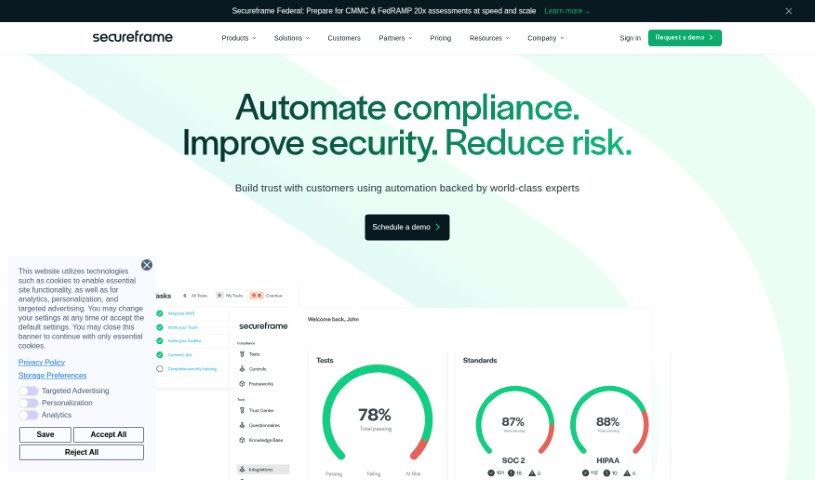
Screenshot of Secureframe

Secureframe

Freemium

Secureframe is an AI-powered risk management tool that automates how organizations assess and manage risks. Built on the ISO 27005 methodology, it streamlines the risk management process, saving time and reducing the cost of maintaining a risk program while supporting security compliance efforts.

Productivity View Tool →
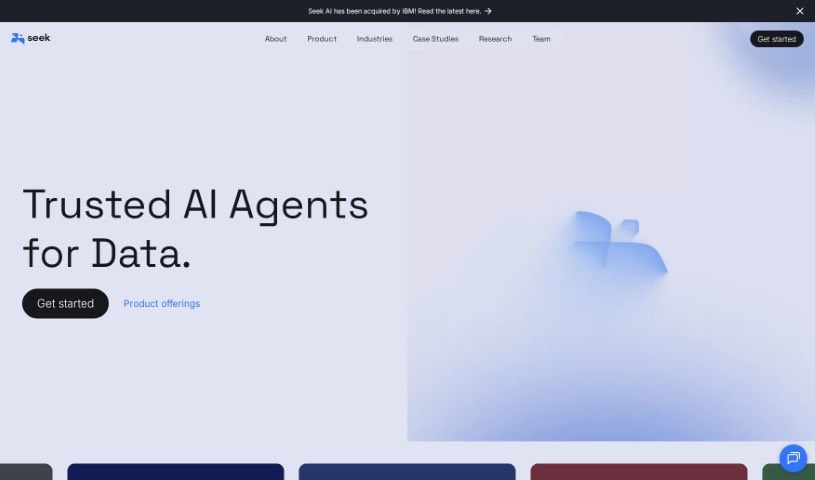
Screenshot of Seek AI

Seek AI

Freemium

Seek AI is a conversational AI tool built for data analysis. You can ask questions in everyday language instead of working with traditional data analysis software, and insights come back in real time through a user-friendly interface. The platform integrates with popular messaging apps like Slack and Teams, so you can query data where you already work.

Productivity View Tool →
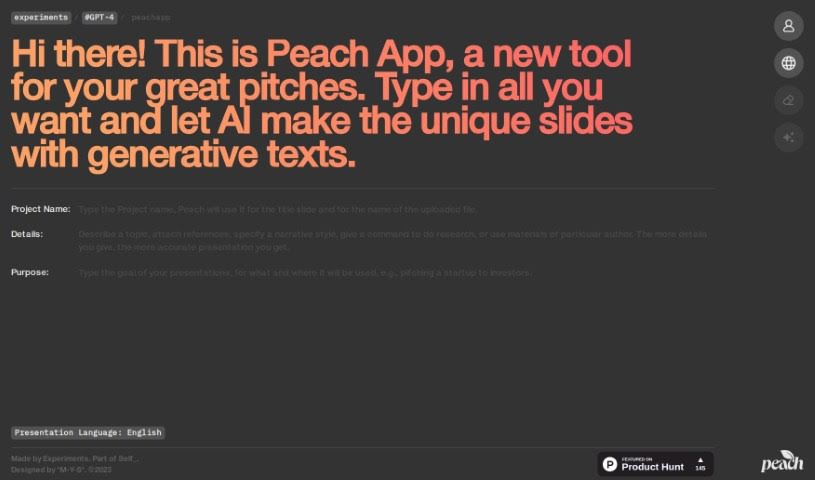
Screenshot of self.team

self.team

Freemium

self.team is connected to the Peach App, an AI tool for creating presentations. You provide your content, and the platform uses generative text to automatically create unique presentation slides tailored to different professional situations. Its core features include AI-driven slide creation, generative text for each slide, a user-friendly interface, and a focus on professional-looking results — designed to save time and improve the quality of pitches for clients, investors, or colleagues.

Productivity View Tool →
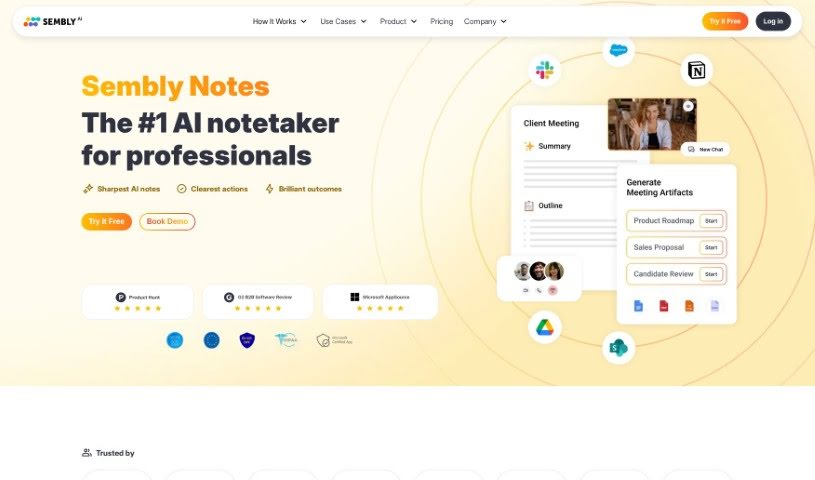
Screenshot of Sembly AI

Sembly AI

Freemium

Sembly AI is an AI meeting assistant that handles note-taking for you. It automatically identifies the important parts of your meetings — decisions made, requirements agreed upon, key events, risk items, notable facts, and important financial figures — so nothing crucial gets missed.

Productivity View Tool →
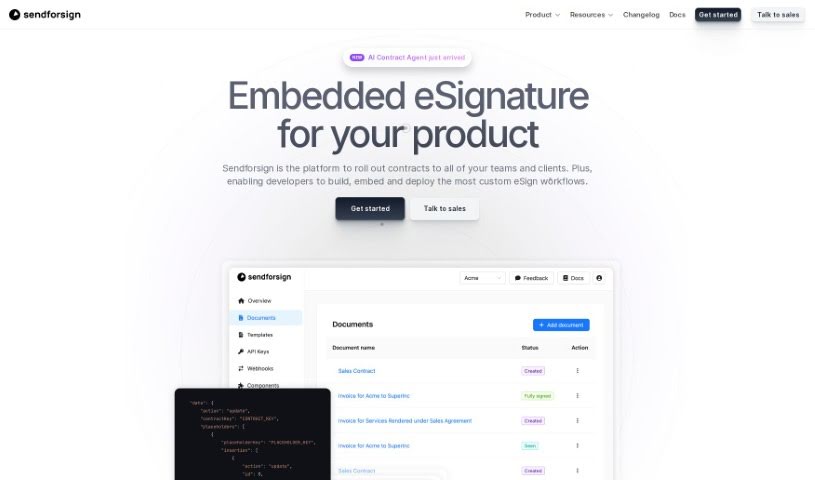
Screenshot of Sendforsign

Sendforsign

Freemium

Sendforsign is a digital contract service that combines an API with AI technology to manage contracts and documents. It covers storing, searching, drafting, reviewing, approving, negotiating, and electronically signing agreements, with no setup required. Features include streamlined drafting, document review with text highlighting, and built-in safety and security measures. Documentation covers the platform's vision, changelog, and core functions.

Productivity View Tool →
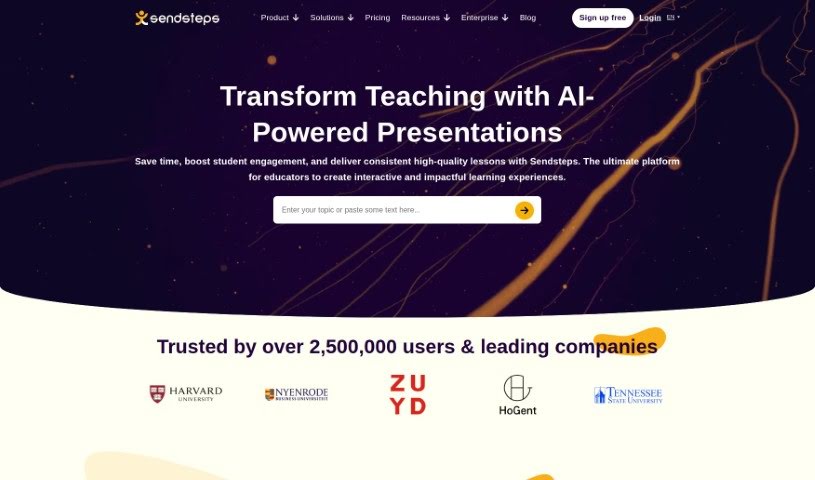
Screenshot of Sendsteps

Sendsteps

Freemium

Sendsteps is an AI-powered platform for creating interactive presentations and meetings. It acts as a smart assistant that helps you build engaging content quickly. You can start a presentation in several ways: use the AI presentation maker, build one from scratch, upload your own documents, or import existing PowerPoint slides. The goal is to save presenters time by handling the writing, design, and storytelling, so you can focus on delivering your message.

Productivity View Tool →

About Productivity tools

Having a task list that seems to grow longer by the hour is a fast track to burnout. Between managing clogged email inboxes, jumping across context-heavy browser tabs, updating project boards, and tracking down files, everyday administrative work drains momentum. When managing your workflow takes more energy than doing your actual job, staying focused gets tough.

These workflow platforms act as high-speed productivity partners for task management, scheduling, and daily automation. They won’t replace your personal discipline or strategic priorities, but they handle routine administrative tasks so you can protect your focus time.

Organizing daily tasks and scheduling focus blocks takes far less manual effort. Manually moving deadlines around when a project slips or trying to carve out focus time between back-to-back meetings usually leaves you with a chaotic calendar. Smart scheduling assistants evaluate your working habits, auto-prioritize tasks, and block out dedicated focus time on your calendar before your day gets overrun.

Clearing out email backlogs and workspace communications becomes much faster, too. Sifting through dozens of unread messages just to pull out two urgent client requests wastes valuable time. Intelligent inbox tools summarize long email threads, draft contextual replies, and sort low-priority newsletters away from critical messages—helping you reach inbox zero without reading every word.

Synthesizing notes and cross-platform information creates a central memory hub. Losing track of an important project link or a quick thought saved in a random document stalls your momentum when you need it most. AI productivity assistants search across your workspace apps, notes, and bookmarked links, letting you ask plain-English questions to pull up specific files, meeting notes, or ideas in seconds.

Key Capabilities to Consider:

  • Smart calendar and time blocking: Systems that auto-schedule tasks into your calendar around existing meetings and focus preferences.
  • Contextual email and message drafting: Tools that scan long communication threads to generate concise replies and action items.
  • Universal workspace search: Software that connects with your documents, notes, and cloud storage to retrieve files through simple prompts.
  • Task prioritization algorithms: Applications that rank daily action items by urgency, deadlines, and project dependencies.
  • Workflow automation builders: Connectors that trigger actions across different apps without requiring manual data entry.

Daily productivity will always depend on clear personal priorities and healthy work habits. Software can organize a calendar, draft an email reply, and index your notes, but choosing what truly deserves your time requires human judgment.

Explore the productivity tools below to take control of your workday.

The Best AI Productivity Tools

  1. Perplexity: for automating tasks and helping with management.
  2. Small PDF.com: for smoother document management for teams.
  3. Gamma: for document creation tools that save time.
  4. Odoo: for a task management and collaboration app.
  5. Zoom: for analyzing and summarizing meeting content.
  6. N8N: for smoother team onboarding processes.
  7. Prezi: for engaging team collaboration sessions.
  8. Tableau: for creating reports and dashboards more easily.
  9. Data Camp: for efficient team collaboration workflows.
  10. Otter.ai: for getting action items from meetings without the fuss.
  11. Tenorshare: for easily summarizing long PDF documents.
  12. Slidesgo: for creating professional presentations efficiently.
  13. Facecheck Id: for streamlining identity verification tasks.
  14. HIX.AI: for boosting writing speed with smart tools.
  15. Tactiq: for automating meeting notes for teams.

New tools, in your inbox.

Weekly picks of the best AI tools we've researched and added — no spam, unsubscribe anytime.

Join 25,000+ AI enthusiasts. No spam, unsubscribe anytime.