Top AI Productivity Tools

AI Tools for Productivity

Discover the best Productivity AI tools to enhance your productivity and creativity.

Page 5 of 108 • 1290 total tools
Screenshot of Akooda

Akooda

Freemium

Akooda is an AI-powered platform that analyzes a company's internal digital footprint to surface problems and potential issues as they happen, so challenges can be addressed early. It connects to the SaaS tools a business already uses, eliminating manual data entry and providing an unbiased view of operations across processes, people, customers, and resources.

Productivity View Tool →
Screenshot of Alice

Alice

Freemium

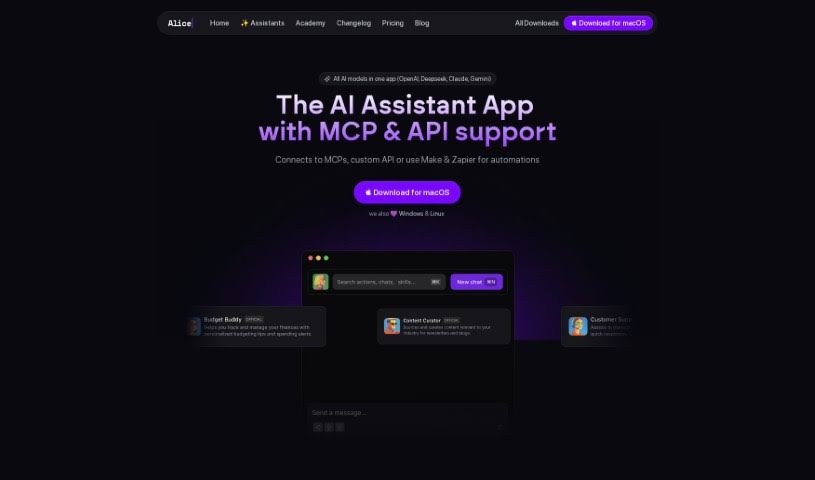
Alice is a desktop AI assistant that provides quick access to multiple AI models, including OpenAI, Perplexity, and Claude. It supports chat, custom templates (Snippets), app integration via Remote Actions, easy switching between models, image processing, voice dictation and response, and keyboard shortcuts. Chat history is stored locally, and it runs on the latest versions of Windows and macOS. Its differentiators include desktop focus, model flexibility, custom Snippets, integrations, privacy, regular updates, and a lifetime-license option.

Productivity View Tool →
Screenshot of Alice And Bob

Alice And Bob

Freemium

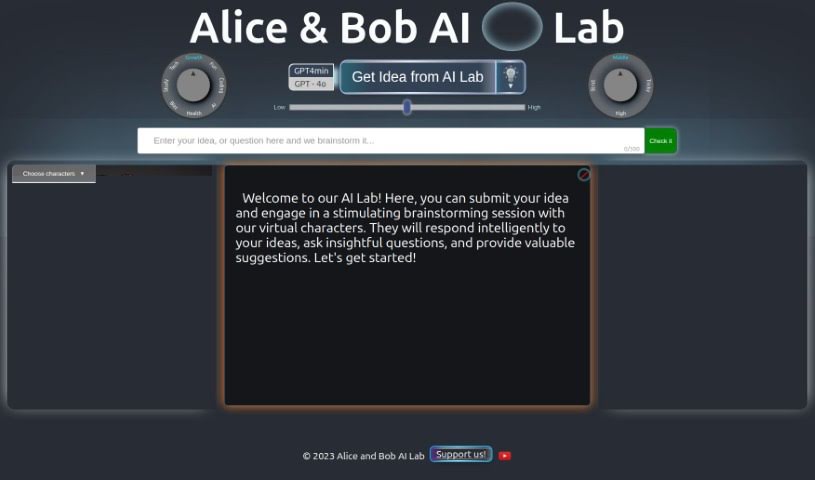
Alice and Bob AI Laboratory is an interactive brainstorming platform where users discuss ideas with two virtual AI characters, Alice and Bob. The characters ask questions and offer suggestions to help refine concepts. The platform was developed by the Alice and Bob AI Laboratory.

Productivity View Tool →
Screenshot of Alicent AI

Alicent AI

Freemium

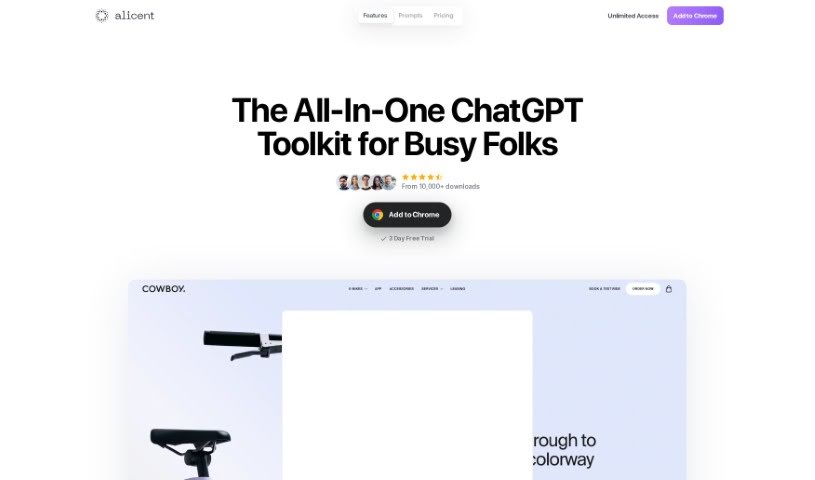
Alicent AI is a Chrome extension that works alongside ChatGPT as a browser-based writing assistant. It uses GPT models to deliver smart suggestions and language processing, and is built for content creators, marketers, and business professionals who need to produce text quickly and streamline their writing process.

Productivity View Tool →
Screenshot of Align AI

Align AI

Freemium

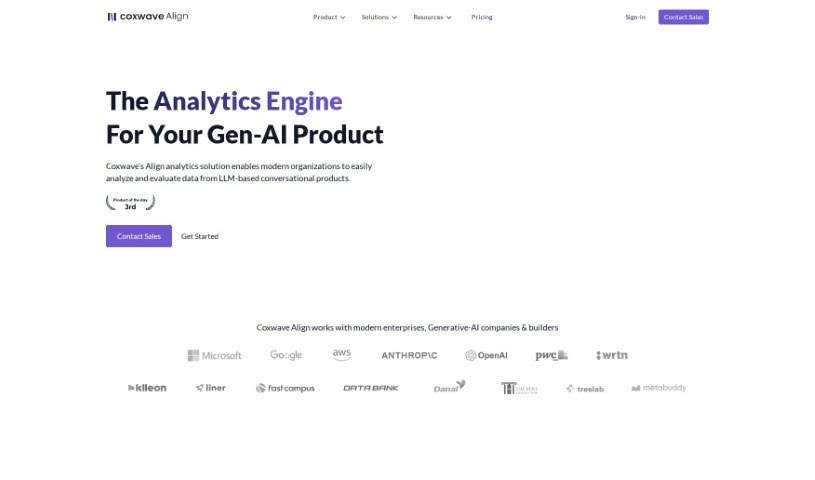
Align AI, formerly Ex-Impaction.ai, was founded in 2021. The team behind it previously built two of Korea's first generative-AI powered consumer products: Hama, an AI tool for editing images, and Enterpix, a search engine for AI-generated images. Those products attracted over 1.3 million users, and when standard analytics tools proved unable to handle the conversational, text, and image data their generative AI products produced, the team built Align AI's analytics for their own use. Sandoll Group later acquired the company, marking Korea's first acquisition of a generative AI product.

Productivity View Tool →
Screenshot of AlphaResearch

AlphaResearch

Freemium

AlphaResearch is a research platform that provides access to a library of company documents, filings, and transcripts. Its AI-powered search and data analysis tools help users examine millions of records, extract insights from text, and access institutional-grade fundamental data, news, and analyst estimates. The platform is designed to combine unstructured text with traditional financial reports, and it includes collaboration features for finance and stock analysis.

Productivity View Tool →
Screenshot of Amanu

Amanu

Freemium

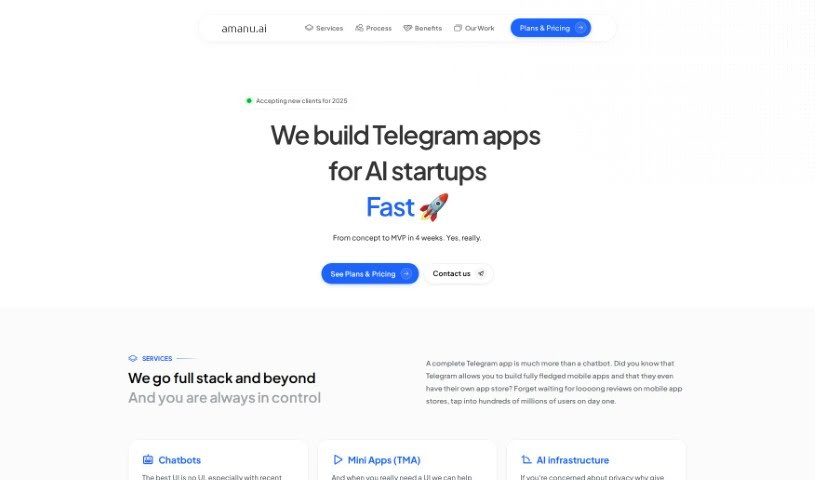
Amanu is an AI assistant for team chat platforms. It learns from the messages, documents, and meetings you authorize, then turns that material into a searchable knowledge hub for your team. When questions come up, Amanu answers from that stored knowledge the way an experienced colleague would — without judgment. It remembers messages, threads, and snippets you mark, so your team can find information quickly.

Productivity View Tool →
Screenshot of Amazon Comprehend

Amazon Comprehend

Freemium

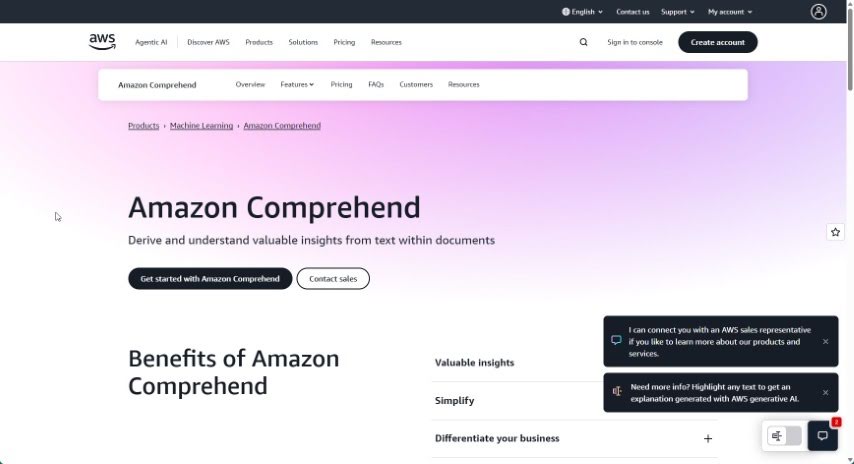
Amazon Comprehend is an Amazon Web Services (AWS) service that uses natural language processing (NLP) and machine learning to extract insights from unstructured text. It analyzes sentence structure, identifies entities such as names, places, and organizations, and detects sentiment (positive, negative, or neutral). It supports content sorting, trend spotting, and processing customer feedback at scale. Because it runs on AWS infrastructure, it handles large volumes of text efficiently and reduces manual analysis work.

Productivity View Tool →
Screenshot of Ambient

Ambient

Freemium

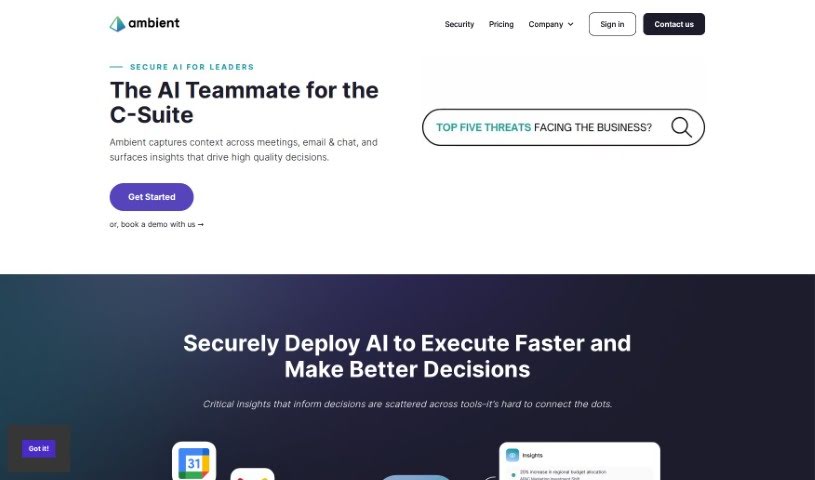
Ambient is an AI assistant built for Chiefs of Staff and founders to reduce administrative work. It combines AI-powered note-taking, task management, and strategic prioritization in a single interface designed to improve productivity.

Productivity View Tool →
Screenshot of Ambient AI

Ambient AI

Freemium

Ambient AI is a physical security platform that uses computer vision to identify potential issues before they escalate. It detects threats in real time, reduces false alarms, speeds up investigations, and alerts the right people immediately. Fortune 500 companies use the platform, which has been recognized as a leader in AI for physical security.

Productivity View Tool →
Screenshot of Amuring

Amuring

Freemium

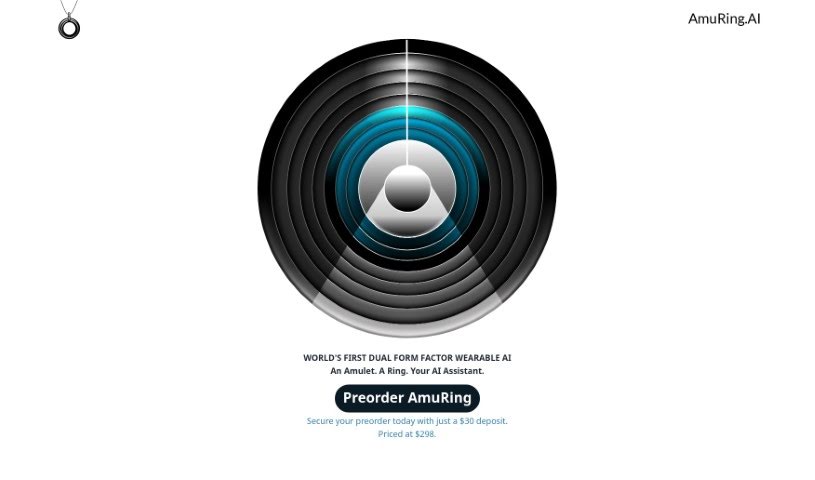
Amuring is a wearable AI device that can be worn as an amulet or a ring. It works as a personal assistant for daily tasks and includes a multilingual interface. The company uses an Open Core model: the main software components are open-source, while some additional features are proprietary. Its notable capabilities include discomfort detection, privacy controls, multiple data storage options, and a user-friendly design. GPT-4 is the default AI model, and users can switch to other models.

Productivity View Tool →
Screenshot of Amy Pro

Amy Pro

Freemium

Amy Pro is a conversational AI assistant that automates everyday work tasks: scheduling, to-do lists, HR duties, website updates, recruitment, and project tracking. It connects to the workspace apps teams already use for file sharing, chat, and video calls. The platform is PCI DSS compliant and stores data in U.S.-based data centers.

Productivity View Tool →

About Productivity tools

Having a task list that seems to grow longer by the hour is a fast track to burnout. Between managing clogged email inboxes, jumping across context-heavy browser tabs, updating project boards, and tracking down files, everyday administrative work drains momentum. When managing your workflow takes more energy than doing your actual job, staying focused gets tough.

These workflow platforms act as high-speed productivity partners for task management, scheduling, and daily automation. They won’t replace your personal discipline or strategic priorities, but they handle routine administrative tasks so you can protect your focus time.

Organizing daily tasks and scheduling focus blocks takes far less manual effort. Manually moving deadlines around when a project slips or trying to carve out focus time between back-to-back meetings usually leaves you with a chaotic calendar. Smart scheduling assistants evaluate your working habits, auto-prioritize tasks, and block out dedicated focus time on your calendar before your day gets overrun.

Clearing out email backlogs and workspace communications becomes much faster, too. Sifting through dozens of unread messages just to pull out two urgent client requests wastes valuable time. Intelligent inbox tools summarize long email threads, draft contextual replies, and sort low-priority newsletters away from critical messages—helping you reach inbox zero without reading every word.

Synthesizing notes and cross-platform information creates a central memory hub. Losing track of an important project link or a quick thought saved in a random document stalls your momentum when you need it most. AI productivity assistants search across your workspace apps, notes, and bookmarked links, letting you ask plain-English questions to pull up specific files, meeting notes, or ideas in seconds.

Key Capabilities to Consider:

  • Smart calendar and time blocking: Systems that auto-schedule tasks into your calendar around existing meetings and focus preferences.
  • Contextual email and message drafting: Tools that scan long communication threads to generate concise replies and action items.
  • Universal workspace search: Software that connects with your documents, notes, and cloud storage to retrieve files through simple prompts.
  • Task prioritization algorithms: Applications that rank daily action items by urgency, deadlines, and project dependencies.
  • Workflow automation builders: Connectors that trigger actions across different apps without requiring manual data entry.

Daily productivity will always depend on clear personal priorities and healthy work habits. Software can organize a calendar, draft an email reply, and index your notes, but choosing what truly deserves your time requires human judgment.

Explore the productivity tools below to take control of your workday.

The Best AI Productivity Tools

  1. Perplexity: for automating tasks and helping with management.
  2. Small PDF.com: for smoother document management for teams.
  3. Gamma: for document creation tools that save time.
  4. Odoo: for a task management and collaboration app.
  5. Zoom: for analyzing and summarizing meeting content.
  6. N8N: for smoother team onboarding processes.
  7. Prezi: for engaging team collaboration sessions.
  8. Tableau: for creating reports and dashboards more easily.
  9. Data Camp: for efficient team collaboration workflows.
  10. Otter.ai: for getting action items from meetings without the fuss.
  11. Tenorshare: for easily summarizing long PDF documents.
  12. Slidesgo: for creating professional presentations efficiently.
  13. Facecheck Id: for streamlining identity verification tasks.
  14. HIX.AI: for boosting writing speed with smart tools.
  15. Tactiq: for automating meeting notes for teams.

New tools, in your inbox.

Weekly picks of the best AI tools we've researched and added — no spam, unsubscribe anytime.

Join 25,000+ AI enthusiasts. No spam, unsubscribe anytime.