AI Tools for Productivity

Discover the best Productivity AI tools to enhance your productivity and creativity.

Page 4 of 114 • 1361 total tools

In today’s busy world, staying productive can feel like a real challenge. With so much to do, constant notifications, and distractions everywhere, having the right tools to manage your time well is more important than ever. That’s where AI productivity tools come in—they’re designed to make your work smoother, handle repetitive tasks for you, and keep you organized.

These smart solutions have come a long way recently. They’ve gone from simple task managers to complete systems that can adapt to what you need. Whether you’re trying to organize your day better, improve how your team works together, or finally tackle that huge inbox, the right AI tools can make a big difference.

As I looked into the best AI productivity tools out there, I tried out several apps that promise to make you more efficient and focused. From smart schedulers to new project management systems, there are tons of options to help you get your time back.

So, if you’re ready to boost your productivity and make the most of your workday, you’re in the right place. Here’s a list of great AI productivity tools that are definitely worth checking out. Let’s explore how to work smarter together!

The best AI Productivity Tools

  1. Perplexity for automating tasks and helping with management.
  2. Small PDF.com for smoother document management for teams.
  3. Gamma for document creation tools that save time.
  4. Odoo for a task management and collaboration app.
  5. Zoom for analyzing and summarizing meeting content.
  6. N8N for smoother team onboarding processes.
  7. Prezi for engaging team collaboration sessions.
  8. Tableau for creating reports and dashboards more easily.
  9. Data Camp for efficient team collaboration workflows.
  10. Otter.ai for getting action items from meetings without the fuss.
  11. Tenorshare for easily summarizing long PDF documents.
  12. Slidesgo for creating professional presentations efficiently.
  13. Facecheck Id for streamlining identity verification tasks.
  14. HIX.AI for boosting writing speed with smart tools.
  15. Tactiq for automating meeting notes for teams.

How do AI productivity tools work?

AI productivity tools use machine learning to look at how you work and make your tasks more efficient. These tools are built to handle lots of information, spotting patterns and your preferences to help smooth out your workflows. By understanding how you use different apps, AI can suggest personal improvements to boost your productivity.

Basically, these tools use natural language processing (NLP) to understand and respond to what you ask. For example, they can schedule meetings, set reminders, or create reports just by understanding simple requests. This saves you time and cuts down on manual work.

Many AI productivity apps connect with popular tools like calendars, email, and project management software. This connection lets them gather information and automate tasks across different places. As a result, you get a smooth, connected experience that improves how you work day-to-day.

AI productivity tools also learn from how you use them to get better over time. The more you use a tool, the better it gets at guessing what you need and offering helpful suggestions. This ability to adapt is what makes AI tools increasingly valuable for improving productivity for both individuals and teams.

Plus, these tools can look at data about how you complete tasks and suggest ways to improve. For instance, if you often miss deadlines, the AI might suggest better ways to manage your time. By giving you useful insights, AI productivity tools help you work smarter, not just harder.

In the end, AI productivity tools show how technology can change everyday tasks into more efficient processes. By automating routine jobs and offering personal insights, they help you focus on what’s most important—hitting your goals and being more effective overall.

Our best AI productivity tools at a glance

RankNameBest forPlans and PricingRating
1PerplexityAutomating tasks and helping with management.N/A4.70 (10 reviews)
2SmallPDF.comSmoother document management for teams.Paid plans start at $9/month.4.73 (11 reviews)
3GammaDocument creation tools that save time.N/A4.79 (19 reviews)
4OdooA task management and collaboration app.N/A4.67 (6 reviews)
5ZoomAnalyzing and summarizing meeting content.Paid plans start at $15.99/month.4.73 (11 reviews)
6N8NSmoother team onboarding processes.Paid plans start at $50/month.4.58 (12 reviews)
7PreziEngaging team collaboration sessions.Paid plans start at $19/month.4.18 (11 reviews)
8TableauCreating reports and dashboards more easily.N/A4.70 (43 reviews)
9DataCampEfficient team collaboration workflows.Paid plans start at $25/month.4.71 (24 reviews)
10Otter.aiGetting action items from meetings without the fuss.Paid plans start at $13.59/month.4.73 (11 reviews)
11TenorshareEasily summarizing long PDF documents.N/A4.64 (11 reviews)
12SlidesgoCreating professional presentations efficiently.N/A4.68 (22 reviews)
13Facecheck IdStreamlining identity verification tasks.N/A4.42 (19 reviews)
14HIX.AIBoosting writing speed with smart tools.N/A4.36 (11 reviews)
15TactiqAutomating meeting notes for teams.N/A4.64 (11 reviews)
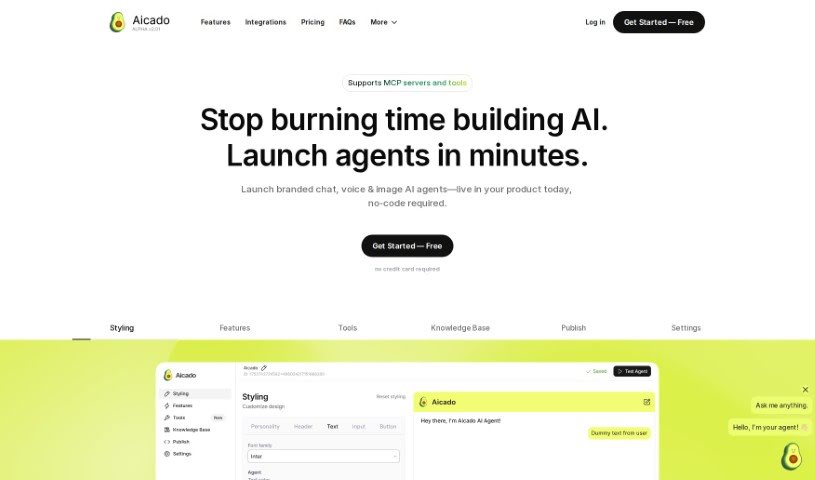
Screenshot of Aicado

Aicado

Freemium

Aicado.ai is a really user-friendly tool designed to help people and organizations explore and use AI solutions without needing any technical background. It is a no-code platform that makes using artificial intelligence super simple, meaning you don't have to worry about complex programming. This lets you dive right into exploring, implementing, and managing AI without needing to write a single line of code. Aicado.ai is perfect for anyone who wants to tap into AI's power without getting bogged down in the technical details. By making AI more accessible and providing a supportive space, Aicado.ai aims to bring these powerful technologies to a much wider audience.

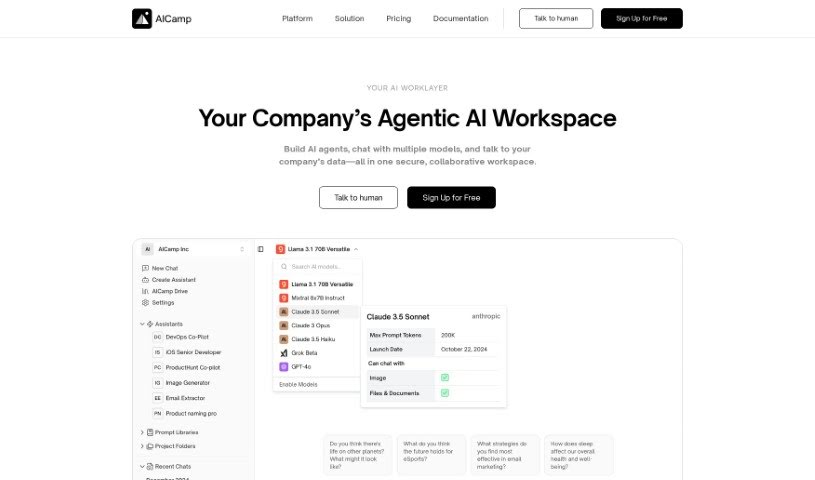
Screenshot of Aicamp

Aicamp

Freemium

Aicamp is a really neat platform designed for teams to work together with AI. It lets you bring several different AI models into one dashboard, which is super handy. You can organize your prompts, share them, and even refine them with your teammates. It supports popular Large Language Models (LLMs) like GPT-4, Bard, Claude, and Llama 2, making your AI interactions smoother and boosting productivity for everyone on the team. Plus, Aicamp takes data privacy seriously, following GDPR rules. They also offer ways to automate your workflows and access a growing library of useful information.

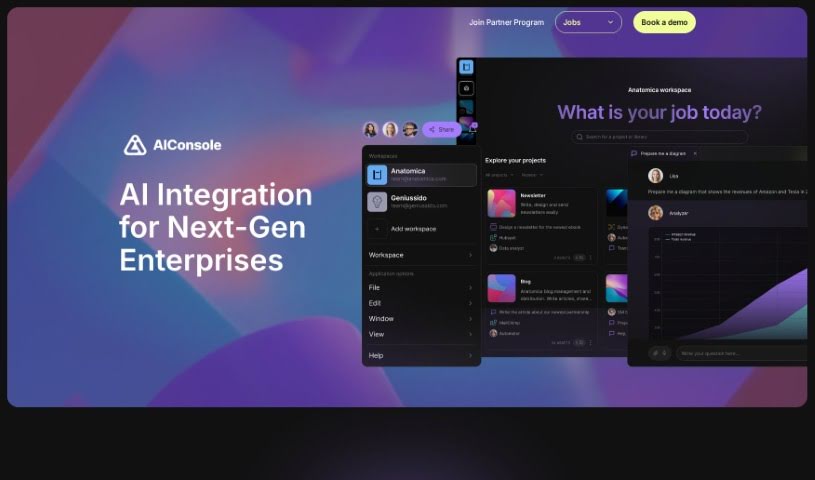
Screenshot of AIConsole

AIConsole

Freemium

AIConsole is a desktop AI editor that's open-source and designed to be flexible, adapting to what you need it to do. It is a smart assistant that can help automate tasks, create content, manage your applications, and importantly, keep your data private. It's built with privacy in mind, meaning it only sends the essential data to AI language model (LLM) APIs. You can use it on Linux, Mac, and Windows. Plus, it has a strong community aspect, with collaboration happening on platforms like Github and Discord. You can actually train AIConsole yourself by simply describing the tasks you want it to perform. Over time, it gets better and better at these tasks through a process of 'learning by doing.' It also features 'expert level prompt engineering' to ensure its responses are accurate and efficient. Beyond that, AIConsole makes it easier for businesses to integrate AI into their operations, helps streamline how work gets done, and even connects you with AI consultants who specialize in specific fields if you need expert help.

Screenshot of AIEmploye

AIEmploye

Freemium

AIEmploye is a really smart Chrome extension that uses Robotic Process Automation (RPA). It is your own virtual assistant, right there in your web browser. It's designed to help you automate those repetitive online tasks that eat up your time. For example, you could use it to guide new interns through tasks, making sure they get done efficiently. Essentially, this tool is all about making your workflows smoother and boosting your productivity by taking care of those mundane online activities.

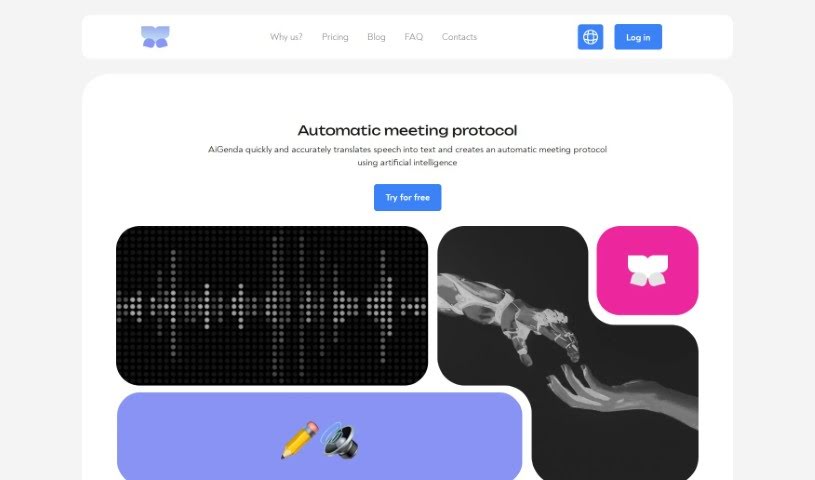
Screenshot of AiGenda

AiGenda

Freemium

AiGenda is an AI-powered platform designed to make your online meetings, lectures, and conferences run much smoother. It is your personal assistant for these events. It automatically handles tasks like transcribing everything that's said, creating concise summaries, shortening conversations, and pointing out the main agreements reached. It works seamlessly with popular video conferencing tools like Google Meet and Zoom, supports many different languages, and really prioritizes keeping your information secure. You can use AiGenda on your smartphone, and they offer different subscription plans to fit what your business needs.

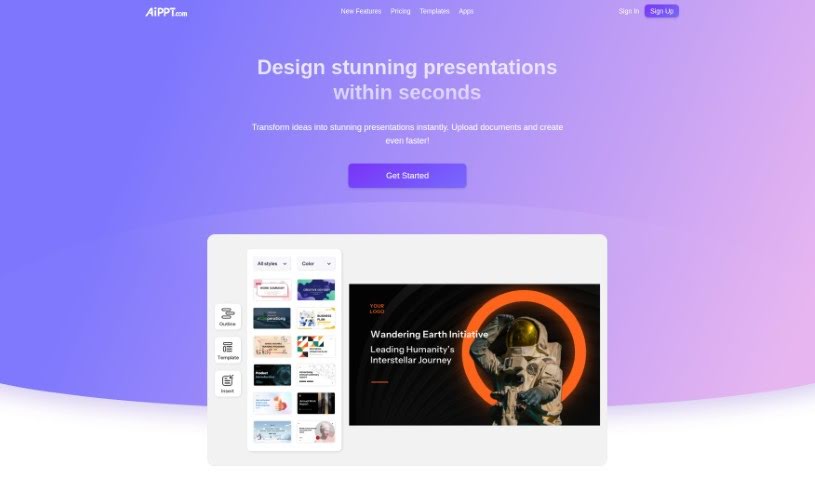
Screenshot of AiPPT

AiPPT

Freemium

AiPPT is a handy toolkit that uses AI to make creating and improving your PowerPoint or Google Slides presentations much simpler. You can easily get presentation outlines, structure your documents, and even turn different file types into slides with just one click. Plus, AiPPT offers a bunch of presentation templates, so you can quickly give your slides a polished look. It also includes features like automatic text generation and easy online editing. This makes it a great tool for all sorts of people, from sales reps and students to entrepreneurs, helping them boost their presentation skills and get more done.

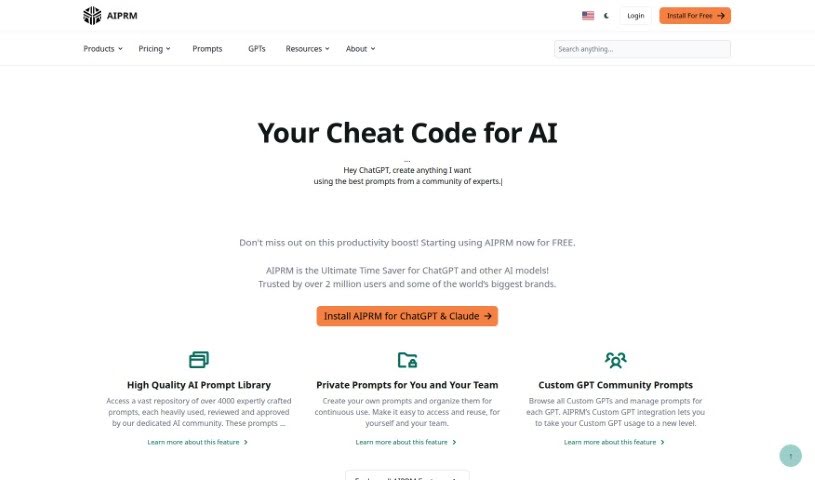
Screenshot of AIPRM

AIPRM

Freemium

AIPRM, also known as the AI Prompt Marketplace, is a platform built to help small businesses and individuals. It gives you access to carefully engineered prompts and useful features that are designed to be affordable, reliable, and versatile. The platform offers a selection of prompts that prompt engineers have created. These specialists focus on making generative AI models perform at their best. The goal of these prompts is to boost effectiveness and creativity across many different industries and uses, like generating text, creating designs, and working with data.

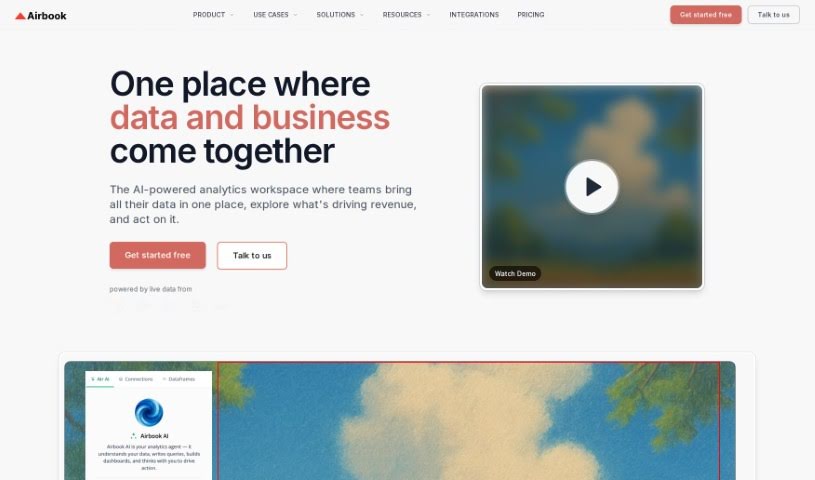
Screenshot of Airbook

Airbook

Freemium

Airbook is your go-to platform for building and sharing data insights together. It lets you connect to over 150 different data sources – that's a lot! – and you can work with your data using either SQL/Python or a simple No-code approach, all from one spot. It really simplifies things into just three main steps:

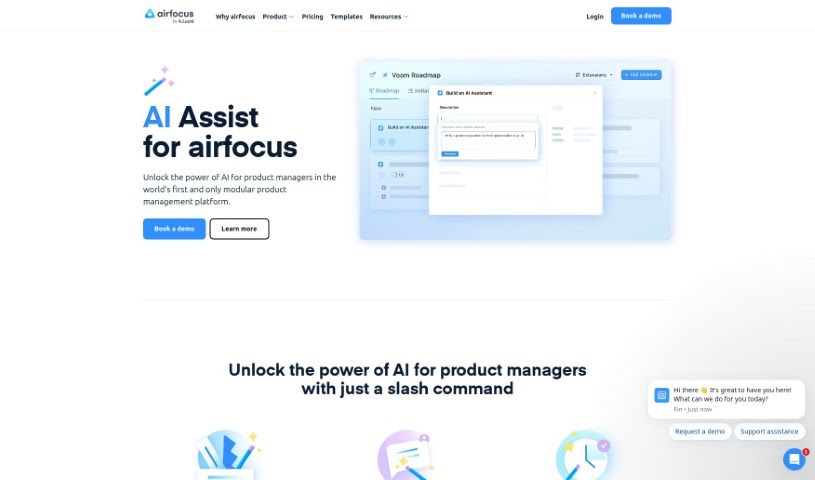
Screenshot of Airfocus AI Assist

Airfocus AI Assist

Freemium

Airfocus AI Assist is a really neat tool that brings artificial intelligence right into the world of product management. It is a smart assistant designed specifically to help product managers out. It's built to make the whole product management process smoother and more effective. How? By giving you features that help you make decisions based on data, figure out what's most important to work on, and even predict what might happen with your product. It’s all about helping you work smarter, plan your product strategy better, and ultimately, get some fantastic results. Plus, it's super easy to use, so it fits right into whatever tools you're already using. Honestly, AI Assist from airfocus feels like the future of product management, giving you the power of AI to really boost your products.

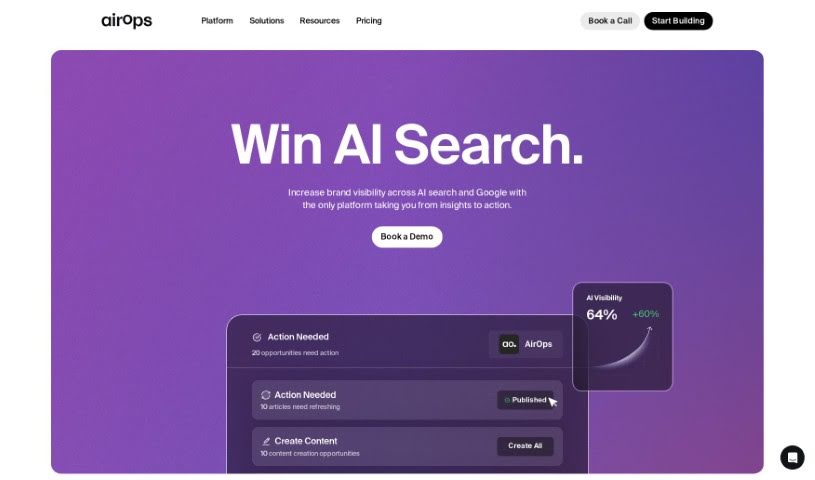
Screenshot of AirOps

AirOps

Freemium

AirOps is a really flexible tool that lets you dive into your data using AI. You can build reusable datasets and then turn them into live documents, APIs, and all sorts of other things. They offer different pricing plans to fit just about anyone – whether you're an individual, part of a team, or a large enterprise. These plans come with features like choosing your AI model, handling different types of inputs (even images and audio!), working with large amounts of text, building custom apps, creating apps that pull data from vector databases, linking apps together, getting priority support, using your own API keys, setting up SAML/SSO for security, and managing how your team uses it. You can also get it as a Chrome or Firefox extension, upload CSV files in bulk, connect with Google Sheets, integrate with Snowflake, and even access it via an API. You can pick from plans like Free, Pro, Team, and Enterprise, depending on what you need. Each plan has limits on how many app executions you can do daily and how many tasks are included.

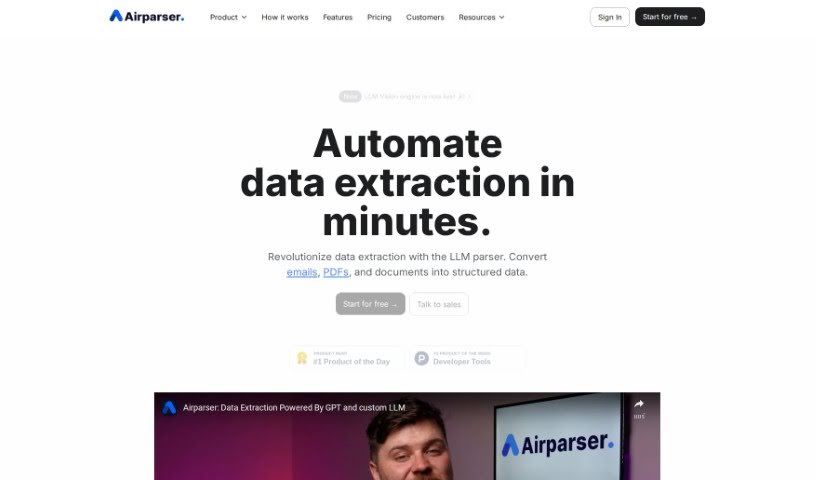
Screenshot of Airparser

Airparser

Freemium

Airparser really changes the game for data extraction. It uses the power of GPT-4 to help you pull structured information from all sorts of places – think emails, PDFs, and other documents. What's great is that it automates this whole process, so you don't have to do any manual data entry. It supports over 60 languages, can read text whether it's typed, scanned, or even handwritten, and it connects smoothly with other tools using APIs and webhooks. People seem to love Airparser because it's so easy to use, handles different kinds of documents really well, and extracts data efficiently. Its flexibility and straightforwardness make tasks like cleaning up and extracting data much more manageable.

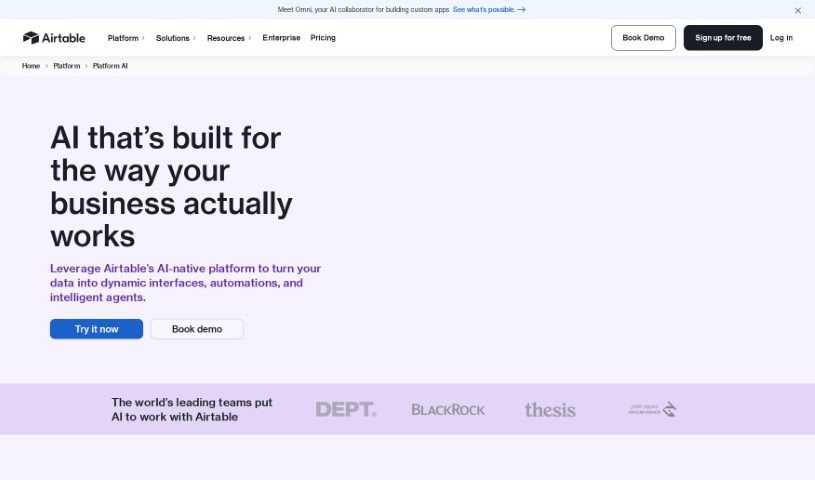
Screenshot of Airtable

Airtable

Freemium

Airtable is a platform that makes it easy to build custom business applications with built-in artificial intelligence. You don't need to be a coder to create tools that integrate AI into your daily operations. It is a way to bring AI into your workflows, helping you centralize and analyze data, track how things are going, automate repetitive tasks to save time, and create custom reports that make sense to you. It's also great for managing your customer relationship data, keeping your information secure, and connecting smoothly with tools you already use, like Slack, Google Drive, and Salesforce.

Stay Updated with AI Tools

Get weekly updates on the latest AI tools, trends, and insights delivered to your inbox

Join 25,000+ AI enthusiasts. No spam, unsubscribe anytime.