Top AI Productivity Tools

AI Tools for Productivity

Discover the best Productivity AI tools to enhance your productivity and creativity.

Page 49 of 108 • 1290 total tools
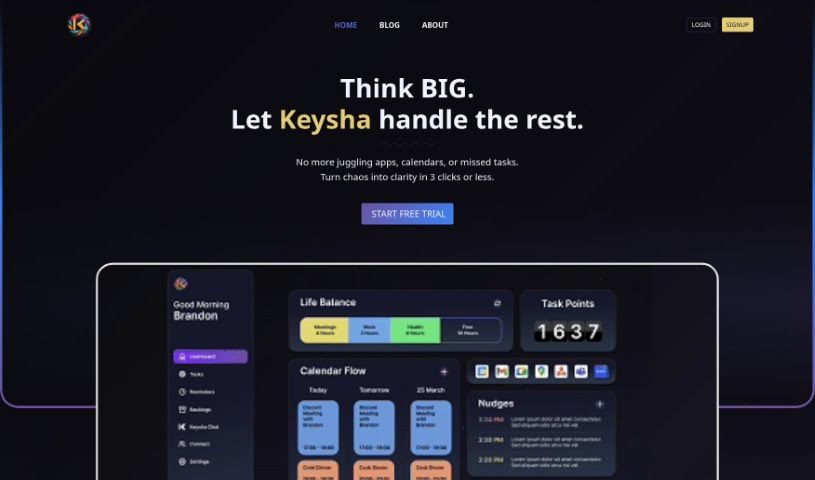
Screenshot of Keysha AI

Keysha AI

Freemium

Keysha AI is an AI-powered personal assistant for managing tasks, schedules, and daily routines. It connects to your calendars, learns your preferences, and sends tailored reminders and updates. By prioritizing deadlines and consolidating separate tools into a single platform, it cuts the time and cost of routine work.

Productivity View Tool →
Screenshot of KGiSL

KGiSL

Freemium

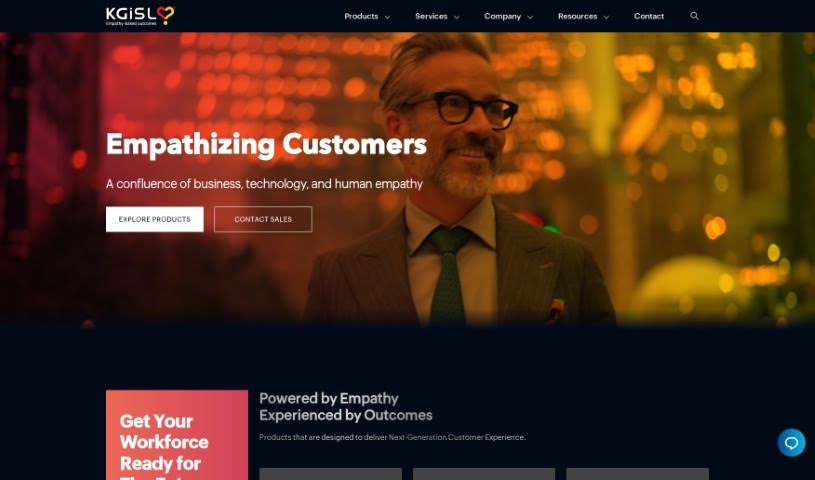
KGiSL offers Marvel.ai, an AI-powered business intelligence platform designed to help businesses transform and automate their operations. It provides thorough data analysis to support smarter decision-making and improve customer interactions using machine learning.

Productivity View Tool →
Screenshot of Kickoff.ai

Kickoff.ai

Freemium

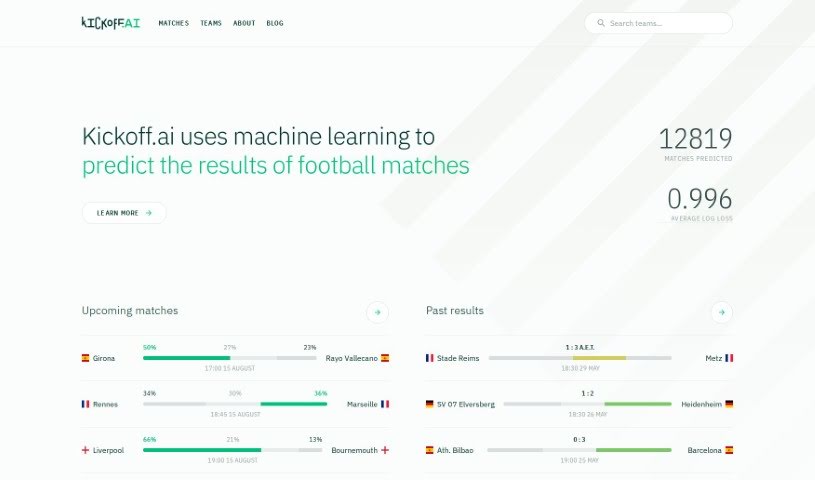
Kickoff.ai is an AI-powered platform for football match predictions. It uses machine learning to forecast match outcomes, showing predicted percentages, match schedules, and a comparison of predictions against actual scores. This makes it useful for football fans and bettors alike. The platform tracks its own performance accurately, maintaining a low average log loss, and covers a wide range of football matches worldwide. It models team strength over time and applies Bayesian inference to produce probability-based predictions. The team acknowledges that football is unpredictable, and continues to improve its machine learning techniques through ongoing research.

Productivity View Tool →
Screenshot of Kindo AI

Kindo AI

Freemium

Kindo AI is a platform that helps DevSecOps teams automate their runbooks using AI. Instead of manually writing configurations, teams use Kindo to build a system of automation — a "doctrine" that defines how their infrastructure should react to events and planned projects. Gen AI automations and no-code AI Agents support this approach, allowing DevSecOps professionals to manage their infrastructure proactively and efficiently.

Productivity View Tool →
Screenshot of Klangio

Klangio

Freemium

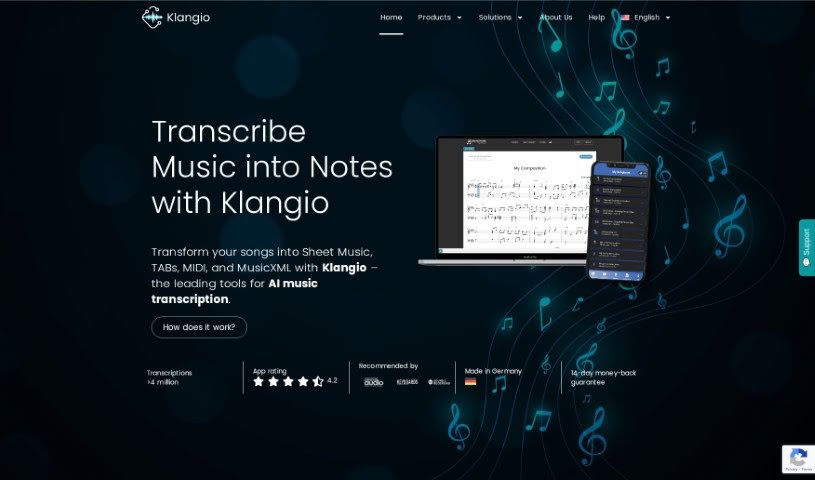
Klangio is an AI tool that transcribes music into notes in seconds. Musicians can edit and download transcriptions in formats including Sheet Music, MIDI, MusicXML, and GuitarPro files. The AI is built to accurately capture melodies, chords, rhythms, and other musical details, and any needed adjustments can be made manually. A free tier is available before upgrading to a Pro Subscription, which unlocks additional features and download options.

Productivity View Tool →
Screenshot of Klenty

Klenty

Freemium

Klenty is a sales engagement platform that helps sales teams connect with potential customers, both active buyers and prospects who may be interested later. It lets you set up sales sequences quickly, build multi-channel outreach plans, and automate CRM tasks. Messages can be personalized, and reports provide data on what's working. Klenty integrates with popular CRM systems including Pipedrive, MS Dynamics, HubSpot, Zoho, and Salesforce, and supports sending up to 500 emails per day. Its goal is to make the sales process more efficient through automation and personalized outreach.

Productivity View Tool →
Screenshot of Klu AI

Klu AI

Freemium

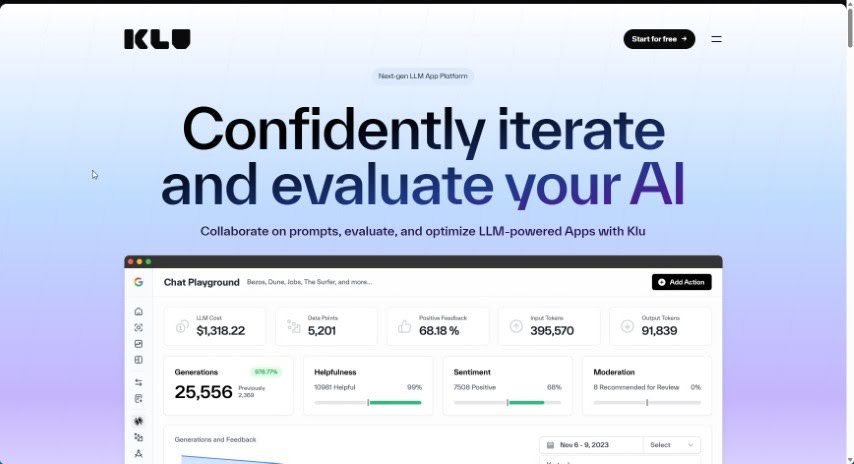
Klu AI is a central hub for company information. It pulls together content from Gmail, Slack, Notion, Google Drive, Trello, and other apps into one searchable place. You can ask questions in plain language and get relevant answers immediately. The goal is to eliminate knowledge silos so everyone can find what they need. Security is a stated priority, with data encryption and SOC 2 certification.

Productivity View Tool →
Screenshot of KNIME

KNIME

Freemium

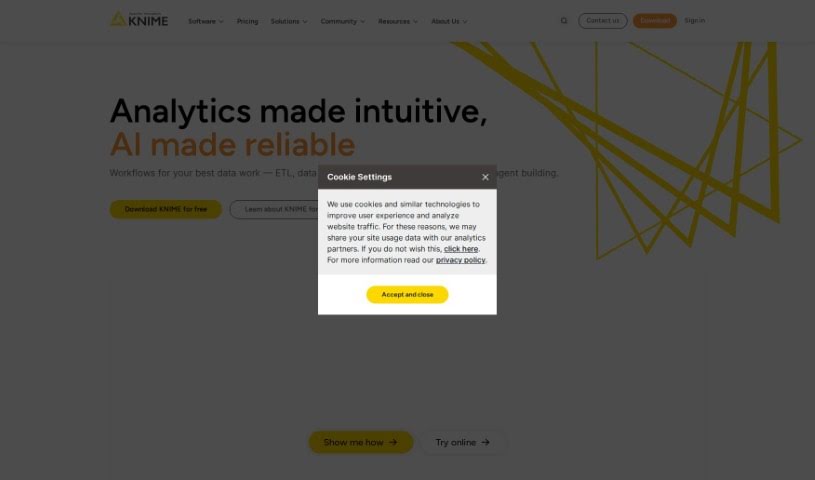
KNIME is a comprehensive platform covering the end-to-end data science process in a single, unified environment. You build workflows — series of connected steps — to handle data tasks ranging from simple cleaning and filtering to complex analyses like geographical data, image analysis, or deep learning. KNIME also helps you monitor analytics and AI models, which matters for keeping sensitive data safe. It's suited for teams that need accurate, explainable results and want to make the most of their data and AI capabilities.

Productivity View Tool →
Screenshot of Knowbase.ai

Knowbase.ai

Freemium

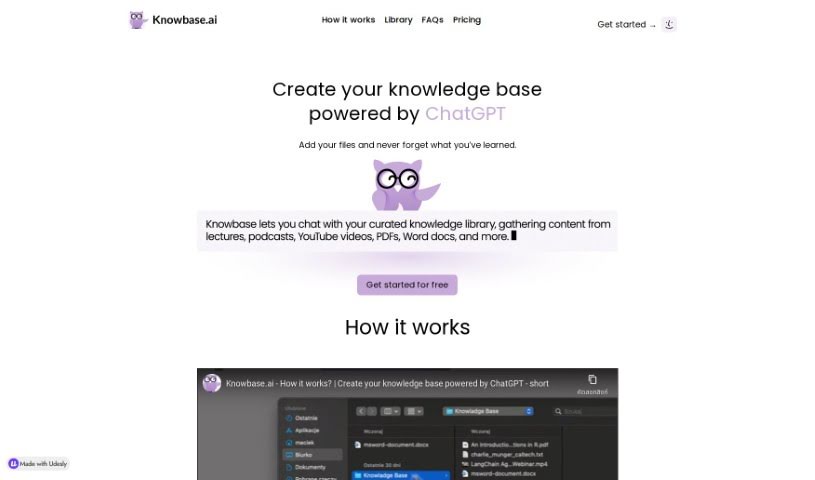
Knowbase.ai is a knowledge base that combines file storage with conversational AI. You keep your files organized in a Library, then ask questions in a chat interface to retrieve answers directly from those files. A free plan offers 100 MB of storage and 10 questions per month, with paid upgrades available.

Productivity View Tool →
Screenshot of Knowledg.io

Knowledg.io

Freemium

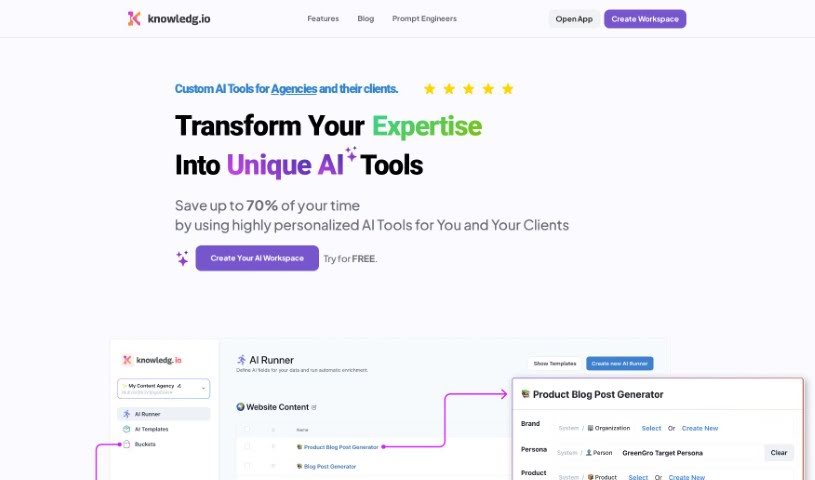
Knowledg.io is an all-in-one platform for managing an organization's knowledge. It centralizes the creation, organization, and retrieval of information, combining document management, search, and collaboration tools to support productivity and better decision-making.

Productivity View Tool →
Screenshot of Knowledge Drive

Knowledge Drive

Freemium

Knowledge Drive is an AI-powered platform that turns scattered work information into a self-updating knowledge base. It automatically gathers and organizes content from documents, presentations, and emails, so no one has to enter or update data by hand. Teams spend less time answering the same questions, less time on manual documentation, and are less likely to lose important knowledge. The platform connects to tools many teams already use — Microsoft Office 365, Google Workspace, and Slack — surfacing knowledge inside everyday workflows. It also places a strong focus on privacy, and its automatic updates (rather than manual data entry) set it apart from other AI knowledge bases.

Productivity View Tool →
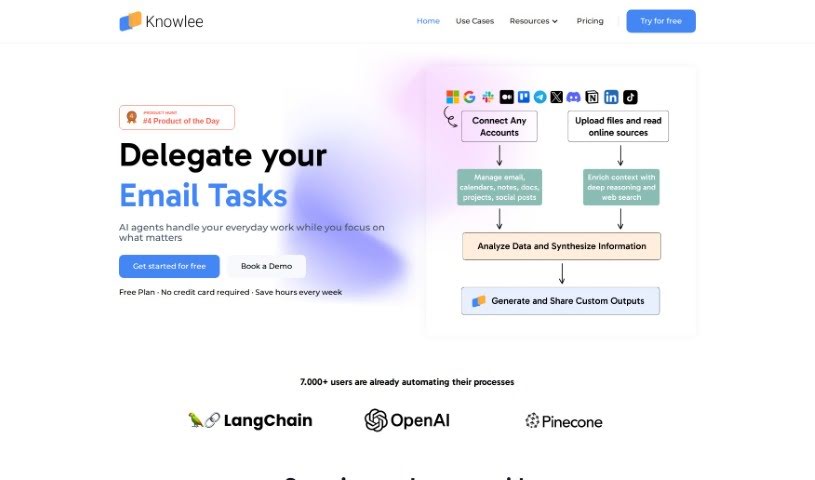
Screenshot of Knowlee AI

Knowlee AI

Freemium

Knowlee AI is a personal AI assistant that provides personalized insights and automated content creation. It connects to platforms you already use, including Gmail, Google Calendar, Outlook, OneDrive, and SharePoint, and can link to online data and other services through APIs. Plans range from a free option for individuals to enterprise packages for businesses that want to integrate AI into their workflows.

Productivity View Tool →

About Productivity tools

Having a task list that seems to grow longer by the hour is a fast track to burnout. Between managing clogged email inboxes, jumping across context-heavy browser tabs, updating project boards, and tracking down files, everyday administrative work drains momentum. When managing your workflow takes more energy than doing your actual job, staying focused gets tough.

These workflow platforms act as high-speed productivity partners for task management, scheduling, and daily automation. They won’t replace your personal discipline or strategic priorities, but they handle routine administrative tasks so you can protect your focus time.

Organizing daily tasks and scheduling focus blocks takes far less manual effort. Manually moving deadlines around when a project slips or trying to carve out focus time between back-to-back meetings usually leaves you with a chaotic calendar. Smart scheduling assistants evaluate your working habits, auto-prioritize tasks, and block out dedicated focus time on your calendar before your day gets overrun.

Clearing out email backlogs and workspace communications becomes much faster, too. Sifting through dozens of unread messages just to pull out two urgent client requests wastes valuable time. Intelligent inbox tools summarize long email threads, draft contextual replies, and sort low-priority newsletters away from critical messages—helping you reach inbox zero without reading every word.

Synthesizing notes and cross-platform information creates a central memory hub. Losing track of an important project link or a quick thought saved in a random document stalls your momentum when you need it most. AI productivity assistants search across your workspace apps, notes, and bookmarked links, letting you ask plain-English questions to pull up specific files, meeting notes, or ideas in seconds.

Key Capabilities to Consider:

  • Smart calendar and time blocking: Systems that auto-schedule tasks into your calendar around existing meetings and focus preferences.
  • Contextual email and message drafting: Tools that scan long communication threads to generate concise replies and action items.
  • Universal workspace search: Software that connects with your documents, notes, and cloud storage to retrieve files through simple prompts.
  • Task prioritization algorithms: Applications that rank daily action items by urgency, deadlines, and project dependencies.
  • Workflow automation builders: Connectors that trigger actions across different apps without requiring manual data entry.

Daily productivity will always depend on clear personal priorities and healthy work habits. Software can organize a calendar, draft an email reply, and index your notes, but choosing what truly deserves your time requires human judgment.

Explore the productivity tools below to take control of your workday.

The Best AI Productivity Tools

  1. Perplexity: for automating tasks and helping with management.
  2. Small PDF.com: for smoother document management for teams.
  3. Gamma: for document creation tools that save time.
  4. Odoo: for a task management and collaboration app.
  5. Zoom: for analyzing and summarizing meeting content.
  6. N8N: for smoother team onboarding processes.
  7. Prezi: for engaging team collaboration sessions.
  8. Tableau: for creating reports and dashboards more easily.
  9. Data Camp: for efficient team collaboration workflows.
  10. Otter.ai: for getting action items from meetings without the fuss.
  11. Tenorshare: for easily summarizing long PDF documents.
  12. Slidesgo: for creating professional presentations efficiently.
  13. Facecheck Id: for streamlining identity verification tasks.
  14. HIX.AI: for boosting writing speed with smart tools.
  15. Tactiq: for automating meeting notes for teams.
New tools, in your inbox.

Weekly picks of the best AI tools we've researched and added — no spam, unsubscribe anytime.

Join 25,000+ AI enthusiasts. No spam, unsubscribe anytime.