Top AI Productivity Tools

AI Tools for Productivity

Discover the best Productivity AI tools to enhance your productivity and creativity.

Page 3 of 108 • 1290 total tools
Screenshot of AI Sidekick

AI Sidekick

Freemium

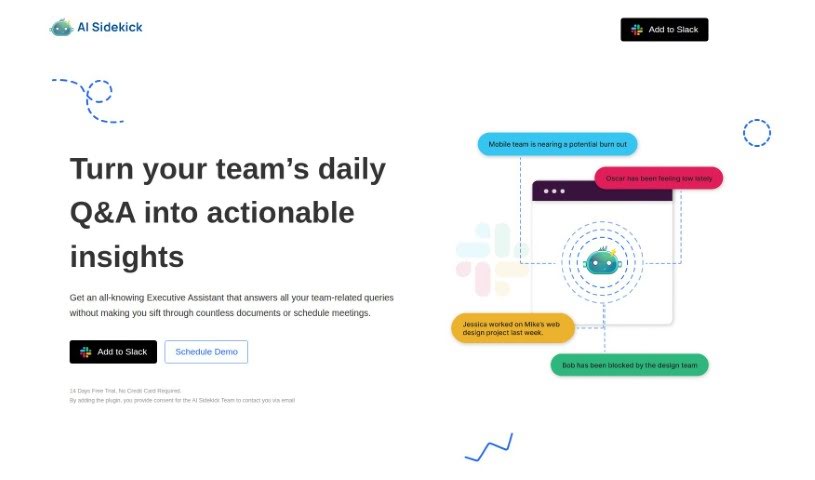
AI Sidekick is a Slack-integrated tool that provides team analytics powered by ChatGPT. It works as a virtual executive assistant inside Slack, answering team-related questions and surfacing actionable insights, with the stated aim of preventing burnout and improving team morale.

Productivity View Tool →
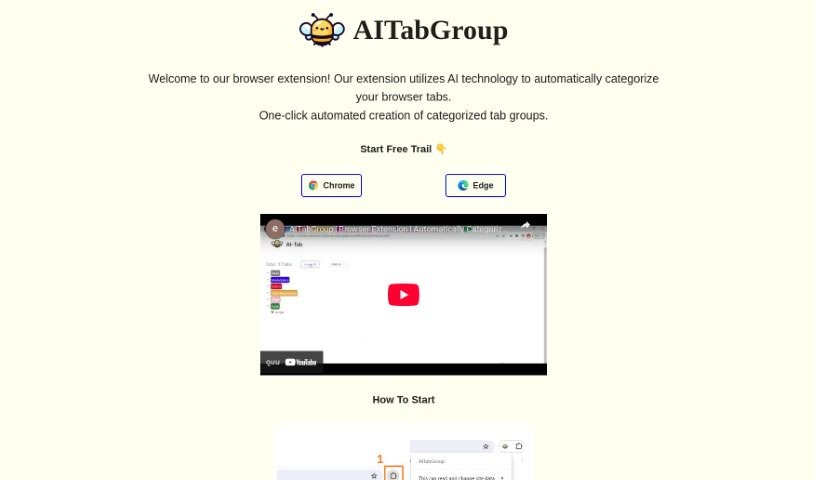
Screenshot of AI Tab Group

AI Tab Group

Freemium

AI Tab Group is a browser extension that uses AI to automatically sort and organize your open tabs. It groups tabs by their content and the websites you visit, offering automatic categorization, a hierarchical view of all tabs on a single page, and the option to save tab groups as markdown or bookmarks. The extension is designed to reduce tab clutter, simplify navigation, and keep browsing focused.

Productivity View Tool →
Screenshot of AI Toolbox For Innovators

AI Toolbox For Innovators

Freemium

AI Toolbox For Innovators is a collection of free, AI-powered tools for generating and refining ideas. The tools are updated weekly and cover each step of the innovation process, from initial concepts to a deep understanding of a problem, and everything runs directly on the website.

Productivity View Tool →
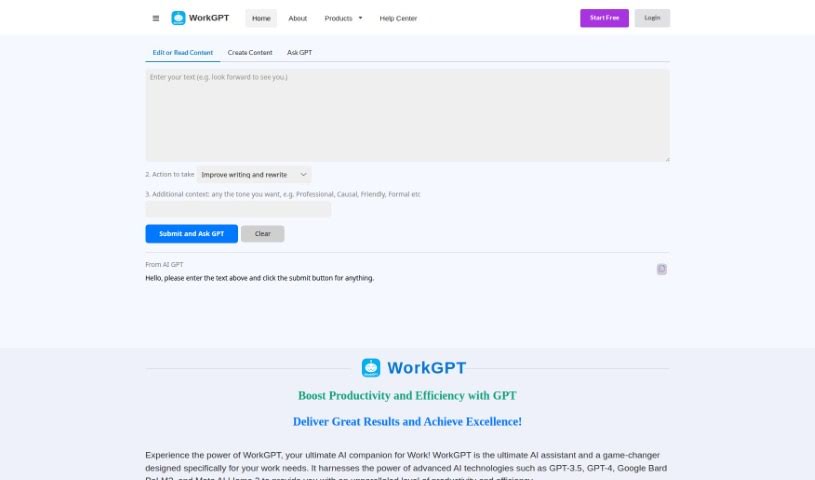
Screenshot of AI Work Suite

AI Work Suite

Freemium

WorkGPT is an AI assistant for work-related tasks, built on GPT-3.5, GPT-4, Google Bard PaLM2, and Meta AI Llama 2. It is designed to improve productivity in writing, editing, content creation, and handling complex information. WorkGPT integrates with Google Workspace apps (Docs, Slides, and Sheets) and can be accessed via the web or a Chrome extension. The tool emphasizes data security and privacy. Its capabilities include translation, summarization, explaining content, finding synonyms, and a built-in dictionary.

Productivity View Tool →
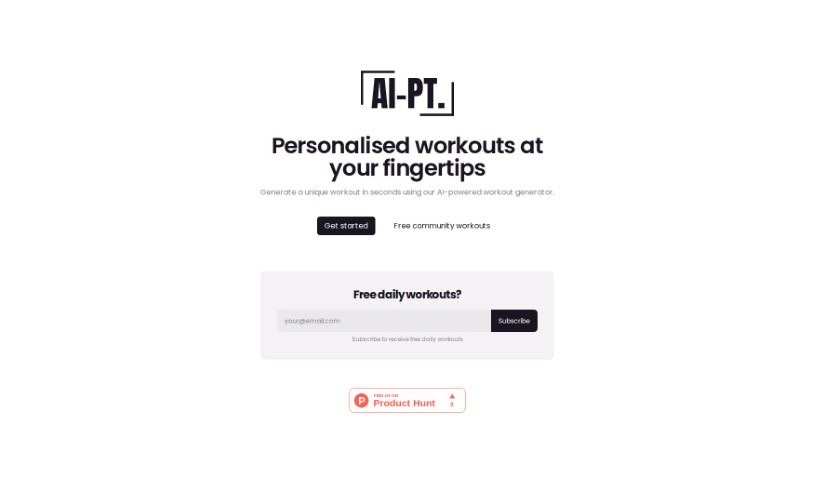
Screenshot of Ai-Pt

Ai-Pt

Freemium

AI-PT is an AI-powered workout generator that creates personalized routines based on your target body parts and desired workout length. It is designed for people who don't have a personal trainer. Generated workouts can be scheduled for a specific date, saved to a personal library for later access, and shared with friends.

Productivity View Tool →
Screenshot of Aible

Aible

Freemium

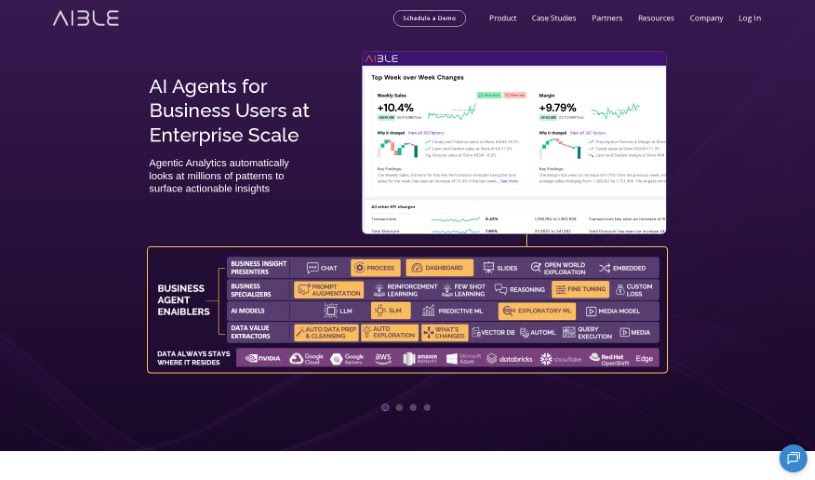
ChatAible is an explainable AI data analytics tool from Aible. It automatically sifts through your data, asking millions of questions to surface the most important insights, then uses generative AI to summarize those findings in plain language for business leaders. It doesn't require data science skills; it's built for Chief Data Officers, business managers, data engineers, business analysts, and everyday end users.

Productivity View Tool →
Screenshot of AIBrane

AIBrane

Freemium

AIBrane is an AI assistant that works as a browser extension and integrates into everyday online tasks. Setup takes two steps. It assists with writing emails in Gmail, working with data in Google Sheets, and creating posts for Twitter, LinkedIn, and Facebook.

Productivity View Tool →
Screenshot of Aicamp

Aicamp

Freemium

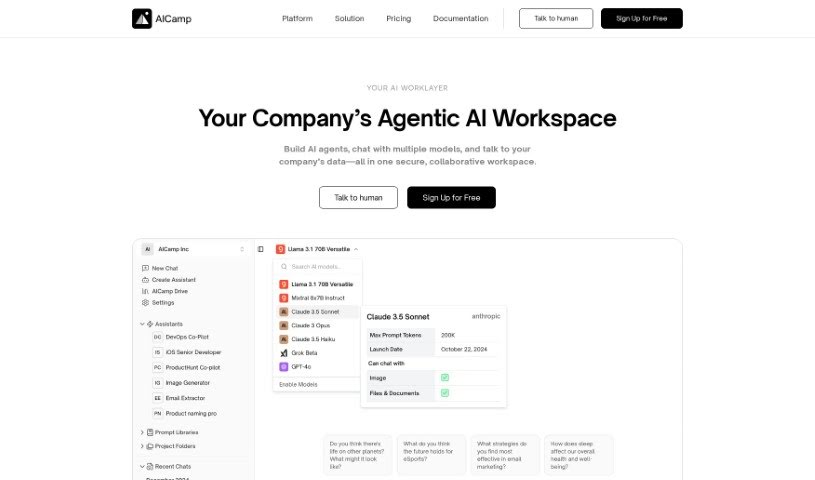
Aicamp is a team platform for working with AI. It brings multiple AI models into a single dashboard where teams can organize, share, and refine prompts. It supports LLMs including GPT-4, Bard, Claude, and Llama 2, with an emphasis on smoother AI interactions and team productivity. Aicamp follows GDPR rules, offers workflow automation, and provides access to a growing knowledge library. Its stated aim is to make AI integration simple, affordable, and collaborative for businesses of any size.

Productivity View Tool →
Screenshot of AIConsole

AIConsole

Freemium

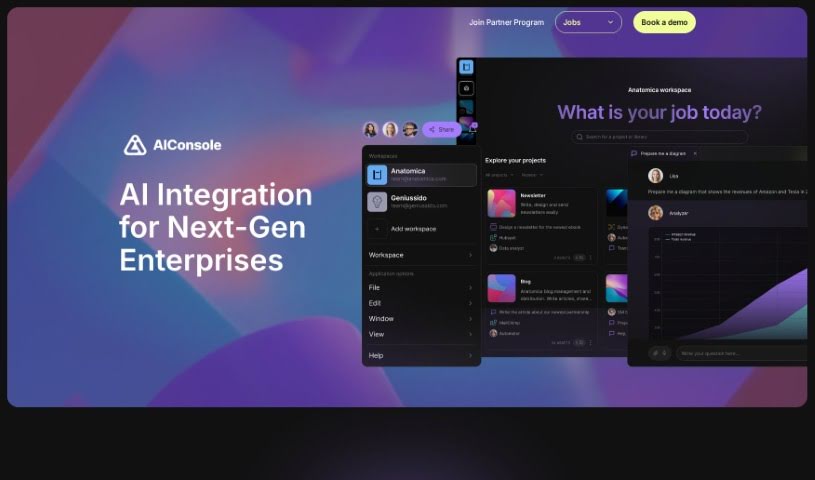
AIConsole is an open-source desktop AI editor that adapts to user needs. It automates tasks, creates content, and manages applications while keeping data private: it sends only essential data to AI language model (LLM) APIs. It runs on Linux, Mac, and Windows and can be downloaded from the official website. Development emphasizes community collaboration on GitHub and Discord.

Productivity View Tool →
Screenshot of AIEmploye

AIEmploye

Freemium

AIEmploye is a Chrome extension built on Robotic Process Automation (RPA). It works as a virtual assistant inside your browser, automating repetitive online tasks and streamlining workflows. It can also be used to guide new interns through tasks so they get done efficiently.

Productivity View Tool →
Screenshot of AiGenda

AiGenda

Freemium

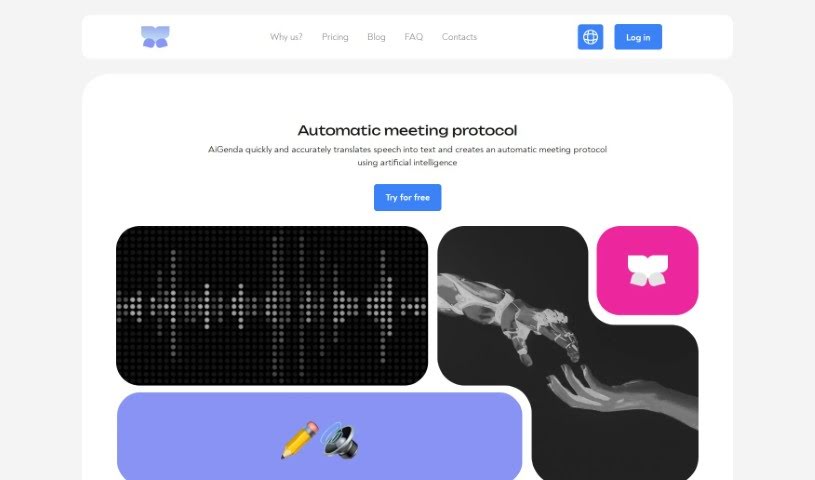
AiGenda is an AI-powered platform for online meetings, lectures, and conferences. It transcribes conversations automatically, produces concise summaries, shortens discussions, and highlights key agreements. The platform integrates with Google Meet, Zoom, and Telemost, supports many languages, and includes built-in security measures with real-time processing. It runs on smartphones and offers subscription plans for different business needs.

Productivity View Tool →
Screenshot of AiPPT

AiPPT

Freemium

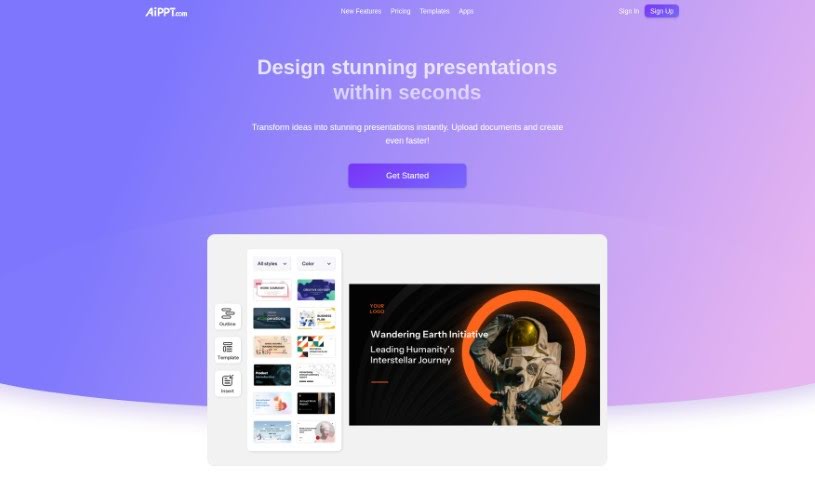
AiPPT is an AI-powered presentation toolkit for building PowerPoint and Google Slides decks. Enter a title to generate a full presentation, or convert an existing document into slides, then refine the result with templates and online editing. The tool also handles outline generation, document structuring, and automatic text generation.

Productivity View Tool →

About Productivity tools

Having a task list that seems to grow longer by the hour is a fast track to burnout. Between managing clogged email inboxes, jumping across context-heavy browser tabs, updating project boards, and tracking down files, everyday administrative work drains momentum. When managing your workflow takes more energy than doing your actual job, staying focused gets tough.

These workflow platforms act as high-speed productivity partners for task management, scheduling, and daily automation. They won’t replace your personal discipline or strategic priorities, but they handle routine administrative tasks so you can protect your focus time.

Organizing daily tasks and scheduling focus blocks takes far less manual effort. Manually moving deadlines around when a project slips or trying to carve out focus time between back-to-back meetings usually leaves you with a chaotic calendar. Smart scheduling assistants evaluate your working habits, auto-prioritize tasks, and block out dedicated focus time on your calendar before your day gets overrun.

Clearing out email backlogs and workspace communications becomes much faster, too. Sifting through dozens of unread messages just to pull out two urgent client requests wastes valuable time. Intelligent inbox tools summarize long email threads, draft contextual replies, and sort low-priority newsletters away from critical messages—helping you reach inbox zero without reading every word.

Synthesizing notes and cross-platform information creates a central memory hub. Losing track of an important project link or a quick thought saved in a random document stalls your momentum when you need it most. AI productivity assistants search across your workspace apps, notes, and bookmarked links, letting you ask plain-English questions to pull up specific files, meeting notes, or ideas in seconds.

Key Capabilities to Consider:

  • Smart calendar and time blocking: Systems that auto-schedule tasks into your calendar around existing meetings and focus preferences.
  • Contextual email and message drafting: Tools that scan long communication threads to generate concise replies and action items.
  • Universal workspace search: Software that connects with your documents, notes, and cloud storage to retrieve files through simple prompts.
  • Task prioritization algorithms: Applications that rank daily action items by urgency, deadlines, and project dependencies.
  • Workflow automation builders: Connectors that trigger actions across different apps without requiring manual data entry.

Daily productivity will always depend on clear personal priorities and healthy work habits. Software can organize a calendar, draft an email reply, and index your notes, but choosing what truly deserves your time requires human judgment.

Explore the productivity tools below to take control of your workday.

The Best AI Productivity Tools

  1. Perplexity: for automating tasks and helping with management.
  2. Small PDF.com: for smoother document management for teams.
  3. Gamma: for document creation tools that save time.
  4. Odoo: for a task management and collaboration app.
  5. Zoom: for analyzing and summarizing meeting content.
  6. N8N: for smoother team onboarding processes.
  7. Prezi: for engaging team collaboration sessions.
  8. Tableau: for creating reports and dashboards more easily.
  9. Data Camp: for efficient team collaboration workflows.
  10. Otter.ai: for getting action items from meetings without the fuss.
  11. Tenorshare: for easily summarizing long PDF documents.
  12. Slidesgo: for creating professional presentations efficiently.
  13. Facecheck Id: for streamlining identity verification tasks.
  14. HIX.AI: for boosting writing speed with smart tools.
  15. Tactiq: for automating meeting notes for teams.
New tools, in your inbox.

Weekly picks of the best AI tools we've researched and added — no spam, unsubscribe anytime.

Join 25,000+ AI enthusiasts. No spam, unsubscribe anytime.