Top AI Productivity Tools

AI Tools for Productivity

Discover the best Productivity AI tools to enhance your productivity and creativity.

Page 23 of 108 • 1290 total tools
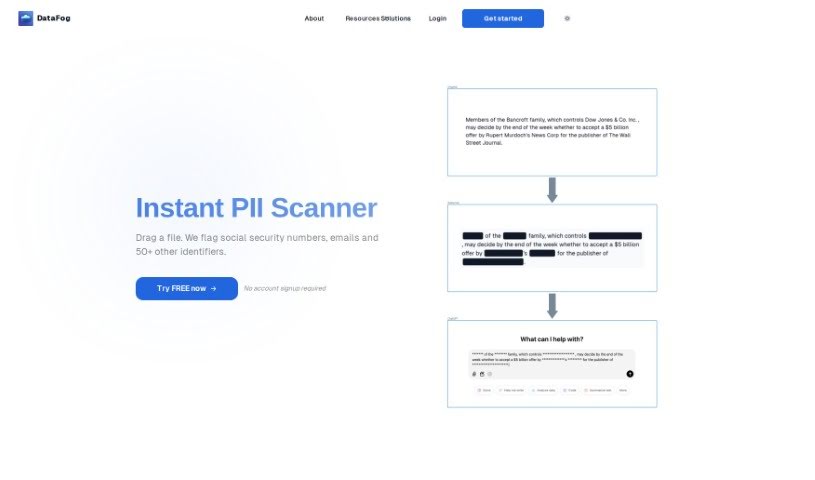
Screenshot of Datadog

Datadog

Freemium

Note: despite the listing name, this tool is actually DataFog, not Datadog. DataFog is an open-source, privacy-focused platform that finds and anonymizes Personally Identifiable Information (PII) — such as names, addresses, or phone numbers — in text documents, images, and audio files. It scans data for sensitive information, then either redacts it or replaces it with custom synthetic data, producing datasets that are free of PII and safe to share with trusted third parties like partners or collaborators.

Productivity View Tool →
Screenshot of DataGems

DataGems

Freemium

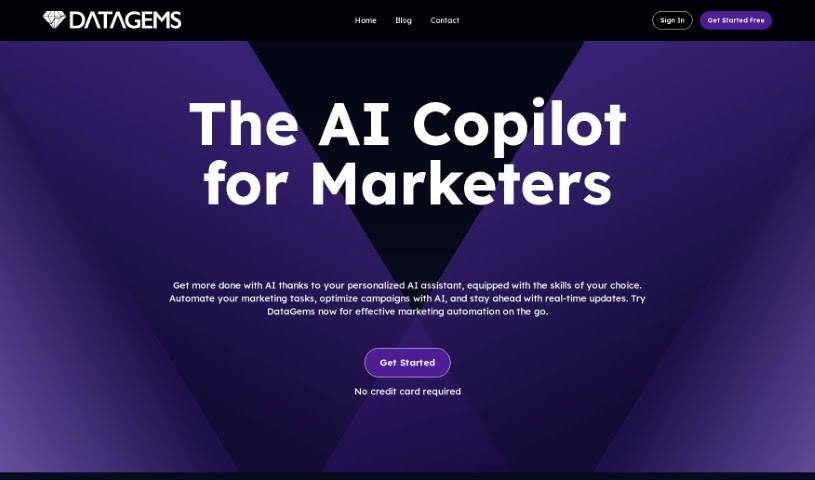
DataGems (also known as ChartGPT by Cadlabs) is a personal data assistant that helps you create charts and get answers to questions about your data. It guides you through exploring your datasets, using either pre-loaded sample datasets or ones you request for a specific use case. Note that ChartGPT runs on GPT-3.5 rather than GPT-4, so results can sometimes be inconsistent. The team is actively improving performance, adding features, and updating datasets.

Productivity View Tool →
Screenshot of Dataing

Dataing

Freemium

Dataing is a platform centered on working with data — collecting, storing, processing, and interpreting it to extract useful insights. Based on its name and positioning, it covers practices such as data mining (finding patterns), data visualization (making data easy to read), and data modeling (building frameworks for data). The goal is to help users make better decisions in business, science, and technology.

Productivity View Tool →
Screenshot of Dataminr

Dataminr

Freemium

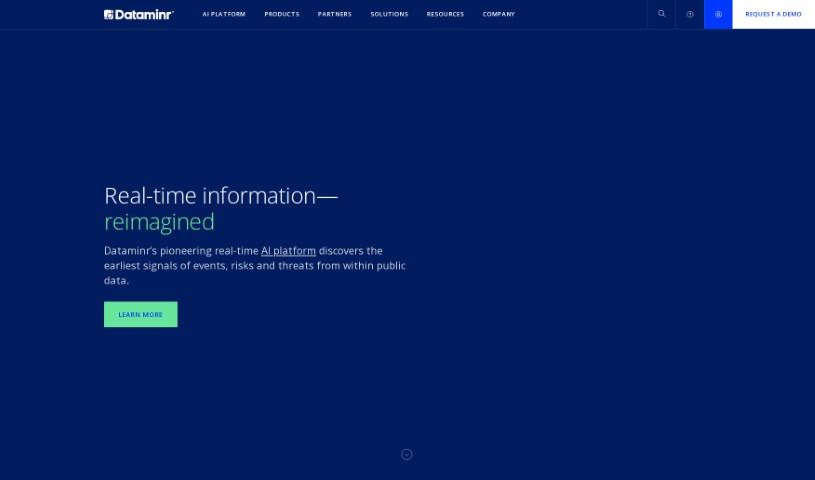
Dataminr is a real-time AI platform that provides early warnings about major events and developing risks, enabling faster reaction and more effective crisis management. It uses artificial intelligence to analyze data from social media, news, and other sources, delivering alerts and insights as events unfold.

Productivity View Tool →
Screenshot of Datascale

Datascale

Freemium

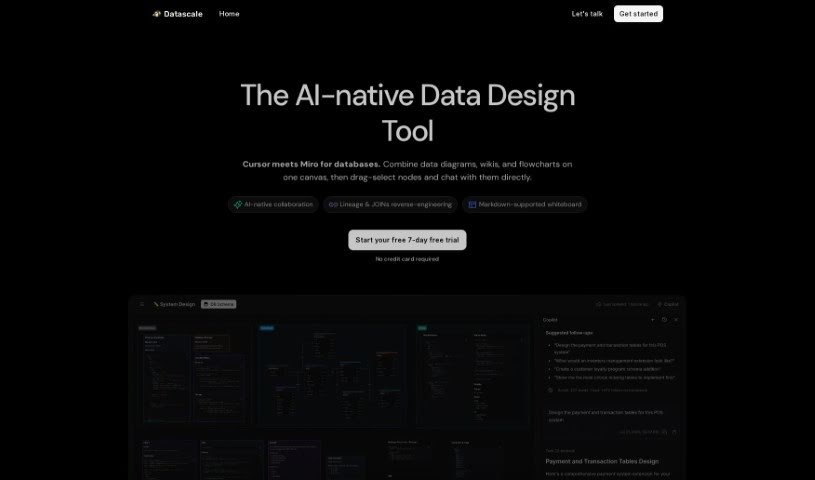
Datascale is a tool that automatically analyzes SQL lineage using AI. Its goal is to give you a clear picture of how complex data connects, help you be more productive with data, and keep your data workflows running smoothly.

Productivity View Tool →
Screenshot of Datasquirrel

Datasquirrel

Freemium

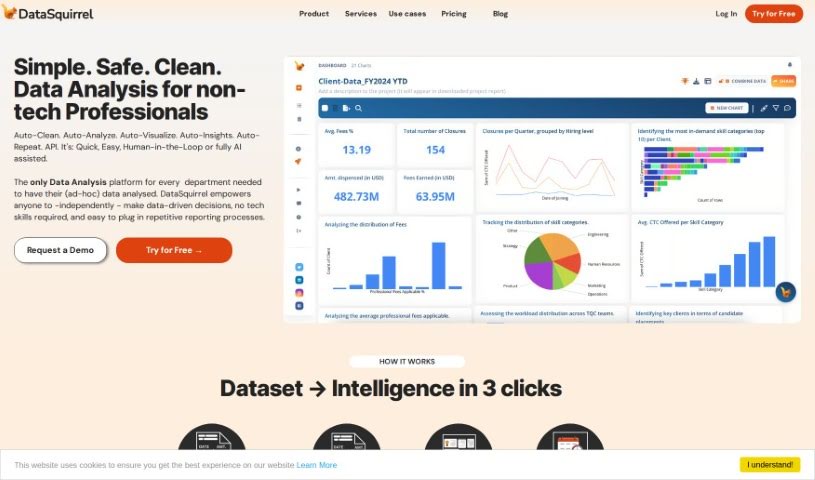
Datasquirrel is an AI-powered data analytics tool that automatically cleans data and creates clear visualizations. It fixes common data problems such as input errors, blank values, inconsistent date formats, and typos, and it provides automatic analysis, interactive dashboards, and secure data handling.

Productivity View Tool →
Screenshot of Datatera.ai

Datatera.ai

Freemium

Datatera.ai is a no-code platform that turns any website or file into a structured dataset, or into CRM, ERP, or HR records — without writing code, configuring mappings, or involving IT. It uses AI-powered tools for data analysis, task automation, and integration with external systems, including CRM software and Large Language Models (LLMs).

Productivity View Tool →
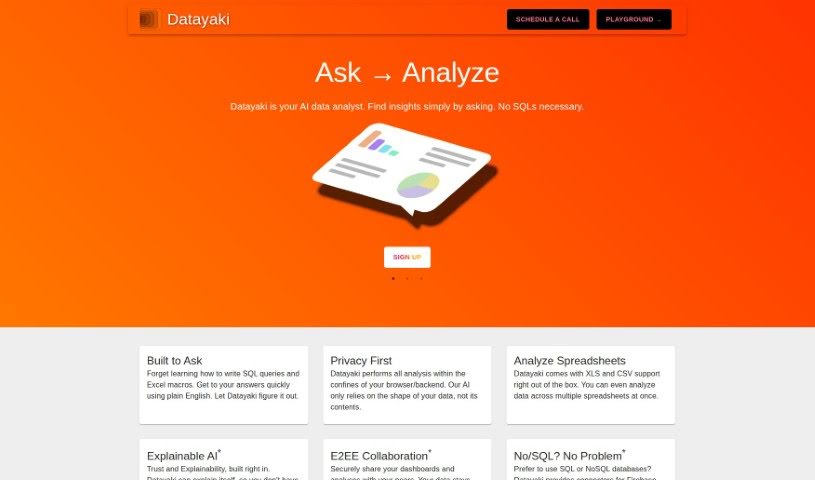
Screenshot of Datayaki

Datayaki

Freemium

Datayaki is an AI-powered data analyst that lets you create data widgets by asking questions in plain English—no SQL queries or Excel macros required. Privacy is built into the design: analysis runs either in your browser or on your backend, and the tool only examines your data's structure, never its actual content.

Productivity View Tool →
Screenshot of DatingAI Pro

DatingAI Pro

Freemium

DatingAI Pro is an AI-powered dating assistant that generates custom conversation starters, writes bios, and suggests replies for your online dating chats. A free tier lets you try the core features, with a premium plan unlocking additional functionality.

Productivity View Tool →
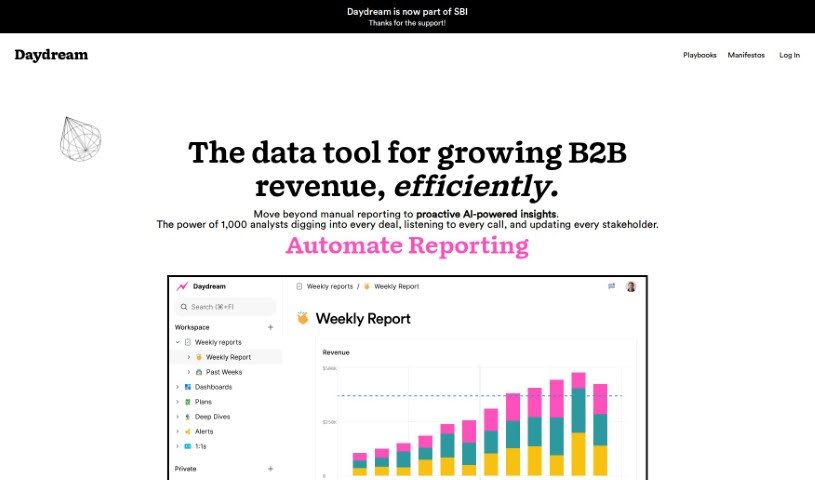
Screenshot of Daydream

Daydream

Freemium

Daydream is a Business Intelligence (BI) tool built for CEOs, COOs, finance professionals, and operations teams. It uses AI to focus on self-service analytics, insights, and reporting, helping users understand the story behind their data. The platform encourages collaboration, supports accountability, and streamlines KPI reporting with templates and collaborative reporting tools. Getting started is simple — just sign up for a free trial on their website. Daydream has been recognized as "Product of the Day."

Productivity View Tool →
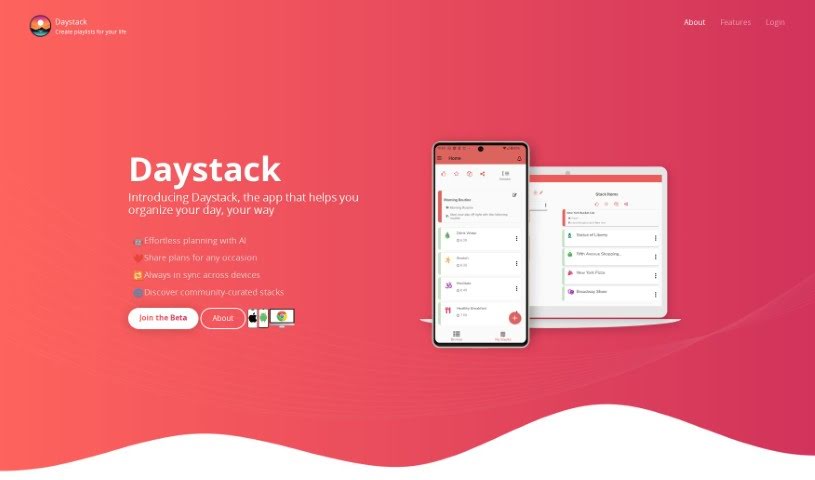
Screenshot of Daystack

Daystack

Freemium

Daystack is a mobile and web app that helps you organize your day with personalized playlists called "stacks." A stack can hold anything you need to do — a trip itinerary, a workout routine, or a daily to-do list. Build stacks from scratch or browse a catalog of stacks created by other users, which you can like and share.

Productivity View Tool →
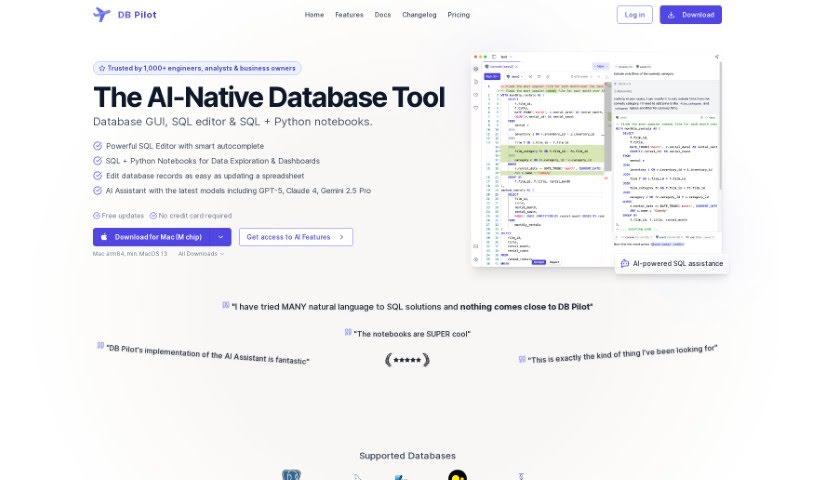
Screenshot of DB Pilot

DB Pilot

Freemium

DB Pilot is a database GUI built on an OLAP system from ClickHouse. It lets you query multiple data sources — PostgreSQL, S3, CSV, and JSON — as if they were a single database.

Productivity View Tool →

About Productivity tools

Having a task list that seems to grow longer by the hour is a fast track to burnout. Between managing clogged email inboxes, jumping across context-heavy browser tabs, updating project boards, and tracking down files, everyday administrative work drains momentum. When managing your workflow takes more energy than doing your actual job, staying focused gets tough.

These workflow platforms act as high-speed productivity partners for task management, scheduling, and daily automation. They won’t replace your personal discipline or strategic priorities, but they handle routine administrative tasks so you can protect your focus time.

Organizing daily tasks and scheduling focus blocks takes far less manual effort. Manually moving deadlines around when a project slips or trying to carve out focus time between back-to-back meetings usually leaves you with a chaotic calendar. Smart scheduling assistants evaluate your working habits, auto-prioritize tasks, and block out dedicated focus time on your calendar before your day gets overrun.

Clearing out email backlogs and workspace communications becomes much faster, too. Sifting through dozens of unread messages just to pull out two urgent client requests wastes valuable time. Intelligent inbox tools summarize long email threads, draft contextual replies, and sort low-priority newsletters away from critical messages—helping you reach inbox zero without reading every word.

Synthesizing notes and cross-platform information creates a central memory hub. Losing track of an important project link or a quick thought saved in a random document stalls your momentum when you need it most. AI productivity assistants search across your workspace apps, notes, and bookmarked links, letting you ask plain-English questions to pull up specific files, meeting notes, or ideas in seconds.

Key Capabilities to Consider:

  • Smart calendar and time blocking: Systems that auto-schedule tasks into your calendar around existing meetings and focus preferences.
  • Contextual email and message drafting: Tools that scan long communication threads to generate concise replies and action items.
  • Universal workspace search: Software that connects with your documents, notes, and cloud storage to retrieve files through simple prompts.
  • Task prioritization algorithms: Applications that rank daily action items by urgency, deadlines, and project dependencies.
  • Workflow automation builders: Connectors that trigger actions across different apps without requiring manual data entry.

Daily productivity will always depend on clear personal priorities and healthy work habits. Software can organize a calendar, draft an email reply, and index your notes, but choosing what truly deserves your time requires human judgment.

Explore the productivity tools below to take control of your workday.

The Best AI Productivity Tools

  1. Perplexity: for automating tasks and helping with management.
  2. Small PDF.com: for smoother document management for teams.
  3. Gamma: for document creation tools that save time.
  4. Odoo: for a task management and collaboration app.
  5. Zoom: for analyzing and summarizing meeting content.
  6. N8N: for smoother team onboarding processes.
  7. Prezi: for engaging team collaboration sessions.
  8. Tableau: for creating reports and dashboards more easily.
  9. Data Camp: for efficient team collaboration workflows.
  10. Otter.ai: for getting action items from meetings without the fuss.
  11. Tenorshare: for easily summarizing long PDF documents.
  12. Slidesgo: for creating professional presentations efficiently.
  13. Facecheck Id: for streamlining identity verification tasks.
  14. HIX.AI: for boosting writing speed with smart tools.
  15. Tactiq: for automating meeting notes for teams.
New tools, in your inbox.

Weekly picks of the best AI tools we've researched and added — no spam, unsubscribe anytime.

Join 25,000+ AI enthusiasts. No spam, unsubscribe anytime.