Top AI Productivity Tools

AI Tools for Productivity

Discover the best Productivity AI tools to enhance your productivity and creativity.

Page 21 of 108 • 1290 total tools
Screenshot of Creately

Creately

Freemium

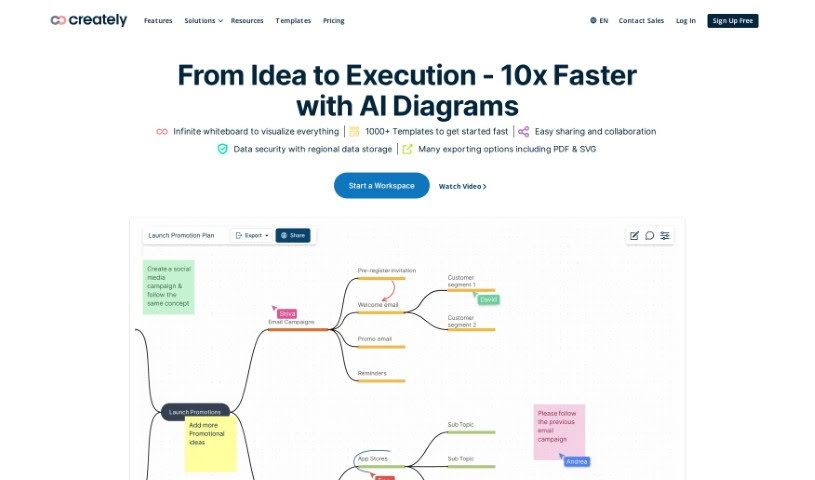
Creately is a visual intelligence platform that helps individuals and teams communicate more clearly and collaborate more effectively. It combines diagramming, whiteboards, and data-linked visual apps that can be customized without code. AI features help generate visuals, surface new perspectives, and automate tasks. The core premise is that visualization sparks ideas, improves information sharing, and supports better decisions.

Productivity View Tool →
Screenshot of Creatorboost

Creatorboost

Freemium

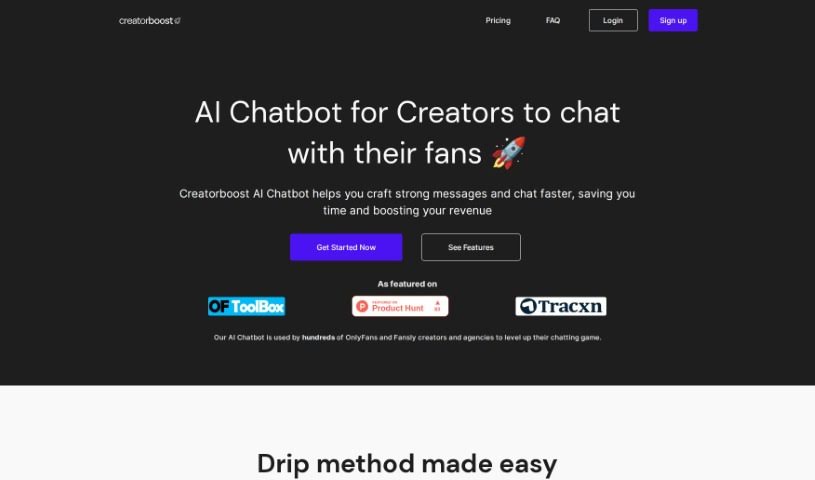
Creatorboost is a Chrome extension built for OnlyFans and Fansly creators who want to improve productivity and earnings. It bundles an AI Chatbot, an Emoji Keyboard, a Fan's CRM, and Message Templates into a single tool, helping you write strong, personalized messages quickly. For OnlyFans users, it also offers Inbox Prioritization and Vault Labelling to make fan interactions smoother. Privacy is a core focus: your private messages, fan lists, and earnings stay confidential. The features include AI-Generated Chat Suggestions, an Emoji Keyboard and Message Templates, a Privacy-Oriented Chrome Extension, an Easy-to-use CRM, Inbox Prioritization, and Vault Labelling.

Productivity View Tool →
Screenshot of Creatus.ai

Creatus.ai

Freemium

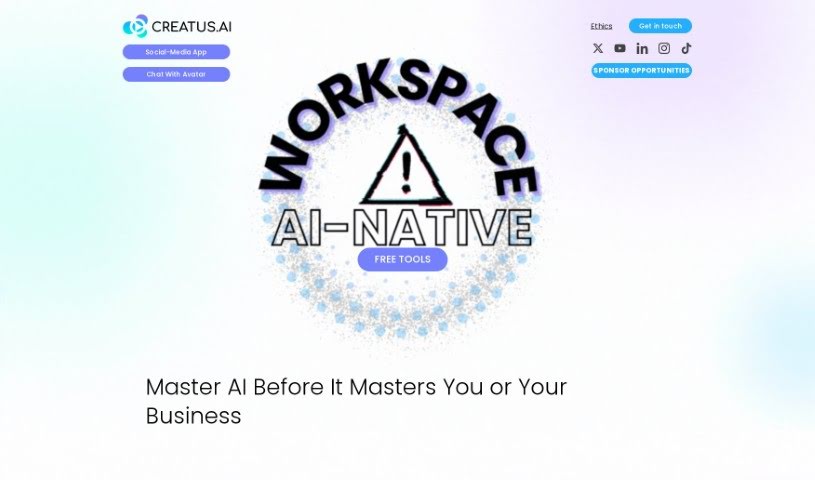
Creatus.AI is a company that develops AI-powered solutions designed to fit into daily tasks and workflows. Its services target a range of industries and needs, aiming to increase productivity and reduce manual work. Creatus.AI specializes in creating custom AI integrations and solutions for businesses, from small and medium-sized enterprises (SMEs) to large organizations. The company has expertise across several AI areas, including Generative Adversarial Networks (GAN), Natural Language Processing (NLP), Conversational AI, Machine Learning, Computer Vision, and Deep Learning. Its goal is to simplify complex processes, adapt to specific requirements, and deliver solutions aligned with business goals.

Productivity View Tool →
Screenshot of CRM Chat

CRM Chat

Freemium

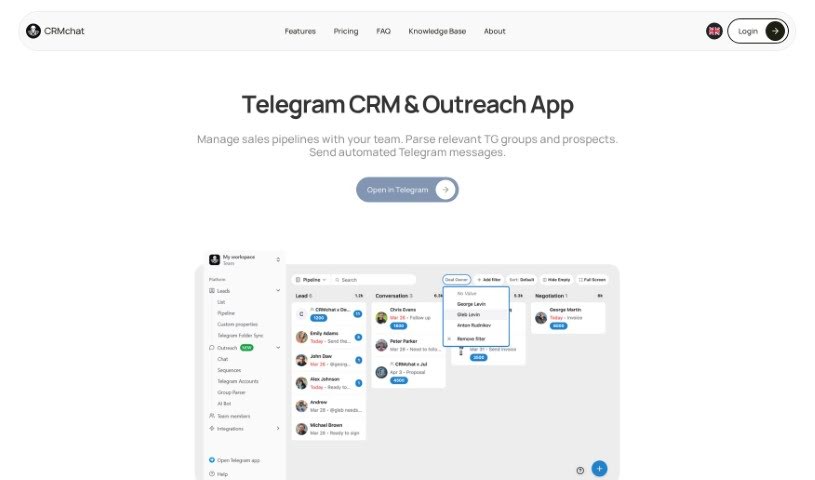
CRMchat is a Telegram mini-app that organizes your conversations into leads and deals, complete with reminders and tasks. It syncs with the tools you already use, and you can choose which integrations to set up. It's built for teams, letting everyone move the business forward without manually updating interfaces. You control what gets synced — only contacts you approve are shared.

Productivity View Tool →
Screenshot of CrowdPrisma

CrowdPrisma

Freemium

CrowdPrisma is an AI-powered survey analysis platform that automates the analysis of open-ended survey responses. It claims to be the first tool of its kind, using advanced Natural Language Processing (NLP) to quickly process free-text answers and identify groups of respondents who think alike.

Productivity View Tool →
Screenshot of CrowdView

CrowdView

Freemium

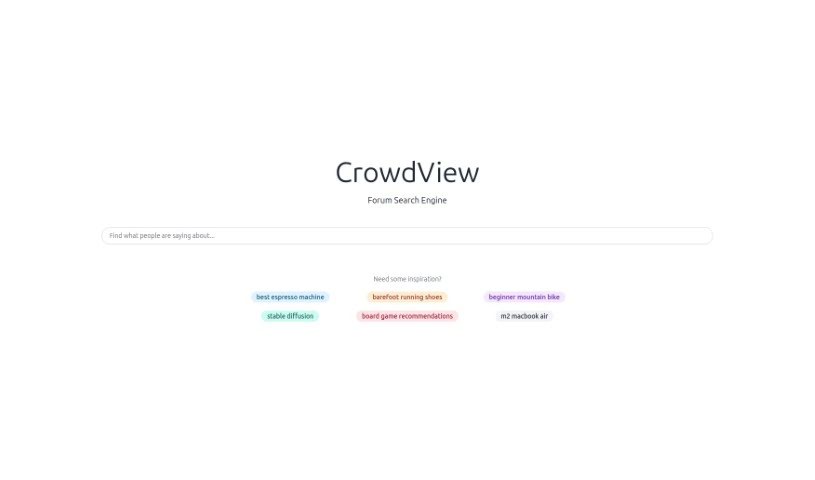
CrowdView is a search engine built specifically for conversations. It helps you find and explore discussions happening across the internet, pulling content from social media sites, forums, and online communities into one place. Results can be sorted and filtered by relevance, popularity, or recency, and you can bookmark discussions to revisit later. This makes it useful for researchers, journalists, or anyone who wants to track how conversations develop or connect with people who share their interests.

Productivity View Tool →
Screenshot of Crustdata

Crustdata

Freemium

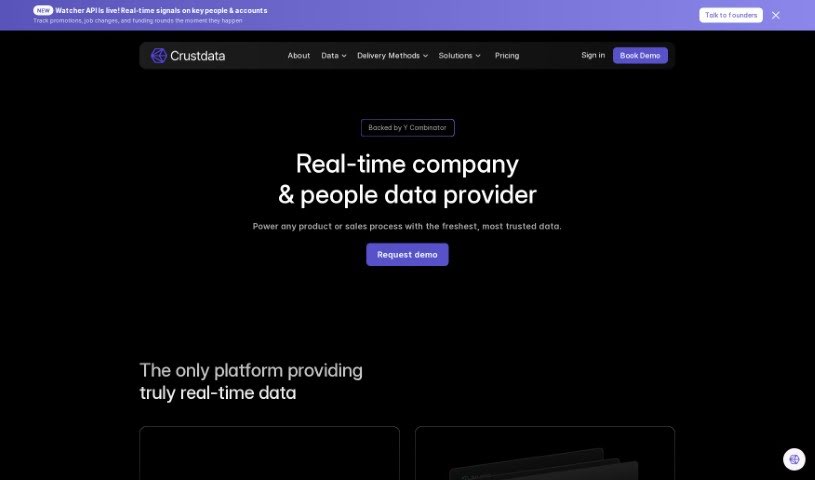
Crustdata is an AI-powered platform for understanding companies. It analyzes large volumes of data to produce insights that predict how companies might perform, supporting more informed business decisions. Features include BrandScope for brand data, tools for media data, and custom search criteria, along with data tailored to specific sectors such as enterprise SaaS, restaurant POS software, and fintech.

Productivity View Tool →
Screenshot of Crystal Knows

Crystal Knows

Freemium

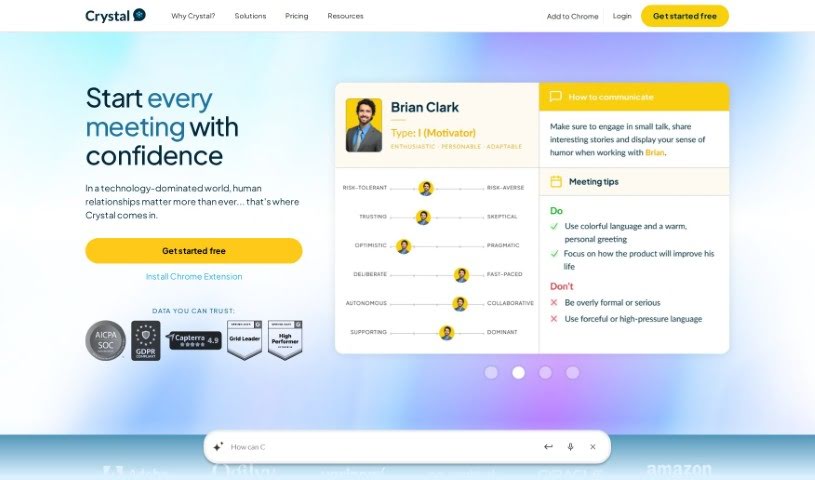
Crystal Knows is a platform that provides personality insights to help you understand yourself and communicate better with others. Founded in 2015 and based in Nashville, its mission is to strengthen communication through personality data. The software analyzes millions of online data points to identify a person's motivations, preferred communication style, and other behavioral traits.

Productivity View Tool →
Screenshot of CrystalSound

CrystalSound

Freemium

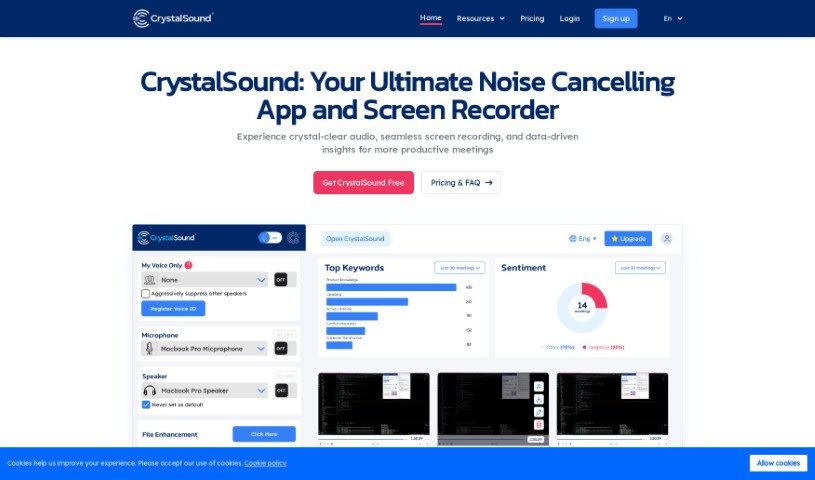
CrystalSound is an app for Windows, Mac, and Linux that cleans up your audio. It combines noise cancellation and voice changing in one tool, with the goal of delivering clear audio. It cuts background noise, improves the sound of audio files, and lets you change your voice. It is particularly useful for reducing distractions during online meetings and improving overall sound quality.

Productivity View Tool →
Screenshot of Cue

Cue

Freemium

Cue is a digital platform built to improve how teams work together and get things done. It combines task management, team messaging, file sharing, and calendar integration in a single place, with the goal of making workflows smoother and communication clearer within an organization.

Productivity View Tool →
Screenshot of CueCam Presenter

CueCam Presenter

Freemium

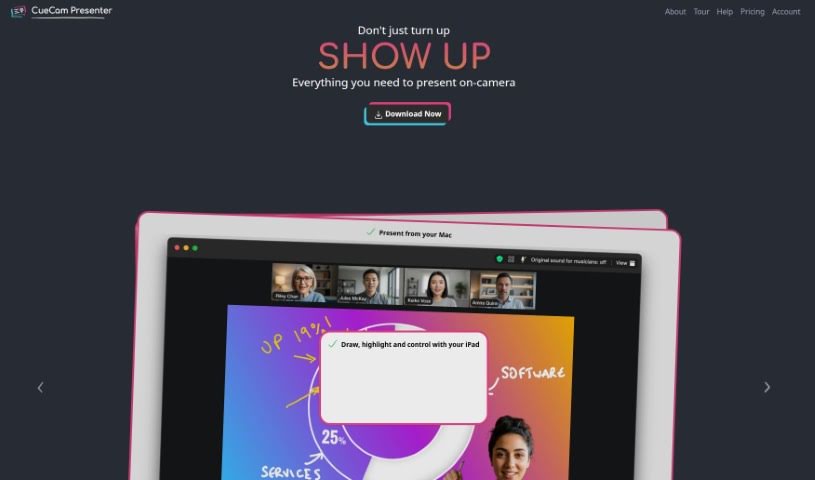
CueCam Presenter is a Mac app that changes how you share content during video calls. It turns your iPhone into a camera, teleprompter, and preview window, so you can present while looking directly at your audience. If you have an iPad, the app works with it too: the Video Pencil feature lets you draw and add annotations directly over whatever you're sharing.

Productivity View Tool →
Screenshot of Cumulus Pro

Cumulus Pro

Freemium

Cumulus Pro converts standard operating procedures into digital workflows, with a focus on quality management across work activities. The platform aims to boost productivity, improve process execution, and reduce rework by ensuring workers follow the right steps and quality checks. Existing procedures can be converted into digital workflows instantly, and new procedures can be created based on industry expert recommendations.

Productivity View Tool →

About Productivity tools

Having a task list that seems to grow longer by the hour is a fast track to burnout. Between managing clogged email inboxes, jumping across context-heavy browser tabs, updating project boards, and tracking down files, everyday administrative work drains momentum. When managing your workflow takes more energy than doing your actual job, staying focused gets tough.

These workflow platforms act as high-speed productivity partners for task management, scheduling, and daily automation. They won’t replace your personal discipline or strategic priorities, but they handle routine administrative tasks so you can protect your focus time.

Organizing daily tasks and scheduling focus blocks takes far less manual effort. Manually moving deadlines around when a project slips or trying to carve out focus time between back-to-back meetings usually leaves you with a chaotic calendar. Smart scheduling assistants evaluate your working habits, auto-prioritize tasks, and block out dedicated focus time on your calendar before your day gets overrun.

Clearing out email backlogs and workspace communications becomes much faster, too. Sifting through dozens of unread messages just to pull out two urgent client requests wastes valuable time. Intelligent inbox tools summarize long email threads, draft contextual replies, and sort low-priority newsletters away from critical messages—helping you reach inbox zero without reading every word.

Synthesizing notes and cross-platform information creates a central memory hub. Losing track of an important project link or a quick thought saved in a random document stalls your momentum when you need it most. AI productivity assistants search across your workspace apps, notes, and bookmarked links, letting you ask plain-English questions to pull up specific files, meeting notes, or ideas in seconds.

Key Capabilities to Consider:

  • Smart calendar and time blocking: Systems that auto-schedule tasks into your calendar around existing meetings and focus preferences.
  • Contextual email and message drafting: Tools that scan long communication threads to generate concise replies and action items.
  • Universal workspace search: Software that connects with your documents, notes, and cloud storage to retrieve files through simple prompts.
  • Task prioritization algorithms: Applications that rank daily action items by urgency, deadlines, and project dependencies.
  • Workflow automation builders: Connectors that trigger actions across different apps without requiring manual data entry.

Daily productivity will always depend on clear personal priorities and healthy work habits. Software can organize a calendar, draft an email reply, and index your notes, but choosing what truly deserves your time requires human judgment.

Explore the productivity tools below to take control of your workday.

The Best AI Productivity Tools

  1. Perplexity: for automating tasks and helping with management.
  2. Small PDF.com: for smoother document management for teams.
  3. Gamma: for document creation tools that save time.
  4. Odoo: for a task management and collaboration app.
  5. Zoom: for analyzing and summarizing meeting content.
  6. N8N: for smoother team onboarding processes.
  7. Prezi: for engaging team collaboration sessions.
  8. Tableau: for creating reports and dashboards more easily.
  9. Data Camp: for efficient team collaboration workflows.
  10. Otter.ai: for getting action items from meetings without the fuss.
  11. Tenorshare: for easily summarizing long PDF documents.
  12. Slidesgo: for creating professional presentations efficiently.
  13. Facecheck Id: for streamlining identity verification tasks.
  14. HIX.AI: for boosting writing speed with smart tools.
  15. Tactiq: for automating meeting notes for teams.
New tools, in your inbox.

Weekly picks of the best AI tools we've researched and added — no spam, unsubscribe anytime.

Join 25,000+ AI enthusiasts. No spam, unsubscribe anytime.