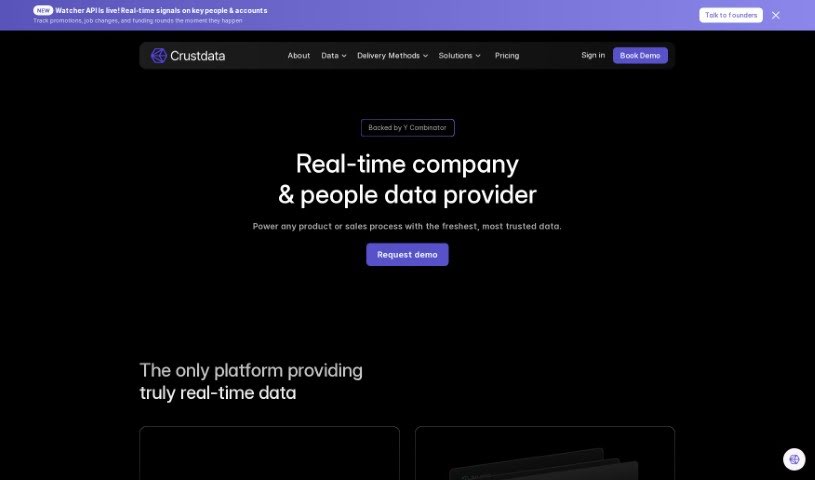
Screenshot of Crustdata

Crustdata

Discover what Crustdata is and how to use it effectively in 2025. We'll explore its features and see how it stacks up against other Data Analytics Tools.

Screenshot

What is Crustdata?

CrustData is your AI-powered secret weapon for understanding companies. It’s a tool that digs into a ton of data, giving you insights that can really help you get ahead of the competition. It’s designed to predict how companies might perform in the future, which means you can make smarter decisions and stay on top of your game in whatever industry you’re in. What’s cool is that it offers specific features like BrandScope for brand data, tools for media data, and lets you set up your own search criteria. It also provides data tailored to specific sectors, making it super useful for businesses in areas like enterprise SaaS, restaurant POS software, and fintech.

Who created Crustdata?

CrustData is actually the company behind CompanyGPT. They launched CompanyGPT on August 26, 2023. It’s an AI tool that acts as a thematic company screener, packed with all sorts of datasets and predictive insights. The whole point is to give users a real advantage in their industries. CrustData really focuses on delivering insights you can actually use, helping you screen companies based on themes, and letting you customize your searches to make better business decisions and improve how your business performs.

What is Crustdata used for?

Crustdata is incredibly versatile. Here’s a look at what you can do with it:

  • Get real-time data on LinkedIn headcount and people.
  • Dynamically update your CRM with fresh information.
  • Easily screen for companies that are growing the fastest.
  • Keep a close eye on companies that are important to your business.
  • Power up your marketing or sales platform, or even your agency.
  • Access real-time data on founders and key decision-makers.
  • See how website traffic trends change over time.
  • Compare Google Search impressions against your average position.
  • Read product reviews directly from G2.
  • Check CEO approval ratings and other company reviews.

How to use Crustdata?

To get the most out of CompanyGPT, the first step is to sign up for an account on their website. Once you’re registered, just log in, and you’ll find yourself at the dashboard, ready to start using the tool. Here’s a simple breakdown of how to go about it:

  1. Define Your Project: Before you do anything else, get clear on what you want to achieve. What are the main goals and requirements for your project or task?
  2. Input Information: Next, you’ll need to enter the relevant details. This could include things like descriptions of companies, their products, or services that are connected to your project.
  3. Customize Settings: Now, you can tailor the experience to your liking. Adjust the settings to control things like the tone of the content, how long it should be, and the overall style.
  4. Generate Content: Once everything is set up, just hit the generate button. The tool will then create the content for your project based on what you’ve specified.
  5. Review and Edit: It’s important to take a good look at what CompanyGPT has produced. Make any necessary edits or adjustments to ensure the quality is just right.
  6. Save and Export: When you’re happy with the content, you can save it directly within the platform or export it in whatever format you need for your final use.
  7. Iterate and Improve: Don’t stop there! Keep refining your inputs and providing feedback to CompanyGPT. This helps the tool get even better at generating high-quality, relevant content for your future projects. By following these steps, you’ll be able to use CompanyGPT really effectively for all sorts of tasks.

Related AI Tools

Discover more tools in similar categories that might interest you

Stay Updated with AI Tools

Get weekly updates on the latest AI tools, trends, and insights delivered to your inbox

Join 25,000+ AI enthusiasts. No spam, unsubscribe anytime.