Top AI Productivity Tools

AI Tools for Productivity

Discover the best Productivity AI tools to enhance your productivity and creativity.

Page 15 of 108 • 1290 total tools
Screenshot of Calorieasy

Calorieasy

Freemium

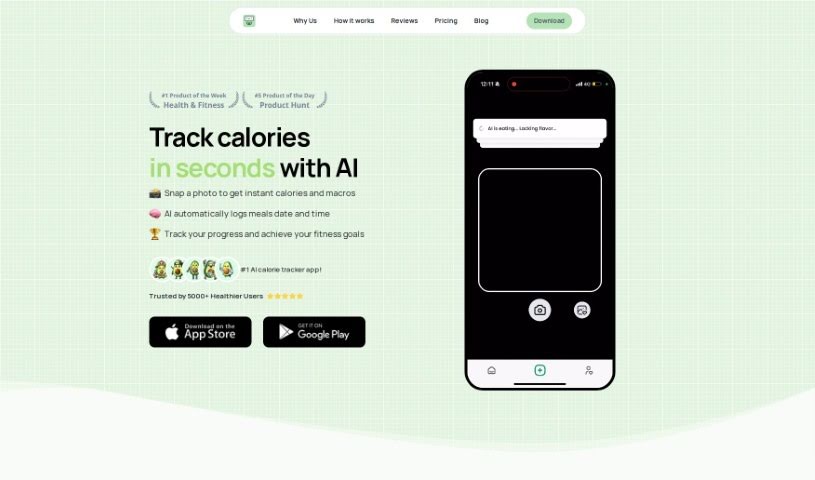
Calorieasy is an AI-powered calorie tracking app. Instead of typing in what you eat, you snap a photo of your meal and the app logs it. It provides quick food tracking with timestamps, detailed calorie information, and personalized daily calorie goals based on your lifestyle and fitness objectives. Its main differentiator is AI-powered photo logging, which removes the need for manual entry.

Productivity View Tool →
Screenshot of Camp

Camp

Freemium

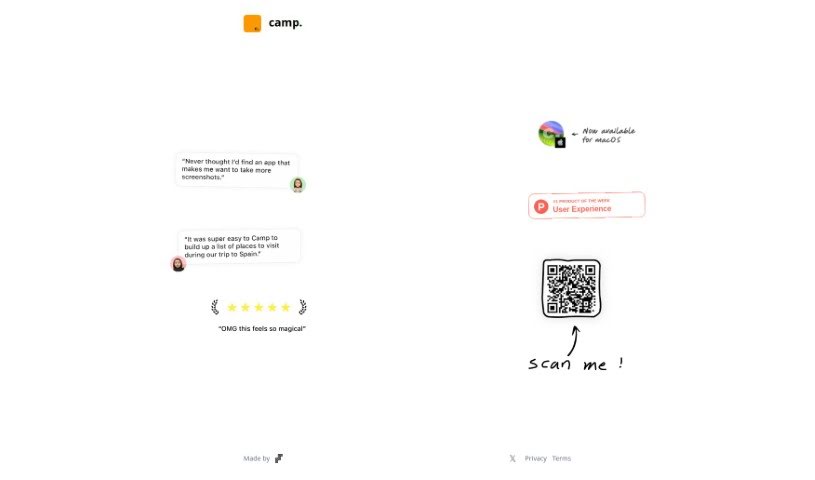
Camp is a tool that upgrades what your phone screenshots can do. It automatically detects and extracts key details — text, people, and locations — directly from your images. A music identification feature is also planned. Instead of sitting as static pictures in your photo library, your screenshots gain extra capabilities and become more useful and interactive.

Productivity View Tool →
Screenshot of Canva AI Presentation Maker

Canva AI Presentation Maker

Freemium

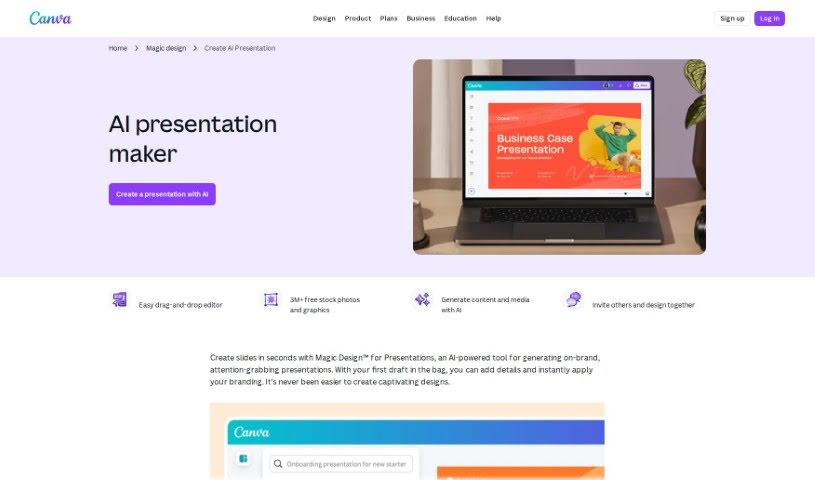
Canva AI Presentation Maker is a feature within the Canva platform that uses artificial intelligence to simplify presentation creation. It acts as a design assistant, suggesting designs, layouts, and content ideas. Because it lives inside Canva, you also get the platform's collaboration tools, letting teams build presentations together while saving time. The goal is to boost productivity and creativity with smart, easy-to-use design help tailored to your needs.

Productivity View Tool →
Screenshot of Cape Privacy

Cape Privacy

Freemium

Cape Privacy is a platform built with privacy as its core principle. It pairs AI capabilities — agentic workflows, AI-driven knowledge retrieval, and a chat interface called CapeChat — with privacy-first features including automatic encryption, automatic redaction of sensitive information, language models, OCR, voice features, NDA tools, secure enclaves, and workflow automation.

Productivity View Tool →
Screenshot of Capgo

Capgo

Freemium

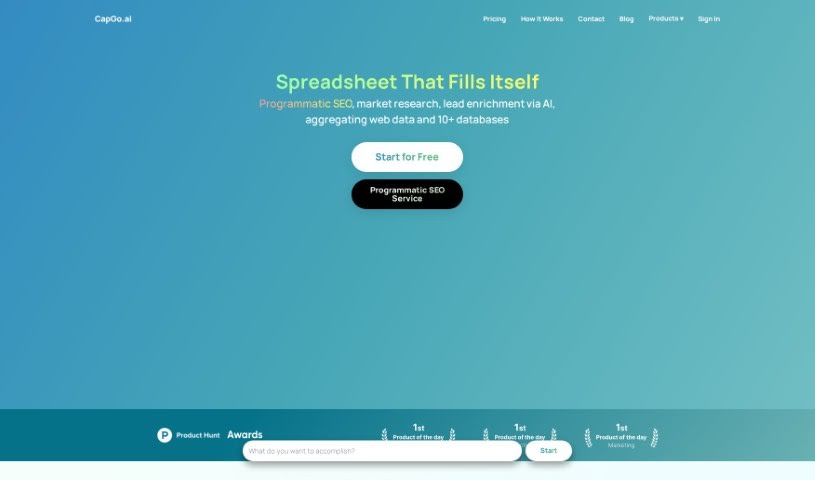
Capgo is a spreadsheet integration tool that populates spreadsheets with data in a single click. It pulls live data directly from Google, keeping entries accurate and current while cutting down on manual data entry. Setup is minimal, and the tool is built to simplify tasks such as market research.

Productivity View Tool →
Screenshot of CapSolver

CapSolver

Freemium

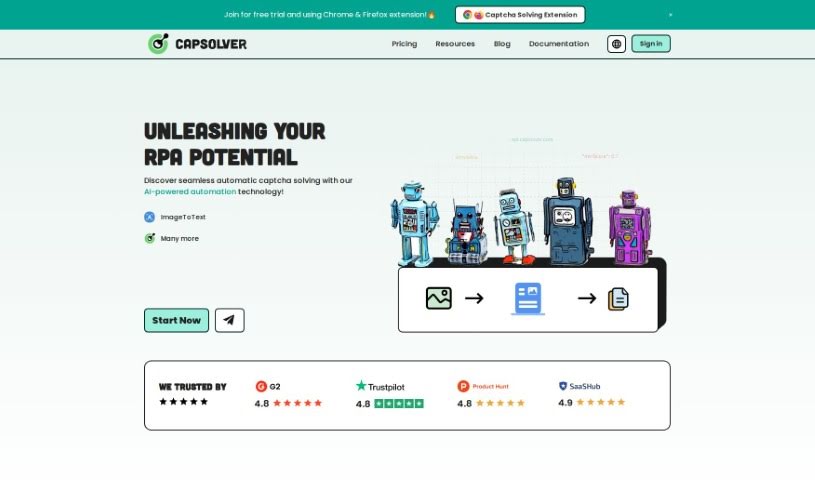
CapSolver is an AI-driven captcha solving service that handles reCAPTCHA v2 and v3, hCaptcha, FunCaptcha, Cloudflare Turnstile, and AWS WAF. It uses AI and machine learning for image recognition and is built for fast solving.

Productivity View Tool →
Screenshot of Carepatron

Carepatron

Freemium

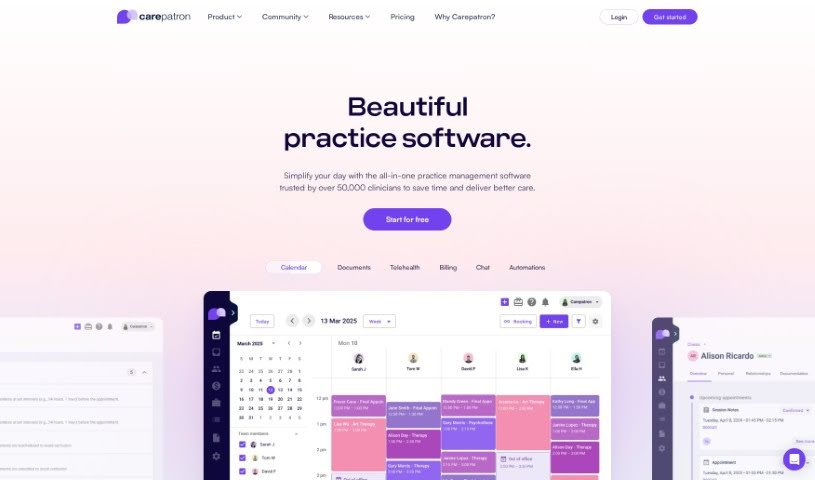
Carepatron is a free tool that uses artificial intelligence to transcribe medical notes accurately and efficiently. It fits into daily clinical work, cutting down the time and hassle of manual transcription so healthcare providers can spend more time with patients. The AI minimizes transcription errors, capturing spoken words quickly and converting them to text with high accuracy, which improves the reliability and precision of patient records.

Productivity View Tool →
Screenshot of CassidyAI

CassidyAI

Freemium

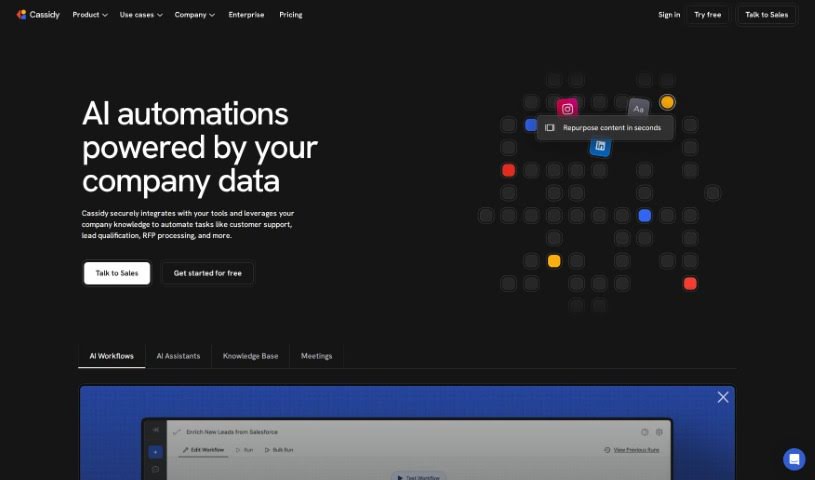
CassidyAI is an AI automation platform that builds personalized, data-driven workflows for businesses. It uses natural language processing, sentiment analysis, and predictive analytics to help teams understand and engage customers, and its models can handle repetitive tasks such as answering support queries or generating content. The goal is to streamline operations, boost sales, and improve customer satisfaction.

Productivity View Tool →
Screenshot of Cat Identifier

Cat Identifier

Freemium

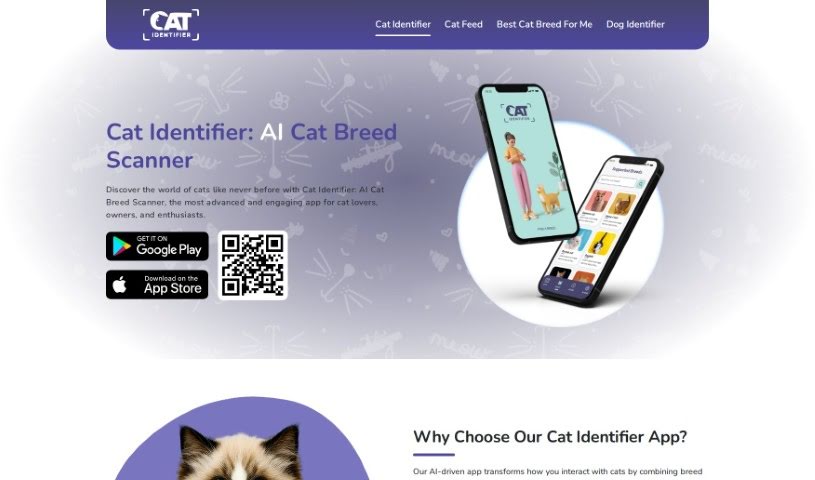
Cat Identifier is an AI-powered app that identifies cat breeds from a photo. Snap a picture or choose one from your phone's gallery, and the app uses image recognition and machine learning to determine the breed. It covers more than 70 FCI cat breeds and can also identify mixed breeds.

Productivity View Tool →
Screenshot of Celebrateally AI

Celebrateally AI

Freemium

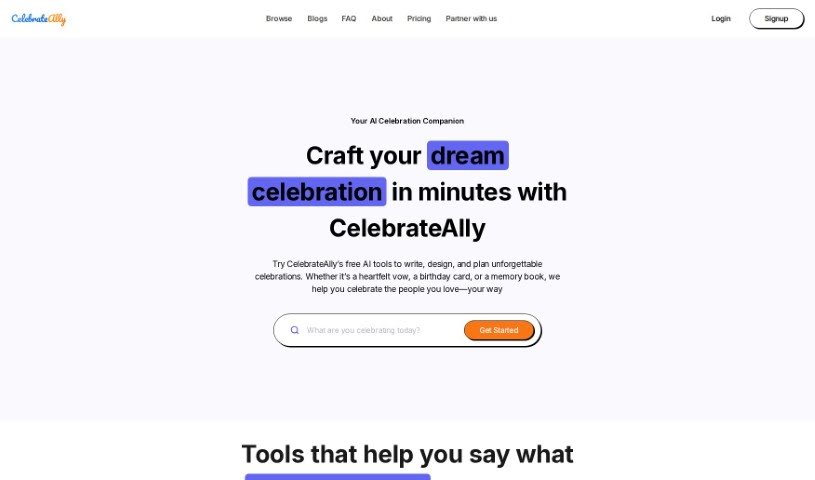
Celebrateally AI is a platform that uses artificial intelligence to help you plan and organize events. It acts as a personal event assistant, helping you manage guest lists, send invitations, and keep event details in order. It offers personalized suggestions, helps you build a custom event timeline, and simplifies communication with guests, making event planning less stressful.

Productivity View Tool →
Screenshot of Census GPT

Census GPT

Freemium

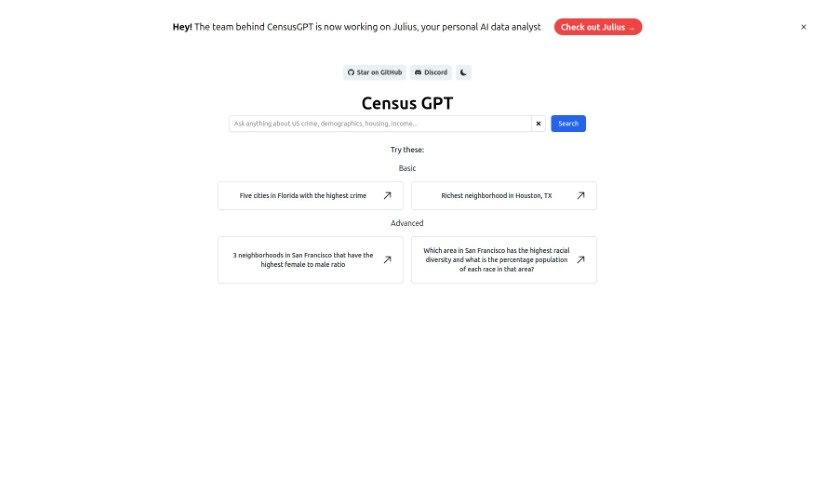
Census GPT is an AI-powered platform for data analysis and reporting, aimed at data scientists, market analysts, and anyone who needs reliable data interpretation. It provides real-time analytics driven by advanced algorithms, turning raw data into detailed, understandable reports through a user-friendly interface. The platform is also optimized for search engines, making it easy to find for those looking for data processing tools.

Productivity View Tool →
Screenshot of Cerebri AI

Cerebri AI

Freemium

Cerebri AI Inc. is a data science and AI company offering analytics tools, with a focus on helping businesses optimize travel and meetings. Its Cerebri AIQ platform, built on data engineering and AI modeling, provides near real-time data and analytics to help business managers make informed decisions. The company combines human expertise, big data, and machine learning to turn complex data into actionable knowledge across marketing, sales, travel, finance, and ESG data management.

Productivity View Tool →

About Productivity tools

Having a task list that seems to grow longer by the hour is a fast track to burnout. Between managing clogged email inboxes, jumping across context-heavy browser tabs, updating project boards, and tracking down files, everyday administrative work drains momentum. When managing your workflow takes more energy than doing your actual job, staying focused gets tough.

These workflow platforms act as high-speed productivity partners for task management, scheduling, and daily automation. They won’t replace your personal discipline or strategic priorities, but they handle routine administrative tasks so you can protect your focus time.

Organizing daily tasks and scheduling focus blocks takes far less manual effort. Manually moving deadlines around when a project slips or trying to carve out focus time between back-to-back meetings usually leaves you with a chaotic calendar. Smart scheduling assistants evaluate your working habits, auto-prioritize tasks, and block out dedicated focus time on your calendar before your day gets overrun.

Clearing out email backlogs and workspace communications becomes much faster, too. Sifting through dozens of unread messages just to pull out two urgent client requests wastes valuable time. Intelligent inbox tools summarize long email threads, draft contextual replies, and sort low-priority newsletters away from critical messages—helping you reach inbox zero without reading every word.

Synthesizing notes and cross-platform information creates a central memory hub. Losing track of an important project link or a quick thought saved in a random document stalls your momentum when you need it most. AI productivity assistants search across your workspace apps, notes, and bookmarked links, letting you ask plain-English questions to pull up specific files, meeting notes, or ideas in seconds.

Key Capabilities to Consider:

  • Smart calendar and time blocking: Systems that auto-schedule tasks into your calendar around existing meetings and focus preferences.
  • Contextual email and message drafting: Tools that scan long communication threads to generate concise replies and action items.
  • Universal workspace search: Software that connects with your documents, notes, and cloud storage to retrieve files through simple prompts.
  • Task prioritization algorithms: Applications that rank daily action items by urgency, deadlines, and project dependencies.
  • Workflow automation builders: Connectors that trigger actions across different apps without requiring manual data entry.

Daily productivity will always depend on clear personal priorities and healthy work habits. Software can organize a calendar, draft an email reply, and index your notes, but choosing what truly deserves your time requires human judgment.

Explore the productivity tools below to take control of your workday.

The Best AI Productivity Tools

  1. Perplexity: for automating tasks and helping with management.
  2. Small PDF.com: for smoother document management for teams.
  3. Gamma: for document creation tools that save time.
  4. Odoo: for a task management and collaboration app.
  5. Zoom: for analyzing and summarizing meeting content.
  6. N8N: for smoother team onboarding processes.
  7. Prezi: for engaging team collaboration sessions.
  8. Tableau: for creating reports and dashboards more easily.
  9. Data Camp: for efficient team collaboration workflows.
  10. Otter.ai: for getting action items from meetings without the fuss.
  11. Tenorshare: for easily summarizing long PDF documents.
  12. Slidesgo: for creating professional presentations efficiently.
  13. Facecheck Id: for streamlining identity verification tasks.
  14. HIX.AI: for boosting writing speed with smart tools.
  15. Tactiq: for automating meeting notes for teams.
New tools, in your inbox.

Weekly picks of the best AI tools we've researched and added — no spam, unsubscribe anytime.

Join 25,000+ AI enthusiasts. No spam, unsubscribe anytime.