20Paths
Productivity Documentation
Learn more
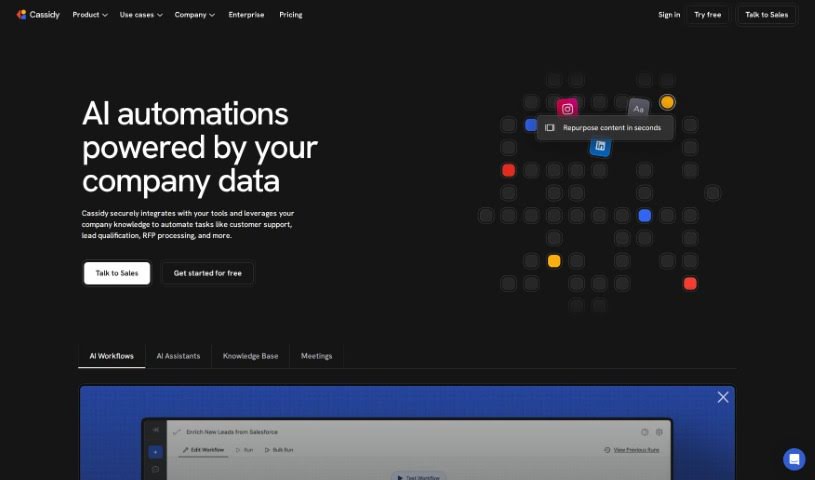
Discover what CassidyAI is and how it uses your company's data to automate support, sales, and content tasks.
CassidyAI is an AI automation platform that builds personalized, data-driven workflows for businesses. It uses natural language processing, sentiment analysis, and predictive analytics to help teams understand and engage customers, and its models can handle repetitive tasks such as answering support queries or generating content. The goal is to streamline operations, boost sales, and improve customer satisfaction.
CassidyAI was founded in 2019 by a team with backgrounds in AI and business. The company is known for its advanced AI solutions and personalized customer service.
CassidyAI supports a range of everyday business tasks, including:
CassidyAI suits professionals across functions, including marketing teams, customer support representatives, data analysts, content creators, sales personnel, business strategists, product managers, UX/UI designers, social media managers, and research analysts.
Create an account on the CassidyAI platform, then enter your text or task into the input box and choose your preferred output language and AI model. You can adjust settings such as length, tone, and creativity before generating output. Review the results for accuracy, edit them on the platform if needed, then copy or download the final text. Experimenting with different prompts and settings is the best way to find the configurations that work for your workflows.
Related
Discover more tools in similar categories
Weekly picks of the best AI tools we've researched and added — no spam, unsubscribe anytime.
Join 25,000+ AI enthusiasts. No spam, unsubscribe anytime.