Top AI Productivity Tools

AI Tools for Productivity

Discover the best Productivity AI tools to enhance your productivity and creativity.

Page 10 of 108 • 1290 total tools
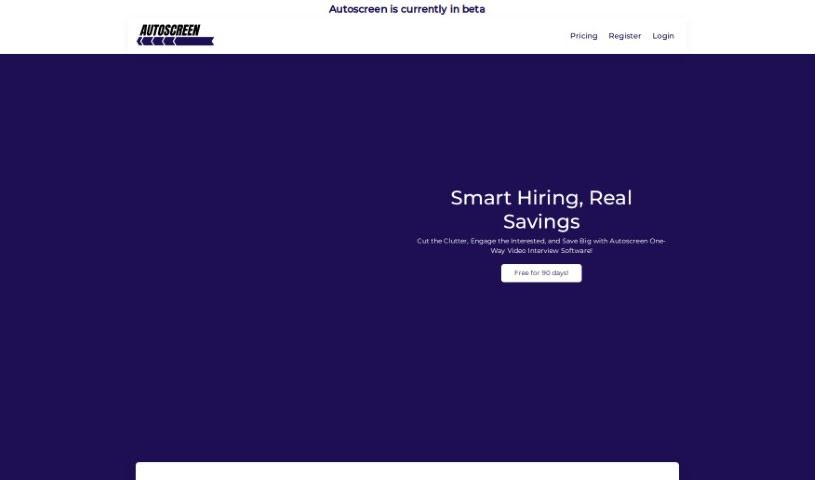
Screenshot of Autoscreen Ai

Autoscreen Ai

Freemium

Autoscreen Ai is a tool for managing digital screens and screen time. It helps automate repetitive tasks, organize work, and create a cleaner digital environment for personal and professional use.

Productivity View Tool →
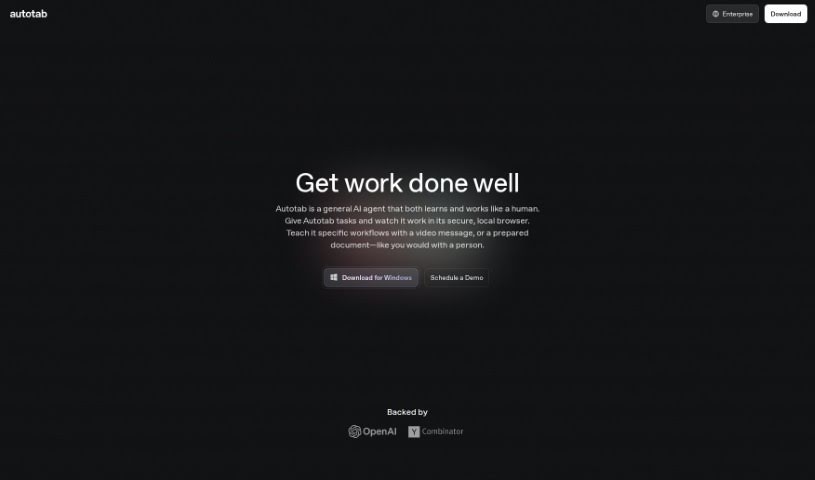
Screenshot of Autotab

Autotab

Freemium

Autotab is a browser automation tool for creating automated processes and building AI Agents that handle real-world tasks. It helps eliminate repetitive browser work by letting users record actions and automatically generating the code needed to replay them. Autotab is known for being fast and simple, with a user-friendly interface that doesn't require coding expertise. It is backed by YCombinator, which adds credibility and makes it a reliable choice for building AI Agents.

Productivity View Tool →
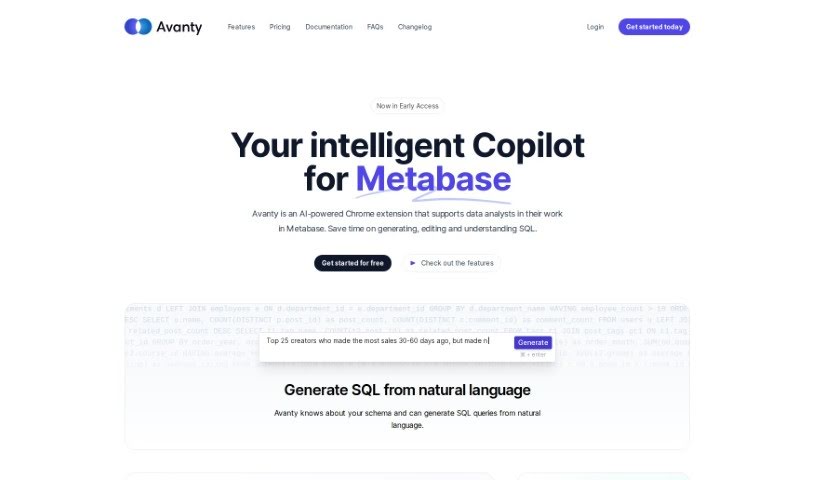
Screenshot of Avanty

Avanty

Freemium

Avanty is a Chrome extension for Metabase that helps you write, edit, understand, and comment on SQL queries. It detects SQL queries in Metabase and offers features such as generating SQL from plain English, fixing errors, and automatically editing and formatting code. It works with self-hosted Metabase and Metabase Cloud. It handles metadata securely and does not access customer data. It can also help you learn SQL by generating queries and explaining them step by step.

Productivity View Tool →
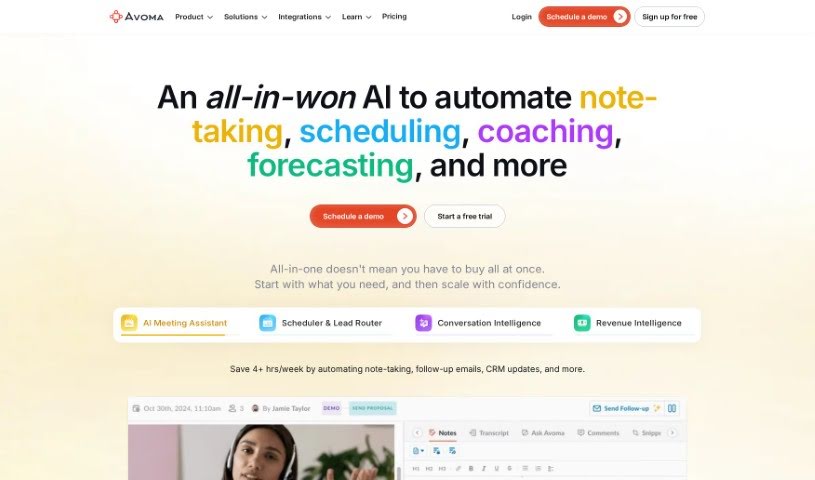
Screenshot of Avoma

Avoma

Freemium

Avoma — short for "A Very Organized Meeting Assistant" — is a meeting productivity platform founded in late 2017 in Palo Alto, California. It blends human insight with artificial intelligence to make meetings more productive, automating low-value tasks so knowledge workers can focus on the communication that matters. The company's stated values are openness, curiosity, and gratitude, paired with principles like focusing on "Jobs To Be Done," taking ownership like an entrepreneur, and maintaining a growth mindset.

Productivity View Tool →
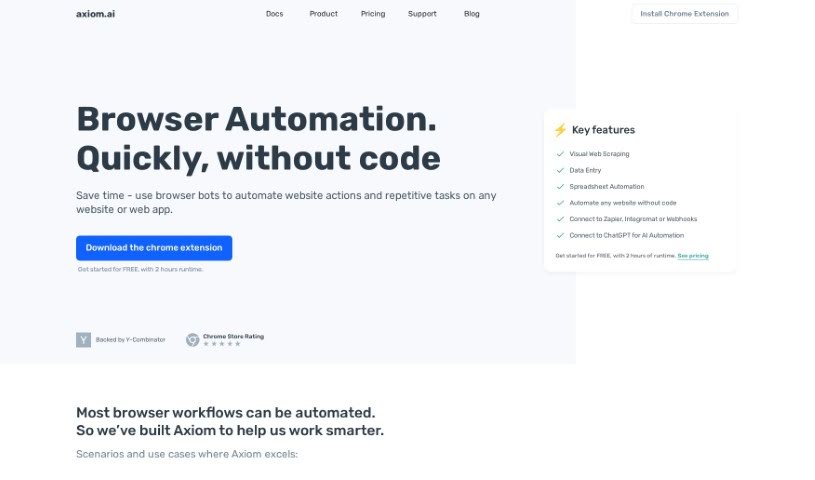
Screenshot of Axiom

Axiom

Freemium

Axiom.ai is a no-code browser automation tool for web scraping, data extraction, and text generation. It includes a Data Extractor for pulling unstructured data from websites, a Text Generator for human-like content, a Bot Builder for creating task-specific templates, a Support Assistant for guidance, and a Selector Tool for custom CSS selectors. A free 2-hour runtime is available to test the platform.

Productivity View Tool →
Screenshot of Axsar

Axsar

Freemium

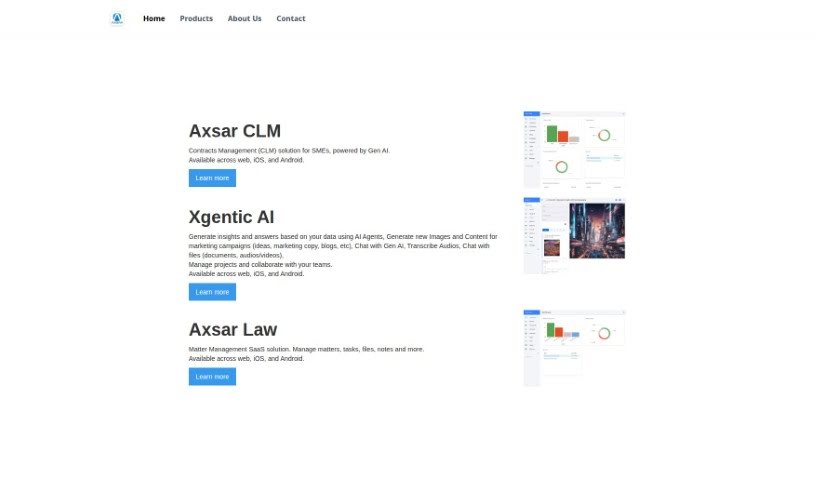
Axsar is a document management tool built for working with PDFs. It combines editing, annotation, and AI-assisted features: summarizing long texts, answering questions about document content, and extracting key information quickly. It also includes online proofing, so teams can comment, review, and approve files in one place. Axsar supports Kanban-style document tracking and is available on mobile.

Productivity View Tool →
Screenshot of Ayanza

Ayanza

Freemium

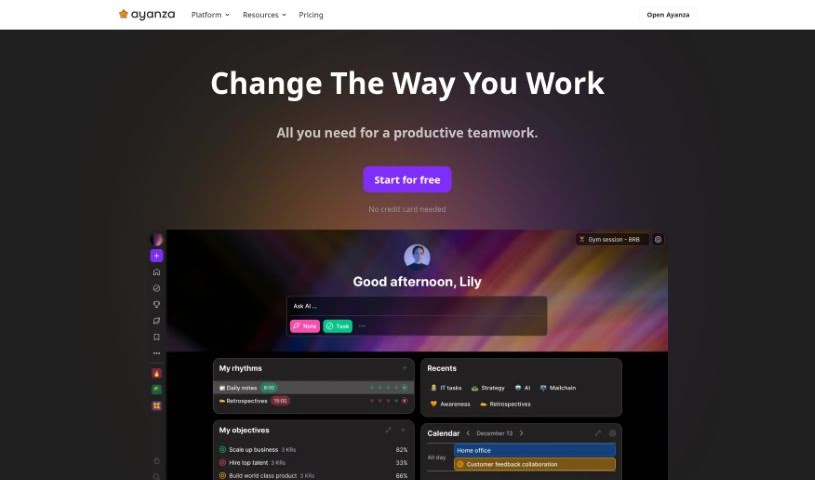
Ayanza is a collaborative project management tool designed to help teams manage projects, align on clear goals, and improve how work gets done. It also encourages an open culture where team members share work experiences. Ayanza offers subscription options ranging from a free plan for startups to enterprise plans with features like AI writing assistance and integrations. The company is self-funded by its co-founders, who are looking for mission-driven investors to support growth.

Productivity View Tool →
Screenshot of Ayraa

Ayraa

Freemium

Ayraa is a personal search engine and smart assistant for work. It connects with Slack and your web browser to capture and organize work-related information as you encounter it. You can ask questions about workplace insights, get summaries, find answers, and get help with tasks across applications. It acts as a generative AI assistant, giving direct access to answers and insights without manual searching. Its goal is to make knowledge easy to access and discover. The company was founded by security veterans with experience developing AI for analyzing text in work communications.

Productivity View Tool →
Screenshot of Babel Street

Babel Street

Freemium

Babel Street is an AI-powered data analytics company that turns raw data into actionable knowledge. It helps defense, intelligence, and business teams find, understand, and use important data in real time. The company addresses what it calls the "Risk-Confidence Gap" by providing access to data from many sources, ready for analysis in multiple languages, so organizations can make faster, more confident decisions. Babel Street emphasizes innovation, data security, and privacy, focusing on responsible knowledge extraction.

Productivity View Tool →
Screenshot of Backtrack

Backtrack

Freemium

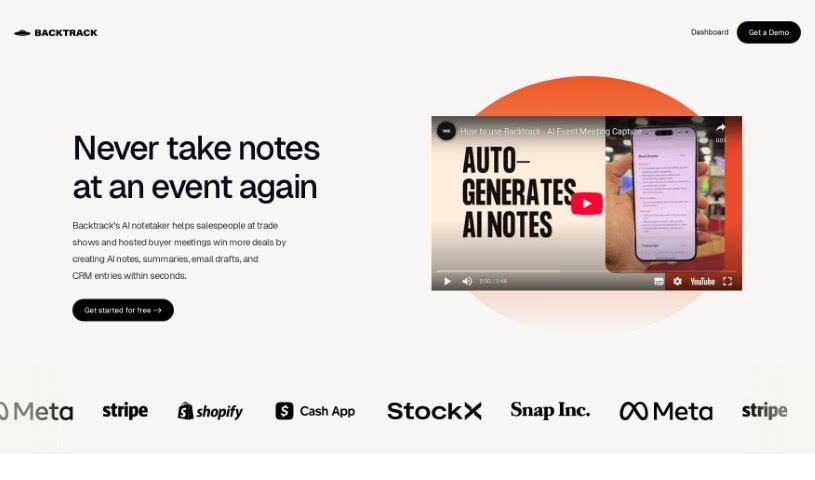
Backtrack is a personal recorder for Mac that lives in your menu bar. It saves audio, screen recordings, and conversations after they've already happened, making it useful for Slack Huddles, client calls, brainstorming sessions, user interviews, sales calls, webinars, conference booths, and bug reporting.

Productivity View Tool →
Screenshot of Base64.Ai

Base64.Ai

Freemium

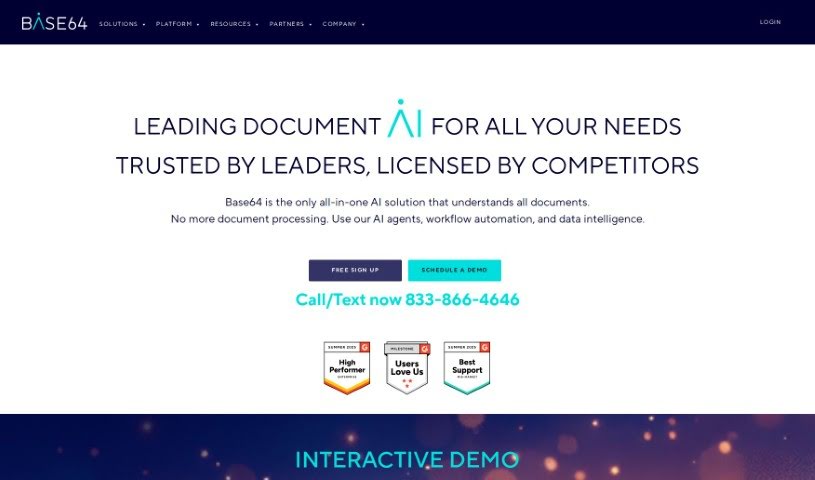
Base64.ai is an AI-powered document processing platform founded by Ozan Bilgen, a Silicon Valley veteran who previously worked at IBM, Microsoft, Netflix, PayPal, Uber, and Palantir. The company launched in January 2020 to address the challenges of manual document processing. It combines cloud computing, large language models, generative AI, and transformer neural networks to understand complex documents, including PDFs containing multiple separate documents.

Productivity View Tool →
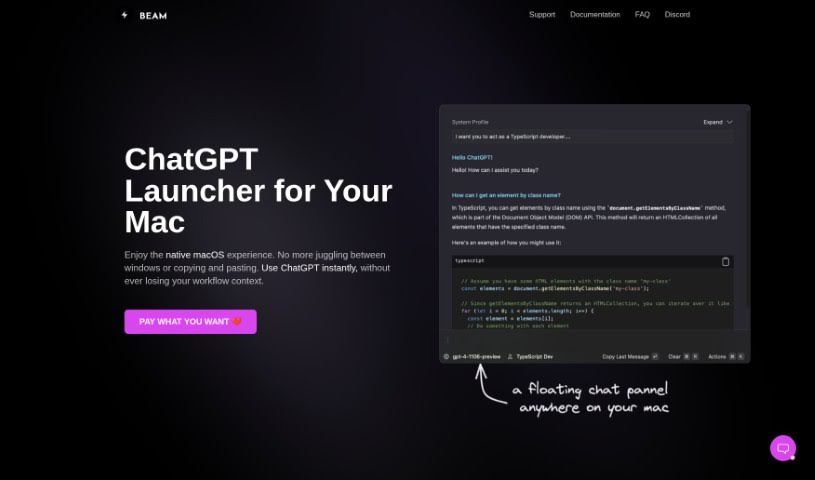
Screenshot of Beam

Beam

Freemium

Beam is a ChatGPT interface for macOS that puts the AI one keyboard shortcut away, in any application. Instead of switching apps or copying and pasting text back and forth, you press a shortcut and a floating chat window opens over whatever you're working on — another app, a website, or a document. The app is lightweight and follows the interface conventions Mac users expect.

Productivity View Tool →

About Productivity tools

Having a task list that seems to grow longer by the hour is a fast track to burnout. Between managing clogged email inboxes, jumping across context-heavy browser tabs, updating project boards, and tracking down files, everyday administrative work drains momentum. When managing your workflow takes more energy than doing your actual job, staying focused gets tough.

These workflow platforms act as high-speed productivity partners for task management, scheduling, and daily automation. They won’t replace your personal discipline or strategic priorities, but they handle routine administrative tasks so you can protect your focus time.

Organizing daily tasks and scheduling focus blocks takes far less manual effort. Manually moving deadlines around when a project slips or trying to carve out focus time between back-to-back meetings usually leaves you with a chaotic calendar. Smart scheduling assistants evaluate your working habits, auto-prioritize tasks, and block out dedicated focus time on your calendar before your day gets overrun.

Clearing out email backlogs and workspace communications becomes much faster, too. Sifting through dozens of unread messages just to pull out two urgent client requests wastes valuable time. Intelligent inbox tools summarize long email threads, draft contextual replies, and sort low-priority newsletters away from critical messages—helping you reach inbox zero without reading every word.

Synthesizing notes and cross-platform information creates a central memory hub. Losing track of an important project link or a quick thought saved in a random document stalls your momentum when you need it most. AI productivity assistants search across your workspace apps, notes, and bookmarked links, letting you ask plain-English questions to pull up specific files, meeting notes, or ideas in seconds.

Key Capabilities to Consider:

  • Smart calendar and time blocking: Systems that auto-schedule tasks into your calendar around existing meetings and focus preferences.
  • Contextual email and message drafting: Tools that scan long communication threads to generate concise replies and action items.
  • Universal workspace search: Software that connects with your documents, notes, and cloud storage to retrieve files through simple prompts.
  • Task prioritization algorithms: Applications that rank daily action items by urgency, deadlines, and project dependencies.
  • Workflow automation builders: Connectors that trigger actions across different apps without requiring manual data entry.

Daily productivity will always depend on clear personal priorities and healthy work habits. Software can organize a calendar, draft an email reply, and index your notes, but choosing what truly deserves your time requires human judgment.

Explore the productivity tools below to take control of your workday.

The Best AI Productivity Tools

  1. Perplexity: for automating tasks and helping with management.
  2. Small PDF.com: for smoother document management for teams.
  3. Gamma: for document creation tools that save time.
  4. Odoo: for a task management and collaboration app.
  5. Zoom: for analyzing and summarizing meeting content.
  6. N8N: for smoother team onboarding processes.
  7. Prezi: for engaging team collaboration sessions.
  8. Tableau: for creating reports and dashboards more easily.
  9. Data Camp: for efficient team collaboration workflows.
  10. Otter.ai: for getting action items from meetings without the fuss.
  11. Tenorshare: for easily summarizing long PDF documents.
  12. Slidesgo: for creating professional presentations efficiently.
  13. Facecheck Id: for streamlining identity verification tasks.
  14. HIX.AI: for boosting writing speed with smart tools.
  15. Tactiq: for automating meeting notes for teams.
New tools, in your inbox.

Weekly picks of the best AI tools we've researched and added — no spam, unsubscribe anytime.

Join 25,000+ AI enthusiasts. No spam, unsubscribe anytime.