M
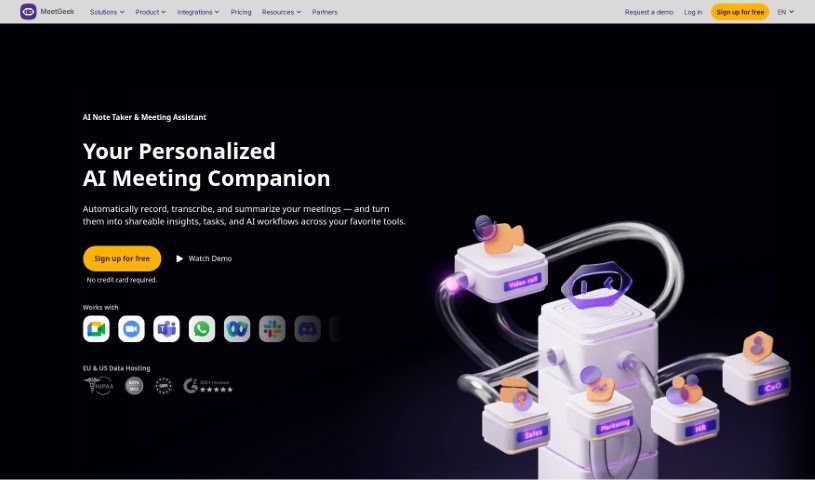
MeetGeek
FreemiumMeetGeek is an AI-powered meeting assistant that automatically records and transcribes your meetings, then generates summaries, highlights key moments, and extracts insights from conversations.
Meetings
View Tool →
Discover the best Meetings AI tools to enhance your productivity and creativity.
MeetGeek is an AI-powered meeting assistant that automatically records and transcribes your meetings, then generates summaries, highlights key moments, and extracts insights from conversations.
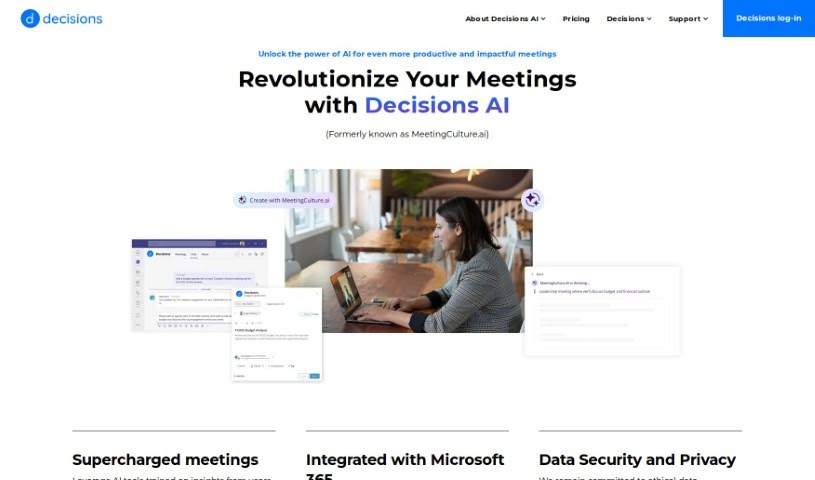
Meeting culture describes how a company handles meetings as a whole — preparation, participation, and follow-up. It covers agenda creation, collaboration, engagement, time management, decision-making, task tracking, and post-meeting feedback. Companies that work on their meeting culture can see gains in communication, productivity, and overall efficiency.
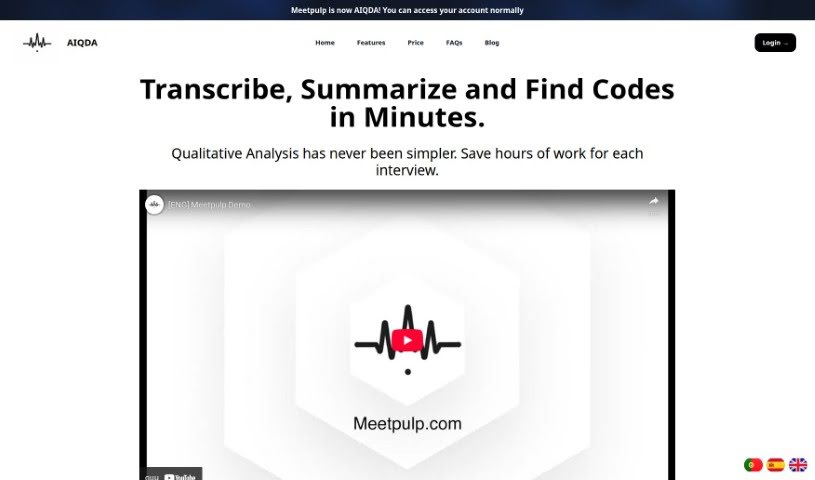
MeetPulp is an AI meeting assistant that automates transcription, summarization, and task tracking. Core features include automatic transcription, real-time insights during discussions, reminders, annotation tools, and in-meeting task management.
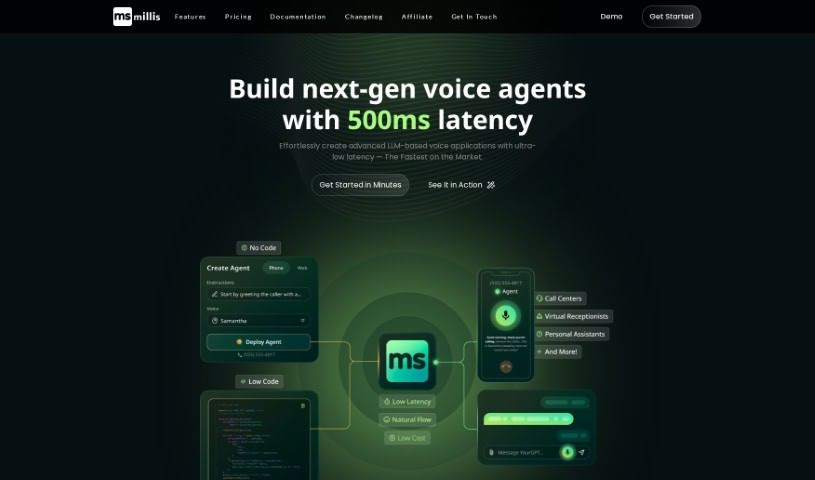
Millis AI is a meeting assistant that automates the work that follows a meeting. Its core capabilities include:
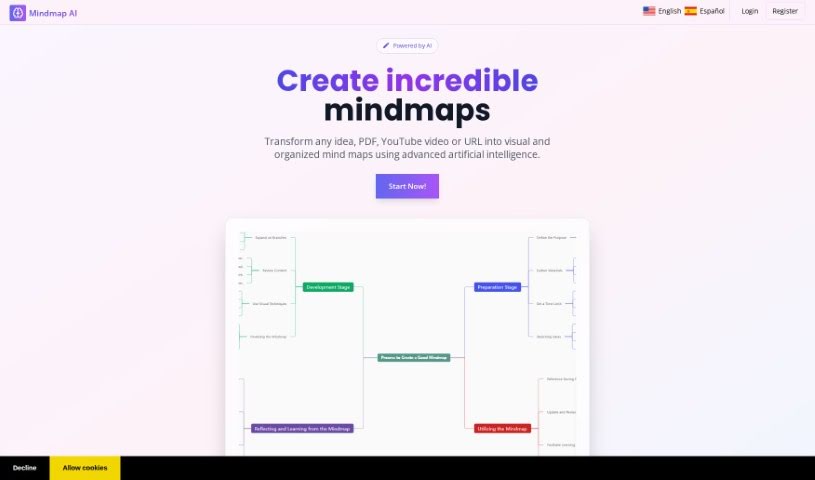
MindmapAI is a platform that uses artificial intelligence to simplify and speed up mind map creation. Users can start a mind map from scratch and customize it with custom notes, linked ideas, icons, and connections to other pages, organizing everything with custom tags. Completed mind maps can be shared with others in real time or exported as PDF, PNG, or JPEG files. The tool was developed by a founder who prefers to remain anonymous.
Moderated is a team communication tool that uses machine learning and natural language processing to guide conversations and make discussions more productive. It focuses on managing team communication, spotting patterns in conversations, and improving discussion quality. The platform is currently in beta, and because some of its machine learning details aren't fully public, teams should evaluate it directly to determine whether it fits their needs.
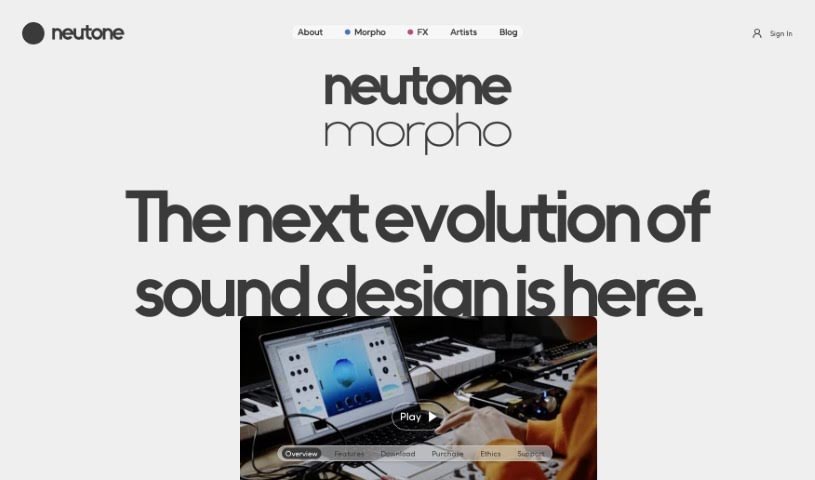
Morpho by Neutone is a tool developed by Neutone Inc. that focuses on advanced audio processing and real-time tone morphing. It resynthesizes sounds into different styles while preserving the shape of the original sound, so the source material stays recognizable even as its character changes.
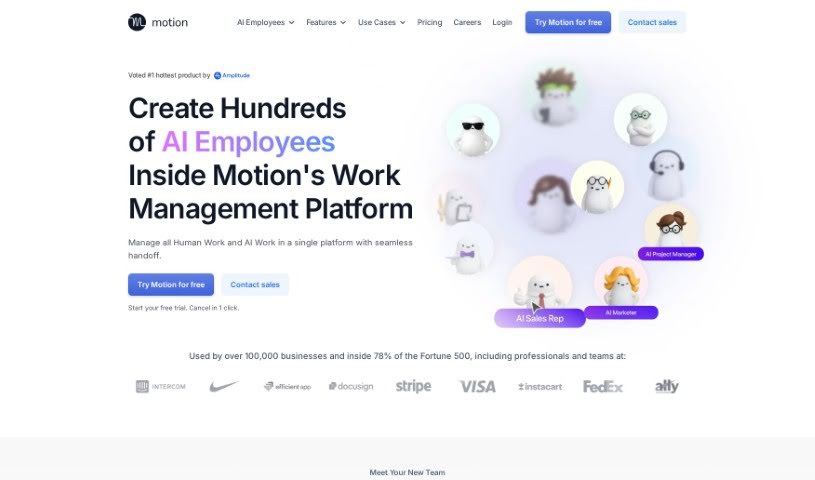
Motion is a productivity platform that uses artificial intelligence to plan your daily tasks and schedule. It monitors your to-do lists and calendars, figures out what's most important, and builds a plan so you can handle your workload without feeling overwhelmed. Its goal is to help professionals make time for critical tasks, avoid missing deadlines, and manage meeting interruptions more smoothly.
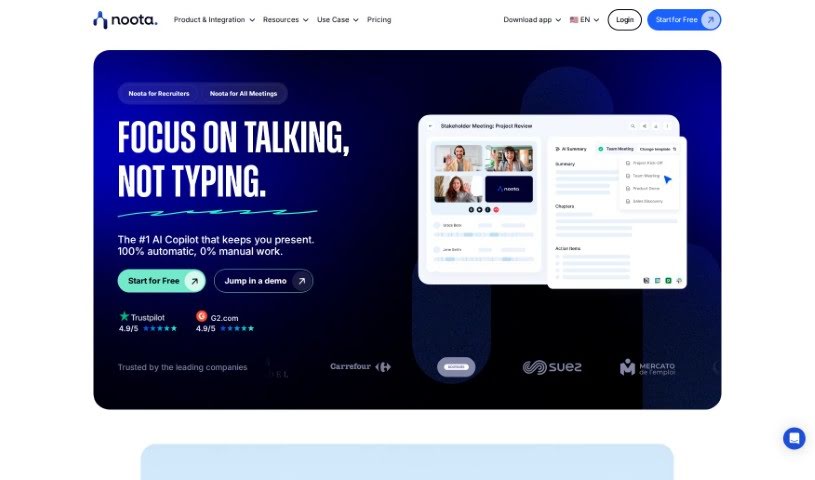
Noota is an AI meeting assistant that handles note-taking automatically. It captures notes in real time, applies conversation intelligence to extract key insights from discussions, and offers transcription and screen recording. Notes can be pushed directly to your CRM, and the tool supports use cases across sales, research, recruiting, management, consulting, call centers, media, podcasting, and medical work.
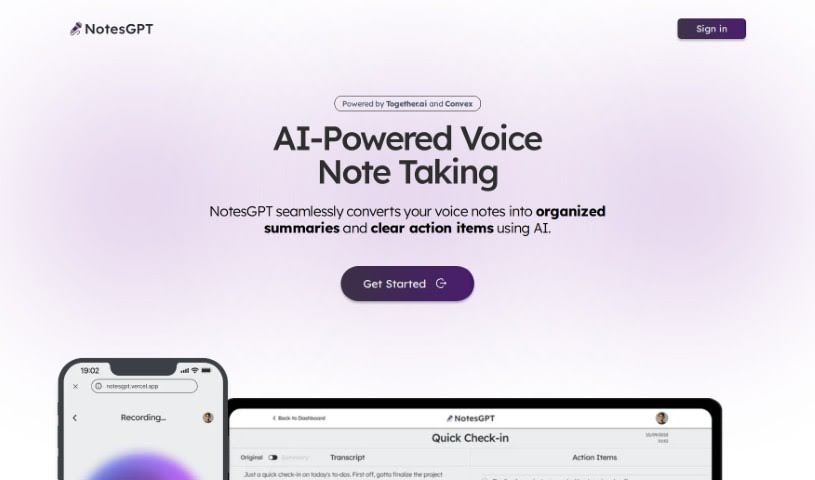
NotesGPT is an AI-powered voice note-taking tool that converts spoken notes into organized summaries and clear to-do lists. You record or upload a voice note, and its language models transcribe your speech into text, extract key points, and categorize them as actionable tasks. The tool is built with technology from Together.ai, Convex, and Replicate, works across multiple platforms, and its open-source code is available on GitHub, so you can inspect or customize it.
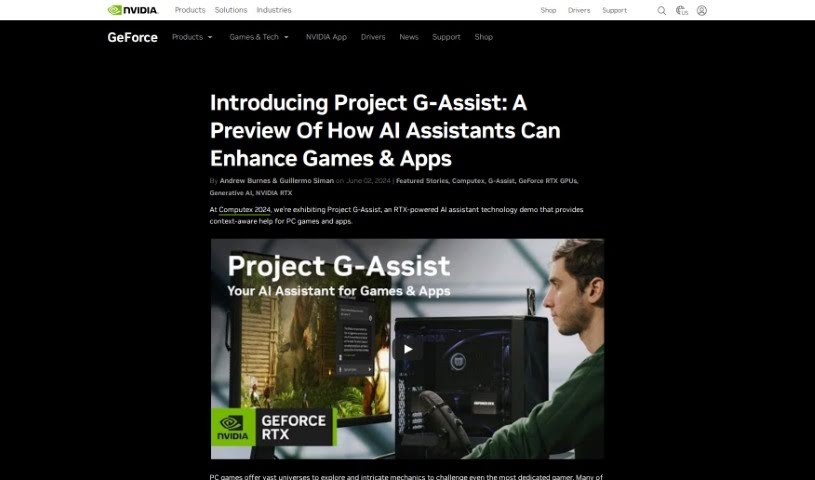
Project G-Assist is a virtual assistant built around AI and machine learning to provide personalized help with everyday work tasks. It covers things like keeping your schedule organized, managing email, and handling more complex calculations. The goal is to make the experience feel effortless, offering practical solutions for common work challenges and improving your overall workflow. It is designed to be useful across different jobs and work environments, with ongoing refinement aimed at raising the bar for what virtual assistants can do.
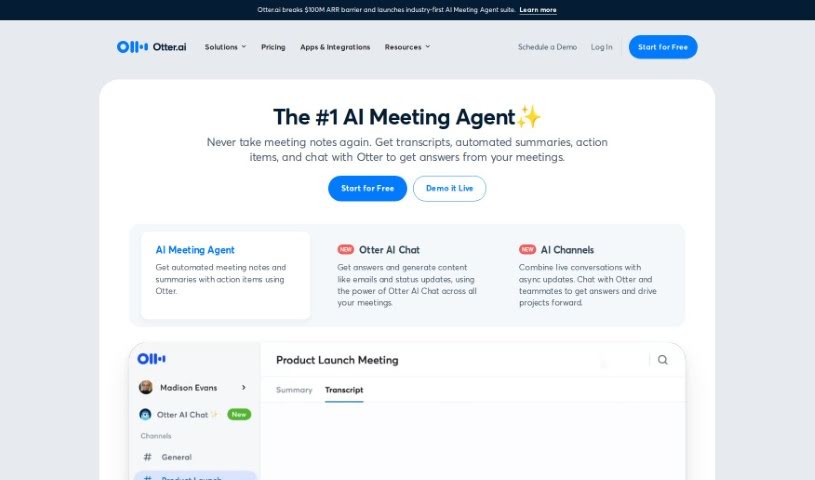
Otter.ai is an AI Meeting Assistant that transcribes meetings in real time, takes notes automatically, and generates summaries. It transcribes conversations live on platforms you may already use, including Zoom, Google Meet, and Microsoft Teams. It can extract action items and integrates with tools like Salesforce and HubSpot to streamline your workflow.
Sitting through back-to-back video calls while trying to write down every detail can leave anyone exhausted. Between tracking decisions, scribbling down action items, and sending follow-up emails, staying engaged in the actual conversation becomes a real challenge. When manual note-taking steals your focus, meetings feel like extra work added on top of your actual job.
These meeting platforms act as attentive digital assistants for virtual calls and team collaboration. They record audio, generate clean transcripts, and pull out key decisions so you can stay fully present in the conversation.
Automating real-time transcription and note-taking removes the pressure of scribbling down every word. Modern meeting assistants join your video calls or record local audio, separating speakers and turning spoken words into clear text. Instead of dividing your attention between listening and typing, you can participate fully while software captures every detail in the background.
Extracting clear action items and commitments keeps team projects moving forward after the call ends. Crucial tasks assigned during a long discussion often get forgotten once everyone logs off. Intelligent meeting tools scan the transcript, highlight agreed-upon tasks, and assign team owners alongside stated deadlines. You can push these action items directly into your project board or chat channels without typing a single follow-up email.
Building a searchable meeting archive makes catching up simple for remote and asynchronous teams. Watching an hour-long recording just to find a two-minute decision about a project design is a huge time drain. AI meeting platforms break long calls into structured chapters, highlight key discussion points, and let you search across weeks of past calls to find specific topics in seconds.
Key Features to Look For:
- Real-time transcription and speaker identification: Software that turns live speech into text while accurately labeling who spoke each line.
- Automated summary generation: Features that condense hour-long calls into bulleted notes, key decisions, and topic chapters.
- Action item and task extraction: Tools that identify commitments made during a call, assign task owners, and list target deadlines.
- Integration with workspace tools: Connectors that automatically sync meeting summaries and tasks with project boards, CRMs, and team messaging apps.
- Privacy and consent controls: Applications built with strict data retention rules, clear recording notifications, and administrative privacy settings.
Productive team syncs will always depend on active listening, human collaboration, and sound decision-making. Software can record calls and list action items, but building trust and guiding a team requires your personal touch.
Browse the meeting assistants below to make your video calls far more productive.
Weekly picks of the best AI tools we've researched and added — no spam, unsubscribe anytime.
Join 25,000+ AI enthusiasts. No spam, unsubscribe anytime.