AI Tools for Meetings

Discover the best Meetings AI tools to enhance your productivity and creativity.

Page 7 of 11 • 127 total tools

In today’s busy work world, meetings are both necessary and, let’s be honest, sometimes overwhelming. Between tricky scheduling and the sheer effort of taking notes, challenges can pile up fast. Wouldn’t it be amazing if something could just handle those things for you?

That’s where AI meeting assistants come in. This category has really grown up over the last few years. They’re not just for taking notes or managing calendars anymore. Now, they can give you smart summaries, track your action items, and even suggest topics for your agenda based on what you need.

I’ve spent time digging into and testing a bunch of these AI meeting assistants to see how they compare. This guide points out the best ones you can get right now, showing off what they do and what makes them special.

Whether you want to make your meetings smoother, get more done, or just cut down on the chaos, there’s an AI meeting assistant here that’ll likely be a great fit. Let’s check out the options that can really change your meeting experience.

The Best AI Meetings Assistants

  1. Zoom: Helps you schedule meetings easily and take notes.
  2. Otter.ai: Makes taking meeting notes simple and effortless.
  3. Fireflies AI: Streamlines meeting notes and tasks.
  4. Fathom AI: For efficient meeting notes and key highlights.
  5. Cal.ai: Automates the process of scheduling meetings.
  6. Motion: Offers an automated system for scheduling meetings.
  7. Tldv: Helps streamline meeting summaries and follow-ups.
  8. Reclaim AI: Automatically schedules breaks during meetings.
  9. Crystal Knows: Makes meeting prep easier with personality insights.
  10. Supernormal: Helps you get the most out of your meetings without much effort.
  11. Jamie AI: Effortlessly summarizes what was discussed in meetings.
  12. Blu Dot: Streamlines meeting scheduling and follow-ups.
  13. MeetGeek: Provides streamlined meeting notes and insights.
  14. Voicenotes: Efficiently captures meeting notes and action items.
  15. Bubbles Notetaker: Streamlines meeting transcriptions and tasks.

How Do AI Meeting Assistants Work?

AI meeting assistants have become super popular, using advanced tech to make meetings run more smoothly. Basically, these tools use natural language processing (NLP) to understand what’s being said or written. When you talk or type into the platform, the AI analyzes it right away, helping to pull out important details or action items from the conversation.

A big part of what AI meeting assistants do is automatically transcribe conversations. This feature records what’s said, so you don’t miss any key points. Having accurate transcripts means you can focus on the discussion itself instead of worrying about writing everything down. Plus, you can always look back at the transcripts later, which really helps with productivity and keeping communication on track.

Beyond just transcribing, AI meeting assistants can also summarize your meetings. After the session wraps up, they can create short overviews that highlight the main topics and decisions. This is a lifesaver for busy professionals who don’t have time to read through long notes. These summaries help make sure everyone involved is on the same page about what was decided.

What’s more, many AI meeting assistants connect with your calendar apps. This lets them schedule and manage meetings smoothly, sending out invitations and reminders to everyone. By handling the logistics, these tools help avoid scheduling conflicts and simplify the whole process.

The technology behind AI meeting assistants mostly relies on machine learning algorithms. These are trained on tons of data from conversations and meeting notes. By spotting patterns in language and context, the AI gets really good at understanding different speech styles. This extensive training helps the assistant work well across all sorts of topics and ways of talking in meetings.

If you’re looking to make your meetings better, AI meeting assistants offer some really exciting possibilities. They don’t just save you time; they also help people engage more during discussions. As technology keeps advancing, we can expect these tools to get even smarter, further changing how we run meetings in the future.

Our Best AI Meetings Assistants at a Glance

RankNameBest forPlans and PricingRating
1ZoomScheduling meetings and taking notes easily.Paid plans start at $15.99/month.4.73 (11 reviews)
2Otter.aiTaking meeting notes effortlessly.Paid plans start at $13.59/month.4.73 (11 reviews)
3Fireflies AIStreamlining meeting notes and tasks.Paid plans start at $10/month.4.67 (12 reviews)
4Fathom AIEfficient meeting notes and highlights.Paid plans start at $19/month.4.33 (24 reviews)
5Cal.aiAutomating meeting scheduling.Paid plans start at $15/month.4.33 (6 reviews)
6MotionAutomated meeting scheduling system.N/A4.18 (11 reviews)
7TldvStreamlining meeting summaries and follow-ups.N/A4.31 (13 reviews)
8Reclaim AIAuto-scheduling breaks in meetings.Paid plans start at $10/month.4.25 (12 reviews)
9Crystal KnowsStreamlining meeting prep with personality insights.N/A4.50 (24 reviews)
10SupernormalOptimizing meeting efficiency.Paid plans start at $18/month.4.79 (19 reviews)
11Jamie AIEffortlessly summarizing meeting discussions.N/A4.33 (15 reviews)
12Blu DotStreamlining meeting scheduling and follow-ups.N/A4.60 (25 reviews)
13MeetGeekStreamlined meeting notes and insights.Paid plans start at Free/N/A.5.00 (30 reviews)
14VoicenotesEfficient meeting notes and action items.N/A4.64 (11 reviews)
15Bubbles NotetakerStreamlining meeting transcriptions and tasks.Paid plans start at $Free/month.4.64 (11 reviews)
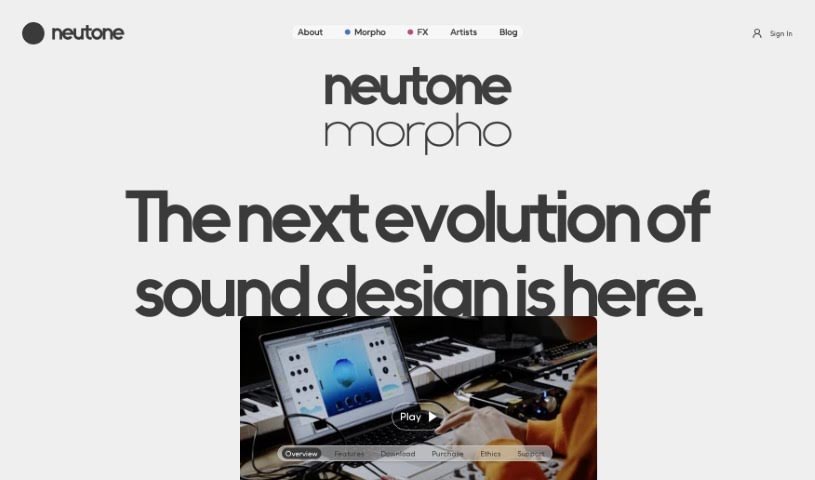
Screenshot of Morpho by Neutone

Morpho by Neutone

Freemium

Morpho by Neutone is a really neat product from Neutone. It's a new technology that brings together some advanced features to make things work better and feel more intuitive for users. Morpho by Neutone offers a whole bunch of capabilities designed to improve different parts of your day, whether you're communicating, being entertained, or trying to get things done. You can expect it to connect smoothly with your devices, have an easy-to-understand interface, and sport a modern, stylish design. By focusing on making things simple and efficient, Morpho by Neutone is setting a new standard. It’s basically a complete solution for today's tech needs.

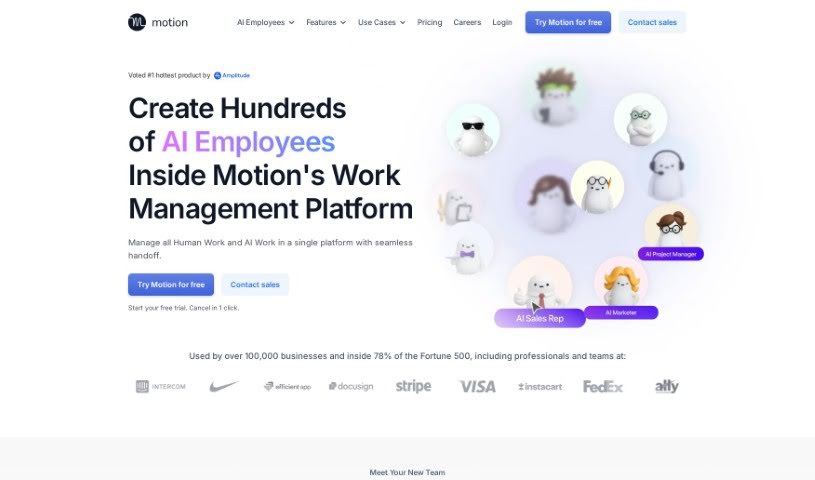
Screenshot of Motion

Motion

Freemium

Motion is a productivity platform that uses artificial intelligence to help you plan your daily tasks and schedule. It is your smart assistant, constantly keeping an eye on your to-do lists and calendars. It helps you figure out what's most important, so you can tackle your workload without feeling completely swamped. Motion's goal is to help professionals actually make time for the crucial tasks, avoid missing deadlines, and handle meeting interruptions more smoothly. It's built to boost your productivity, make your work schedule smarter, and ensure you hit those important deadlines.

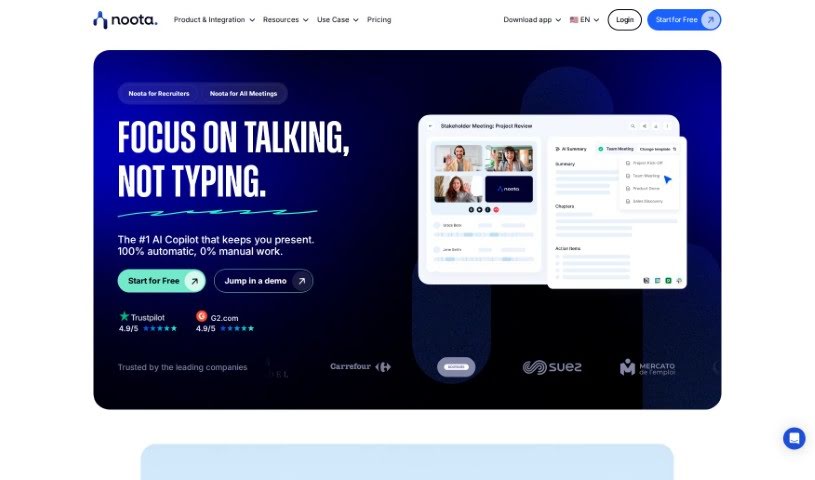
Screenshot of Noota

Noota

Freemium

Noota is a smart tool that acts like an AI assistant for your meetings, automatically handling the note-taking for you. It's packed with features like taking notes in real-time, using conversation intelligence to really dig into and capture the key insights from discussions, and even offering transcription and screen recording. Noota can be a real game-changer for professionals in all sorts of fields – think Sales, Academic & Research, Recruiting, Management, Consulting & Call Centers, Media & Podcasting, and even Medical professionals. It helps by sending your meeting notes straight to your CRM, making team training much smoother, improving how you recruit, and helping you close deals faster.

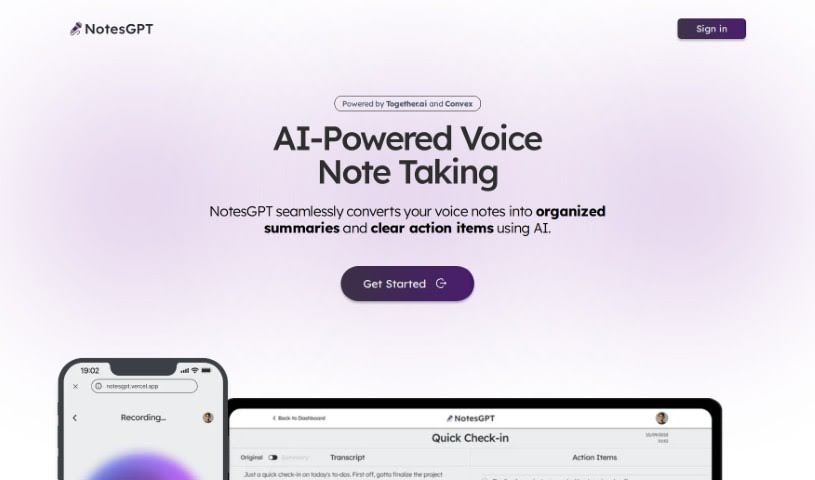
Screenshot of Notesgpt

Notesgpt

Freemium

NotesGPT is a smart tool that uses AI to turn your voice notes into neat summaries and clear to-do lists. It's built on advanced AI language models that can understand and process what you say, then turn it into organized text. What's really cool is that it also pulls out the key tasks from those summaries, presenting them as easy-to-follow action items. The AI is the secret sauce here, really figuring out the details in your voice notes and translating them into readable summaries and tasks. Basically, NotesGPT makes your workflow much smoother by automatically handling the conversion of voice notes, pulling out tasks, and helping you generate them instantly. This means you save time and get more done. It's a team effort, bringing together tech from Together.ai, Convex, and Replicate, all wrapped up in an easy-to-use interface that works across different platforms. Plus, its open-source code is on GitHub, so you can see exactly how it works and even tweak it if you want.

Screenshot of NVIDIA Project G-Assist

NVIDIA Project G-Assist

Freemium

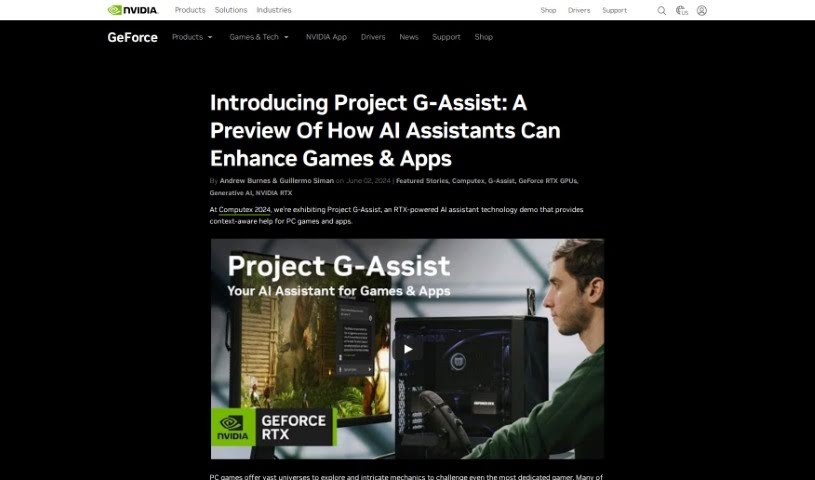
Project G-Assist is a really smart virtual helper. It's a new initiative focused on building an advanced assistant system that's all about making your work life smoother and more productive. By using AI and machine learning, Project G-Assist aims to give you personalized help with all sorts of things – from keeping your schedule in order and managing your emails to even tackling some pretty complex calculations. The main idea is to make using it feel effortless, offering smart solutions for everyday work challenges and generally making your workflow much better. They're constantly innovating and refining it, hoping to set a new benchmark for what virtual assistants can do, and they're designing it to be useful for all sorts of people in different jobs and work environments.

Screenshot of Otter.ai

Otter.ai

Freemium

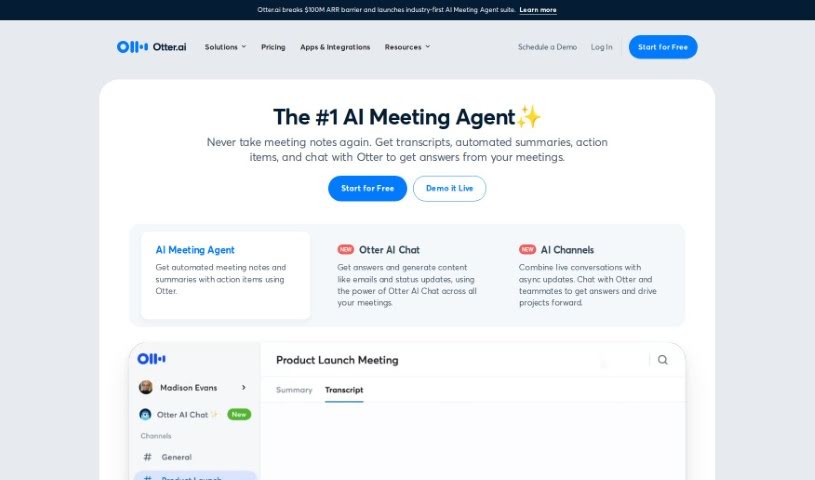
Otter.ai is a smart AI Meeting Assistant that's really good at transcribing meetings in real-time, taking notes automatically, and even creating summaries. It is your personal meeting helper! It can transcribe conversations live on platforms you probably already use, like Zoom, Google Meet, and Microsoft Teams. Plus, it's clever enough to pull out action items and can connect with tools like Salesforce and Hubspot, making your workflow much smoother. You can use Otter.ai pretty much anywhere – on your computer, or through its apps for iOS and Android. They also have a special version called OtterPilot for Sales, which is designed to pull out key sales insights, help write follow-up emails, and generally make things easier for businesses, schools, media folks, and sales teams. Otter.ai offers different pricing options, and there's even a discount for students and teachers with eligible email addresses. Some of its standout features include that live transcription, those handy AI Meeting Summaries, easy integration with CRM systems, and compatibility with popular video conferencing tools.

Screenshot of PonderAI

PonderAI

Freemium

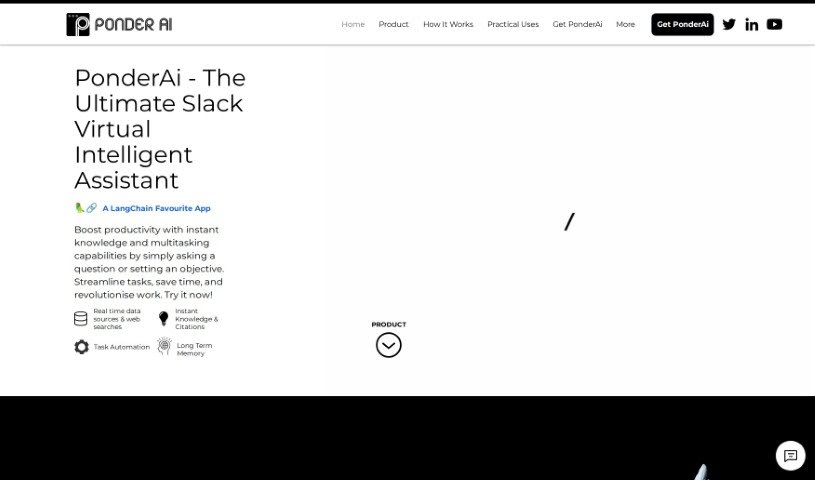
PonderAI is a smart AI platform built to help you think more clearly and make better decisions. It uses advanced technology to give you personalized advice and suggestions. What makes PonderAI stand out is its unique way of tackling problems. It uses sophisticated algorithms to quickly sort through complex data. With its easy-to-use design, you can look at issues from different angles, compare your options, and then make choices you feel good about. The goal here is to help you understand challenges better, spark your creativity, and ultimately make smarter decisions in all sorts of situations.

Screenshot of Process Talks

Process Talks

Freemium

Process Talks is an AI tool built to automate your everyday office tasks using simple, natural language. It is a smart assistant that handles the repetitive stuff for you. It's got a really capable engine for automating workflows, and it's packed with user-friendly features like easy integrations with other tools and the flexibility to use the language you're most comfortable with. You can just type or speak your commands, and Process Talks figures it out. The main goal here is to make your processes smoother, get rid of those tedious manual jobs, and boost your overall productivity by giving your employees more time back. Plus, it even has smart preview functions to make sure your process designs are spot-on before you run them.

Screenshot of Project Manda

Project Manda

Freemium

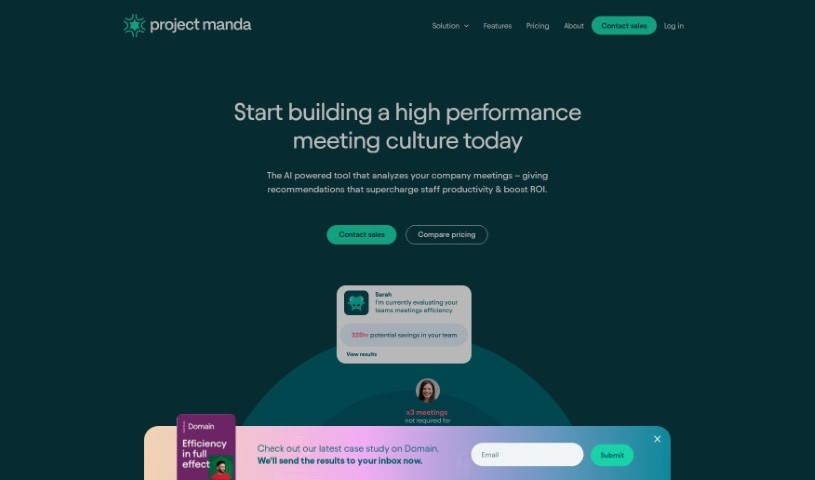
Project Manda is a service designed to boost productivity and make meetings more efficient for organizations. It does this by offering analytics and an AI-powered bot that helps transform how teams conduct their meetings. You'll get insights into how long meetings last, how well agendas are followed, and the dynamics among attendees. The platform really pushes for feedback to help improve meeting quality. Plus, it connects with tools you likely already use, like Google Calendar and Slack, and its AI coach helps employees stick to high meeting standards. Essentially, Project Manda aims to cut down on wasted time and change how companies manage their meeting expenses effectively.

Screenshot of Pronoto

Pronoto

Freemium

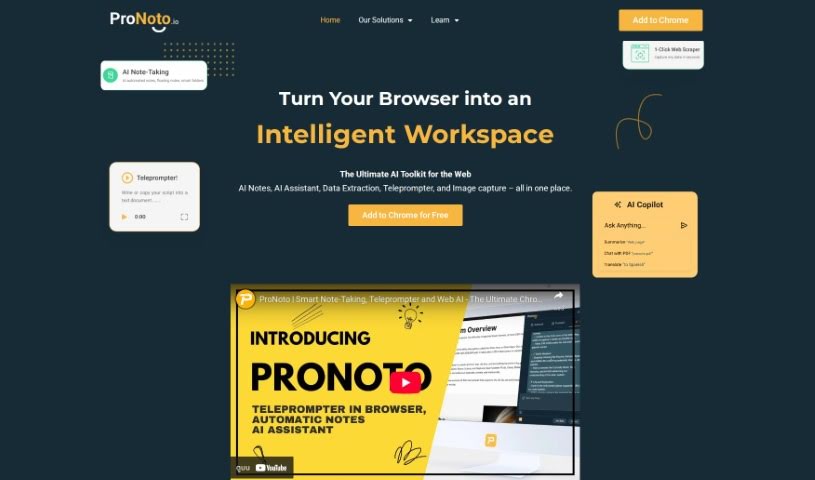
ProNoto is your go-to web extension, designed to make browsing the web a much smoother experience. It's packed with useful features like taking notes super fast, grabbing information right off web pages, a built-in teleprompter, and even AI help. What really sets ProNoto apart from other note-taking apps is how it fits right into your browsing. You can jot down notes and capture web content without ever having to switch tabs. Plus, ProNoto gives you options for where to keep your data: either locally on your Chrome storage or backed up securely on encrypted Google servers, using your Google Sign-In for that extra layer of protection.

Screenshot of Q, Chatgpt For Slack

Q, Chatgpt For Slack

Freemium

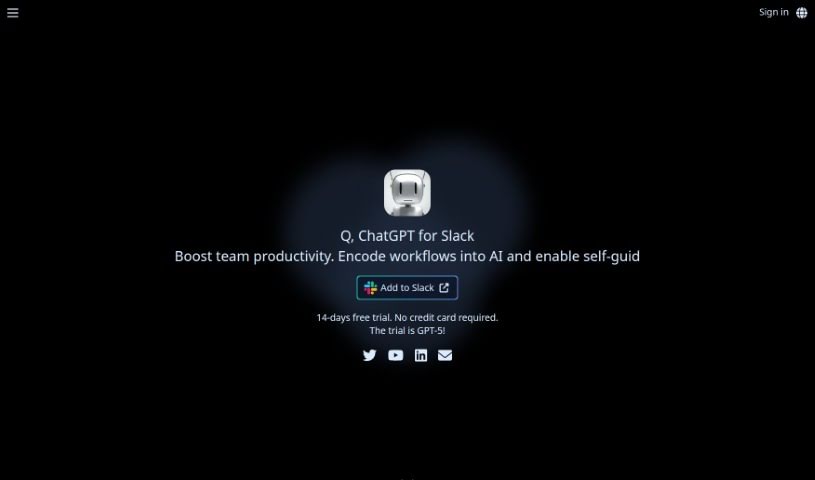
"Q, ChatGPT for Slack" is a smart AI helper that brings the power of OpenAI's GPT-4 right into your Slack workspace. It's designed to make your team's collaboration and communication smoother. What can it do? Well, it integrates securely with Slack, of course. Plus, it can read and summarize information from URLs or files you share, so you don't have to sift through everything yourself. You can even give it custom instructions to get more personalized responses. It's available 24/7, and you get to choose between GPT-3.5 for a good balance of cost and speed, or GPT-4 for maximum accuracy. Importantly, Q cares about your privacy; it doesn't save your conversations for training purposes and sticks to data retention policies.

Screenshot of Qik Meeting

Qik Meeting

Freemium

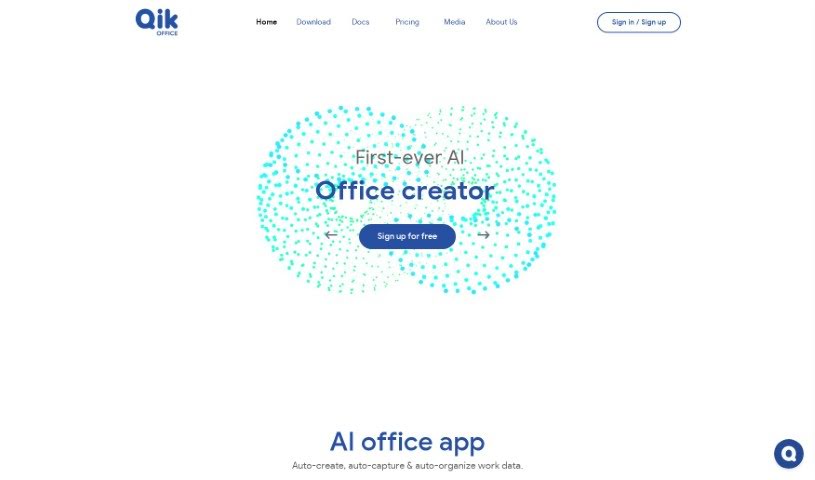
Qik Meeting is a smart, AI-powered tool designed to make business communication and collaboration much smoother and more organized. It is your go-to for boosting productivity. A standout feature? It automatically generates meeting minutes for you. This means no more scribbling notes frantically, and you can be sure all the important details are captured accurately. The platform also keeps all your work data in one place, making it super easy to find and access whenever you need it. Qik Meeting offers different kinds of meeting rooms, whether you're meeting online or in person. These rooms come with handy features like video conferencing, scheduling tools, document sharing, and the ability to assign tasks. Plus, there are private one-on-one rooms for those focused conversations between just two people. Because it's packed with AI, Qik Meeting really helps streamline things like scheduling, assigning action items, and even creating agendas. This frees you up to concentrate on what really matters – your actual work.

Stay Updated with AI Tools

Get weekly updates on the latest AI tools, trends, and insights delivered to your inbox

Join 25,000+ AI enthusiasts. No spam, unsubscribe anytime.