AI Tools for Meetings

Discover the best Meetings AI tools to enhance your productivity and creativity.

Page 5 of 11 • 127 total tools

In today’s busy work world, meetings are both necessary and, let’s be honest, sometimes overwhelming. Between tricky scheduling and the sheer effort of taking notes, challenges can pile up fast. Wouldn’t it be amazing if something could just handle those things for you?

That’s where AI meeting assistants come in. This category has really grown up over the last few years. They’re not just for taking notes or managing calendars anymore. Now, they can give you smart summaries, track your action items, and even suggest topics for your agenda based on what you need.

I’ve spent time digging into and testing a bunch of these AI meeting assistants to see how they compare. This guide points out the best ones you can get right now, showing off what they do and what makes them special.

Whether you want to make your meetings smoother, get more done, or just cut down on the chaos, there’s an AI meeting assistant here that’ll likely be a great fit. Let’s check out the options that can really change your meeting experience.

The Best AI Meetings Assistants

  1. Zoom: Helps you schedule meetings easily and take notes.
  2. Otter.ai: Makes taking meeting notes simple and effortless.
  3. Fireflies AI: Streamlines meeting notes and tasks.
  4. Fathom AI: For efficient meeting notes and key highlights.
  5. Cal.ai: Automates the process of scheduling meetings.
  6. Motion: Offers an automated system for scheduling meetings.
  7. Tldv: Helps streamline meeting summaries and follow-ups.
  8. Reclaim AI: Automatically schedules breaks during meetings.
  9. Crystal Knows: Makes meeting prep easier with personality insights.
  10. Supernormal: Helps you get the most out of your meetings without much effort.
  11. Jamie AI: Effortlessly summarizes what was discussed in meetings.
  12. Blu Dot: Streamlines meeting scheduling and follow-ups.
  13. MeetGeek: Provides streamlined meeting notes and insights.
  14. Voicenotes: Efficiently captures meeting notes and action items.
  15. Bubbles Notetaker: Streamlines meeting transcriptions and tasks.

How Do AI Meeting Assistants Work?

AI meeting assistants have become super popular, using advanced tech to make meetings run more smoothly. Basically, these tools use natural language processing (NLP) to understand what’s being said or written. When you talk or type into the platform, the AI analyzes it right away, helping to pull out important details or action items from the conversation.

A big part of what AI meeting assistants do is automatically transcribe conversations. This feature records what’s said, so you don’t miss any key points. Having accurate transcripts means you can focus on the discussion itself instead of worrying about writing everything down. Plus, you can always look back at the transcripts later, which really helps with productivity and keeping communication on track.

Beyond just transcribing, AI meeting assistants can also summarize your meetings. After the session wraps up, they can create short overviews that highlight the main topics and decisions. This is a lifesaver for busy professionals who don’t have time to read through long notes. These summaries help make sure everyone involved is on the same page about what was decided.

What’s more, many AI meeting assistants connect with your calendar apps. This lets them schedule and manage meetings smoothly, sending out invitations and reminders to everyone. By handling the logistics, these tools help avoid scheduling conflicts and simplify the whole process.

The technology behind AI meeting assistants mostly relies on machine learning algorithms. These are trained on tons of data from conversations and meeting notes. By spotting patterns in language and context, the AI gets really good at understanding different speech styles. This extensive training helps the assistant work well across all sorts of topics and ways of talking in meetings.

If you’re looking to make your meetings better, AI meeting assistants offer some really exciting possibilities. They don’t just save you time; they also help people engage more during discussions. As technology keeps advancing, we can expect these tools to get even smarter, further changing how we run meetings in the future.

Our Best AI Meetings Assistants at a Glance

RankNameBest forPlans and PricingRating
1ZoomScheduling meetings and taking notes easily.Paid plans start at $15.99/month.4.73 (11 reviews)
2Otter.aiTaking meeting notes effortlessly.Paid plans start at $13.59/month.4.73 (11 reviews)
3Fireflies AIStreamlining meeting notes and tasks.Paid plans start at $10/month.4.67 (12 reviews)
4Fathom AIEfficient meeting notes and highlights.Paid plans start at $19/month.4.33 (24 reviews)
5Cal.aiAutomating meeting scheduling.Paid plans start at $15/month.4.33 (6 reviews)
6MotionAutomated meeting scheduling system.N/A4.18 (11 reviews)
7TldvStreamlining meeting summaries and follow-ups.N/A4.31 (13 reviews)
8Reclaim AIAuto-scheduling breaks in meetings.Paid plans start at $10/month.4.25 (12 reviews)
9Crystal KnowsStreamlining meeting prep with personality insights.N/A4.50 (24 reviews)
10SupernormalOptimizing meeting efficiency.Paid plans start at $18/month.4.79 (19 reviews)
11Jamie AIEffortlessly summarizing meeting discussions.N/A4.33 (15 reviews)
12Blu DotStreamlining meeting scheduling and follow-ups.N/A4.60 (25 reviews)
13MeetGeekStreamlined meeting notes and insights.Paid plans start at Free/N/A.5.00 (30 reviews)
14VoicenotesEfficient meeting notes and action items.N/A4.64 (11 reviews)
15Bubbles NotetakerStreamlining meeting transcriptions and tasks.Paid plans start at $Free/month.4.64 (11 reviews)
Screenshot of Hyperis

Hyperis

Freemium

Hyperis seems to be a platform offering digital marketing services. It's listed on a website that likely covers a range of tools and services in that space. While the exact details of what Hyperis does aren't immediately clear from the available information, it appears to be part of a broader collection of marketing and digital resources. The website might offer more specific details or variations in different languages. To really get a handle on Hyperis, you'd need to dig a bit deeper into what specific services, features, and benefits it actually provides.

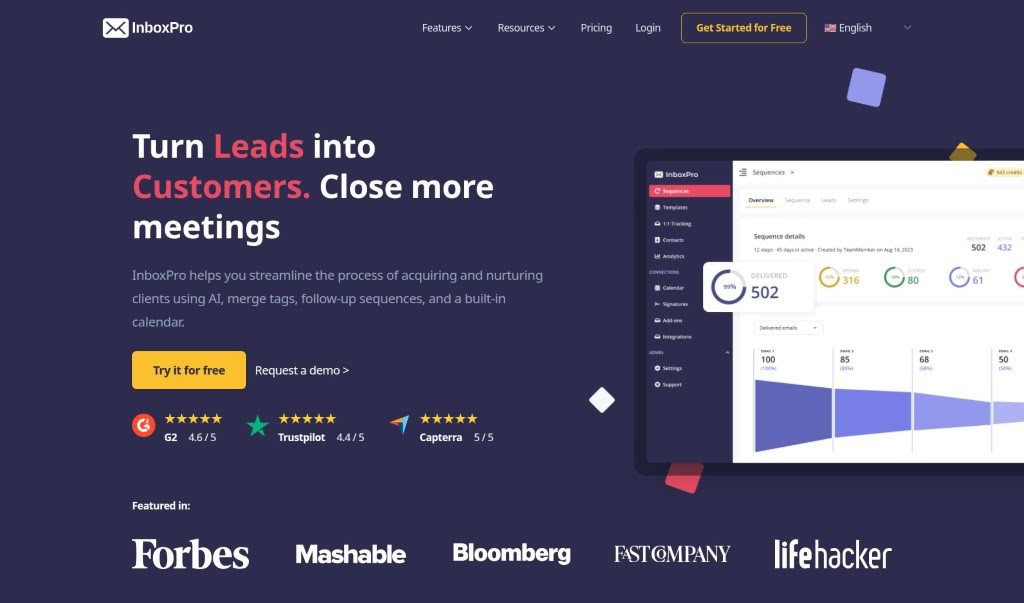
Screenshot of InboxPro

InboxPro

Freemium

InboxPro is your all-in-one toolkit for making email management way less of a chore and a lot more productive. It’s packed with features designed to help you out, like an AI assistant that can actually help write your emails, set up automatic follow-ups, schedule meetings right from your inbox, track who's opening your messages, and even offers templates and detailed analytics. The main goal here is to save you time and help you get a better handle on your inbox, making all your email communication smoother and more organized. They’ve got different plans, too, so whether you’re flying solo, part of a small team, or running a business, there’s likely something that fits. You get things like AI-generated emails, limits on how many emails you can send daily, handy templates, merge tags for personalization, and a whole lot more.

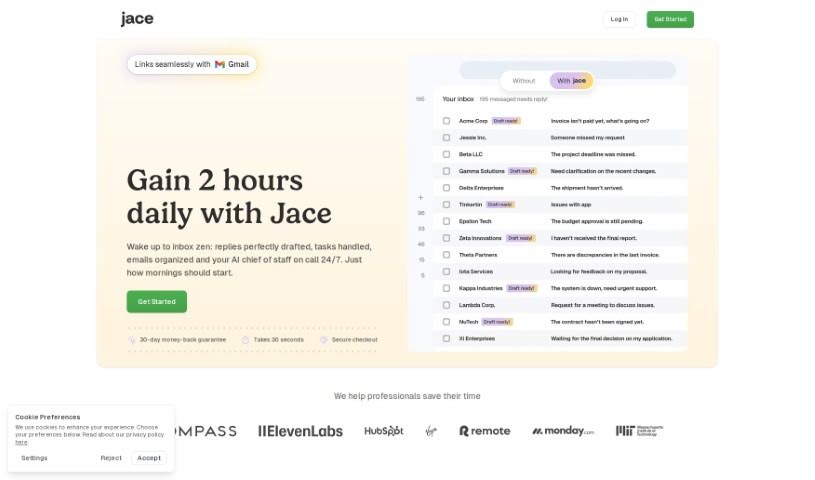
Screenshot of Jace.ai

Jace.ai

Freemium

Jace.ai is an AI assistant designed to completely change how we interact with technology. Instead of just chatting, this platform lets you work with an AI employee that focuses on taking action. The goal here is to boost your productivity by giving you a personal AI assistant. This way, you can really focus on the important stuff. Hiring Jace.ai is your AI sidekick to make your workflow smoother and get more done, more efficiently, across all sorts of tasks.

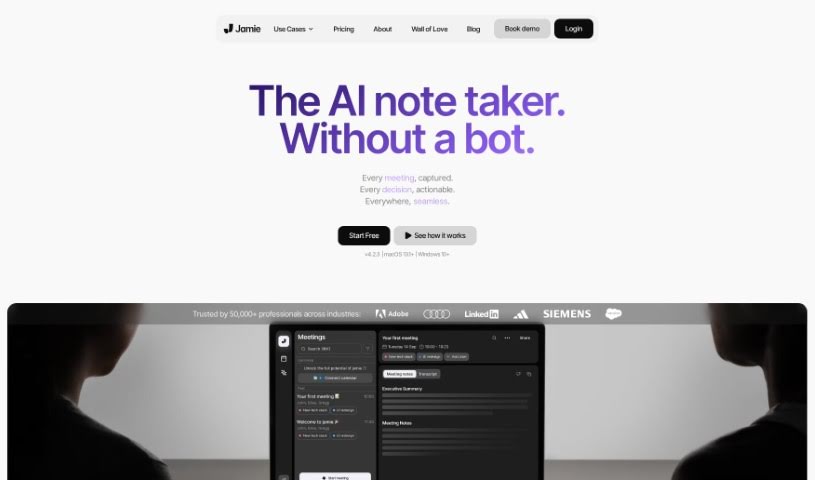
Screenshot of Jamie AI

Jamie AI

Freemium

Jamie AI is a smart tool that takes notes for your meetings, helping both individuals and teams save time and get more done. It creates notes that sound like a real person wrote them, along with meeting summaries, full transcripts, and clear action items. It works smoothly with all sorts of tools and in different languages, meaning you don't have to worry about taking notes yourself during meetings. Jamie automatically handles the audio, pulling out tasks, noting down decisions, and even letting you search your meeting notes by meaning. Plus, they really care about privacy – all your data stays in Europe and is only processed when it absolutely needs to be. Lots of professionals have shared how Jamie makes their work simpler and saves them a ton of time.

Screenshot of Joia

Joia

Freemium

Joia is a smart collaboration tool, kind of like a different way to do what ChatGPT for Teams offers. Its main goal is to make it super easy for everyone on your team to work together. You can create and share chatbots with each other without a hitch. What's really cool is that Joia is open-source, meaning it's built with transparency and community input in mind. Plus, it really cares about your privacy and gives you one central spot to manage all your team's interactions. It’s built specifically for teams that work together, helping to smooth out shared tasks and letting you build and share chatbots to get things done more effectively.

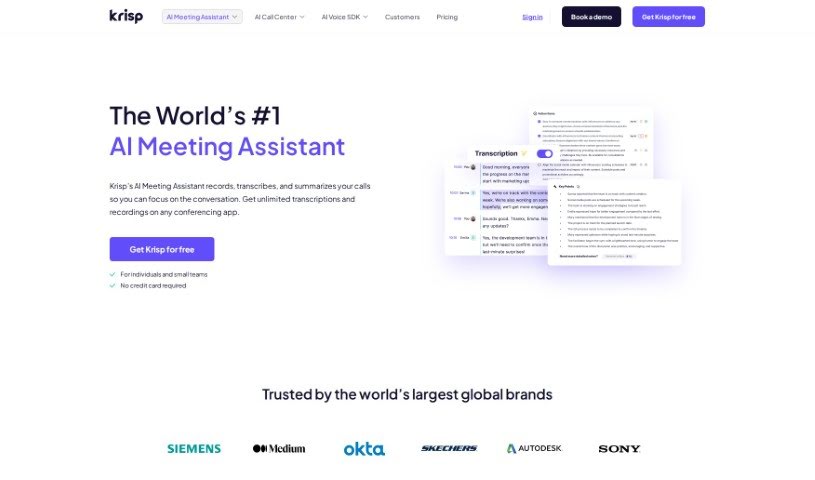
Screenshot of Krisp AI Meeting Assistant

Krisp AI Meeting Assistant

Freemium

Krisp AI Meeting Assistant is a handy tool designed to make your online meetings much better. It offers a bunch of useful features, like canceling out background noise, providing accurate transcriptions, creating meeting summaries, and even recording your calls. It really simplifies collaboration by giving you AI-powered tools that can automatically take notes, summarize discussions, assign tasks, set deadlines, and let you play back recordings synced with the transcriptions. The best part? It works with any conferencing app you use, and you get unlimited transcriptions for free! It's also been recognized for its innovation, snagging Webby Awards and making lists like Forbes’ "AI 50" and TIME 100 for "Best Inventions of 2020".

Screenshot of Lampi AI

Lampi AI

Freemium

Lampi AI is essentially an AI copilot built to help businesses work smarter and boost their productivity. It is a super-helpful assistant that can dig through all your company's internal knowledge bases, help you generate content, brainstorm ideas, and even give you key insights and summaries from your meetings. It's pretty impressive, handling over 80 languages, and it actually learns from feedback you give it, which helps it get better and more relevant over time. Plus, they really focus on keeping your data safe and private. Lampi AI uses some pretty advanced tech, like multimodal and modular platforms powered by the latest Large Language Models (LLMs). This means it can handle all sorts of data – structured, unstructured, and even voice – in different languages. They make sure to use the right models and fine-tune them for specific jobs, so you get accurate answers and useful insights.

Screenshot of Laxis

Laxis

Freemium

Laxis is a smart tool powered by AI, built to make sales and meetings much better. It offers two main products: the AI Meeting Assistant and AI SDR.

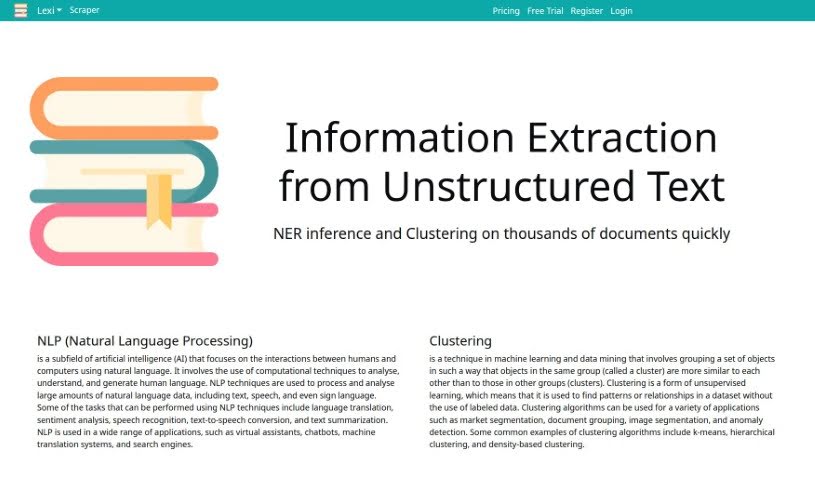
Screenshot of Lexi

Lexi

Freemium

Lexi is a really handy and adaptable virtual assistant built to make all sorts of tasks smoother and boost your productivity. It is a versatile tool that can help you schedule things, set reminders, take notes, and so much more. It's designed with an easy-to-use interface, making it super accessible for just about anyone. By using smart technology, Lexi learns what you like and offers personalized help. Whether you're juggling appointments, trying to keep information organized, or just want to simplify your daily routine, Lexi provides a dependable and efficient way to get things done. Honestly, Lexi is a great asset if you're looking for a convenient and effective way to stay organized and make the most of your time.

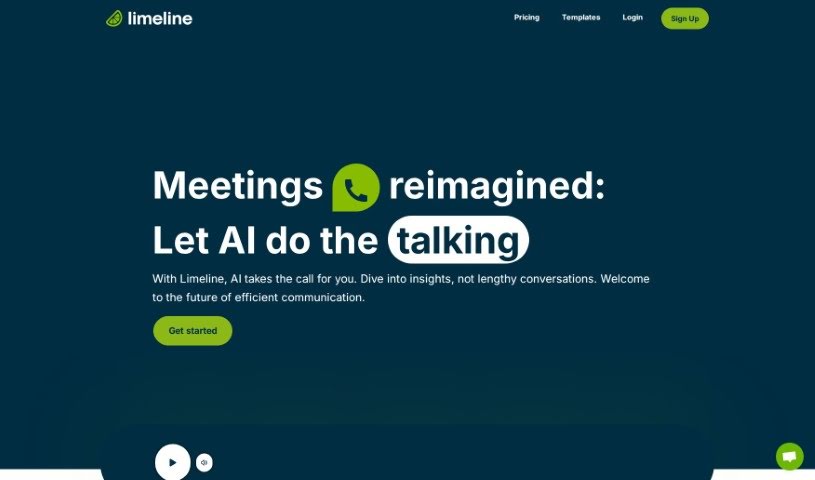
Screenshot of Limeline

Limeline

Freemium

Limeline is essentially an AI assistant designed to make your meetings and phone calls much more efficient. It is a smart helper that can interact on your behalf, so you don't have to be physically present for every single conversation. It's built to help out in all sorts of areas – sales, customer success, research, marketing, recruiting, IT, and even education. What does it actually do? Well, it can handle automated meetings and calls, give you live transcripts as conversations happen, provide quick summaries afterward, and let you revisit any call whenever you need to. Plus, you can tweak how the calls feel to match your brand, and they're even planning a mobile app for both Android and iPhones soon!

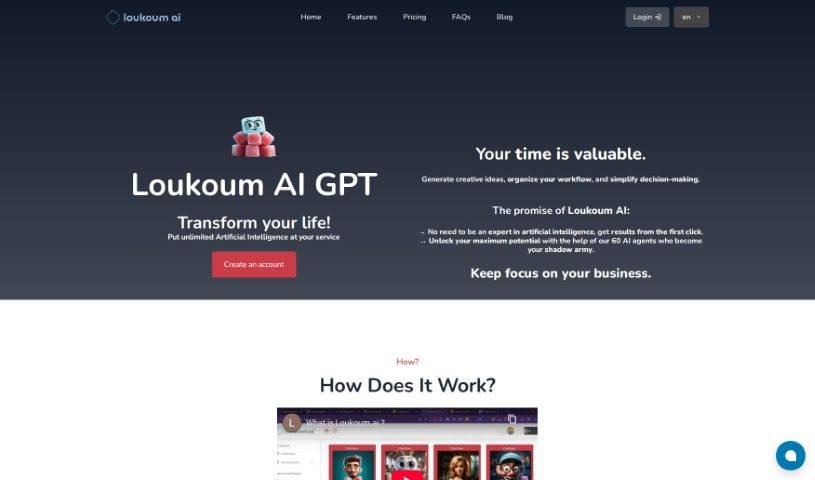
Screenshot of Loukoum AI

Loukoum AI

Freemium

Loukoum AI is essentially a smart personal assistant, powered by GPT technology, designed to make your work life smoother and more efficient, no matter your role or industry. It is having a specialized helper for coaching, accounting, and lots of other tasks. It offers real-time chat where you can talk directly to AI models trained for specific jobs, or you can use its category-specific templates for more structured work. This means you get advanced AI help that's both quick and can grow with your business. What really sets Loukoum AI apart is its focus on specific roles, how easily it fits into your existing systems, and the huge library of over 60 customizable templates for creating content. It's a fantastic tool if you're looking to boost your productivity and simplify how you get things done.

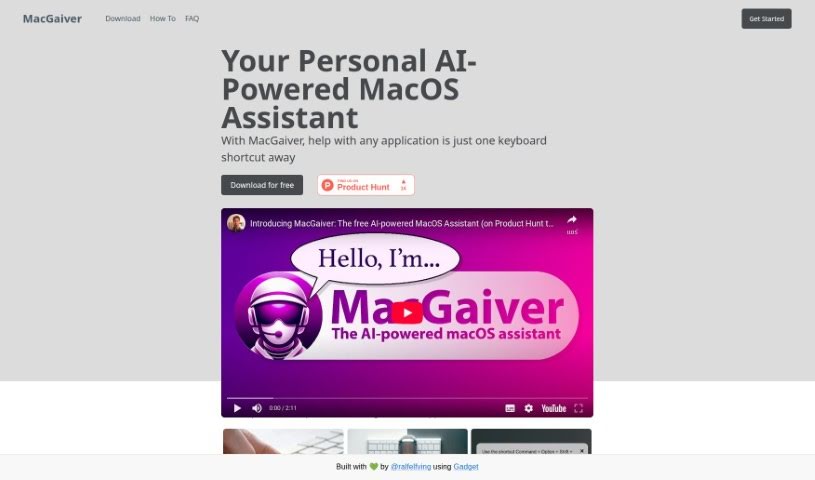
Screenshot of Macgaiver

Macgaiver

Freemium

MacGaiver is a smart AI assistant built specifically for macOS. It is your in-app helper, ready to jump in whenever you need it, all triggered by a simple keyboard shortcut. It's powered by OpenAI's GPT-V and Vision API. This means you can ask questions or get help right within the app you're currently using, without ever having to switch windows. How does it work? MacGaiver takes a screenshot of your active screen and records your question. It then sends this information to OpenAI's Vision API, which uses it to give you contextually relevant answers, delivered right to you in audio format. It's designed to be super easy to use, offering that in-app help, speech-to-text for your questions, and quick audio feedback. Ultimately, it's all about making your workflow smoother and your overall experience better.

Stay Updated with AI Tools

Get weekly updates on the latest AI tools, trends, and insights delivered to your inbox

Join 25,000+ AI enthusiasts. No spam, unsubscribe anytime.