AI Meeting Assistants: Top Tools & How They Work

AI Tools for Meetings

Discover the best Meetings AI tools to enhance your productivity and creativity.

Page 2 of 10 • 115 total tools
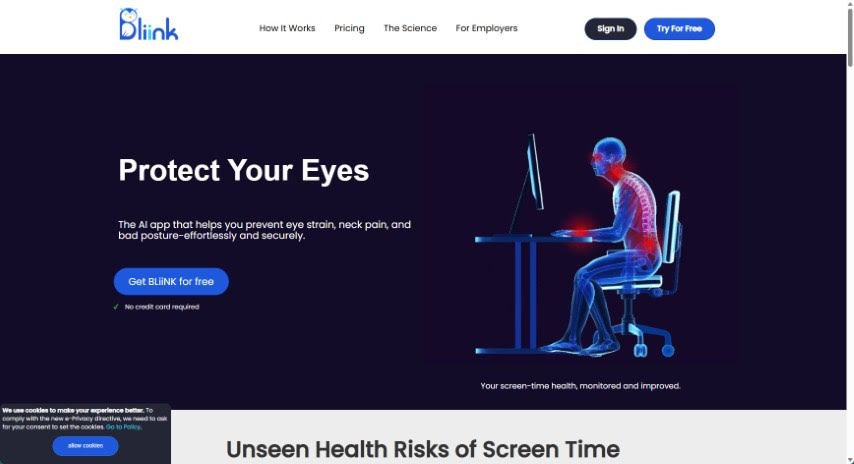
Screenshot of BLiiNK AI

BLiiNK AI

Freemium

BLiiNK AI is a desktop application that uses your webcam to track posture, blink rate, and screen distance. It provides real-time feedback and gentle reminders to help you maintain healthy habits during long computer sessions.

Screenshot of Bloks

Bloks

Freemium

Bloks is a smart personal assistant for meetings. It helps you prepare for conversations with daily briefs, automatic transcriptions, AI-powered action items, reminders, follow-ups, and insights into professional relationships. Bloks is developed by Nook Technologies, Inc., which has secured $5 million in seed funding.

Screenshot of Blu Dot

Blu Dot

Freemium

Blu Dot is a Chrome extension for Google Meet that records, transcribes, and summarizes meetings. It generates AI notes, supports screen recording, highlights, annotations, and basic video editing. It is GDPR compliant and does not use bots in calls.

Screenshot of Bubbles Notetaker

Bubbles Notetaker

Freemium

Bubbles Notetaker is an AI-powered tool for recording, transcribing, and following up on meetings asynchronously. It connects to Google Calendar to automatically transcribe and summarize meetings, and lets you comment on recordings using screen, camera, or text annotations. Optional smart reminders keep team members across time zones in the loop. It works for remote and in-person teams alike.

Screenshot of Bubbletea

Bubbletea

Freemium

Bubbletea is a set of secure, encrypted AI tools built for Slack. It bundles polls, quizzes, group tasks, greeting cards, stand-up meetings, and announcements into one app, with the goal of boosting team productivity without flooding channels with unnecessary messages. Security is central to the product: data is protected with end-to-end encryption while in transit and strong encryption while stored on the company's servers. The premium plan adds more advanced encryption and AI features.

Screenshot of Byrdhouse

Byrdhouse

Freemium

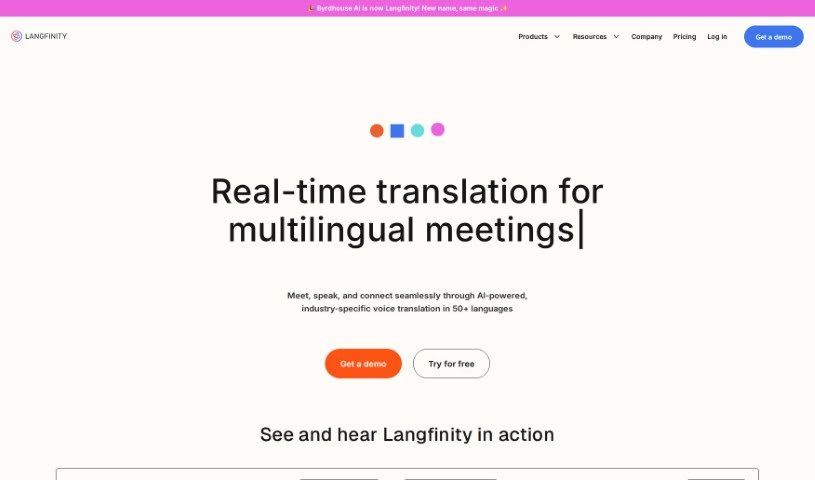
Byrdhouse is an AI-powered video conferencing app built for multilingual communication and collaboration. It translates conversations in real time across more than 100 languages and dialects, so participants can understand each other regardless of the language they speak. The platform also generates meeting notes automatically in different languages and offers translated text chat, removing the need for manual note-taking during calls.

Screenshot of Cal.ai

Cal.ai

Freemium

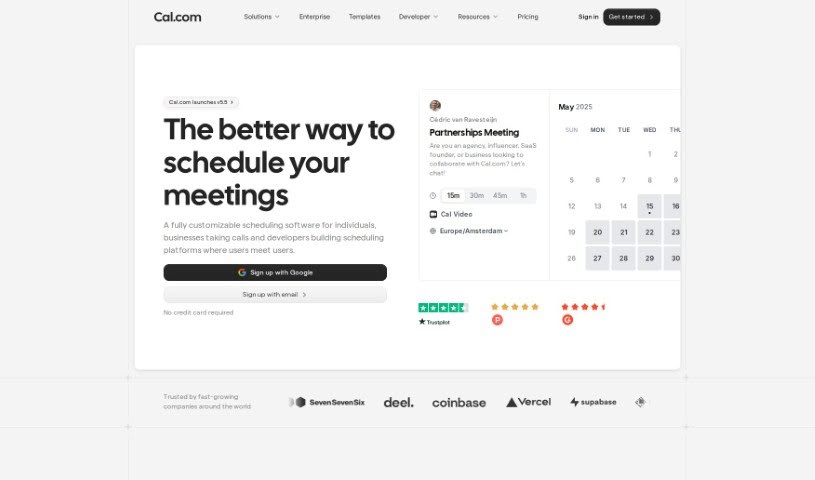
Cal.ai is an AI scheduling assistant from the Cal.com family of tools. You send commands over email, and the assistant handles the booking: scheduling meetings, rescheduling when plans change, and finding times that work for everyone. You can also forward scheduling emails to it to book events automatically, and it produces transcriptions and summaries of Cal video meetings. It suits individuals who want to spend less time scheduling, as well as teams and organizations coordinating meetings.

Screenshot of Calendar Prep

Calendar Prep

Freemium

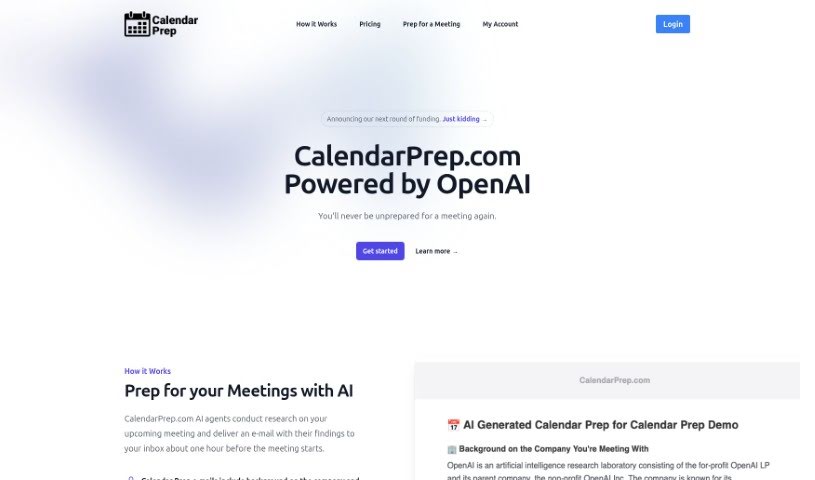
CalendarPrep is an AI meeting-preparation tool. It syncs with your Google or Microsoft Outlook calendar, researches your upcoming meetings, and emails you background information on the companies and people you'll be meeting with — typically about an hour before each meeting.

Screenshot of Calendarscan

Calendarscan

Freemium

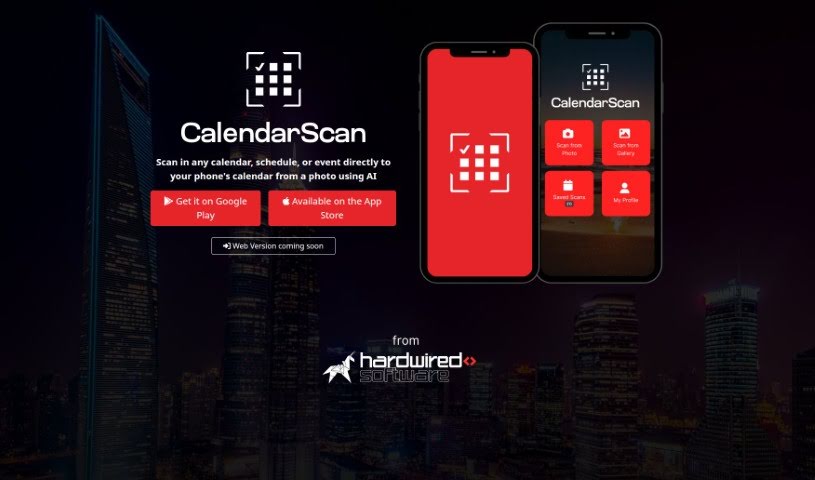
CalendarScan is an AI tool that digitizes calendars and schedules. Snap a photo of a paper calendar, schedule, or event details, and the AI interprets the information in the image, then imports it directly into your phone's calendar — no manual data entry required.

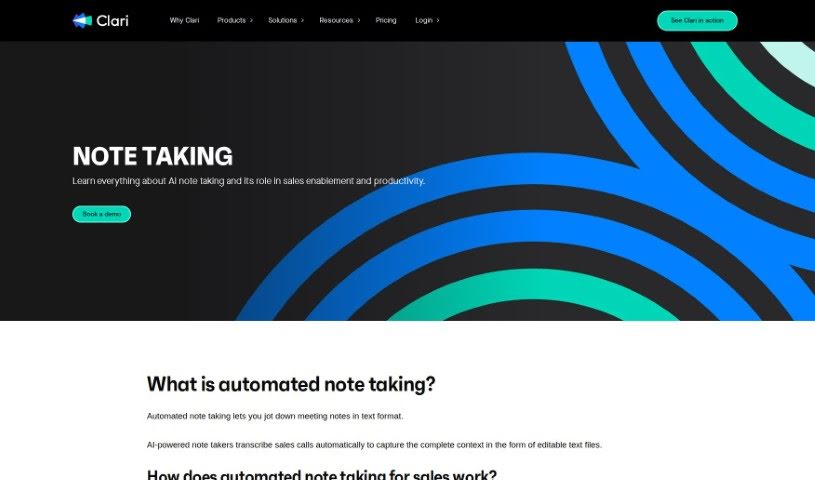
Screenshot of Clari Note Taking

Clari Note Taking

Freemium

Clari Note Taking is an AI-powered note-taking solution that automatically transcribes sales calls into complete, editable text records. It uses Automatic Speech Recognition (ASR) systems to analyze speech and convert it into text for call transcripts.

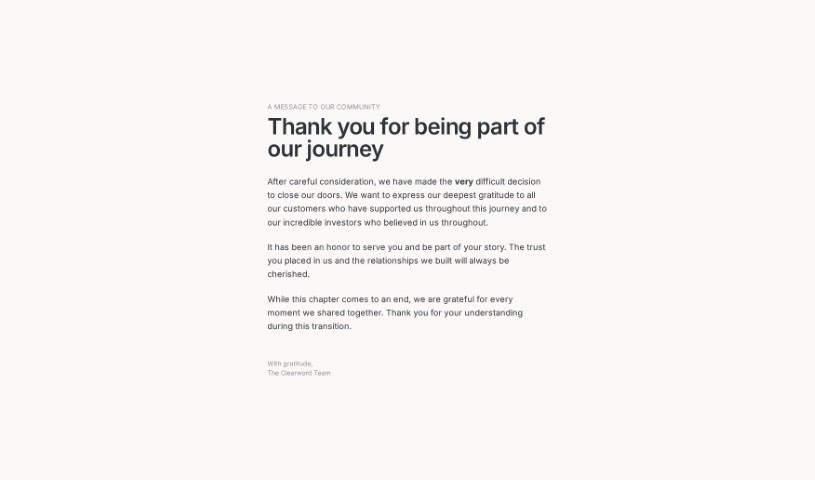
Screenshot of Clearword

Clearword

Freemium

Clearword is a real-time AI meeting assistant that joins calls on Zoom, Google Meet, and Microsoft Teams. It takes notes during meetings, produces summaries, exports action items, and builds a searchable library of meeting information.

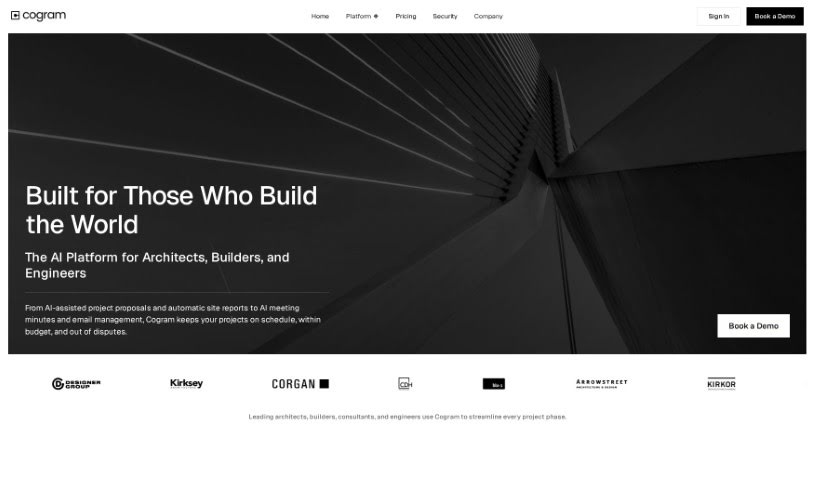
Screenshot of Cogram

Cogram

Freemium

Cogram is an AI coworker designed to streamline meeting-related work and boost team productivity. It takes notes during calls, tracks who is responsible for which tasks, and automates other post-meeting chores. Cogram is trusted by S&P 500 companies as well as leading law and consulting firms.

About Meetings tools

Sitting through back-to-back video calls while trying to write down every detail can leave anyone exhausted. Between tracking decisions, scribbling down action items, and sending follow-up emails, staying engaged in the actual conversation becomes a real challenge. When manual note-taking steals your focus, meetings feel like extra work added on top of your actual job.

These meeting platforms act as attentive digital assistants for virtual calls and team collaboration. They record audio, generate clean transcripts, and pull out key decisions so you can stay fully present in the conversation.

Automatic Notes, Task Extraction, and Meeting Archives

Automating real-time transcription and note-taking removes the pressure of scribbling down every word. Modern meeting assistants join your video calls or record local audio, separating speakers and turning spoken words into clear text. Instead of dividing your attention between listening and typing, you can participate fully while software captures every detail in the background.

Extracting clear action items and commitments keeps team projects moving forward after the call ends. Crucial tasks assigned during a long discussion often get forgotten once everyone logs off. Intelligent meeting tools scan the transcript, highlight agreed-upon tasks, and assign team owners alongside stated deadlines. You can push these action items directly into your project board or chat channels without typing a single follow-up email.

Building a searchable meeting archive makes catching up simple for remote and asynchronous teams. Watching an hour-long recording just to find a two-minute decision about a project design is a huge time drain. AI meeting platforms break long calls into structured chapters, highlight key discussion points, and let you search across weeks of past calls to find specific topics in seconds.

Key Features to Look For:

  • Real-time transcription and speaker identification: Software that turns live speech into text while accurately labeling who spoke each line.
  • Automated summary generation: Features that condense hour-long calls into bulleted notes, key decisions, and topic chapters.
  • Action item and task extraction: Tools that identify commitments made during a call, assign task owners, and list target deadlines.
  • Integration with workspace tools: Connectors that automatically sync meeting summaries and tasks with project boards, CRMs, and team messaging apps.
  • Privacy and consent controls: Applications built with strict data retention rules, clear recording notifications, and administrative privacy settings.

Productive team syncs will always depend on active listening, human collaboration, and sound decision-making. Software can record calls and list action items, but building trust and guiding a team requires your personal touch.

Browse the meeting assistants below to make your video calls far more productive.

The Best AI Meetings Assistants

  1. Zoom: Helps you schedule meetings easily and take notes.
  2. Otter.ai: Makes taking meeting notes simple and effortless.
  3. Fireflies AI: Streamlines meeting notes and tasks.
  4. Fathom AI: For efficient meeting notes and key highlights.
  5. Cal.ai: Automates the process of scheduling meetings.
  6. Motion: Offers an automated system for scheduling meetings.
  7. Tldv: Helps streamline meeting summaries and follow-ups.
  8. Reclaim AI: Automatically schedules breaks during meetings.
  9. Crystal Knows: Makes meeting prep easier with personality insights.
  10. Supernormal: Helps you get the most out of your meetings without much effort.
  11. Jamie AI: Effortlessly summarizes what was discussed in meetings.
  12. Blu Dot: Streamlines meeting scheduling and follow-ups.
  13. MeetGeek: Provides streamlined meeting notes and insights.
  14. Voicenotes: Efficiently captures meeting notes and action items.
  15. Bubbles Notetaker: Streamlines meeting transcriptions and tasks.
New tools, in your inbox.

Weekly picks of the best AI tools we've researched and added — no spam, unsubscribe anytime.

Join 25,000+ AI enthusiasts. No spam, unsubscribe anytime.