AI Tools for Meetings

Discover the best Meetings AI tools to enhance your productivity and creativity.

Page 3 of 11 • 127 total tools

In today’s busy work world, meetings are both necessary and, let’s be honest, sometimes overwhelming. Between tricky scheduling and the sheer effort of taking notes, challenges can pile up fast. Wouldn’t it be amazing if something could just handle those things for you?

That’s where AI meeting assistants come in. This category has really grown up over the last few years. They’re not just for taking notes or managing calendars anymore. Now, they can give you smart summaries, track your action items, and even suggest topics for your agenda based on what you need.

I’ve spent time digging into and testing a bunch of these AI meeting assistants to see how they compare. This guide points out the best ones you can get right now, showing off what they do and what makes them special.

Whether you want to make your meetings smoother, get more done, or just cut down on the chaos, there’s an AI meeting assistant here that’ll likely be a great fit. Let’s check out the options that can really change your meeting experience.

The Best AI Meetings Assistants

  1. Zoom: Helps you schedule meetings easily and take notes.
  2. Otter.ai: Makes taking meeting notes simple and effortless.
  3. Fireflies AI: Streamlines meeting notes and tasks.
  4. Fathom AI: For efficient meeting notes and key highlights.
  5. Cal.ai: Automates the process of scheduling meetings.
  6. Motion: Offers an automated system for scheduling meetings.
  7. Tldv: Helps streamline meeting summaries and follow-ups.
  8. Reclaim AI: Automatically schedules breaks during meetings.
  9. Crystal Knows: Makes meeting prep easier with personality insights.
  10. Supernormal: Helps you get the most out of your meetings without much effort.
  11. Jamie AI: Effortlessly summarizes what was discussed in meetings.
  12. Blu Dot: Streamlines meeting scheduling and follow-ups.
  13. MeetGeek: Provides streamlined meeting notes and insights.
  14. Voicenotes: Efficiently captures meeting notes and action items.
  15. Bubbles Notetaker: Streamlines meeting transcriptions and tasks.

How Do AI Meeting Assistants Work?

AI meeting assistants have become super popular, using advanced tech to make meetings run more smoothly. Basically, these tools use natural language processing (NLP) to understand what’s being said or written. When you talk or type into the platform, the AI analyzes it right away, helping to pull out important details or action items from the conversation.

A big part of what AI meeting assistants do is automatically transcribe conversations. This feature records what’s said, so you don’t miss any key points. Having accurate transcripts means you can focus on the discussion itself instead of worrying about writing everything down. Plus, you can always look back at the transcripts later, which really helps with productivity and keeping communication on track.

Beyond just transcribing, AI meeting assistants can also summarize your meetings. After the session wraps up, they can create short overviews that highlight the main topics and decisions. This is a lifesaver for busy professionals who don’t have time to read through long notes. These summaries help make sure everyone involved is on the same page about what was decided.

What’s more, many AI meeting assistants connect with your calendar apps. This lets them schedule and manage meetings smoothly, sending out invitations and reminders to everyone. By handling the logistics, these tools help avoid scheduling conflicts and simplify the whole process.

The technology behind AI meeting assistants mostly relies on machine learning algorithms. These are trained on tons of data from conversations and meeting notes. By spotting patterns in language and context, the AI gets really good at understanding different speech styles. This extensive training helps the assistant work well across all sorts of topics and ways of talking in meetings.

If you’re looking to make your meetings better, AI meeting assistants offer some really exciting possibilities. They don’t just save you time; they also help people engage more during discussions. As technology keeps advancing, we can expect these tools to get even smarter, further changing how we run meetings in the future.

Our Best AI Meetings Assistants at a Glance

RankNameBest forPlans and PricingRating
1ZoomScheduling meetings and taking notes easily.Paid plans start at $15.99/month.4.73 (11 reviews)
2Otter.aiTaking meeting notes effortlessly.Paid plans start at $13.59/month.4.73 (11 reviews)
3Fireflies AIStreamlining meeting notes and tasks.Paid plans start at $10/month.4.67 (12 reviews)
4Fathom AIEfficient meeting notes and highlights.Paid plans start at $19/month.4.33 (24 reviews)
5Cal.aiAutomating meeting scheduling.Paid plans start at $15/month.4.33 (6 reviews)
6MotionAutomated meeting scheduling system.N/A4.18 (11 reviews)
7TldvStreamlining meeting summaries and follow-ups.N/A4.31 (13 reviews)
8Reclaim AIAuto-scheduling breaks in meetings.Paid plans start at $10/month.4.25 (12 reviews)
9Crystal KnowsStreamlining meeting prep with personality insights.N/A4.50 (24 reviews)
10SupernormalOptimizing meeting efficiency.Paid plans start at $18/month.4.79 (19 reviews)
11Jamie AIEffortlessly summarizing meeting discussions.N/A4.33 (15 reviews)
12Blu DotStreamlining meeting scheduling and follow-ups.N/A4.60 (25 reviews)
13MeetGeekStreamlined meeting notes and insights.Paid plans start at Free/N/A.5.00 (30 reviews)
14VoicenotesEfficient meeting notes and action items.N/A4.64 (11 reviews)
15Bubbles NotetakerStreamlining meeting transcriptions and tasks.Paid plans start at $Free/month.4.64 (11 reviews)
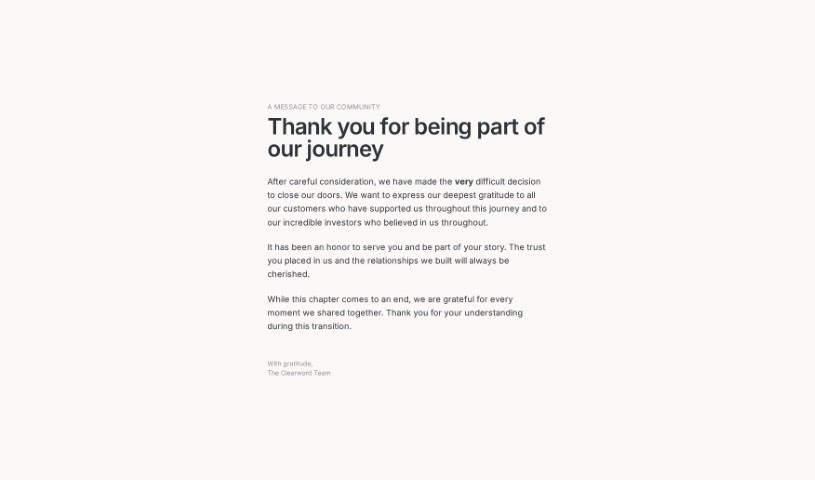
Screenshot of Clearword

Clearword

Freemium

Clearword is your real-time AI meeting sidekick. It's built to make your meetings much better by automatically summarizing them, letting you easily export action items, and creating a searchable library of all your meeting info. It plays nicely with Zoom, Google Meet, and Microsoft Teams, all with the goal of making your meetings smoother and helping you get more done. People who use it often say it's a game-changer for improving meetings and making them feel more effective and productive.

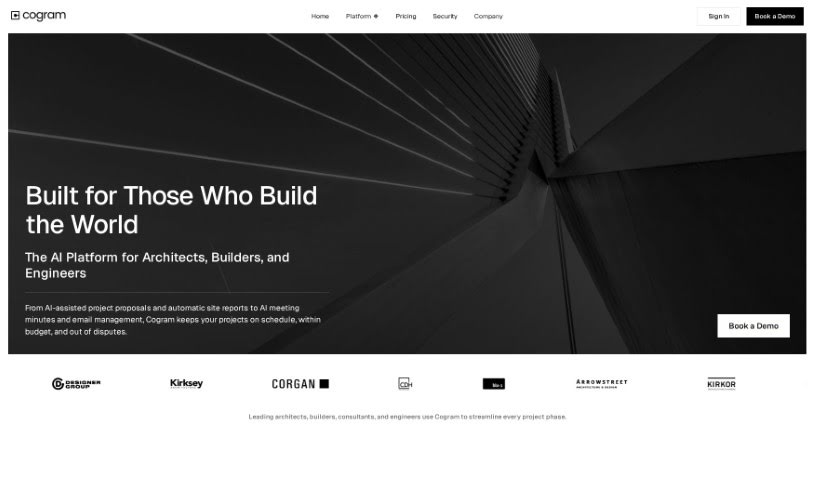
Screenshot of Cogram

Cogram

Freemium

Cogram is your new AI coworker, built to make your work life smoother and boost your team's productivity. It's designed to help with all sorts of tasks, especially those that pop up after meetings. Imagine never having to worry about taking notes during a call again, or automatically tracking who's supposed to do what. Cogram can handle that, plus automate other post-meeting chores. It’s already trusted by big names like S&P 500 companies and leading law and consulting firms, so you know it’s built for serious efficiency and success.

Screenshot of Comigo

Comigo

Freemium

Comigo is your personal assistant that blends therapy support with productivity tools, offering practical solutions designed to fit right into your daily life. It provides straightforward, conversational help to manage symptoms day-to-day. Plus, it helps you build long-term strategies and skills for better self-regulation of your thoughts, feelings, and behaviors. It uses proven techniques like CBT, DBT, and ACT. With Comigo, you get 24/7 access to practical advice and support, all aimed at helping you grow and thrive, both personally and professionally.

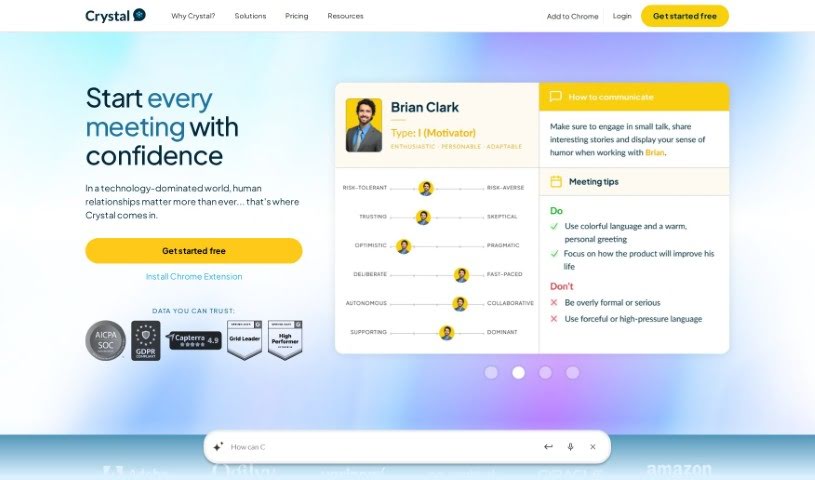
Screenshot of Crystal Knows

Crystal Knows

Freemium

Crystal Knows is a platform designed to give you insights into people's personalities, helping you understand yourself and communicate better with others. It was founded back in 2015 with a clear goal: to make communication stronger by offering deep personality insights. Crystal Knows's software platform digs into online data to accurately figure out what makes a person tick – their motivations, how they like to communicate, and other behavioral patterns. It plays nicely with sales and marketing tools like Salesforce and HubSpot, and big names like Accenture, Google, and Microsoft are already using it. Crystal offers a bunch of helpful features, including ways to improve your prospecting, writing, and even hiring, all aimed at making communication smoother and building better relationships.

Screenshot of CrystalSound

CrystalSound

Freemium

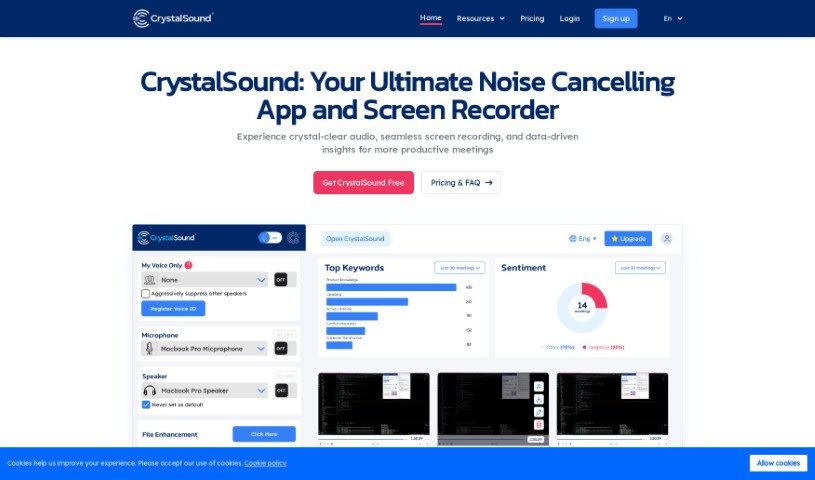
CrystalSound is a handy app for Windows, Mac, and Linux that cleans up your audio. It is a noise-canceling and voice changer tool all in one. Its main goal? To give you really clear audio. It does this by cutting out background noise, making your audio files sound better, and even letting you change your voice. People love how well it gets rid of distractions during online meetings and generally makes sound quality much better. You get features like noise cancellation that works in real-time, ways to adjust your voice pitch, and it all connects smoothly with the communication apps you probably already use. Plus, CrystalSound uses AI that keeps your audio private because it all happens right on your device – no data security worries there.

Screenshot of Cue

Cue

Freemium

Cue is a comprehensive digital platform built to boost how teams work together and get things done. It offers a bunch of helpful features, like managing tasks, team messaging, sharing files, and integrating with your calendar. The goal is to make your workflows smoother and communication clearer within your organization. Essentially, Cue wants to bring all your work activities into one easy-to-access spot. This way, team members can easily coordinate tasks, share updates, and keep an eye on how projects are progressing. By making real-time collaboration easier and providing a central place for all your information, Cue is designed to help teams be more efficient and productive in today's work environment.

Screenshot of CueCam Presenter

CueCam Presenter

Freemium

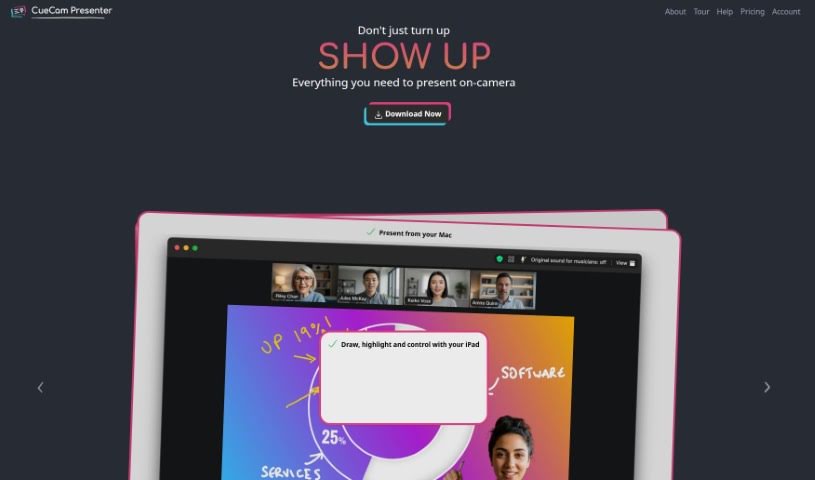
CueCam Presenter is a really neat Mac app that completely changes how you share content during video calls. It lets you use your iPhone as a top-notch camera, a teleprompter, and even a preview window. This means you can give presentations while looking right at your audience, which feels much more professional. If you've got an iPad, CueCam Presenter works with it too, offering cool features like the Video Pencil. This lets you draw and add annotations directly over whatever you're sharing. Plus, it has a virtual camera and microphone that work seamlessly with any Mac app. You can combine live video, graphics, and audio all in one place, without needing extra software like OBS Studio.

Screenshot of Dinnerfy

Dinnerfy

Freemium

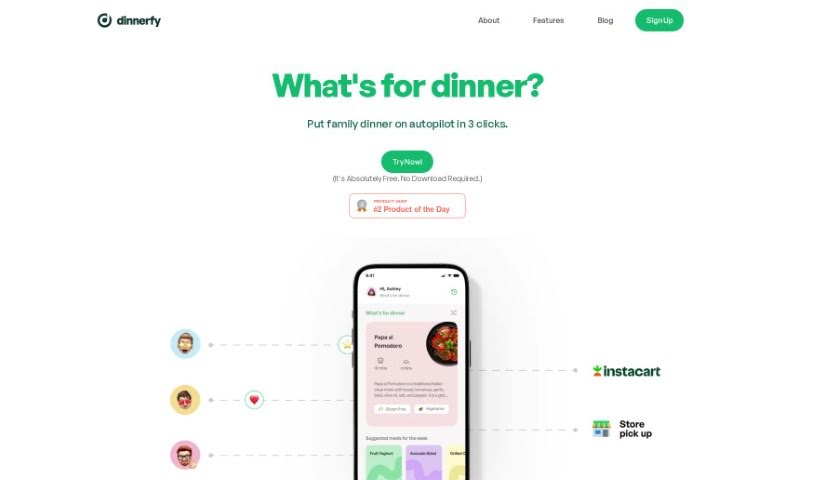
Dinnerfy is a Progressive Web App, or PWA for short. This means it works right in your web browser, so you don't have to download anything from app stores like Apple's or Google's. You can easily add it to your device's home screen, just like any other app, making it super convenient to access. The folks behind Dinnerfy really emphasize how the app is designed to help families spend more quality time together. They've developed special technology that learns what your family likes and helps you reach your goals while enjoying that time. Plus, you can customize your menus to make the whole experience even better for everyone. The best part? Dinnerfy is free to use, though they do welcome voluntary donations to help keep it running.

Screenshot of Dr. Feelgood

Dr. Feelgood

Freemium

Dr. Feelgood is an AI motivational coach. Its whole purpose is to help you build healthier habits, stay consistent, and keep that motivation high so you can reach your goals. It offers personalized coaching sessions, kind of like having a personal guide, all designed to help you unlock your own potential. It is a powerful partner that combines that human touch with smart AI capabilities to really boost your motivation and improve your overall well-being. Plus, it's available around the clock, so you can schedule sessions whenever it works for you, without any cancellation worries. When you sign up for the monthly plan, you get unlimited coaching sessions, all tailored specifically to your personality to help you keep improving.

Screenshot of Embra

Embra

Freemium

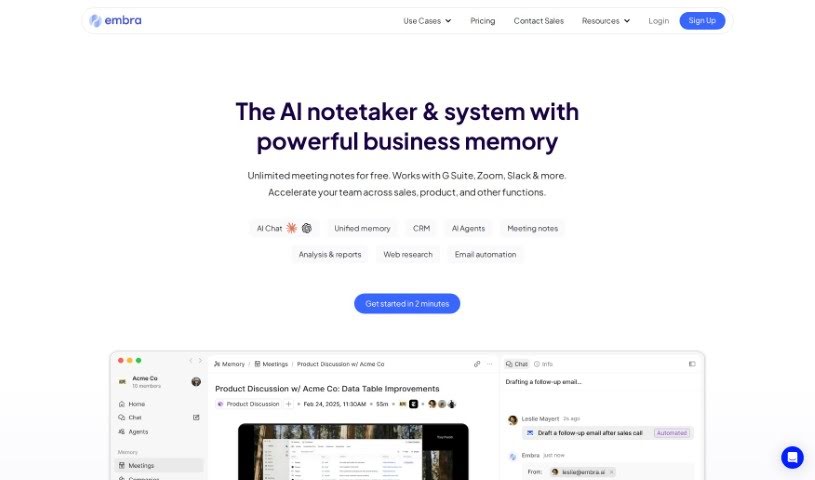
Embra is a really fast AI assistant built for professionals. It is your go-to helper for all sorts of tasks. It can automate your emails, whip up summaries from your meetings, help you find information buried in your internal documents, create content, do research, and summarize articles. What really sets Embra apart are its quick commands, its ability to learn your personal automation needs, its collaboration features, and how well it plays with other apps like Chrome, Gmail, and Zoom. Essentially, Embra is designed to make your work smoother, save you precious time, and boost how much you get done, whether you're working solo or as part of a team in any professional field. People like Andre Pennecooke, who's the VP of Design at Dave, and Brian Cometa, the Owner at $300 Data Recovery, have both said great things about how efficient and easy to use Embra is.

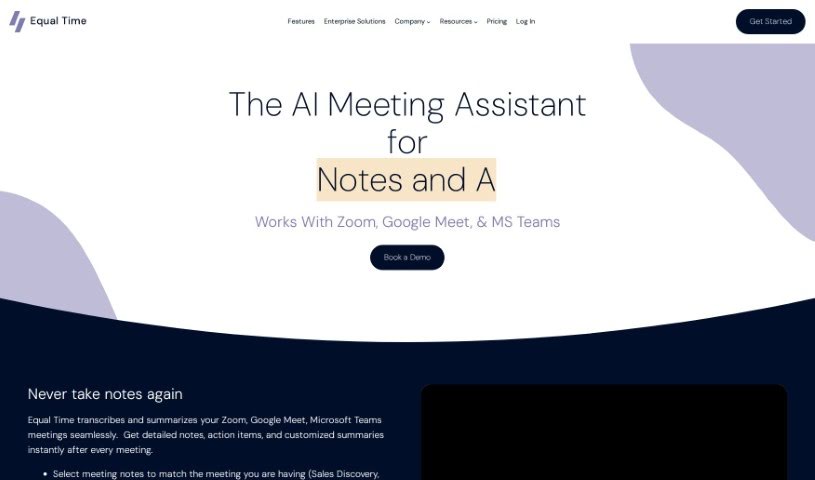
Screenshot of Equal Time

Equal Time

Freemium

Equal Time is a smart virtual meeting assistant designed to make your meetings on platforms like Zoom, Google Meet, and Microsoft Teams more inclusive and productive. It helps ensure everyone gets a chance to speak by keeping an eye on speaking time and offering real-time feedback on who's participating. Plus, it generates AI-powered meeting notes, complete with transcripts and action items. This tool is a great fit for anyone focused on diversity, inclusion, and equity, whether you're a DEI leader, manager, teacher, coach, HR pro, or part of an engineering team.

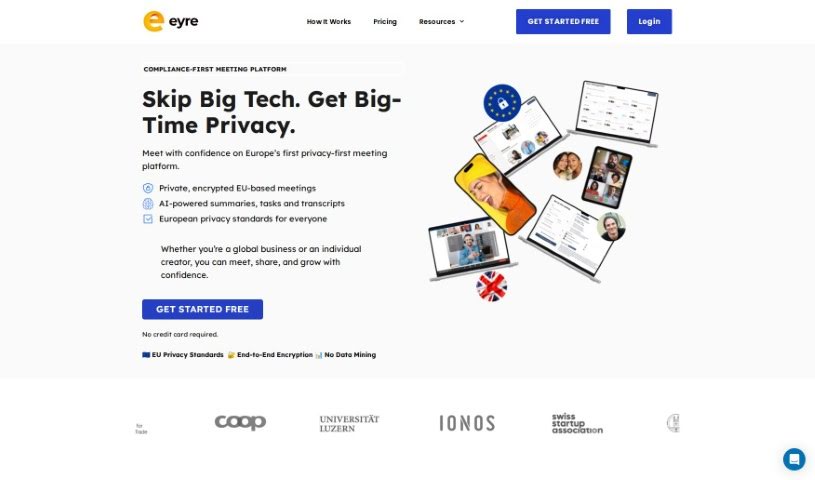
Screenshot of Eyre

Eyre

Freemium

Eyre is an AI-powered platform built to make your collaborative meetings much better. It is your all-in-one meeting hub. It offers a really interactive virtual whiteboard where you can brainstorm ideas together. Plus, it helps with task management, securely shares content, and even has an AI assistant named Jane, powered by GPT-4. With Eyre, your team can easily brainstorm, assign tasks, keep an eye on progress as it happens, and quickly create all sorts of meeting content.

Stay Updated with AI Tools

Get weekly updates on the latest AI tools, trends, and insights delivered to your inbox

Join 25,000+ AI enthusiasts. No spam, unsubscribe anytime.