AI Image Enhancers & Upscalers: Top Tools Compared

AI Tools for Image Enhancement

Discover the best Image Enhancement AI tools to enhance your productivity and creativity.

Page 5 of 9 • 97 total tools
Screenshot of Mems

Mems

Freemium

Mems is a photo editing app that uses AI to improve photo quality. It provides natural-looking retouching, glare removal, smile brightening, and blemish clearing, and can transform photos into high definition. Edits apply instantly on mobile and are watermark-free. The app is designed to keep original subjects looking authentic rather than altering them. It works on phones and computers and suits both professional work and personal photos. The app's creator is not publicly named.

Image Enhancement View Tool →
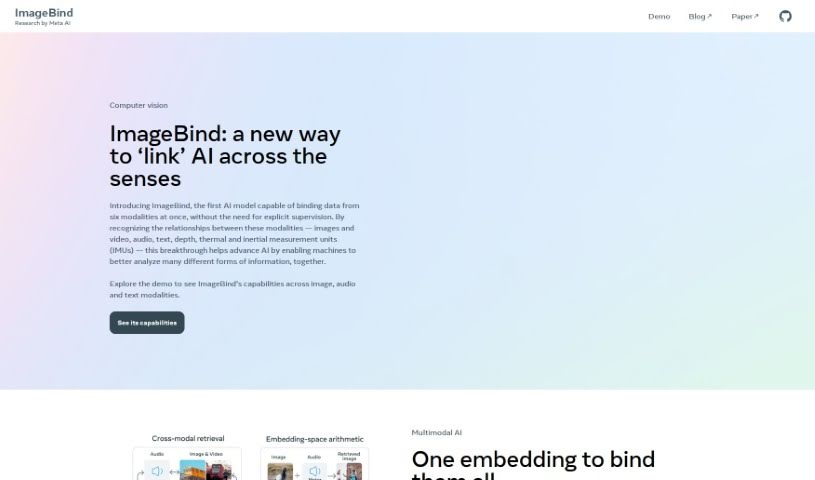
Screenshot of Meta ImageBind

Meta ImageBind

Freemium

Meta ImageBind is a multimodal model developed by Meta AI. It brings different kinds of data together—such as images, audio, and other media—so that multiple data formats can work within a shared framework. Its standout qualities are its ability to handle multiple data types at once, an accessible interface, novel algorithms, and its foundation on Meta AI's research.

Image Enhancement View Tool →
Screenshot of Nostalgia Photos

Nostalgia Photos

Freemium

Nostalgia Photos is an online tool that uses AI to restore and enhance old photographs. Upload your photos to its secure platform and the AI boosts resolution, removes imperfections, sharpens details, and brightens colors while preserving the original character of each image. Once processing is complete, you can preview the results, make adjustments if needed, and download high-resolution restored images to print or share.

Image Enhancement View Tool →
Screenshot of Novita AI

Novita AI

Freemium

Novita AI (formerly Omniinfer, now novita.ai) is a platform for AI image generation that offers an API with access to over 10,000 models. Images generate in about 2 seconds, and no GPU is required on your end. Pricing starts at $0.0015 per image. The API also includes an upscaling service to improve image resolution. The company's stated mission is to give innovators access to AI technologies that are affordable, ethical, and easy to use.

Image Enhancement View Tool →
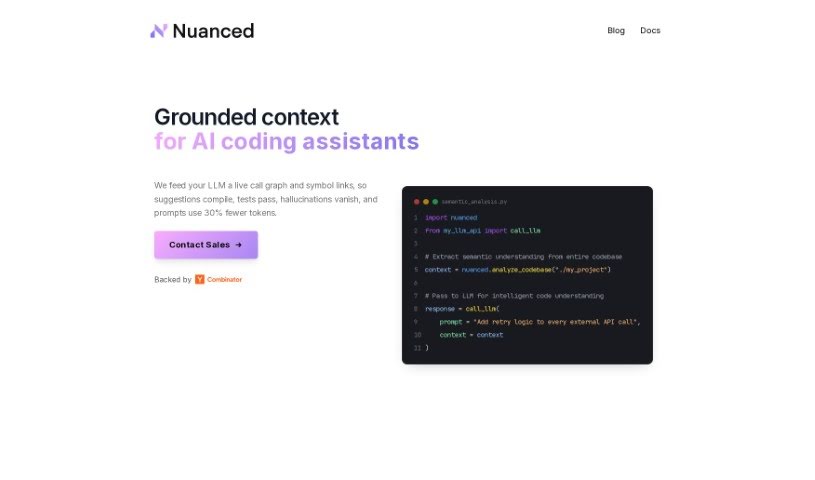
Screenshot of Nuanced

Nuanced

Freemium

Nuanced detects AI-generated images, distinguishing between human-made images and those created by AI. Its goal is to protect the integrity of online services by combating fraud, deepfakes, and inauthentic content.

Image Enhancement View Tool →
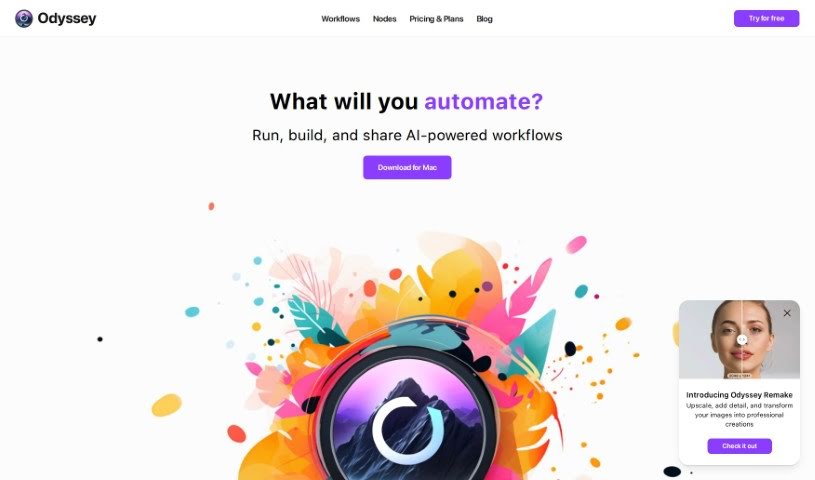
Screenshot of Odyssey

Odyssey

Freemium

Odyssey is an AI-powered app for Mac that lets you connect different AI models without writing code. It uses drag-and-drop nodes and pre-built workflows to run models like Stable Diffusion, ControlNet, and LLMs locally on your machine, and can also connect to external APIs for image generation, text work, and large language model tasks. Its goal is to make creating art, boosting productivity, and experimenting with AI simpler through a user-friendly interface.

Image Enhancement View Tool →
Screenshot of Oneimg

Oneimg

Freemium

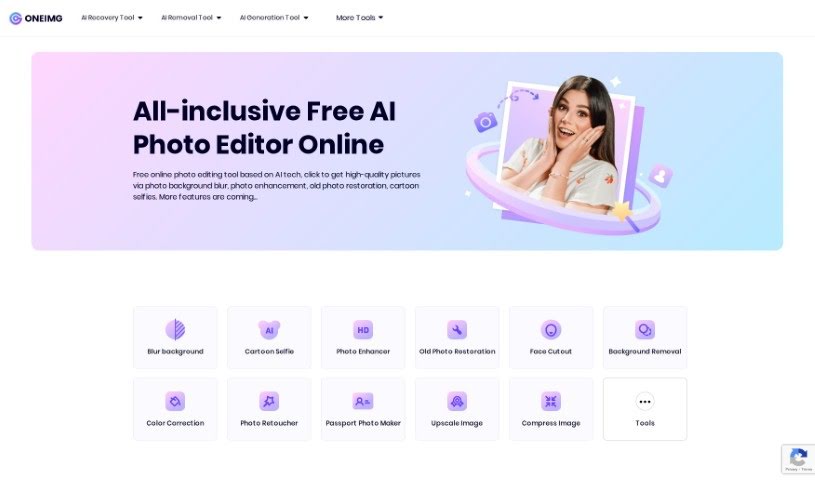
Oneimg is a free online platform that uses AI to enhance and edit photos. Its features include background blur, old photo restoration, cartoon selfies, background removal, face cutout, color correction, and photo retouching. It also offers utility tools to compress, upscale, create memes, resize, crop, rotate, and convert images to different formats.

Image Enhancement View Tool →
Screenshot of Openart Creative Upscale

Openart Creative Upscale

Freemium

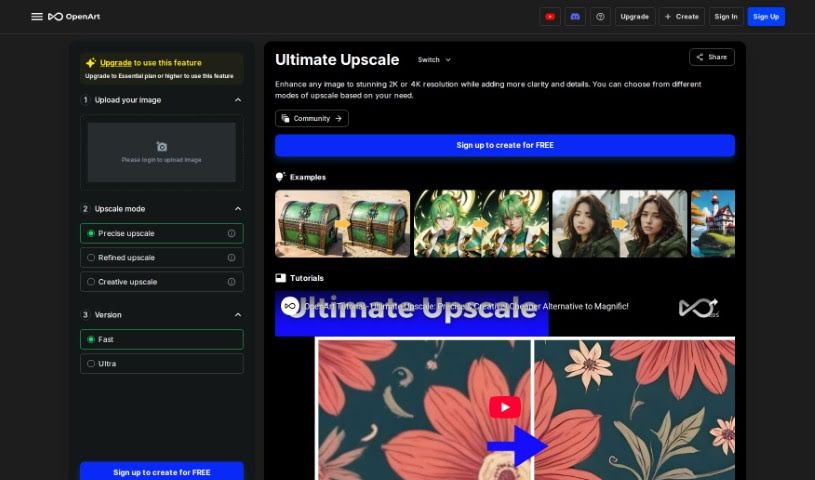
Creative Upscale is a tool that enhances images to 2K or 4K resolution by adding clarity and finer details. It offers several upscaling modes depending on your needs, including a precise upscale for accuracy and a creative upscale for artistic results. Tutorials are available to help you learn the tool, and it is a more affordable option compared to many other upscaling methods.

Image Enhancement View Tool →
Screenshot of Opticlean

Opticlean

Freemium

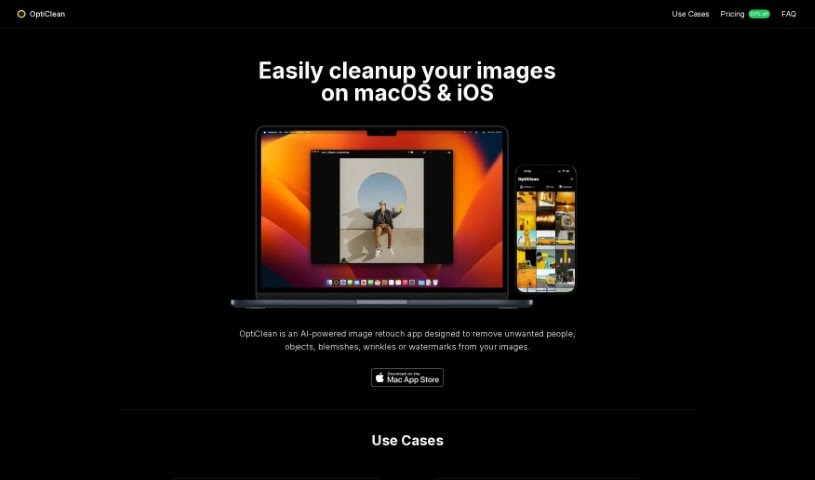
OptiClean is an AI-powered app for retouching and cleaning up images. Built for Apple Silicon, it runs entirely offline and processes images quickly. It works with regular photos, cartoons, and AI-generated images, and is available for macOS and iOS devices.

Image Enhancement View Tool →
Screenshot of Passport Photo Online

Passport Photo Online

Freemium

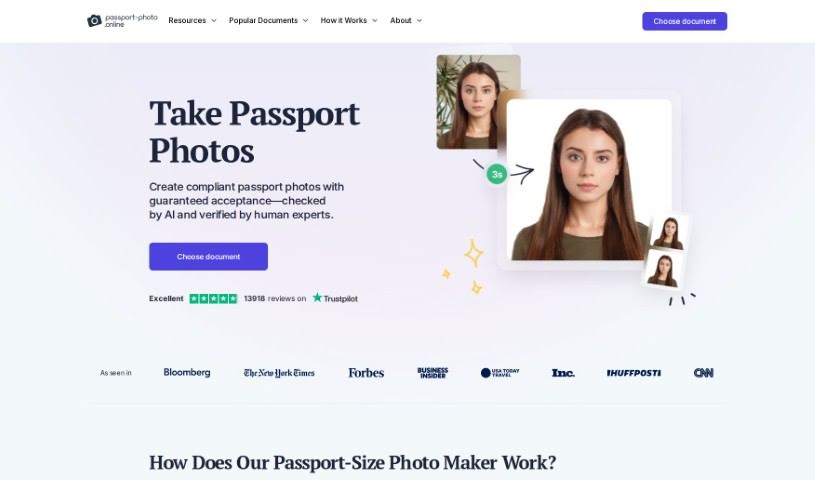
Passport Photo Online is a tool for creating official biometric photos for passports, visas, and ID cards. You can take a selfie or upload an existing picture, and the tool uses AI to adjust it to official standards. Experts then verify the photo for compliance. Once verified, you can download the digital photo immediately or have printed copies delivered to you.

Image Enhancement View Tool →
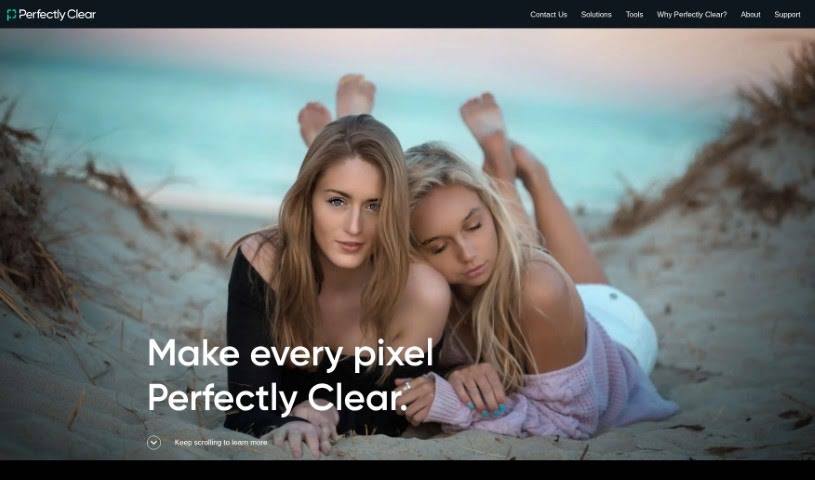
Screenshot of Perfectly Clear

Perfectly Clear

Freemium

Perfectly Clear is photo-enhancement software that automatically corrects common photo problems. It adjusts brightness, color vibrancy, sharpness, and reduces noise, producing professionally edited-looking images with minimal effort. Users often highlight its speed and efficiency, making it a convenient option for preparing images for the web or print. The interface is easy to learn, and it supports batch processing of multiple photos at once.

Image Enhancement View Tool →
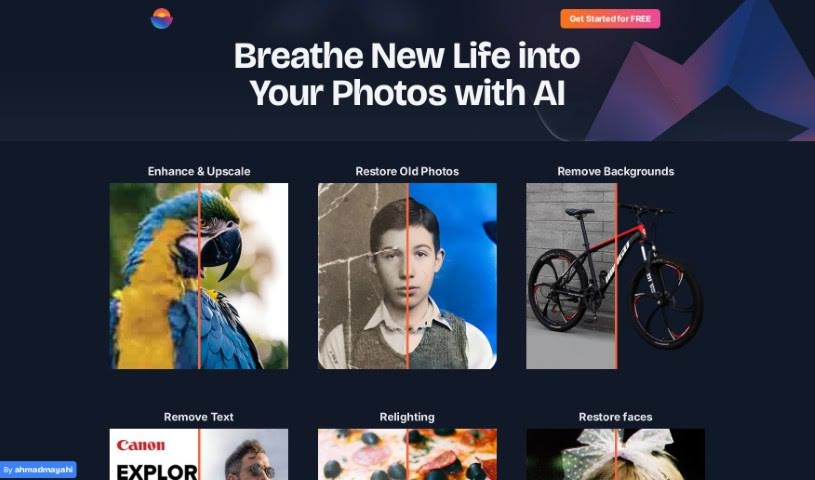
Screenshot of Photoenhanceai

Photoenhanceai

Freemium

PhotoEnhanceAI is an AI-powered photo editor that automates the time-consuming parts of photo enhancement. It sharpens images, upscales them without losing quality, restores old or damaged pictures, removes and replaces backgrounds, brightens low-light shots, and cleans up unwanted clutter. It works particularly well on photos featuring people and is built to deliver professional results regardless of skill level.

Image Enhancement View Tool →

About Image Enhancement tools

Dealing with blurry, pixelated, or poorly lit photos is a common headache. Whether you’re scaling up an old family scan, cleaning low-res product shots for an online shop, or fixing a noisy low-light photo, traditional editing takes tedious manual effort. Spending hours with clone stamps, sharpening filters, and noise sliders can quickly drain your momentum.

Instead of replacing a photographer’s eye or saving a completely ruined shot, the restoration tools in this category act as high-speed editing helpers. They sharpen soft details, clean up digital grain, and boost file resolution in seconds.

Upscaling, Deblurring, and Photo Restoration

Standard digital scaling simply stretches existing pixels, creating blurry edges and blocky shapes. Smart upscaling models analyze image structures, infer missing texture details, and enlarge low-resolution files up to several times their original size while keeping edges crisp.

Fixing low-light noise and motion blur used to mean sacrificing sharpness. Pushing traditional noise reduction sliders too far often left photos looking plastic and flat. AI image tools distinguish unwanted sensor noise from true subject detail, stripping away grain while preserving fine hair, fabric textures, and sharp edges.

Restoring vintage prints or compressed web photos becomes far simpler, too. Scanned portraits often suffer from dust scratches, color fading, and heavy compression artifacts. Specialized detail-recovery models restore natural facial features, balance skin tones, and correct lighting without over-smoothing, giving old memories a second life.

Useful Features to Look For:

  • Generative upscaling: Tools that enlarge low-resolution images without creating pixelation or blurry edges.
  • Smart noise reduction: Features that remove grain from high-ISO or low-light shots while keeping fine textures intact.
  • Facial feature recovery: Models designed to restore facial clarity, eye detail, and natural skin textures in compressed portraits.
  • Old photo restoration: Tools that automatically repair scratches, fix color fading, and clean up scanned prints.
  • Batch processing: Systems that let you apply restoration settings across hundreds of catalog photos at once.

Lighting, composition, and human perspective will always drive great photography. Software can scale up pixels and clean up sensor noise, but recognizing what makes a photo special still requires your visual judgment.

Check out the image editing tools below to polish your photo collection.

The Best AI Image Enhancer & Upscalers

  1. Pixelcut: Great for improving image clarity and resolution.
  2. Cutout.pro: Helps boost photo clarity and resolution.
  3. Pica AI: Smoothly enhances and upscales anime images.
  4. Image Upscaler: Perfect for turning low-res images into print-ready files.
  5. Upscale.media: Quickly boosts visuals for e-commerce.
  6. Remini AI: Transforms low-res images into stunning visuals.
  7. Vectorizer.ai: Improves image quality for large prints.
  8. Let’s Enhance: Enhances images for vibrant large prints.
  9. Clip Drop: Boosts the quality of low-res images.
  10. Bigjpg: Enlarges anime art while keeping details sharp.
  11. AI Image Enlarger: Upscales images without blur, plus sharpen, denoise and colorize tools.
  12. Vance AI: Improves photo quality for prints.
  13. Passport Photo Online: Enhances photo quality for official documents.
  14. Reface: Improves image quality for clearer details.
  15. Magnific AI: Transforms low-res images into high-definition.

New tools, in your inbox.

Weekly picks of the best AI tools we've researched and added — no spam, unsubscribe anytime.

Join 25,000+ AI enthusiasts. No spam, unsubscribe anytime.