Dealing with blurry, pixelated, or poorly lit photos is a common headache. Whether you’re scaling up an old family scan, cleaning low-res product shots for an online shop, or fixing a noisy low-light photo, traditional editing takes tedious manual effort. Spending hours with clone stamps, sharpening filters, and noise sliders can quickly drain your momentum.
Instead of replacing a photographer’s eye or saving a completely ruined shot, the restoration tools in this category act as high-speed editing helpers. They sharpen soft details, clean up digital grain, and boost file resolution in seconds.
Upscaling, Deblurring, and Photo Restoration
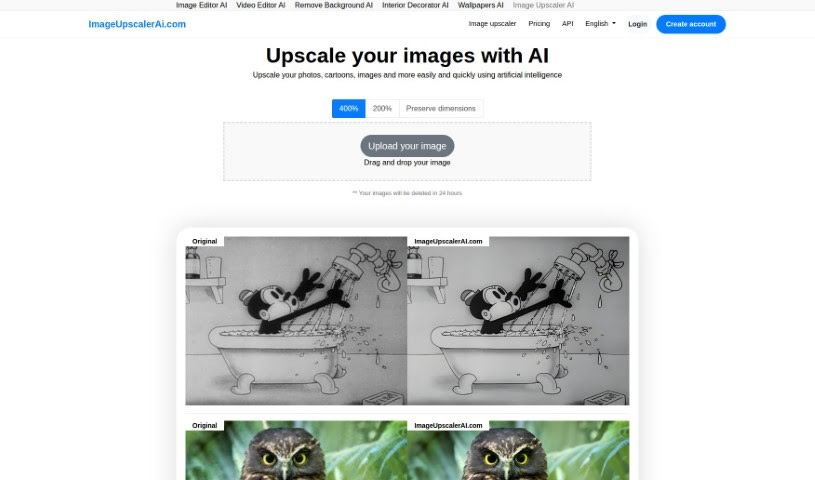
Standard digital scaling simply stretches existing pixels, creating blurry edges and blocky shapes. Smart upscaling models analyze image structures, infer missing texture details, and enlarge low-resolution files up to several times their original size while keeping edges crisp.
Fixing low-light noise and motion blur used to mean sacrificing sharpness. Pushing traditional noise reduction sliders too far often left photos looking plastic and flat. AI image tools distinguish unwanted sensor noise from true subject detail, stripping away grain while preserving fine hair, fabric textures, and sharp edges.
Restoring vintage prints or compressed web photos becomes far simpler, too. Scanned portraits often suffer from dust scratches, color fading, and heavy compression artifacts. Specialized detail-recovery models restore natural facial features, balance skin tones, and correct lighting without over-smoothing, giving old memories a second life.
Useful Features to Look For:
- Generative upscaling: Tools that enlarge low-resolution images without creating pixelation or blurry edges.
- Smart noise reduction: Features that remove grain from high-ISO or low-light shots while keeping fine textures intact.
- Facial feature recovery: Models designed to restore facial clarity, eye detail, and natural skin textures in compressed portraits.
- Old photo restoration: Tools that automatically repair scratches, fix color fading, and clean up scanned prints.
- Batch processing: Systems that let you apply restoration settings across hundreds of catalog photos at once.
Lighting, composition, and human perspective will always drive great photography. Software can scale up pixels and clean up sensor noise, but recognizing what makes a photo special still requires your visual judgment.
Check out the image editing tools below to polish your photo collection.
The Best AI Image Enhancer & Upscalers
- Pixelcut: Great for improving image clarity and resolution.
- Cutout.pro: Helps boost photo clarity and resolution.
- Pica AI: Smoothly enhances and upscales anime images.
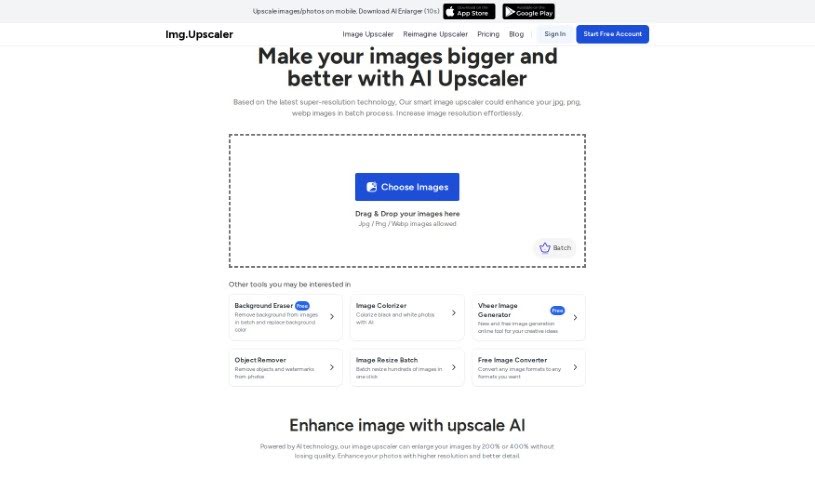
- Image Upscaler: Perfect for turning low-res images into print-ready files.
- Upscale.media: Quickly boosts visuals for e-commerce.
- Remini AI: Transforms low-res images into stunning visuals.
- Vectorizer.ai: Improves image quality for large prints.
- Let’s Enhance: Enhances images for vibrant large prints.
- Clip Drop: Boosts the quality of low-res images.
- Bigjpg: Enlarges anime art while keeping details sharp.
- AI Image Enlarger: Upscales images without blur, plus sharpen, denoise and colorize tools.
- Vance AI: Improves photo quality for prints.
- Passport Photo Online: Enhances photo quality for official documents.
- Reface: Improves image quality for clearer details.
- Magnific AI: Transforms low-res images into high-definition.