AI Documentation Tools

AI Tools for Documentation

Discover the best Documentation AI tools to enhance your productivity and creativity.

Page 5 of 14 • 165 total tools
Screenshot of Enzyme

Enzyme

Freemium

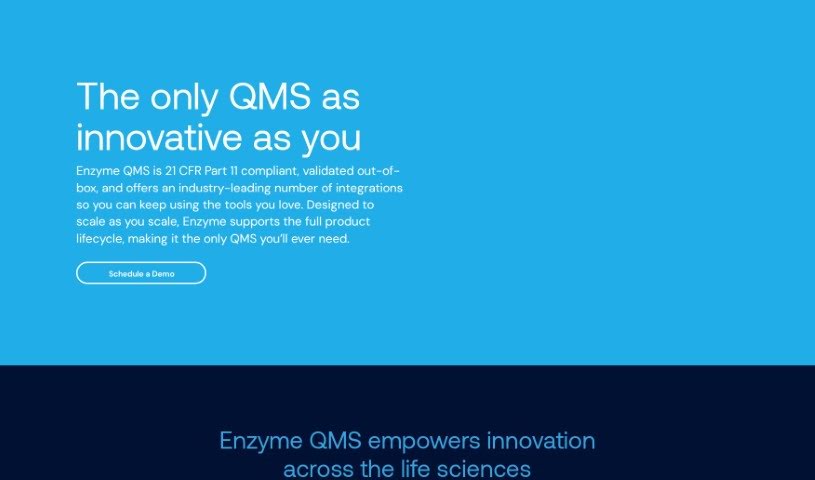
Enzyme is a Quality Management System (QMS) tool created to address the challenges of the biotech and medical device sectors. Its eQMS is designed to simplify workflows, speed up tasks, and make generating FDA-ready documentation easier, helping companies strengthen their quality culture through modern software and expert guidance.

Documentation View Tool →
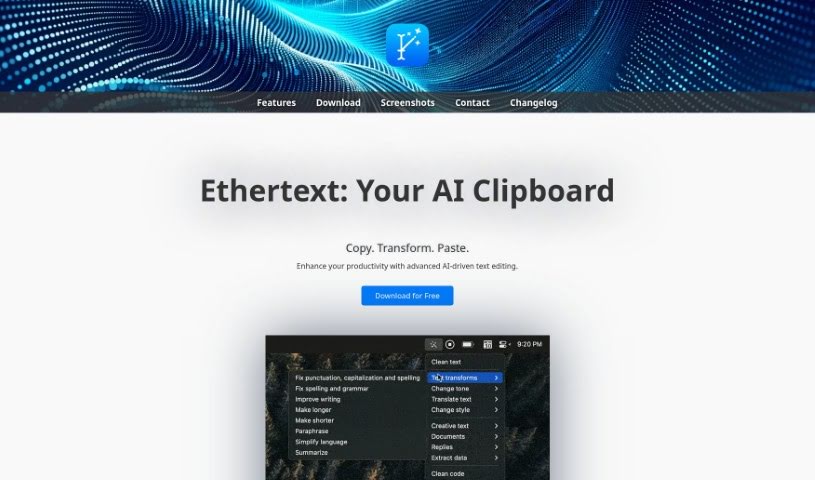
Screenshot of Ethertext

Ethertext

Freemium

Ethertext is an AI-powered text editor designed to speed up editing and writing tasks. Copy text, then transform it with a single click — adjust tone or style, improve grammar, or apply custom AI prompts. It also handles code-related work such as explaining, debugging, or translating code snippets (including translation into JavaScript).

Documentation View Tool →
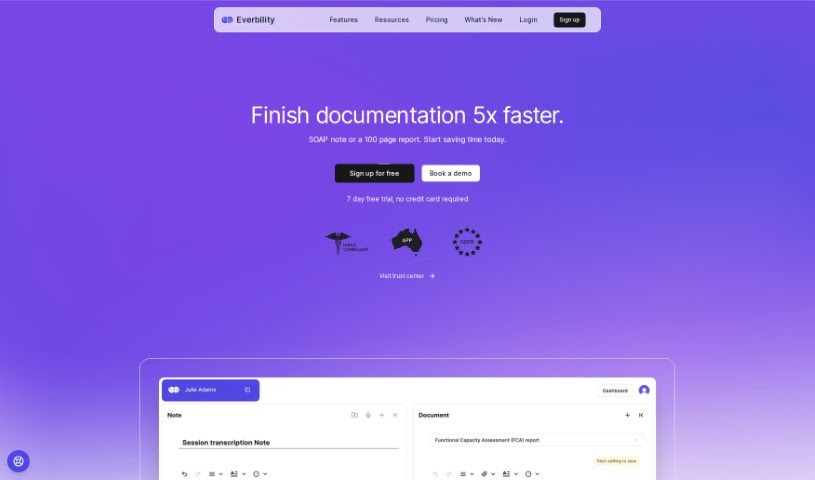
Screenshot of Everbility

Everbility

Freemium

Everbility is an AI assistant designed for allied health professionals, aimed at simplifying time-consuming documentation tasks such as writing reports and taking notes. Its features include AI-powered writing assistance, a chatbot, customizable templates, and AI-assisted research lookup. Users report significant time savings, particularly for report writing and note-taking.

Documentation View Tool →
Screenshot of FabSoft

FabSoft

Freemium

FabSoft's flagship product, DeskConnect, is part of the Fab-Connect Suite. It uses Intelligent Document Capture technology to automatically capture, classify, extract data from, and distribute transactional documents. Built on Machine Learning and OCR (Optical Character Recognition), it aims to improve processing accuracy and route documents into the business applications you already use.

Documentation View Tool →
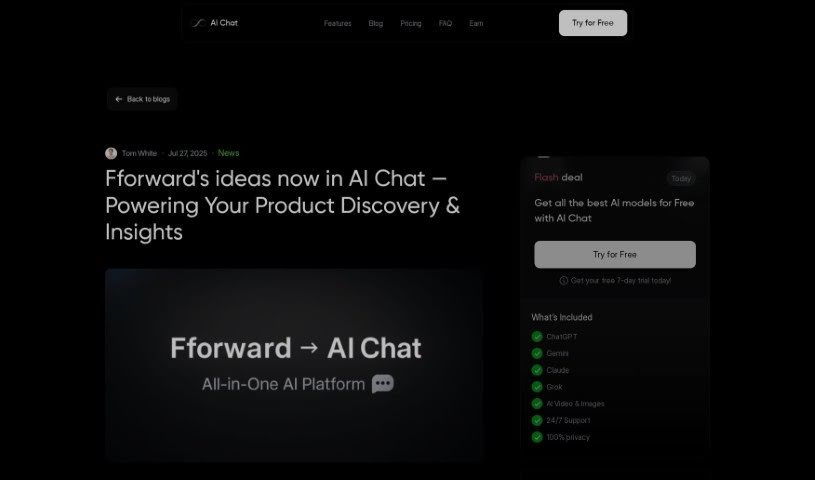
Screenshot of Fforward

Fforward

Freemium

Fforward was an AI product copilot designed to help users spot hidden assumptions, plan experiments, and create key product documents such as story maps, opportunity trees, and PRDs. A central feature was the Weekly Product Review, a shared working session meant to keep work on track and maintain accountability. The service was free to use while it was active.

Documentation View Tool →
Screenshot of Filebox

Filebox

Freemium

Filebox is a cloud storage solution that uses artificial intelligence to improve how you store and manage data. Its core features include AI-powered cloud storage that helps organize files, data security to protect sensitive information, and enhanced user privacy. It also offers a user-friendly interface and advanced file management designed to boost productivity, serving everyone from individuals to businesses.

Documentation View Tool →
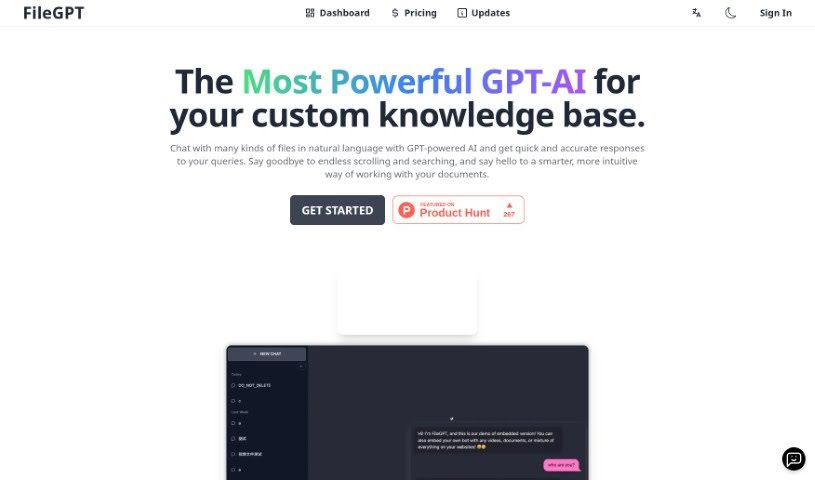
Screenshot of FileGPT

FileGPT

Freemium

FileGPT is an AI tool that lets you chat with your files using everyday language. Built on GPT technology, it answers questions about your documents, spreadsheets, presentations, and more. You ask questions in plain English, and it pulls the relevant information from your files. All processing happens locally on your own computer, keeping your data private. You can also customize the interface and train it to understand industry-specific terms.

Documentation View Tool →
Screenshot of Fima Ai

Fima Ai

Freemium

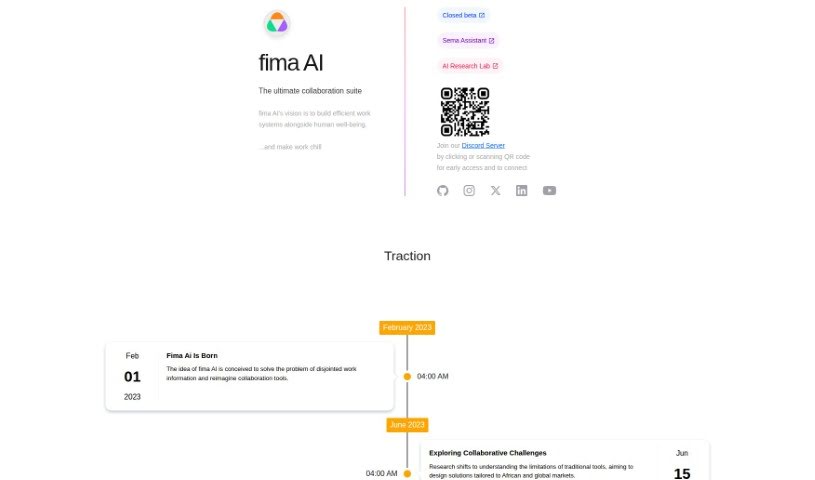
Fima AI is a collaboration suite designed to boost team productivity and simplify workflow management. It brings chat, collaborative document editing, project management, video calls, and a whiteboard together in a single place. The platform works for teams of all sizes, with flexible pricing that starts with a free plan and goes up to custom solutions for businesses. Standout features include instant messaging, connections with other tools you already use, and access to over 100 templates to help projects get off the ground quickly.

Documentation View Tool →
Screenshot of Findr

Findr

Freemium

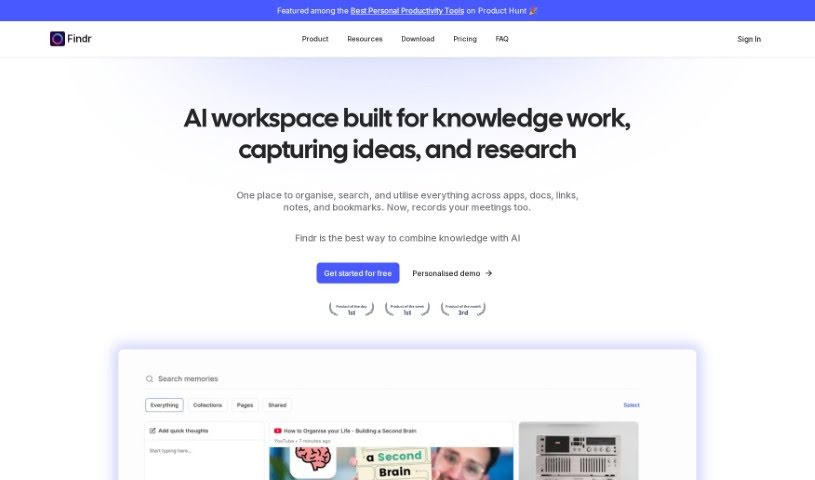
Findr is an AI-powered internal search platform that gives you a single search bar across all your apps. It interprets what you're looking for, pulls relevant data from connected apps via their search APIs, and ranks results with its own ranking system. Beyond surfacing links and documents, it answers questions, summarizes content, and helps draft emails.

Documentation View Tool →
Screenshot of Flexberry AI Assistant

Flexberry AI Assistant

Freemium

Flexberry AI Assistant is a software tool that helps business analysts and UI/UX designers work more efficiently. It uses artificial intelligence to handle routine tasks such as text analysis and the creation of mockup forms, SQL scripts, and UML diagrams. Its features can be customized to fit a company's needs, whether for analysis, design planning, or preparing project documentation. Professionals can use it to quickly build prototypes and minimum viable products (MVPs) that follow industry standards, improving productivity and streamlining the solution development process.

Documentation View Tool →
Screenshot of Fluxguard

Fluxguard

Freemium

Fluxguard uses AI to detect, filter, and summarize website changes. It helps you monitor web updates for regulatory compliance, defect detection, and competitive insight.

Documentation View Tool →
Screenshot of Formzil

Formzil

Freemium

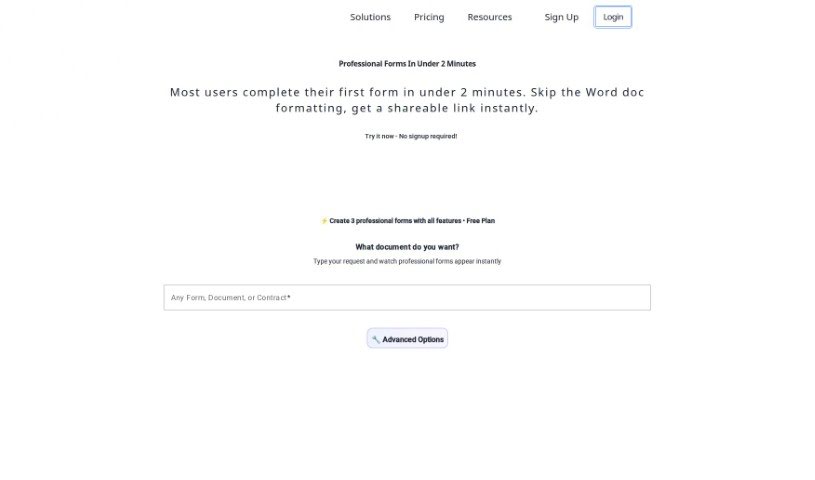
Formzil is an AI-powered platform for creating documents quickly. It handles much of the document-creation work through a straightforward interface, and registration is free, so you can start producing documents right away. The platform was launched by a founder who prefers to remain undisclosed, and no technical expertise is required to use it. It works for both individuals and businesses, generating a wide variety of documents tailored to your needs. Note that JavaScript must be enabled in your browser for the platform to function.

Documentation View Tool →

About Documentation tools

Writing technical documentation is often the last thing developers, product managers, or team leads want to tackle. After spending weeks building a feature or mapping out an internal process, writing user guides, API references, or wiki pages feels like a slog. Yet missing or outdated docs lead to confused users, onboarding bottlenecks, and endless support tickets.

Think of the platforms in this section as specialized technical writers. They don’t invent technical specs out of thin air, but they quickly turn raw code, screen recordings, and rough notes into clean, readable guides.

Automating Guides and Knowledge Bases

Generating technical guides straight from code repositories saves massive amounts of development time. Software engineers rarely want to pause their workflow to write comments or update API endpoints. Modern documentation assistants scan pull requests and codebases, generating clear, structured explanations of functions and endpoint changes automatically. Your technical references stay current without pulling developers away from writing code.

Creating standard operating procedures (SOPs) for internal workflows gets much faster, too. Instead of manually taking screenshots and writing step-by-step instructions for routine tasks, video-capture AI tools watch your screen while you work. They capture screenshots, write descriptive step titles, and build complete visual guides in minutes.

Keeping documentation updated is usually harder than writing it the first time. When a feature changes or a company policy updates, old docs become misleading. AI documentation platforms monitor your updated codebase or modified workflows, flagging outdated pages and suggesting quick revisions so your knowledge base remains accurate.

Useful Features for Teams:

  • Automated code parsing: Tools that read repositories and pull requests to generate API guides and technical references automatically.
  • Screen capture step building: Software that turns screen recordings into step-by-step visual guides with screenshots.
  • Knowledge base integration: Connectors that link directly to platforms like Notion, Confluence, or GitHub to keep docs updated across workspaces.
  • Multi-language translation: Features that translate user guides and help articles into dozens of languages while preserving formatting.
  • Natural language search: Search assistants that let users ask plain-English questions and get direct answers sourced straight from your docs.

Clear, helpful documentation will always depend on human context and real product understanding. While software parses code and captures screenshots, keeping guides intuitive for actual readers requires your direction.

Explore the documentation tools below to clean up your team’s knowledge base.

The Best AI Documentation Tools

  1. Tenorshare: Great for easily summarizing PDFs for research.
  2. Mermaid Chart: Perfect for creating code architecture diagrams.
  3. Git Book: A platform for editing documentation collaboratively.
  4. Craft Docs: Ideal for team collaboration and communication.
  5. Slite: Use it to centralize all your company’s knowledge.
  6. Macro.com: Helps you streamline document editing tasks.
  7. Supernormal: Makes meeting notes easy to access.
  8. Writingmate.ai: Offers automated documentation with AI help.
  9. Mentalyc: Provides seamless note-taking for therapists.
  10. Sembly AI: Generates meeting notes automatically.
  11. Document360: Helps create user-friendly product manuals.
  12. Mintlify: Streamlines the creation of developer documentation.
  13. Trickle AI: Manages project notes more efficiently.
  14. Single Store: For searching and analyzing documents in real-time.
  15. 20Paths: Creates how-to guides, interactive demos and synced help centres.
New tools, in your inbox.

Weekly picks of the best AI tools we've researched and added — no spam, unsubscribe anytime.

Join 25,000+ AI enthusiasts. No spam, unsubscribe anytime.