Fima Ai (Productivity)
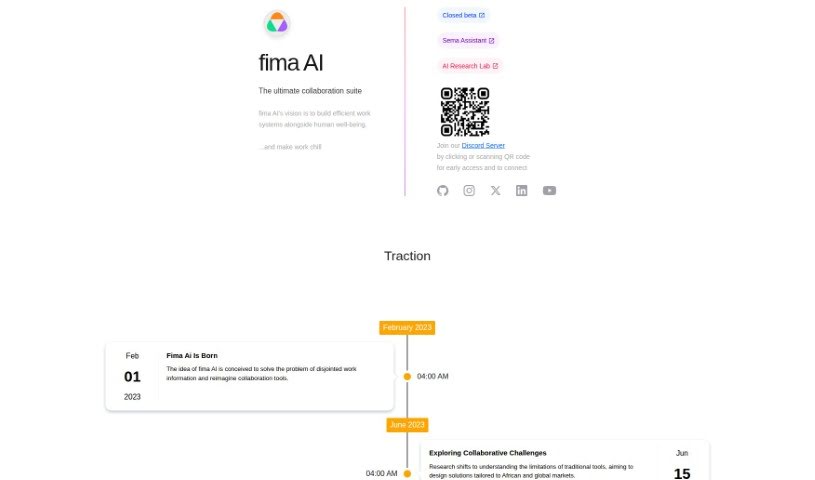
Screenshot of Fima Ai

Fima Ai

Discover Fima AI, an all-in-one collaboration suite combining chat, document editing, project management, video calls, and whiteboarding in one platform.

Screenshot

What is Fima AI?

Fima AI is a collaboration suite designed to boost team productivity and simplify workflow management. It brings chat, collaborative document editing, project management, video calls, and a whiteboard together in a single place. The platform works for teams of all sizes, with flexible pricing that starts with a free plan and goes up to custom solutions for businesses. Standout features include instant messaging, connections with other tools you already use, and access to over 100 templates to help projects get off the ground quickly.

Who created Fima AI?

The specific founder or founding team isn’t publicly disclosed. The company’s focus is on improving how teams collaborate by combining essential tools — chat, document editing, project management, video conferencing, and whiteboarding — into one cohesive interface, with pricing plans that can grow with an organization’s needs.

What is Fima AI used for?

  • Project Management: Keep projects organized and on track with clear, centralized task views.
  • Chat & Communication: Instant messaging for quick messages and video calls for face-to-face discussions.
  • Document Collaboration: Create, edit, and work on documents together in one central spot.
  • Integration Hub: Connect with the essential tools your team relies on to keep workflows efficient.
  • Templates & Brainstorming: Jumpstart projects with over 100 templates and use built-in features for brainstorming and design thinking.

Who is Fima AI for?

Fima AI suits a range of roles, including:

  • Project managers
  • Designers
  • Software developers
  • Marketers
  • Team leaders
  • Workflow and collaboration specialists

How to use Fima AI?

  1. Sign Up: Create a free account on the Fima AI website.
  2. Explore Features: Get acquainted with chat, document editing, project management, video calls, and whiteboarding.
  3. Collaborate: Work with your team in one place instead of switching between applications.
  4. Choose a Plan: Pick the pricing plan that fits your team’s size and needs, from the free plan up to custom business solutions.
  5. Use Templates: Take advantage of the 100+ templates to start projects and streamline brainstorming.

Related

Related AI Tools

Discover more tools in similar categories

New tools, in your inbox.

Weekly picks of the best AI tools we've researched and added — no spam, unsubscribe anytime.

Join 25,000+ AI enthusiasts. No spam, unsubscribe anytime.