AI Tools for Documentation

Discover the best Documentation AI tools to enhance your productivity and creativity.

Page 6 of 15 • 174 total tools

Documentation can feel like a never-ending task, full of tedious steps and confusing details. Whether you’re writing manuals, project guides, or reports, it’s easy to get stuck. Wouldn’t it be great if AI could help lighten that load?

Lately, AI tools made specifically for documentation have really changed things. They offer ways to speed up writing, organizing, and editing. These aren’t just helpers; they can truly change how you handle your documentation work.

After spending a good amount of time trying out the latest options, I’ve put together a list of the top AI tools for documentation that you might want to check out. If you need help with structure, style, or just getting things done faster, these tools are here to make your life simpler.

In this article, we’ll look at the standout tools making a splash in documentation, how they can help you be clearer and more efficient, and what to keep an eye on as this field keeps growing. Let’s jump in and find the tools that can really improve your documentation efforts.

The best AI Documentation Tools

  1. Tenorshare: Great for easily summarizing PDFs for research.
  2. Mermaid Chart: Perfect for creating code architecture diagrams.
  3. Git Book: A platform for editing documentation collaboratively.
  4. Craft Docs: Ideal for team collaboration and communication.
  5. Slite: Use it to centralize all your company’s knowledge.
  6. Macro.com: Helps you streamline document editing tasks.
  7. Supernormal: Makes meeting notes easy to access.
  8. Writingmate.ai: Offers automated documentation with AI help.
  9. Mentalyc: Provides seamless note-taking for therapists.
  10. Sembly AI: Generates meeting notes automatically.
  11. Document360: Helps create user-friendly product manuals.
  12. Mintlify: Streamlines the creation of developer documentation.
  13. Trickle AI: Manages project notes more efficiently.
  14. Single Store: For searching and analyzing documents in real-time.
  15. Bit.ai: Streamlines how teams manage documentation.

How do AI documentation tools work?

AI documentation tools work much like other AI writing tools, but they’re specifically built to make creating, managing, and updating documents smoother. Basically, they use smart algorithms and large language models to help you generate content, format text, and organize information efficiently.

These tools usually look at what you’ve written and suggest relevant content, making it easier to create thorough documentation. By understanding your questions and prompts, they can produce structured documents that fit specific needs, like technical manuals, user guides, or FAQs.

Plus, AI documentation tools often include features for teamwork, letting multiple people work on a document at the same time. This is super helpful for teams working on projects together, ensuring everyone’s ideas and expertise blend smoothly into one document.

Most of these tools come with templates and best practices learned from huge amounts of data. This means they can suggest styles, formats, and even the right words for your field, making your documentation clearer and more professional.

The technology behind them relies a lot on information from different places, like technical articles, manuals, and other formal documents. This wealth of data lets AI tools act like smart search engines, quickly finding information that can fill in gaps or answer specific questions in your documentation process.

So, in short, AI documentation tools are designed to make your workflow and productivity better when writing and maintaining documents. They help cut down the time spent on repetitive tasks and improve accuracy by using a vast amount of knowledge and understanding context. As these tools keep getting better, their ability to boost efficiency and teamwork in documentation will only grow.

Our best AI documentation tools at a glance

RankNameBest forPlans and PricingRating
1TenorshareEffortless PDF summarization for research.N/A4.64 (11 reviews)
2Mermaid ChartCode architecture diagramsN/A4.84 (19 reviews)
3GitBookCollaborative documentation editing platformN/A4.76 (25 reviews)
4Craft DocsTeam collaboration and communicationPaid plans start at $10/month.4.17 (6 reviews)
5SliteCentralizing company knowledgeN/A4.00 (15 reviews)
6Macro.comStreamlining document editing tasksN/A4.77 (30 reviews)
7SupernormalStreamline meeting notes for easy access.Paid plans start at $18/month.4.79 (19 reviews)
8Writingmate.aiAutomated documentation with AI supportN/A4.64 (11 reviews)
9MentalycSeamless note-taking for therapistsPaid plans start at $39.99/month.4.75 (12 reviews)
10Sembly AIAutomated meeting notes generationPaid plans start at $20/month.4.64 (11 reviews)
11Document360Creating user-friendly product manualsPaid plans start at $149/month.4.82 (11 reviews)
12MintlifyStreamlined developer documentation creationN/A4.17 (6 reviews)
13Trickle AIStreamline project notes managementPaid plans start at $8/month.4.67 (6 reviews)
14Single StoreReal-time document search and analysisPaid plans start at $574.9/month.4.17 (6 reviews)
15Bit.aiStreamlined team documentation managementPaid plans start at $8/month.4.64 (11 reviews)
Screenshot of Fluxguard

Fluxguard

Freemium

Fluxguard is a smart tool that uses AI to spot, filter, and summarize website changes. It's designed to help you keep tabs on web updates efficiently, whether you need to meet regulations, find bugs, or understand what competitors are up to.

Screenshot of Formzil

Formzil

Freemium

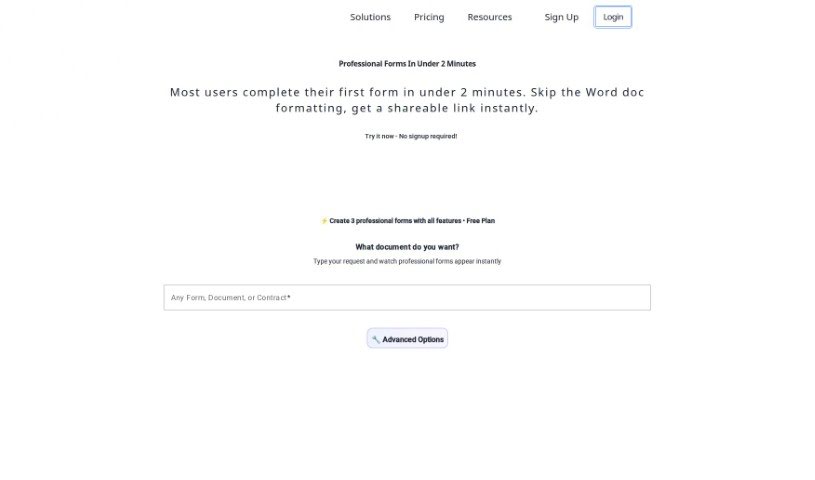
Formzil is an AI-powered platform that really helps you create documents quickly and efficiently. It is your smart assistant for putting together any kind of document. It uses AI to handle a lot of the heavy lifting, making the whole process much faster and smoother. What's great is that it's super easy to use, with a straightforward interface that anyone can navigate. You can register for free, and you'll be producing documents almost instantly. It really streamlines the whole document creation experience, making it more efficient thanks to its AI technology. Just make sure JavaScript is enabled in your browser for everything to work perfectly. Whether you're an individual or a business, Formzil is designed to help you craft a wide variety of documents, all tailored precisely to what you need.

Screenshot of Gems

Gems

Freemium

Gems is a smart tool designed to help you manage your knowledge. It is your own personal AI assistant for all your information. It's built to give you ready-to-use answers based on everything you've gathered, all through simple questions you ask in plain language. This means you won't have to spend time manually filing or searching for things anymore. Gems brings all your knowledge together in one place, creates summarized answers called "Gems," and always shows you where the information came from so you can check it. It really makes finding, organizing, and sharing what you know much easier, and you can use it on pretty much any device.

Screenshot of GetsearchablePDF

GetsearchablePDF

Freemium

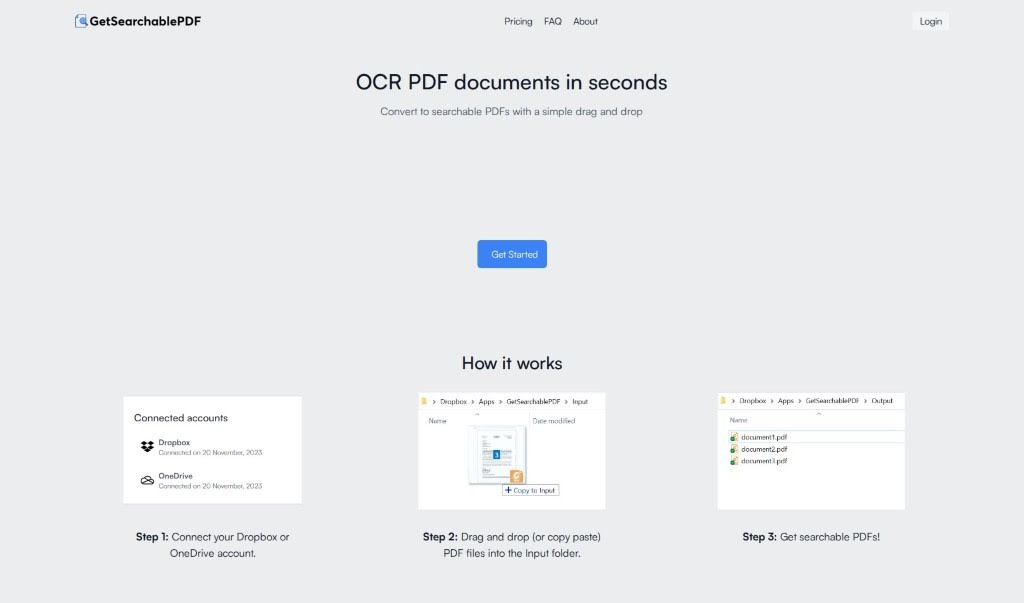
GetSearchablePDF is a really neat tool that helps you turn PDF documents into searchable files, and it does it quickly and easily. It uses advanced OCR (Optical Character Recognition) technology to convert scanned PDFs, screenshots, and even handwritten notes into PDFs that you can actually search and edit. It's pretty straightforward: you connect it to your cloud storage like Dropbox or OneDrive, upload your documents, and then you get your searchable PDFs back in no time. What's great is their focus on security – they promise not to keep your files for longer than 10 minutes after processing. They also have clear pricing, with options from $9 for 100 credits all the way up to $70 for 2500 credits. If you're new, you can even try it out with a free 10-credit trial.

Screenshot of GitBook

GitBook

Freemium

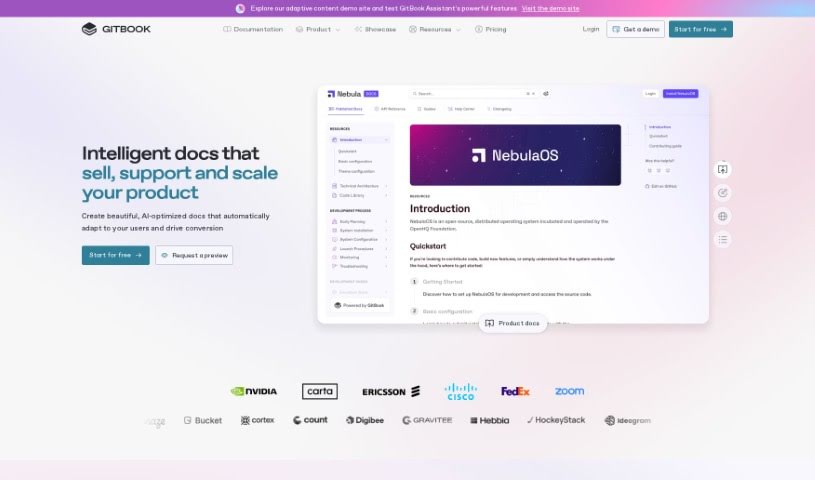
GitBook is a really handy platform that makes it super easy to create and share books or documentation online. It's built to simplify the whole process of writing and publishing, letting teams work together smoothly. You can organize your content with features like version control and a simple markdown editor. GitBook offers a user-friendly interface, so writers can really focus on what they're saying, while GitBook takes care of the technical stuff behind the scenes. Plus, it connects with tools like GitHub and Slack, which really helps your workflow and makes sure your published content stays current and easy to find.

Screenshot of GiveFlag

GiveFlag

Freemium

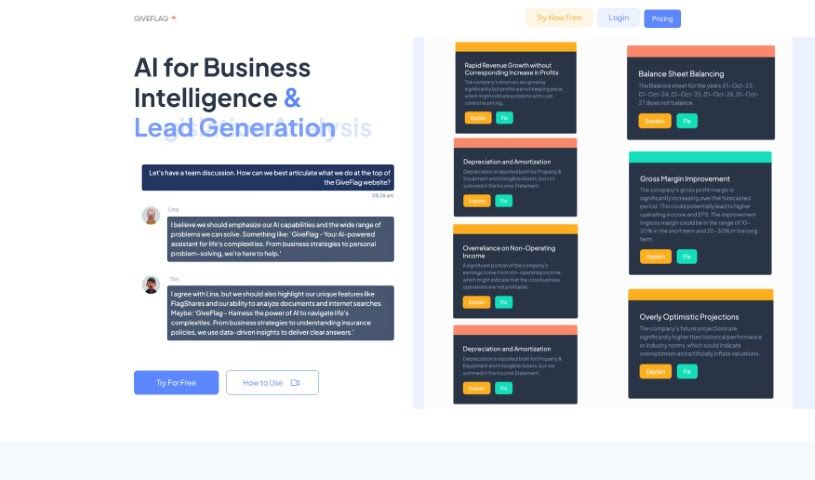
GiveFlag is an AI tool designed to really help you solve problems. It is getting an AI-powered team to work with you. It helps you find new insights, get clearer on things, and figure out complex issues, whether they're for your business or your personal life.

Screenshot of Glitter AI

Glitter AI

Freemium

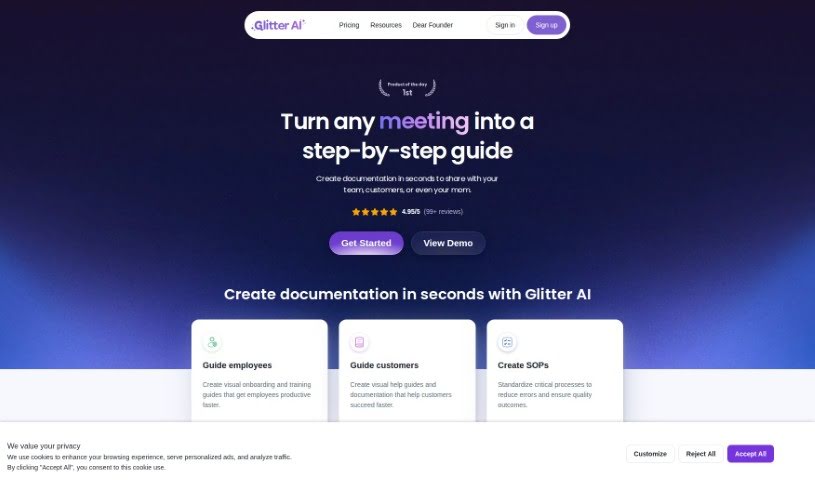
Glitter AI is a really neat platform designed to help you transform any process into a clear, step-by-step guide. It is your go-to solution for creating comprehensive instructions that are super easy to follow, no matter the task. By breaking down complex workflows into simple, manageable steps, Glitter AI helps you boost productivity and make sure things are done consistently. It’s all about making complicated procedures feel much simpler and more accessible to everyone. Essentially, Glitter AI makes it easier to build effective, user-friendly guides that help people get through tasks efficiently.

Screenshot of GrantAI

GrantAI

Freemium

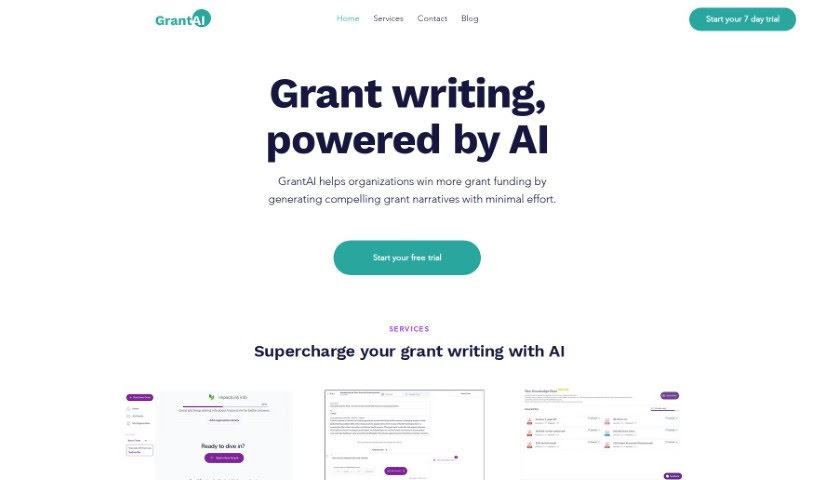
GrantAI is your personal grant writing assistant. It's a tool built to help you and your team write grant proposals much more efficiently. People often call it a "grant writing copilot," and that's pretty accurate. Its main goal is to make the whole grant writing process smoother. This means you can work together more effectively and, hopefully, submit successful grant applications.

Screenshot of Helper.im

Helper.im

Freemium

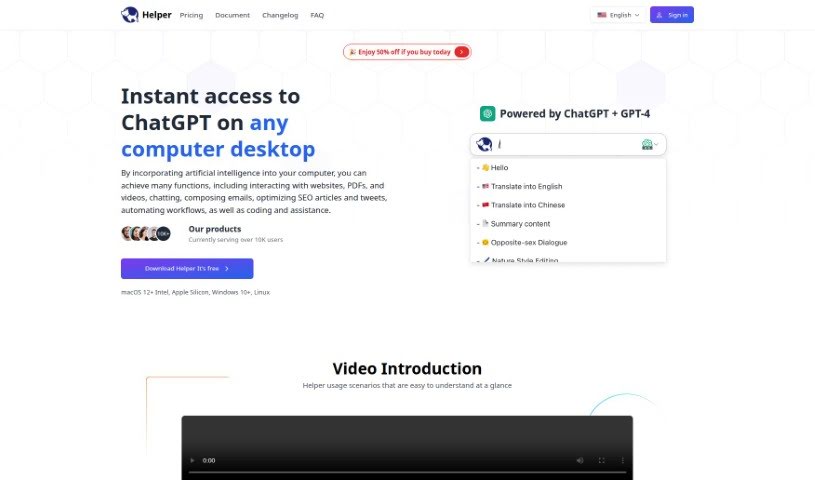
Helper.im is a desktop application built to help out entrepreneurs, developers, and marketers. It is your go-to assistant for things like easily accessing ChatGPT, using built-in AI commands, and keeping a handy prompt library. You can even use your own OpenAI API key, which means you get unlimited credits! It works smoothly on Windows, MacOS, and Linux. Whether you need help creating content, getting coding advice, tackling work tasks, or even managing social media interactions, Helper.im has you covered. What's great is that it really focuses on keeping your privacy and security in check by letting you use your own API key. Plus, you'll find plenty of documentation resources, an active Discord community to ask questions, and it all lines up with their privacy policies and terms of use.

Screenshot of Histre

Histre

Freemium

Histre is a tool designed to help you organize and manage your internet research, ideas, and team knowledge really efficiently. It is your personal research assistant! It offers features like annotating, highlighting, collecting, summarizing, searching, and sharing information with ease. Histre's goal is to make the research process smoother, help you make better decisions, and improve collaboration, all while boosting your productivity and your team's speed. Plus, Histre takes your data privacy seriously. They promise never to sell your data to third parties and give you the option to delete it anytime, all backed by a solid privacy policy that truly respects your information.

Screenshot of Hurree

Hurree

Freemium

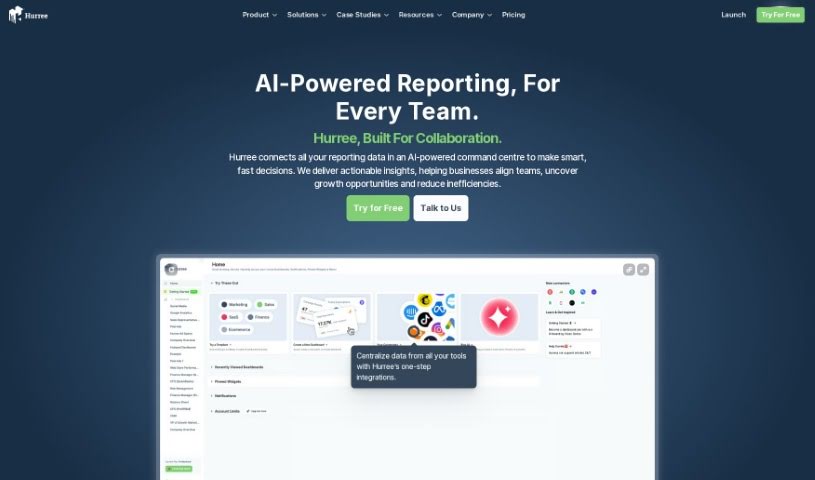
Hurree is more than just a dashboard platform; think of it as the central hub for all your data. Its main goal is to completely change how businesses bring together, visualize, and work with their data. It makes analyzing data much simpler, encourages teamwork, and delivers real results, all from one easy-to-use platform. This means you won't have to waste hours trying to piece together information from different tools anymore.

Screenshot of Hyperlint

Hyperlint

Freemium

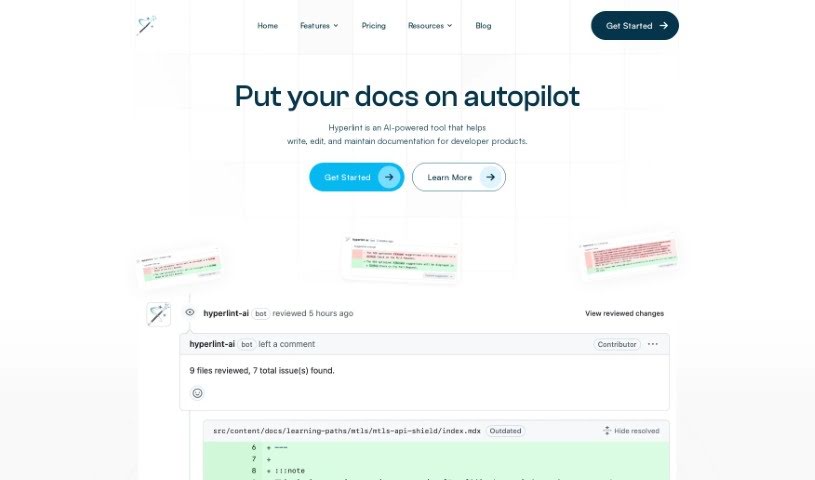
Hyperlint is your helpful assistant for documentation. It's a tool that automatically checks your pull requests and gives you feedback, making sure everything stays top-notch. It works as a GitHub bot, fitting right into your documentation process. It doesn't just check your code documentation; it also keeps an eye on APIs and CLIs. This way, it can spot potential problems early, letting you make changes proactively to keep your documentation high-quality. Plus, Hyperlint can automatically check if your docs follow style guides and offer suggestions, which really helps make sure everything is consistent and well-done. People who use it say it's a lifesaver for keeping documentation in great shape without all the usual hassle.

Stay Updated with AI Tools

Get weekly updates on the latest AI tools, trends, and insights delivered to your inbox

Join 25,000+ AI enthusiasts. No spam, unsubscribe anytime.