AI Tools for Documentation

Discover the best Documentation AI tools to enhance your productivity and creativity.

Page 5 of 15 • 174 total tools

Documentation can feel like a never-ending task, full of tedious steps and confusing details. Whether you’re writing manuals, project guides, or reports, it’s easy to get stuck. Wouldn’t it be great if AI could help lighten that load?

Lately, AI tools made specifically for documentation have really changed things. They offer ways to speed up writing, organizing, and editing. These aren’t just helpers; they can truly change how you handle your documentation work.

After spending a good amount of time trying out the latest options, I’ve put together a list of the top AI tools for documentation that you might want to check out. If you need help with structure, style, or just getting things done faster, these tools are here to make your life simpler.

In this article, we’ll look at the standout tools making a splash in documentation, how they can help you be clearer and more efficient, and what to keep an eye on as this field keeps growing. Let’s jump in and find the tools that can really improve your documentation efforts.

The best AI Documentation Tools

  1. Tenorshare: Great for easily summarizing PDFs for research.
  2. Mermaid Chart: Perfect for creating code architecture diagrams.
  3. Git Book: A platform for editing documentation collaboratively.
  4. Craft Docs: Ideal for team collaboration and communication.
  5. Slite: Use it to centralize all your company’s knowledge.
  6. Macro.com: Helps you streamline document editing tasks.
  7. Supernormal: Makes meeting notes easy to access.
  8. Writingmate.ai: Offers automated documentation with AI help.
  9. Mentalyc: Provides seamless note-taking for therapists.
  10. Sembly AI: Generates meeting notes automatically.
  11. Document360: Helps create user-friendly product manuals.
  12. Mintlify: Streamlines the creation of developer documentation.
  13. Trickle AI: Manages project notes more efficiently.
  14. Single Store: For searching and analyzing documents in real-time.
  15. Bit.ai: Streamlines how teams manage documentation.

How do AI documentation tools work?

AI documentation tools work much like other AI writing tools, but they’re specifically built to make creating, managing, and updating documents smoother. Basically, they use smart algorithms and large language models to help you generate content, format text, and organize information efficiently.

These tools usually look at what you’ve written and suggest relevant content, making it easier to create thorough documentation. By understanding your questions and prompts, they can produce structured documents that fit specific needs, like technical manuals, user guides, or FAQs.

Plus, AI documentation tools often include features for teamwork, letting multiple people work on a document at the same time. This is super helpful for teams working on projects together, ensuring everyone’s ideas and expertise blend smoothly into one document.

Most of these tools come with templates and best practices learned from huge amounts of data. This means they can suggest styles, formats, and even the right words for your field, making your documentation clearer and more professional.

The technology behind them relies a lot on information from different places, like technical articles, manuals, and other formal documents. This wealth of data lets AI tools act like smart search engines, quickly finding information that can fill in gaps or answer specific questions in your documentation process.

So, in short, AI documentation tools are designed to make your workflow and productivity better when writing and maintaining documents. They help cut down the time spent on repetitive tasks and improve accuracy by using a vast amount of knowledge and understanding context. As these tools keep getting better, their ability to boost efficiency and teamwork in documentation will only grow.

Our best AI documentation tools at a glance

RankNameBest forPlans and PricingRating
1TenorshareEffortless PDF summarization for research.N/A4.64 (11 reviews)
2Mermaid ChartCode architecture diagramsN/A4.84 (19 reviews)
3GitBookCollaborative documentation editing platformN/A4.76 (25 reviews)
4Craft DocsTeam collaboration and communicationPaid plans start at $10/month.4.17 (6 reviews)
5SliteCentralizing company knowledgeN/A4.00 (15 reviews)
6Macro.comStreamlining document editing tasksN/A4.77 (30 reviews)
7SupernormalStreamline meeting notes for easy access.Paid plans start at $18/month.4.79 (19 reviews)
8Writingmate.aiAutomated documentation with AI supportN/A4.64 (11 reviews)
9MentalycSeamless note-taking for therapistsPaid plans start at $39.99/month.4.75 (12 reviews)
10Sembly AIAutomated meeting notes generationPaid plans start at $20/month.4.64 (11 reviews)
11Document360Creating user-friendly product manualsPaid plans start at $149/month.4.82 (11 reviews)
12MintlifyStreamlined developer documentation creationN/A4.17 (6 reviews)
13Trickle AIStreamline project notes managementPaid plans start at $8/month.4.67 (6 reviews)
14Single StoreReal-time document search and analysisPaid plans start at $574.9/month.4.17 (6 reviews)
15Bit.aiStreamlined team documentation managementPaid plans start at $8/month.4.64 (11 reviews)
Screenshot of Eesel

Eesel

Freemium

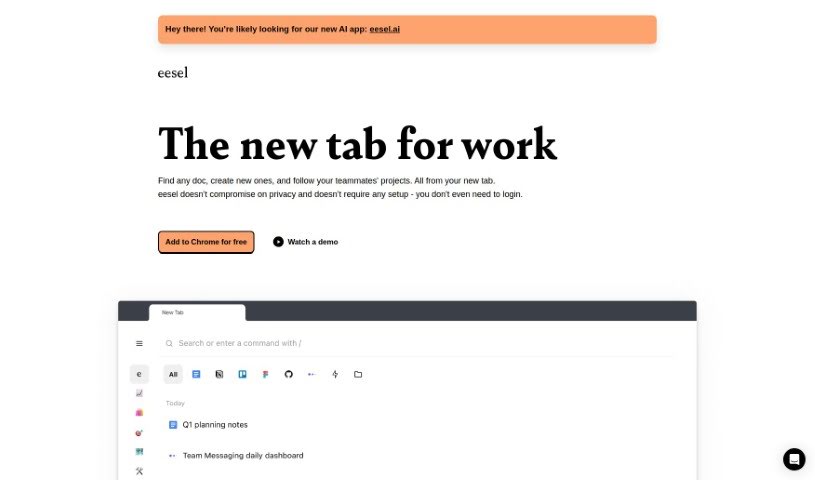
Eesel is a handy productivity tool designed to make accessing your work-related links super simple. Instead of digging through bookmarks or searching, it shows you all the important documents, designs, and other content you need right when you open a new browser tab. It is your instant gateway to everything work-related. What's really neat is that Eesel takes care of your privacy, requires absolutely no setup or login, and just works seamlessly. It automatically sorts your work into folders, so you can quickly get to project-specific pages or customer info without any manual organizing. Plus, Eesel plays nicely with any application you open in your browser, letting you switch between different tools and platforms effortlessly to boost your productivity.

Screenshot of EnhanceDocs

EnhanceDocs

Freemium

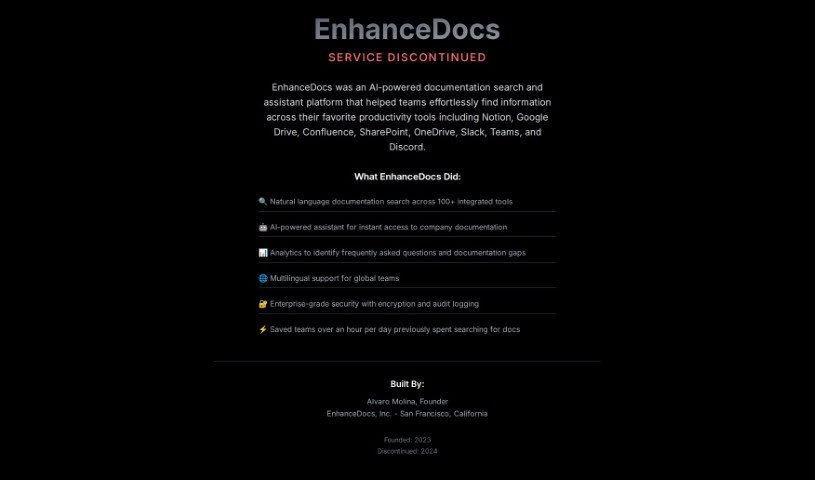
EnhanceDocs is a smart tool designed to help you find information across all your platforms, like Notion, Google Drive, Confluence, SharePoint, and OneDrive. It uses natural language understanding and AI to make searching your documentation super easy. You can ask questions conversationally, get AI-powered suggestions for your documentation, access documents directly, and even gain insights from analytics. Plus, you can connect it with tools you already use, such as Slack, Teams, or Discord, to make finding information even smoother and boost your team's productivity. Users have shared that EnhanceDocs has really helped them save time, be more productive, and understand what questions people ask most often.

Screenshot of Enzyme

Enzyme

Freemium

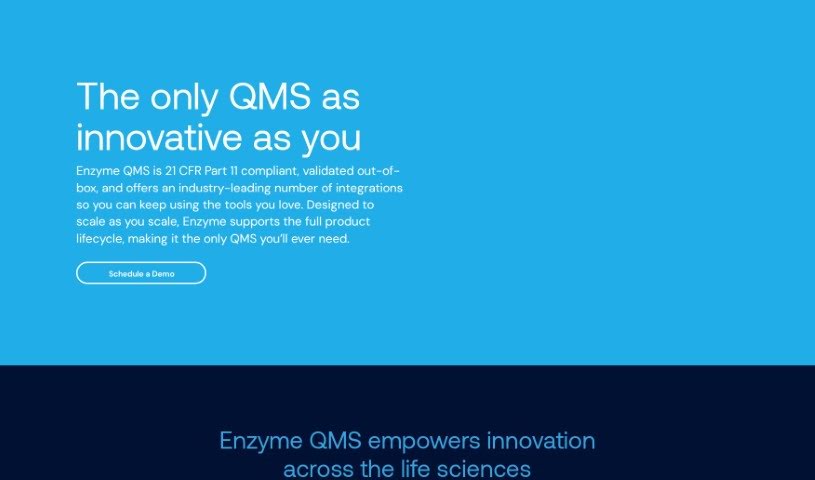
Enzyme is a Quality Management System (QMS) tool that Jared Seehafer and Jacob Graham created to tackle the tough challenges in the biotech and medical device sectors. Their goal? To make workflows smoother, tasks simpler, and generating FDA-ready documentation a breeze. Enzyme's eQMS is built to help companies really boost their quality culture. They do this with modern software and expert advice, offering flexibility for remote work, great productivity perks, and support for things like 401k contributions and team-building events. Enzyme is all about getting better continuously and hitting quality goals, so you get a QMS solution that's easy to use, efficient, and ready for audits.

Screenshot of Ethertext

Ethertext

Freemium

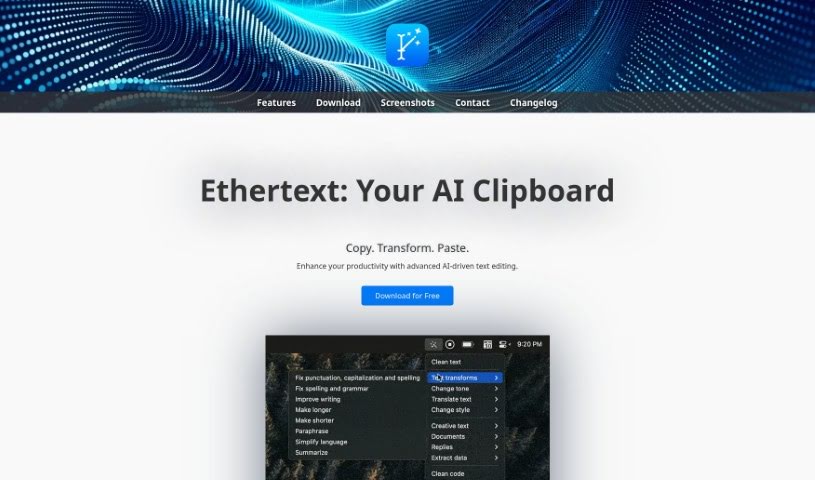
Ethertext is a pretty advanced AI tool designed to make editing text a breeze. It's packed with features to really boost your productivity. You can copy text, then with just one click, transform it into something completely different. Need to change the tone or style? Ethertext can do that too. It's also got some neat tricks for anything code-related – think explaining, debugging, or translating code snippets. Plus, it's great at remembering text and bringing it back when you need it. The tool offers handy keyboard shortcuts for quick actions, like cleaning up selected text, saving text or entire webpages for later, dictating and transcribing your voice, capturing what's on your screen, and recalling past text with AI's help. You can even set up local AI models, like Ollama, to work with Ethertext. It's all wrapped up in a user-friendly interface that makes transforming and improving your text with AI technologies super straightforward.

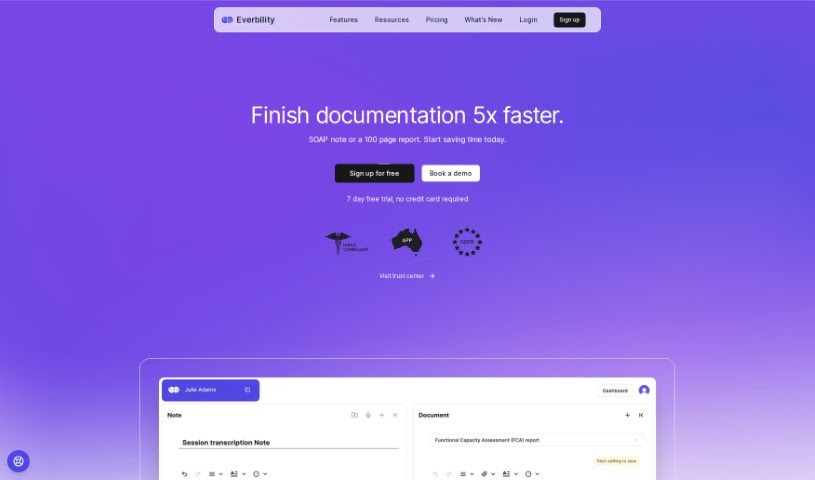
Screenshot of Everbility

Everbility

Freemium

Everbility is a helpful tool designed specifically for allied health professionals, making those often time-consuming documentation tasks much simpler. It is your AI assistant for things like writing reports and taking notes. It offers features like AI-powered writing assistance, a handy chatbot, customizable templates, and even the ability to quickly find research using AI. Many users have found that Everbility saves them a significant amount of time and really boosts their efficiency, especially when it comes to writing reports and keeping notes. Plus, it’s built with privacy as a top priority, adhering to strict regulations like the Australian Privacy Principles and HIPAA, and it uses end-to-end encryption to keep your data safe and secure. Essentially, Everbility wants to support allied health professionals by using technology to improve how they work, which ultimately means better care for their clients.

Screenshot of FabSoft

FabSoft

Freemium

DeskConnect, a key part of the Fab-Connect Suite, is designed to make managing your documents much smoother. It uses something called Intelligent Document Capture technology to automatically grab, sort, pull out information from, and send out your transactional documents. It is a smart assistant for your paperwork. It taps into advanced Machine Learning and OCR (Optical Character Recognition) to make sure document processing is more accurate and your workflows run more efficiently. This really helps in getting your documents into all the different business applications you use. DeskConnect comes with features like Intelligent Document Capture, Adaptive Classification (it learns how to sort things), Sophisticated Extraction (pulling out specific data), and Seamless Distribution (sending documents where they need to go). Plus, right now, it's available at a special promotional price.

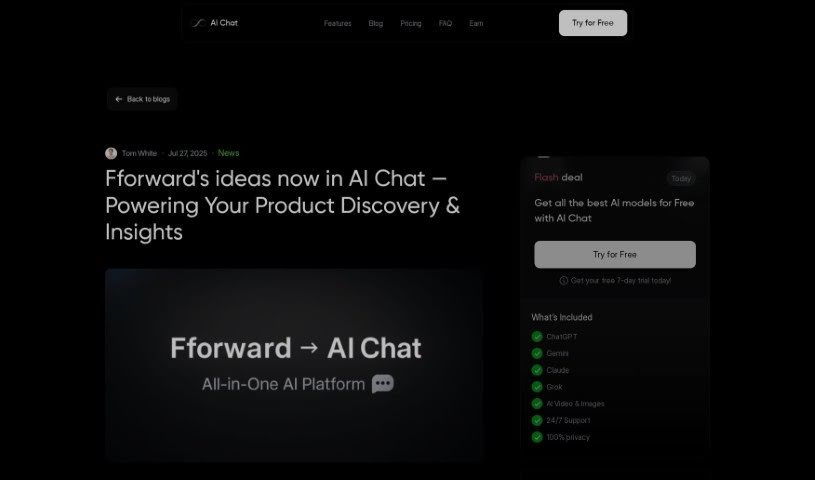
Screenshot of Fforward

Fforward

Freemium

Fforward was an AI product copilot designed to help users with a few key things: spotting hidden assumptions, planning experiments, and creating important documents like story maps, opportunity trees, and PRDs. A really central part of Fforward was its Weekly Product Review. It is a shared working session meant to keep your work on track and make sure everyone was accountable. By using Fforward, people could make smarter product decisions because it offered structured collaboration and a way to really dig into the core elements of product development. Users were able to meet with Fforward for free to access these collaborative tools and generally improve their product development strategies.

Screenshot of Filebox

Filebox

Freemium

Filebox is a cloud storage solution that cleverly uses artificial intelligence to make storing and managing your data much better. It's packed with features like AI-powered cloud storage that helps you organize files easily, top-notch data security to keep your sensitive information safe, and enhanced user privacy. Plus, it's got a super user-friendly interface that makes navigating a breeze, and it's designed to boost your productivity with advanced file management. Basically, Filebox aims to give everyone, from individuals to businesses, a smooth and secure experience.

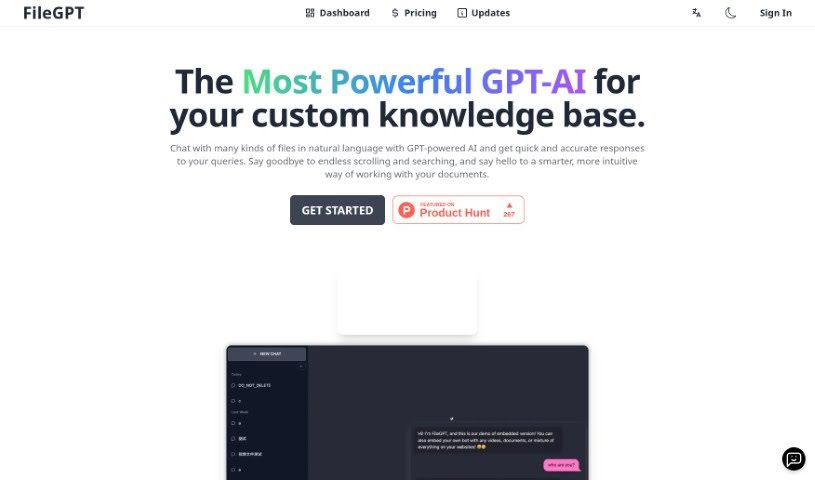
Screenshot of FileGPT

FileGPT

Freemium

FileGPT is a really neat AI tool that lets you chat with all sorts of files using everyday language. It's built on advanced GPT technology, which means it can give you quick, accurate answers about your documents, spreadsheets, presentations, and more. Basically, you can just ask FileGPT questions or tell it what you need in plain English, and it understands. It pulls out the right information from your files, and importantly, it keeps your data safe and private by doing all the processing right there on your own computer. Plus, you can tweak it to your liking, like personalizing how it looks or teaching it specific terms for your industry, making it super versatile for just about anyone.

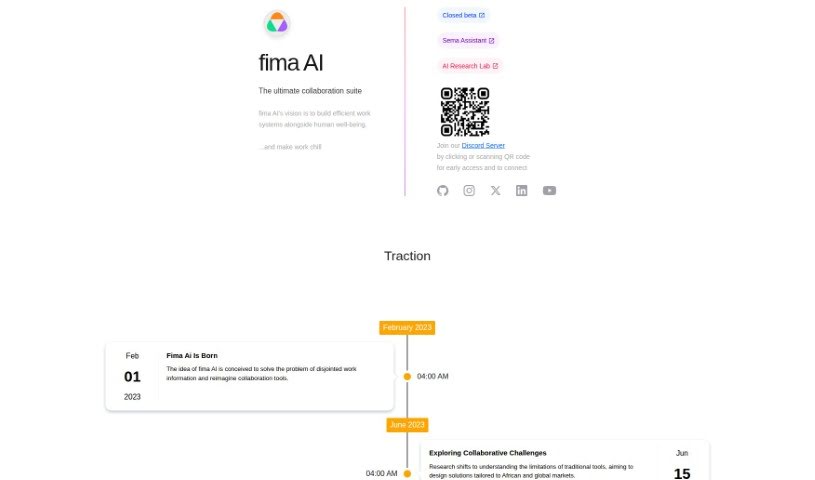
Screenshot of Fima Ai

Fima Ai

Freemium

Fima AI is a comprehensive collaboration suite designed to boost team productivity and make managing workflows much simpler. It is a single place where you can chat, edit documents together, manage projects, have video calls, and even use a whiteboard. It's built to work for teams of all sizes, offering flexible pricing that starts with a free plan and goes up to custom solutions for businesses. Some of the standout features include instant messaging for quick chats, easy connections with other tools you already use, and access to over 100 templates to help you get projects off the ground fast.

Screenshot of Findr

Findr

Freemium

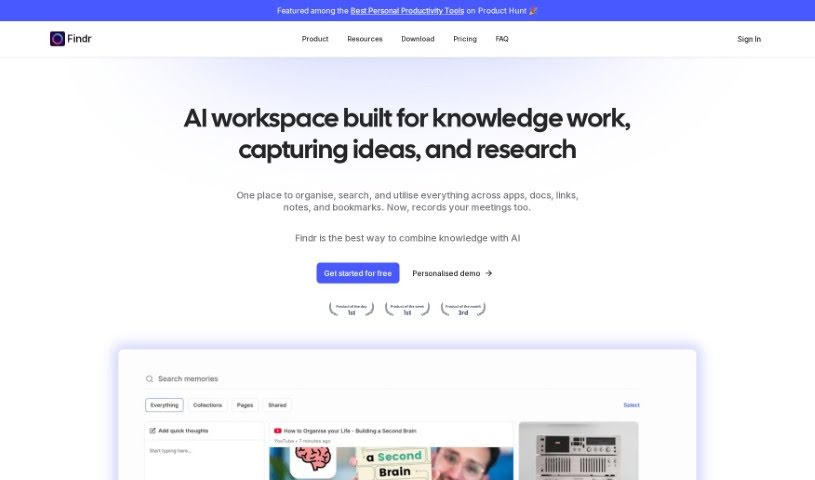
Findr is a smart internal search platform that uses AI to make finding information across all your apps much simpler. It is a single search bar for everything. It works by understanding what you're looking for, then pulling the right data from your connected apps using their search APIs. After that, it uses its own ranking system to sort and prioritize everything, so you get the most important stuff first. With Findr, you can quickly find links, documents, and other details you need. Plus, it can even chat with you directly, giving you answers, summarizing content, or helping you write emails. Security is a big deal for Findr. They use strong encryption, a secure setup, and strict access controls. They also fetch data in real-time, meaning your user data stays safe and sound, exactly where it belongs. Findr doesn't store your data, and their security is backed by ISO and SOC2 certifications, showing they're serious about protecting your information. It connects seamlessly with apps like Gmail, Slack, Jira, and Drive, so any updates you make are immediately searchable. You can also connect multiple accounts, set specific access levels, choose from different plans, and get insights into how your workplace uses information.

Screenshot of Flexberry AI Assistant

Flexberry AI Assistant

Freemium

The Flexberry AI Assistant is a smart software tool built to help business analysts and UI/UX designers work more efficiently. It uses artificial intelligence to take care of everyday tasks, making text analysis smoother and speeding up the creation of things like mockup forms, SQL scripts, and UML diagrams. You can customize its features to fit exactly what your company needs, whether that's for analysis, planning designs, or getting project documentation ready. Because it's easy to use and can be adapted, professionals can quickly build prototypes and minimum viable products (MVPs) that follow industry standards. This really helps boost productivity and makes the whole solution development process much smoother.

Stay Updated with AI Tools

Get weekly updates on the latest AI tools, trends, and insights delivered to your inbox

Join 25,000+ AI enthusiasts. No spam, unsubscribe anytime.