AI Tools for Documentation

Discover the best Documentation AI tools to enhance your productivity and creativity.

Page 4 of 15 • 174 total tools

Documentation can feel like a never-ending task, full of tedious steps and confusing details. Whether you’re writing manuals, project guides, or reports, it’s easy to get stuck. Wouldn’t it be great if AI could help lighten that load?

Lately, AI tools made specifically for documentation have really changed things. They offer ways to speed up writing, organizing, and editing. These aren’t just helpers; they can truly change how you handle your documentation work.

After spending a good amount of time trying out the latest options, I’ve put together a list of the top AI tools for documentation that you might want to check out. If you need help with structure, style, or just getting things done faster, these tools are here to make your life simpler.

In this article, we’ll look at the standout tools making a splash in documentation, how they can help you be clearer and more efficient, and what to keep an eye on as this field keeps growing. Let’s jump in and find the tools that can really improve your documentation efforts.

The best AI Documentation Tools

  1. Tenorshare: Great for easily summarizing PDFs for research.
  2. Mermaid Chart: Perfect for creating code architecture diagrams.
  3. Git Book: A platform for editing documentation collaboratively.
  4. Craft Docs: Ideal for team collaboration and communication.
  5. Slite: Use it to centralize all your company’s knowledge.
  6. Macro.com: Helps you streamline document editing tasks.
  7. Supernormal: Makes meeting notes easy to access.
  8. Writingmate.ai: Offers automated documentation with AI help.
  9. Mentalyc: Provides seamless note-taking for therapists.
  10. Sembly AI: Generates meeting notes automatically.
  11. Document360: Helps create user-friendly product manuals.
  12. Mintlify: Streamlines the creation of developer documentation.
  13. Trickle AI: Manages project notes more efficiently.
  14. Single Store: For searching and analyzing documents in real-time.
  15. Bit.ai: Streamlines how teams manage documentation.

How do AI documentation tools work?

AI documentation tools work much like other AI writing tools, but they’re specifically built to make creating, managing, and updating documents smoother. Basically, they use smart algorithms and large language models to help you generate content, format text, and organize information efficiently.

These tools usually look at what you’ve written and suggest relevant content, making it easier to create thorough documentation. By understanding your questions and prompts, they can produce structured documents that fit specific needs, like technical manuals, user guides, or FAQs.

Plus, AI documentation tools often include features for teamwork, letting multiple people work on a document at the same time. This is super helpful for teams working on projects together, ensuring everyone’s ideas and expertise blend smoothly into one document.

Most of these tools come with templates and best practices learned from huge amounts of data. This means they can suggest styles, formats, and even the right words for your field, making your documentation clearer and more professional.

The technology behind them relies a lot on information from different places, like technical articles, manuals, and other formal documents. This wealth of data lets AI tools act like smart search engines, quickly finding information that can fill in gaps or answer specific questions in your documentation process.

So, in short, AI documentation tools are designed to make your workflow and productivity better when writing and maintaining documents. They help cut down the time spent on repetitive tasks and improve accuracy by using a vast amount of knowledge and understanding context. As these tools keep getting better, their ability to boost efficiency and teamwork in documentation will only grow.

Our best AI documentation tools at a glance

RankNameBest forPlans and PricingRating
1TenorshareEffortless PDF summarization for research.N/A4.64 (11 reviews)
2Mermaid ChartCode architecture diagramsN/A4.84 (19 reviews)
3GitBookCollaborative documentation editing platformN/A4.76 (25 reviews)
4Craft DocsTeam collaboration and communicationPaid plans start at $10/month.4.17 (6 reviews)
5SliteCentralizing company knowledgeN/A4.00 (15 reviews)
6Macro.comStreamlining document editing tasksN/A4.77 (30 reviews)
7SupernormalStreamline meeting notes for easy access.Paid plans start at $18/month.4.79 (19 reviews)
8Writingmate.aiAutomated documentation with AI supportN/A4.64 (11 reviews)
9MentalycSeamless note-taking for therapistsPaid plans start at $39.99/month.4.75 (12 reviews)
10Sembly AIAutomated meeting notes generationPaid plans start at $20/month.4.64 (11 reviews)
11Document360Creating user-friendly product manualsPaid plans start at $149/month.4.82 (11 reviews)
12MintlifyStreamlined developer documentation creationN/A4.17 (6 reviews)
13Trickle AIStreamline project notes managementPaid plans start at $8/month.4.67 (6 reviews)
14Single StoreReal-time document search and analysisPaid plans start at $574.9/month.4.17 (6 reviews)
15Bit.aiStreamlined team documentation managementPaid plans start at $8/month.4.64 (11 reviews)
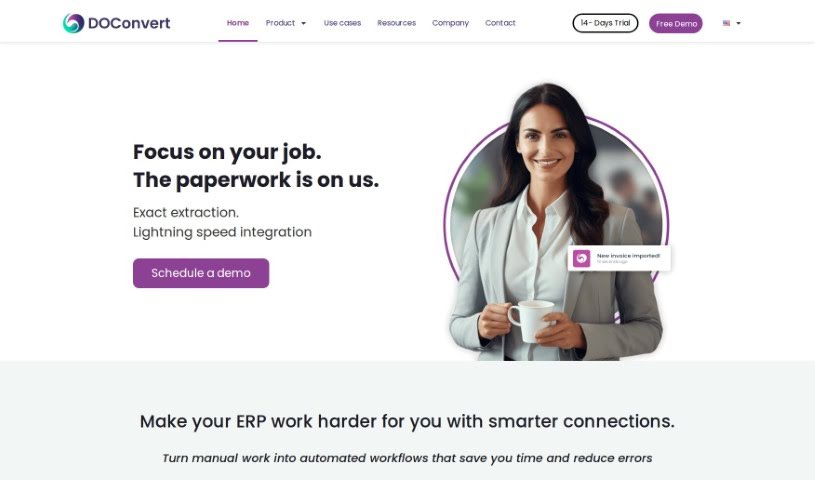
Screenshot of DOConvert

DOConvert

Freemium

From what we can gather, DOConvert seems to be a system designed to help businesses. It's apparently quite quick to set up, works with a variety of ERP platforms, and can be installed either on your own servers or in the cloud. It looks like it handles document management, and might even offer solutions for dealing with large volumes of documents.

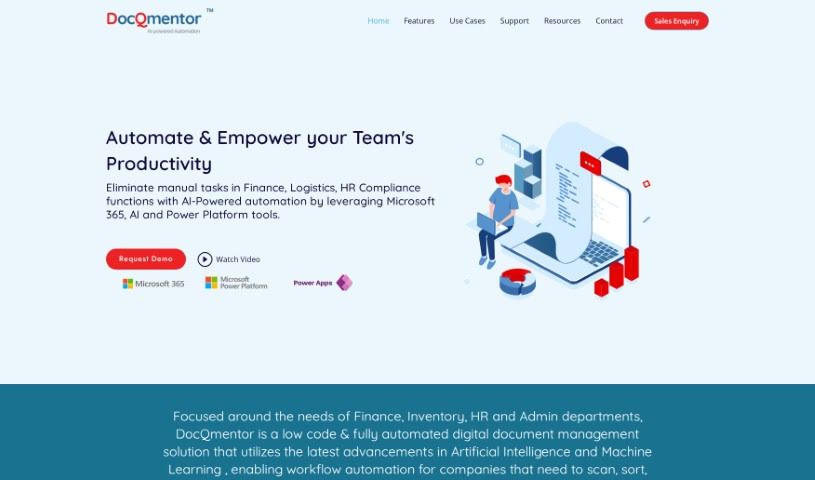
Screenshot of DocQmentor

DocQmentor

Freemium

DocQmentor is your digital assistant for making work smoother across different departments – whether that's Finance, Inventory, HR, or Admin. It's a smart, low-code system that fully automates document management. What's really neat is how it uses AI and Machine Learning to handle your workflows. You just drop your files into a special folder, and DocQmentor takes over. It'll scan them, pull out the important data, rename the files correctly, add all the necessary metadata, and then file them away securely in your Microsoft 365. Plus, it taps into the robust security already built into Microsoft 365, so your documents are well-protected. It even gives you confidence scores for the forms it processes, so you can easily keep an eye on how accurate the data is. DocQmentor can also connect with other major business applications, offering smart automation solutions tailored for your teams.

Screenshot of DocsDNA

DocsDNA

Freemium

DocsDNA is an AI-powered platform built for deep document analysis and smart information retrieval. Essentially, it's designed to make working with business documents much simpler and faster. It really helps teams collaborate, letting everyone work on the same documents at the same time. Plus, it gives you tools to manage who can do what and even create quick summaries of your documents. DocsDNA also handles documents in different languages, and they can even create custom solutions if your business has unique needs. It's built to be easy to use, secure, reliable, and trustworthy, fitting in with what different industries need. By saving you time, it really boosts how productive your team can be.

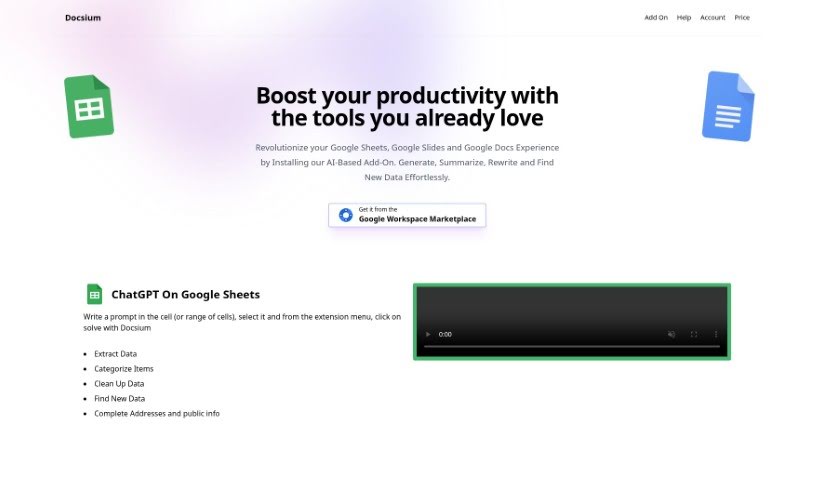
Screenshot of Docsium

Docsium

Freemium

Docsium is a handy AI add-on for Google Sheets, Google Docs, and Google Slides. It uses GPT-3 technology to help you get more done. It is a smart assistant that can generate data, summarize long texts, rewrite content, and even find information for you.

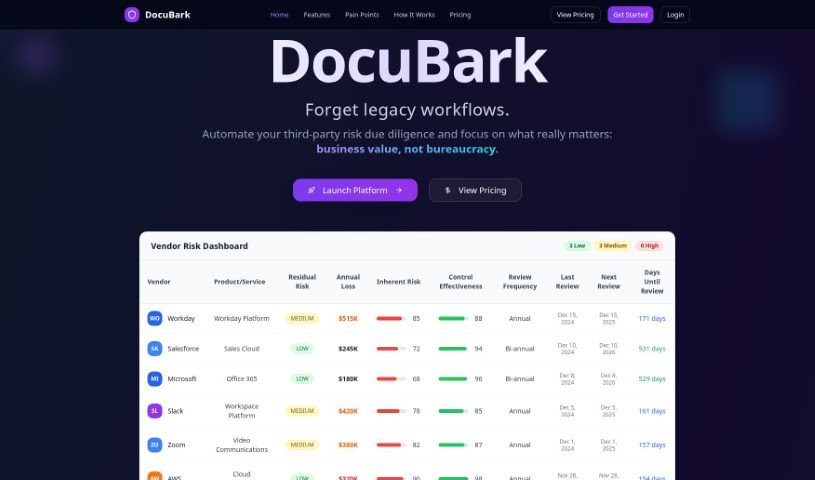
Screenshot of Docubank

Docubank

Freemium

Docubank, which you'll see referred to as "DocuBark" on their site, is a really neat tool that uses generative AI to help you find answers in your documents super fast. It's got this quick search function, powered by a FAISS search engine, so you can ask really specific questions across one or even several documents. The system gives you smart answers, thanks to OpenAI, making sure you get helpful insights. They also really emphasize data security and privacy, using encryption to keep your information safe and never sharing it with anyone else. You can get started with packages of 100 credits for $5, and they even offer free trials without needing your credit card details. If you have any questions or need a hand, you can just email them, which shows they're committed to making things easy for everyone.

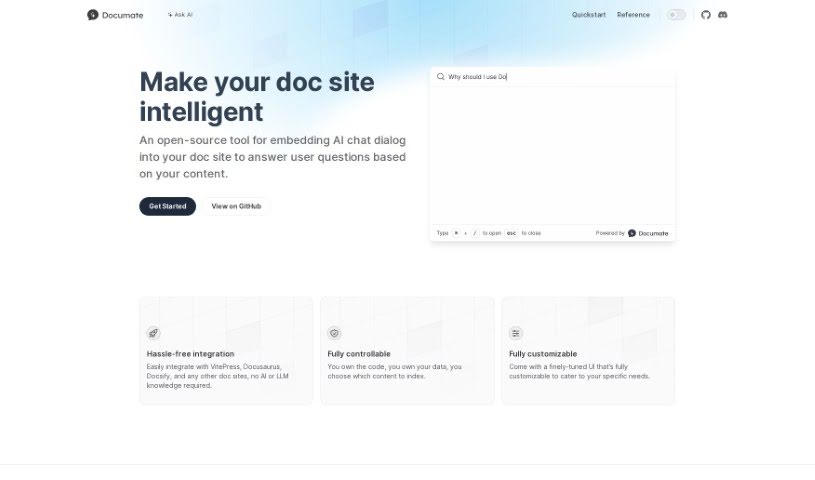
Screenshot of Documate

Documate

Freemium

Documate is a fantastic open-source tool built to make your documentation websites much smarter. It does this by smoothly adding AI chat features right into your site. This means visitors can ask questions directly and get answers based on the website's own content. What's really great is how flexible it is; you can customize the look and feel of the user interface to perfectly match your needs. Plus, integrating Documate with popular platforms like VitePress, Docusaurus, and Docsify is a breeze – you don't need any special AI or language model expertise. You also get complete control over the code and data, so you decide exactly what information the AI uses to answer questions. AirCode developed Documate, offering a reliable and easy-to-use way to bring AI chat to your documentation.

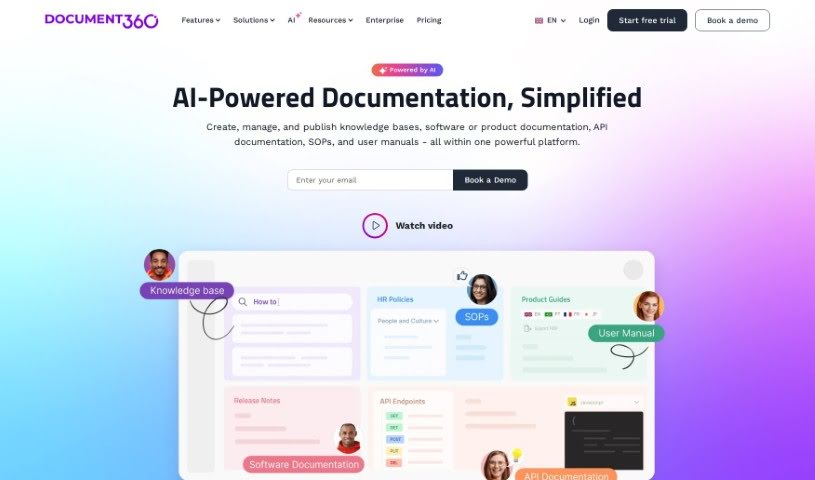
Screenshot of Document360

Document360

Freemium

Document360 is a really useful knowledge base software. Its main purpose is to help you create self-service knowledge bases for your customers. It is a central hub where you can build all sorts of helpful documents. This includes things like frequently asked questions (FAQs), step-by-step user guides, detailed product documentation, and even standard operating procedures. It's designed to be helpful for a wide range of people – from editors and writers who create the content, to reviewers who check it, and finally to the customers or employees who need to access it. Developers can also find it valuable. Because of this flexibility, Document360 works well across many different industries, like SaaS companies, legal firms, healthcare providers, and financial services. The platform comes packed with features that make managing your documentation easier, such as analytics to see what's working, tools for managing your content workflow, ways to optimize your content for search engines (SEO), and options to connect it with other software you use. It also includes a business glossary to keep your company's terms consistent and a ticket deflector to help customers find answers before they even need to submit a support ticket. Plus, it helps with SEO by creating search engine-friendly web addresses and making sure your content is optimized for the keywords people are actually searching for. It really helps streamline your workflow by making the process of creating, reviewing, and publishing content much more organized.

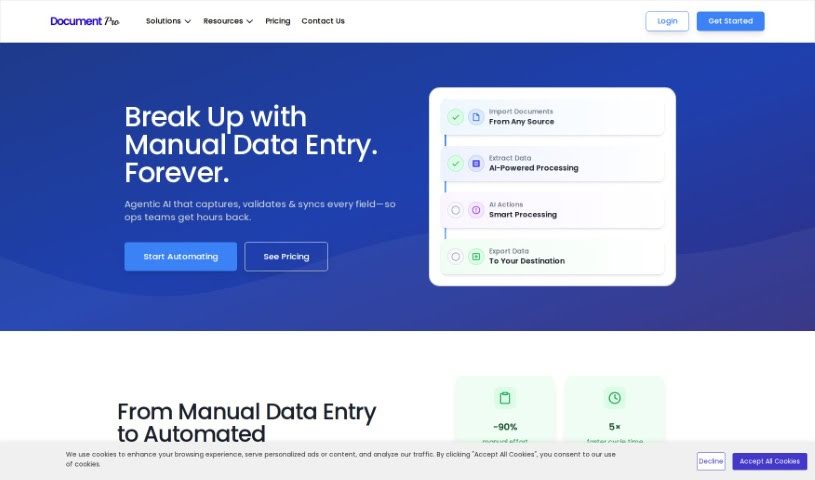
Screenshot of DocumentPro

DocumentPro

Freemium

DocumentPro is a cloud-based tool designed specifically for small and medium-sized businesses. It uses AI to pull invoice data directly from images and PDFs. Once it extracts the information, it can export it all to a CSV file. You'll find it really easy to use, thanks to its drag-and-drop interface, which makes uploading invoices a breeze. Compared to older OCR methods, DocumentPro is much more accurate. It handles various file types like PDF, PNG, and JPG, and you can even process several invoices at the same time. This makes it a great fit for industries such as business services, logistics, transportation, and retail. The tool works quickly, offers helpful tips for uploading your files, and even provides sample invoices if you need a reference. Simply put, using DocumentPro cuts down on the time you'd normally spend on data entry and reduces the chances of making mistakes.

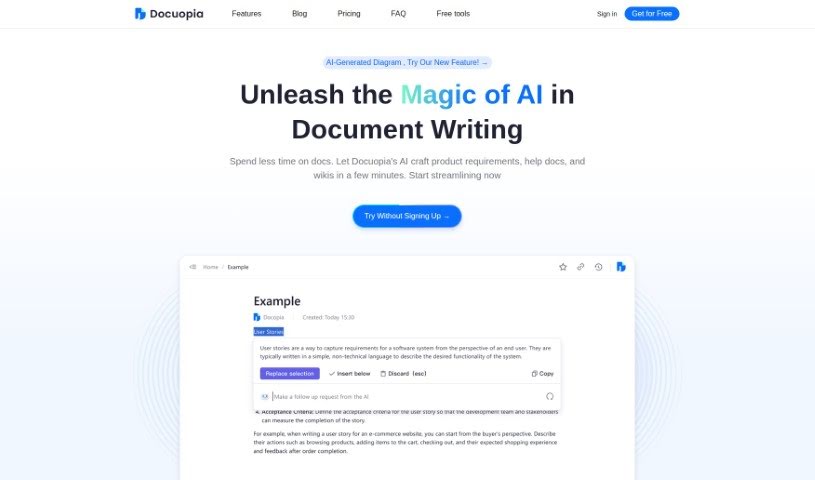
Screenshot of Docuopia

Docuopia

Freemium

Docuopia is an AI-powered assistant designed to help teams write documents much faster. It is your go-to tool for quickly creating things like product requirements, help guides, and wiki pages. You just describe what you need or the problem you're trying to solve, and Docuopia's AI crafts a well-organized, thorough Product Requirements Document (PRD) for you. There's a free version for basic use, and a paid version that unlocks more features and resources, especially handy for teams or businesses that need collaboration and more storage space. Docuopia also makes document creation smoother with real-time collaboration, version control, AI-assisted drafts, and personalized content adjustments to fit your specific needs.

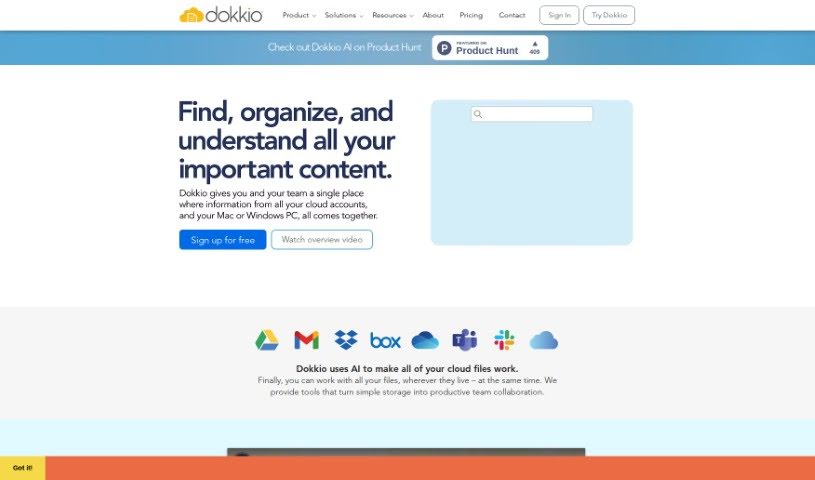
Screenshot of Dokkio

Dokkio

Freemium

Dokkio is a smart tool that uses AI to help you manage and organize all your online files, no matter where they're stored. Think Dropbox, Google Drive, Gmail, Box, Slack, and OneDrive – Dokkio brings them all together. It's packed with features like a super-powered search, automatic tagging, ways to flag important web content, and a clean, easy-to-use interface. This makes managing your files and working with your team much simpler. Dokkio's goal is to boost your productivity by making it effortless to find and organize everything you need.

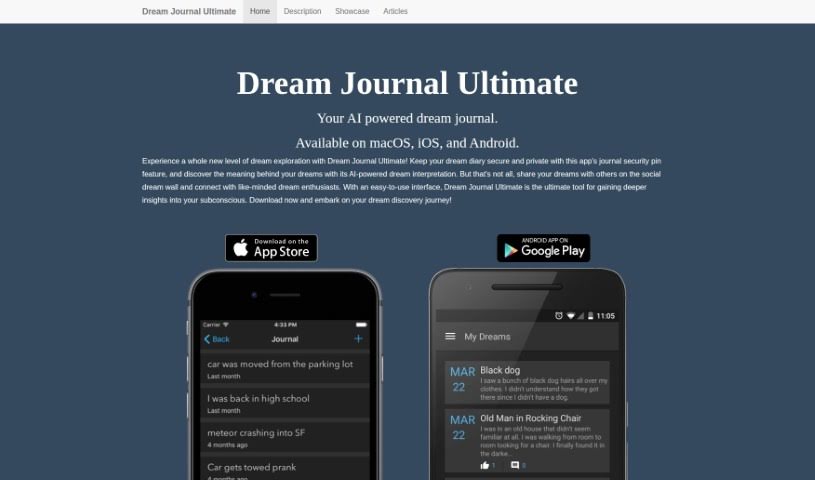
Screenshot of Dream Journal

Dream Journal

Freemium

A Dream Journal is essentially your own private space to jot down your dreams, any thoughts that pop up, and your reflections on them. It is a personal tool that helps you explore yourself, understand your subconscious mind, and learn more about who you are. Here’s a more natural way to describe what Dream Journal offers:

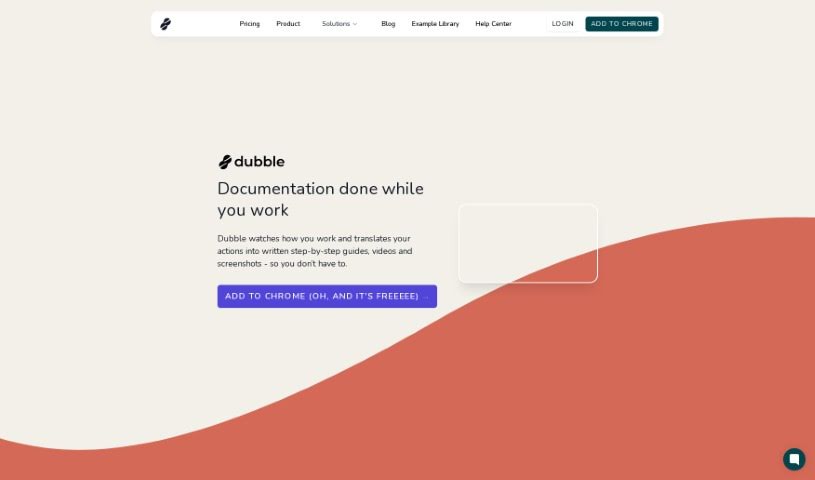
Screenshot of Dubble

Dubble

Freemium

Dubble is a smart documentation tool that uses AI to automatically create detailed, step-by-step guides, videos, and screenshots. It is your personal assistant for documentation. It works by simply recording what you do on your computer. Then, it turns those actions into clear, comprehensive guides. You can easily edit these guides and share them with your team or post them on platforms that handle rich content or markdown. It's really user-friendly, which is great news for support, operations, and product teams. Dubble helps keep your documentation current and can really speed up the whole process for any team. Plus, it supports markdown, makes sharing your guides a breeze, and even has a handy Chrome extension for quick access.

Stay Updated with AI Tools

Get weekly updates on the latest AI tools, trends, and insights delivered to your inbox

Join 25,000+ AI enthusiasts. No spam, unsubscribe anytime.