AI Tools for Documentation

Discover the best Documentation AI tools to enhance your productivity and creativity.

Page 7 of 15 • 174 total tools

Documentation can feel like a never-ending task, full of tedious steps and confusing details. Whether you’re writing manuals, project guides, or reports, it’s easy to get stuck. Wouldn’t it be great if AI could help lighten that load?

Lately, AI tools made specifically for documentation have really changed things. They offer ways to speed up writing, organizing, and editing. These aren’t just helpers; they can truly change how you handle your documentation work.

After spending a good amount of time trying out the latest options, I’ve put together a list of the top AI tools for documentation that you might want to check out. If you need help with structure, style, or just getting things done faster, these tools are here to make your life simpler.

In this article, we’ll look at the standout tools making a splash in documentation, how they can help you be clearer and more efficient, and what to keep an eye on as this field keeps growing. Let’s jump in and find the tools that can really improve your documentation efforts.

The best AI Documentation Tools

  1. Tenorshare: Great for easily summarizing PDFs for research.
  2. Mermaid Chart: Perfect for creating code architecture diagrams.
  3. Git Book: A platform for editing documentation collaboratively.
  4. Craft Docs: Ideal for team collaboration and communication.
  5. Slite: Use it to centralize all your company’s knowledge.
  6. Macro.com: Helps you streamline document editing tasks.
  7. Supernormal: Makes meeting notes easy to access.
  8. Writingmate.ai: Offers automated documentation with AI help.
  9. Mentalyc: Provides seamless note-taking for therapists.
  10. Sembly AI: Generates meeting notes automatically.
  11. Document360: Helps create user-friendly product manuals.
  12. Mintlify: Streamlines the creation of developer documentation.
  13. Trickle AI: Manages project notes more efficiently.
  14. Single Store: For searching and analyzing documents in real-time.
  15. Bit.ai: Streamlines how teams manage documentation.

How do AI documentation tools work?

AI documentation tools work much like other AI writing tools, but they’re specifically built to make creating, managing, and updating documents smoother. Basically, they use smart algorithms and large language models to help you generate content, format text, and organize information efficiently.

These tools usually look at what you’ve written and suggest relevant content, making it easier to create thorough documentation. By understanding your questions and prompts, they can produce structured documents that fit specific needs, like technical manuals, user guides, or FAQs.

Plus, AI documentation tools often include features for teamwork, letting multiple people work on a document at the same time. This is super helpful for teams working on projects together, ensuring everyone’s ideas and expertise blend smoothly into one document.

Most of these tools come with templates and best practices learned from huge amounts of data. This means they can suggest styles, formats, and even the right words for your field, making your documentation clearer and more professional.

The technology behind them relies a lot on information from different places, like technical articles, manuals, and other formal documents. This wealth of data lets AI tools act like smart search engines, quickly finding information that can fill in gaps or answer specific questions in your documentation process.

So, in short, AI documentation tools are designed to make your workflow and productivity better when writing and maintaining documents. They help cut down the time spent on repetitive tasks and improve accuracy by using a vast amount of knowledge and understanding context. As these tools keep getting better, their ability to boost efficiency and teamwork in documentation will only grow.

Our best AI documentation tools at a glance

RankNameBest forPlans and PricingRating
1TenorshareEffortless PDF summarization for research.N/A4.64 (11 reviews)
2Mermaid ChartCode architecture diagramsN/A4.84 (19 reviews)
3GitBookCollaborative documentation editing platformN/A4.76 (25 reviews)
4Craft DocsTeam collaboration and communicationPaid plans start at $10/month.4.17 (6 reviews)
5SliteCentralizing company knowledgeN/A4.00 (15 reviews)
6Macro.comStreamlining document editing tasksN/A4.77 (30 reviews)
7SupernormalStreamline meeting notes for easy access.Paid plans start at $18/month.4.79 (19 reviews)
8Writingmate.aiAutomated documentation with AI supportN/A4.64 (11 reviews)
9MentalycSeamless note-taking for therapistsPaid plans start at $39.99/month.4.75 (12 reviews)
10Sembly AIAutomated meeting notes generationPaid plans start at $20/month.4.64 (11 reviews)
11Document360Creating user-friendly product manualsPaid plans start at $149/month.4.82 (11 reviews)
12MintlifyStreamlined developer documentation creationN/A4.17 (6 reviews)
13Trickle AIStreamline project notes managementPaid plans start at $8/month.4.67 (6 reviews)
14Single StoreReal-time document search and analysisPaid plans start at $574.9/month.4.17 (6 reviews)
15Bit.aiStreamlined team documentation managementPaid plans start at $8/month.4.64 (11 reviews)
Screenshot of Hyperscience

Hyperscience

Freemium

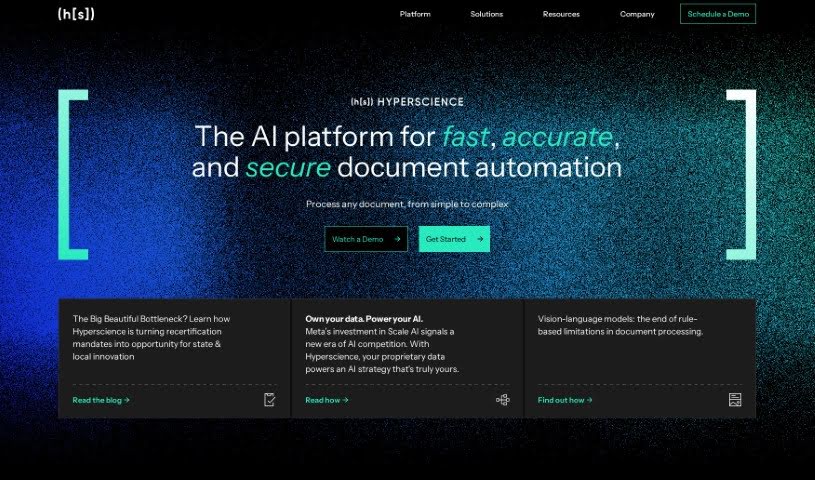
Hyperscience is a sophisticated Enterprise AI Platform designed to boost business operations by intelligently automating how documents are processed. It is a smart system that handles your paperwork. It was founded by Peter Brodsky, Krasimir Marinov, and Vladimir Tzankov, who wanted to bring advanced Machine Learning and AI to businesses. Their goal was to automate data entry, cut down on manual work, save money, reduce mistakes, and ultimately make work better for everyone involved, including customers.

Screenshot of Ikapture

Ikapture

Freemium

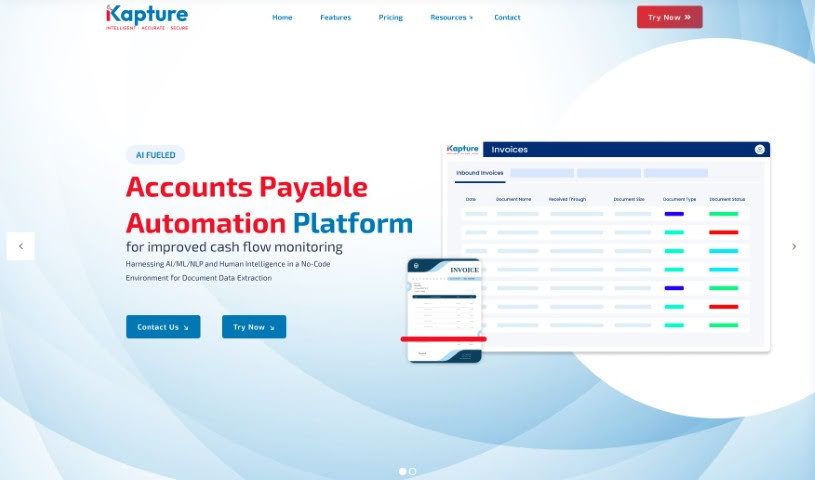
IKapture is a smart, AI-powered solution designed to completely change how businesses handle their documents. It uses artificial intelligence and machine learning to automatically pull data from all sorts of documents, turning them into useful information your business can act on. iKapture is known for being highly accurate, keeping your data super secure, and making the whole process of dealing with documents like invoices, patient records, and other paper-based information much more efficient. It really helps streamline your workflows, manage data better, and offers features like easy automation, a user-friendly design, strong security, collaboration tools, and overall efficiency. If your organization needs a document processing system that's simple to use, safe, and can grow with you, iKapture is a great fit.

Screenshot of InfoBaseAI

InfoBaseAI

Freemium

InfoBaseAI is a really smart platform that's changing how we manage information by bringing AI right into the mix. It is your AI-powered research buddy. You can use its features like AI chats, organizing your content, and taking notes to get more done and make your research process smoother. With InfoBaseAI, you can upload documents and get immediate insights, ask questions in a conversational way with AI to really dig into a topic, and even check if your facts are solid thanks to built-in source validation. It helps you annotate your thoughts with AI's help, switch between different AI models to get just the results you need, and juggle multiple tasks without losing track, all while keeping your workspace neat and easy to navigate. Plus, there's a special Launch Week Promo happening – you can get 10% off using the code LAUNCHWEEK10. It’s a great chance to rethink how you handle information with the help of AI. Why not try it for free today and see for yourself how InfoBaseAI can transform your workflow?

Screenshot of Intellectia.ai Invoice Processing Automation

Intellectia.ai Invoice Processing Automation

Freemium

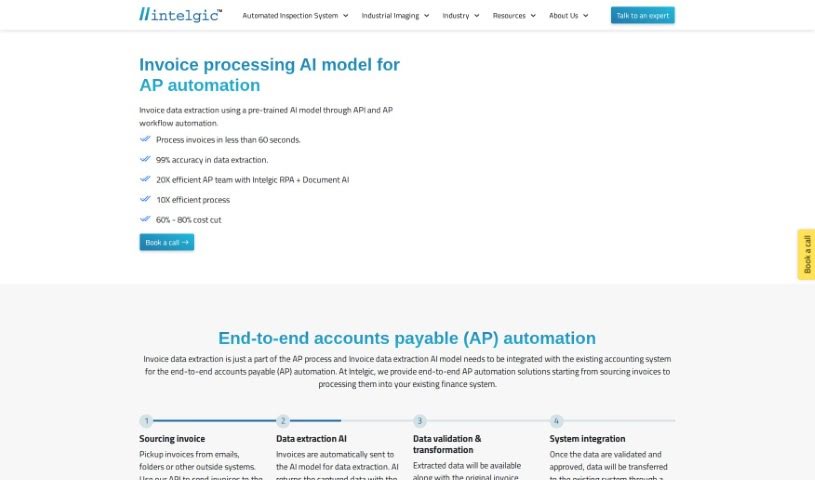
Doc Dog is a smart way to handle documents. It's an Intelligent Document Processing platform that uses AI models, already trained to understand invoices and receipts, to pull out all the important information. You can upload your documents, then check, confirm, and approve the data that's been extracted. Once it's all good, you can send it straight to your accounting software using a webhook. Doc Dog's OCR feature is like a super-fast scanner; it reads your invoices to grab text and numbers, making the whole invoice processing job much quicker and more accurate. Plus, Doc Dog offers broader Document AI solutions for automating data extraction, even looking at video content for things like surveillance or fire detection. It handles lots of different document types and can even automate workflows with RPA tools like Process Bot.

Screenshot of Keepi

Keepi

Freemium

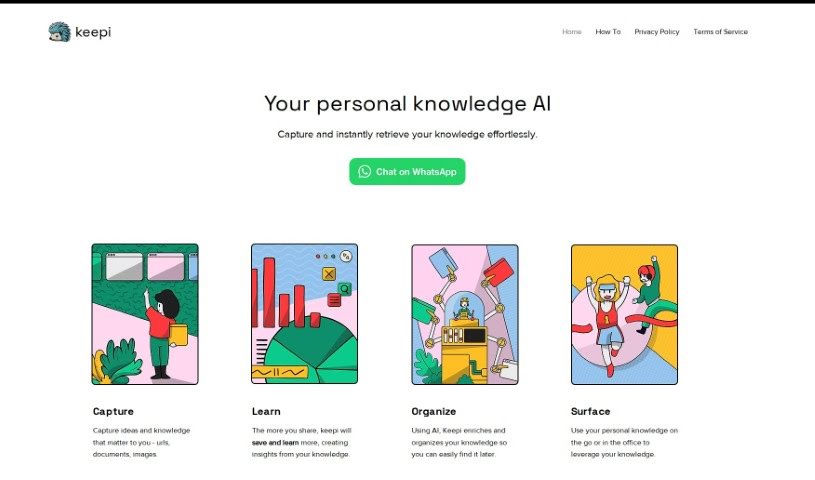
Keepi is a really handy online platform built to help you keep your personal belongings organized and managed with ease. It is your digital inventory manager. It lets you track what you own, sort items into categories, and add all sorts of details about them. This way, you can keep tabs on everything without any fuss. You can even upload photos and write descriptions for your items, which makes finding them later a breeze. Plus, Keepi can help you remember when maintenance is due or keep track of warranties and expiration dates. With its straightforward interface and smart organization tools, Keepi makes managing your stuff and keeping your living space tidy much simpler.

Screenshot of Kel

Kel

Freemium

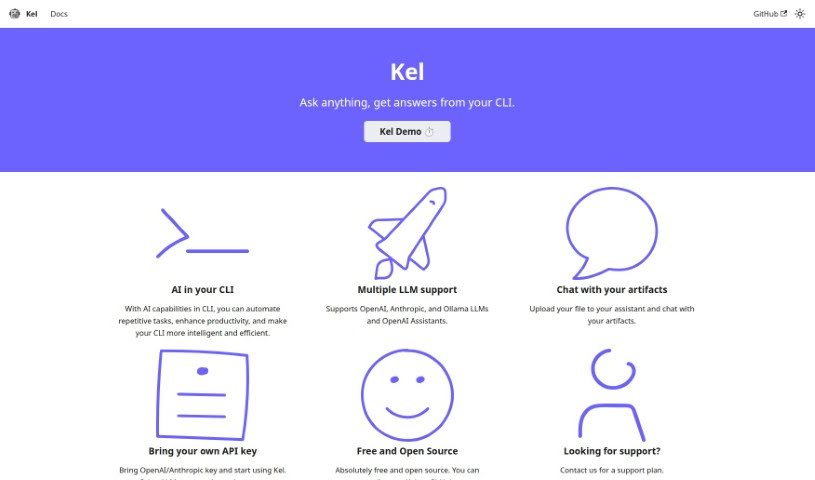
Kel is an AI-powered assistant built to make your work more productive. It's designed to automate those repetitive tasks you often run into and generally make using Command Line Interfaces (CLIs) a much smoother, more efficient experience. What's really neat is that Kel works with several popular Languages for Learning Machines (LLMs), including those from OpenAI, Anthropic, and Ollama. It also has a really unique way of letting you interact with your files – you can essentially 'chat' with your documents by uploading them directly to the assistant. Best of all, Kel is completely free to use and is open-source, meaning you can even contribute to its development on GitHub if you're so inclined. You can also personalize your experience by using your own API keys for services like OpenAI and Anthropic. If you need more details, you'll find comprehensive documentation on the main website. For support, you can reach out directly, and we're planning to add support for even more LLMs down the road.

Screenshot of Klu AI

Klu AI

Freemium

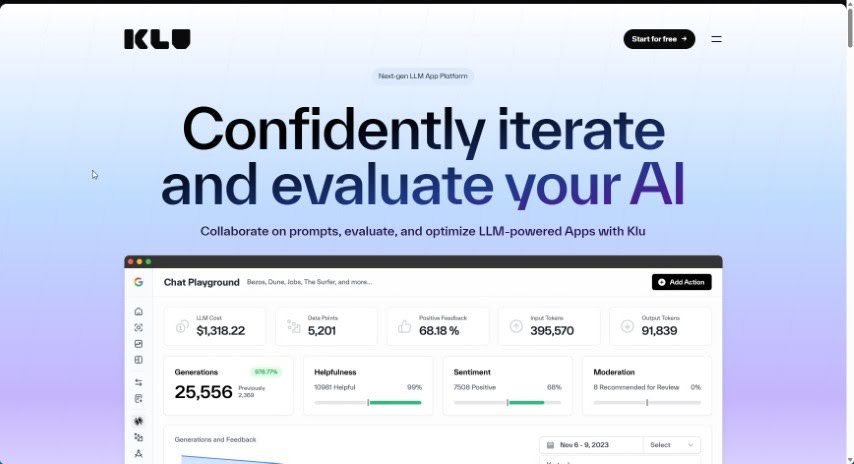
Klu AI is your company's central hub for all its information. It pulls together everything from your Gmail, Slack, Notion, Google Drive, Trello, and lots of other apps into one easy-to-search place. You can just ask questions in plain English, and Klu will give you the exact, relevant answers you need, right away. The big idea behind Klu is to get rid of those annoying knowledge silos that pop up in companies, making sure everyone can find what they need to work together smoothly. Plus, they take security seriously, with data encryption and SOC2 certification to keep your information safe.

Screenshot of Knowbase.ai

Knowbase.ai

Freemium

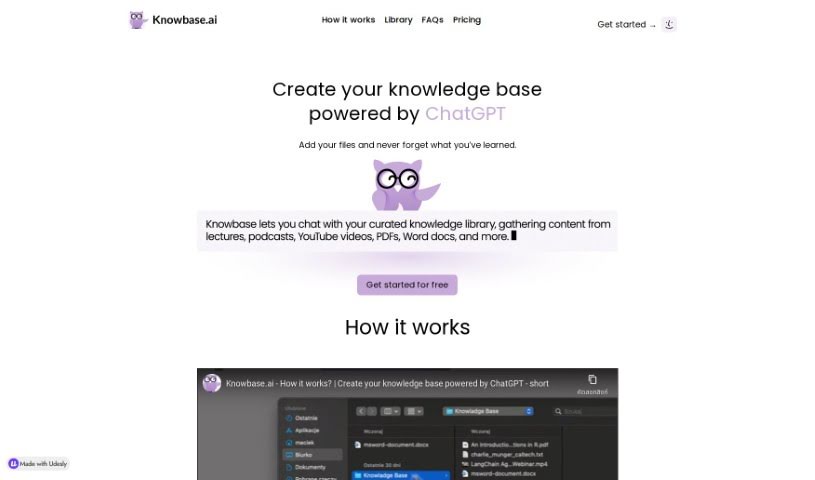
Knowbase.ai is a smart knowledge base that brings together the best of Dropbox and ChatGPT. It lets you keep all your important files neatly organized in a Library. Then, you can just ask questions in a chat interface, and it'll find the answers for you right from your files. It’s a great way to manage all the information you’ve gathered, so nothing gets lost or forgotten. They offer a free plan to get you started, giving you 100 MB of storage and 10 questions each month. If you like it, you can always upgrade. Knowbase handles all sorts of files – PDFs, Word docs, PowerPoint slides, videos, and even audio. A really neat feature, especially with the Standard plan, is its ability to transcribe up to 900 minutes of video or audio. This means you can easily search through spoken content, which is super handy.

Screenshot of Knowledge Drive

Knowledge Drive

Freemium

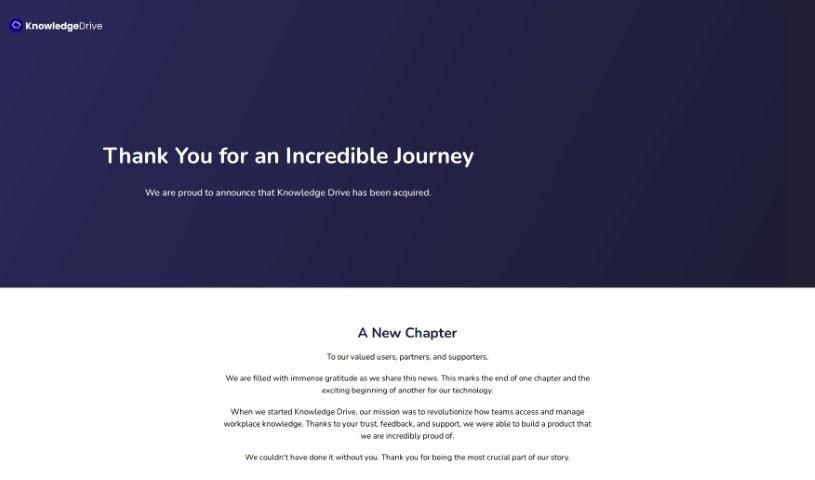
Knowledge Drive is an AI-powered platform designed to make your team's knowledge more accessible. It is a smart assistant that helps organize all your work information, from documents and presentations to emails. It automatically pulls this knowledge together, so you don't have to spend time manually entering or updating it. This means less time spent answering the same questions over and over, less manual documentation work, and less worry about losing important team knowledge. It's built to work smoothly with tools you probably already use, like Microsoft Office 365, Google Workspace, and Slack, bringing your work knowledge right to you as you go about your day. It's especially helpful for growing companies, small businesses, and startups that want to share information better and collaborate more effectively, ultimately leading to smoother workflows.

Screenshot of Komandi

Komandi

Freemium

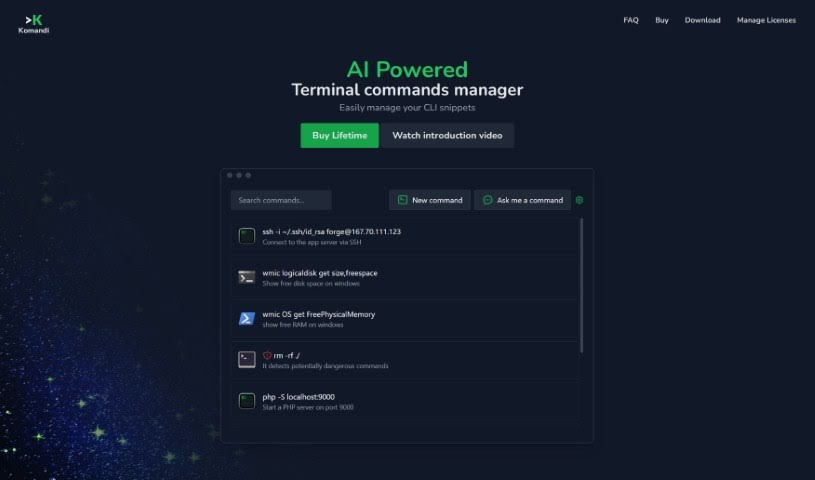
Komandi is a smart command line interface (CLI) manager that uses AI to help developers and system administrators get more done. It is your personal assistant for the terminal. It makes managing your most-used CLI commands much simpler by giving you a secure place to store, organize, and quickly grab any command you need. What's really neat is that Komandi can even create terminal commands for you just by you describing what you want in plain English, thanks to its AI. This means you can speed up your work and easily handle both commands you create yourself and those the AI generates. Plus, it's designed with safety in mind, flagging any commands that look potentially risky so you don't accidentally run something you shouldn't. Komandi works across macOS, Windows, and Linux, and it's also getting features to keep your commands synced up, with import/export options on the way.

Screenshot of Latitude

Latitude

Freemium

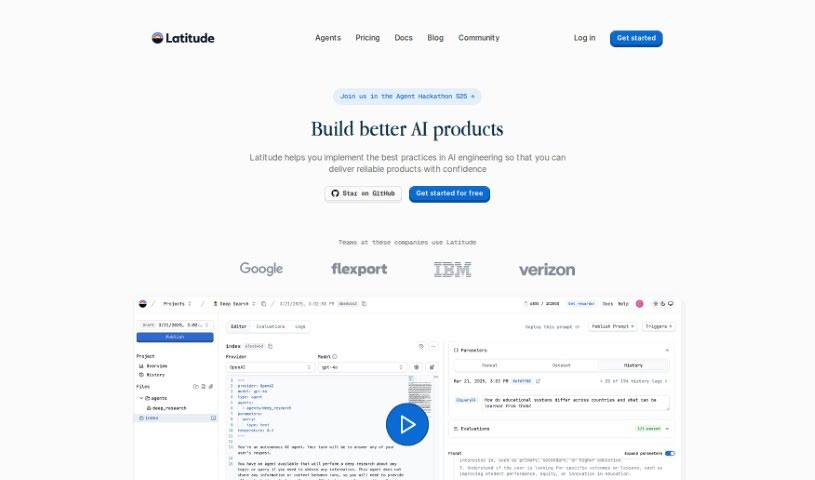
Latitude is a workspace built specifically for data analysts. Its main goal is to make your workflow smoother and boost how well your team collaborates. It is a tool that simplifies everything from gathering data to figuring out what it all means. It brings together data modeling, report building, and collaboration features into one easy-to-use place. With Latitude, analysts can really speed up their work. You can connect to different data sources, use a huge, collaborative canvas for your work, and even build interactive data apps without getting bogged down in the usual complexities of data analysis.

Screenshot of Layup

Layup

Freemium

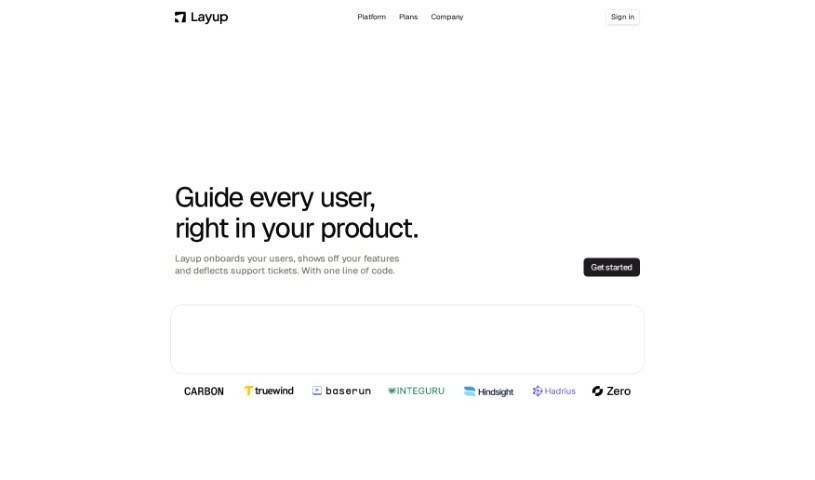
Layup is a smart tool that uses AI to make your workflow much smoother by turning messy, unstructured documents into organized, structured data. It is an intelligent assistant that can pull out, sort, and analyze information from all sorts of files – like spreadsheets (XLSX), images (PNG), plain text (TXT), Word documents (DOCX), and many more. This really helps automate the often tedious process of reviewing and handling documents. What's cool is that Layup can fit right into your current systems, be built into your own products, and even lets multiple people work together on documents at the same time. Plus, it’s built with security in mind, offering fine-grained control over who can access what, options for on-premises setups if you need maximum data control, and it's designed to handle huge batches of documents efficiently.

Stay Updated with AI Tools

Get weekly updates on the latest AI tools, trends, and insights delivered to your inbox

Join 25,000+ AI enthusiasts. No spam, unsubscribe anytime.