AI Tools for Documentation

Discover the best Documentation AI tools to enhance your productivity and creativity.

Page 8 of 15 • 174 total tools

Documentation can feel like a never-ending task, full of tedious steps and confusing details. Whether you’re writing manuals, project guides, or reports, it’s easy to get stuck. Wouldn’t it be great if AI could help lighten that load?

Lately, AI tools made specifically for documentation have really changed things. They offer ways to speed up writing, organizing, and editing. These aren’t just helpers; they can truly change how you handle your documentation work.

After spending a good amount of time trying out the latest options, I’ve put together a list of the top AI tools for documentation that you might want to check out. If you need help with structure, style, or just getting things done faster, these tools are here to make your life simpler.

In this article, we’ll look at the standout tools making a splash in documentation, how they can help you be clearer and more efficient, and what to keep an eye on as this field keeps growing. Let’s jump in and find the tools that can really improve your documentation efforts.

The best AI Documentation Tools

  1. Tenorshare: Great for easily summarizing PDFs for research.
  2. Mermaid Chart: Perfect for creating code architecture diagrams.
  3. Git Book: A platform for editing documentation collaboratively.
  4. Craft Docs: Ideal for team collaboration and communication.
  5. Slite: Use it to centralize all your company’s knowledge.
  6. Macro.com: Helps you streamline document editing tasks.
  7. Supernormal: Makes meeting notes easy to access.
  8. Writingmate.ai: Offers automated documentation with AI help.
  9. Mentalyc: Provides seamless note-taking for therapists.
  10. Sembly AI: Generates meeting notes automatically.
  11. Document360: Helps create user-friendly product manuals.
  12. Mintlify: Streamlines the creation of developer documentation.
  13. Trickle AI: Manages project notes more efficiently.
  14. Single Store: For searching and analyzing documents in real-time.
  15. Bit.ai: Streamlines how teams manage documentation.

How do AI documentation tools work?

AI documentation tools work much like other AI writing tools, but they’re specifically built to make creating, managing, and updating documents smoother. Basically, they use smart algorithms and large language models to help you generate content, format text, and organize information efficiently.

These tools usually look at what you’ve written and suggest relevant content, making it easier to create thorough documentation. By understanding your questions and prompts, they can produce structured documents that fit specific needs, like technical manuals, user guides, or FAQs.

Plus, AI documentation tools often include features for teamwork, letting multiple people work on a document at the same time. This is super helpful for teams working on projects together, ensuring everyone’s ideas and expertise blend smoothly into one document.

Most of these tools come with templates and best practices learned from huge amounts of data. This means they can suggest styles, formats, and even the right words for your field, making your documentation clearer and more professional.

The technology behind them relies a lot on information from different places, like technical articles, manuals, and other formal documents. This wealth of data lets AI tools act like smart search engines, quickly finding information that can fill in gaps or answer specific questions in your documentation process.

So, in short, AI documentation tools are designed to make your workflow and productivity better when writing and maintaining documents. They help cut down the time spent on repetitive tasks and improve accuracy by using a vast amount of knowledge and understanding context. As these tools keep getting better, their ability to boost efficiency and teamwork in documentation will only grow.

Our best AI documentation tools at a glance

RankNameBest forPlans and PricingRating
1TenorshareEffortless PDF summarization for research.N/A4.64 (11 reviews)
2Mermaid ChartCode architecture diagramsN/A4.84 (19 reviews)
3GitBookCollaborative documentation editing platformN/A4.76 (25 reviews)
4Craft DocsTeam collaboration and communicationPaid plans start at $10/month.4.17 (6 reviews)
5SliteCentralizing company knowledgeN/A4.00 (15 reviews)
6Macro.comStreamlining document editing tasksN/A4.77 (30 reviews)
7SupernormalStreamline meeting notes for easy access.Paid plans start at $18/month.4.79 (19 reviews)
8Writingmate.aiAutomated documentation with AI supportN/A4.64 (11 reviews)
9MentalycSeamless note-taking for therapistsPaid plans start at $39.99/month.4.75 (12 reviews)
10Sembly AIAutomated meeting notes generationPaid plans start at $20/month.4.64 (11 reviews)
11Document360Creating user-friendly product manualsPaid plans start at $149/month.4.82 (11 reviews)
12MintlifyStreamlined developer documentation creationN/A4.17 (6 reviews)
13Trickle AIStreamline project notes managementPaid plans start at $8/month.4.67 (6 reviews)
14Single StoreReal-time document search and analysisPaid plans start at $574.9/month.4.17 (6 reviews)
15Bit.aiStreamlined team documentation managementPaid plans start at $8/month.4.64 (11 reviews)
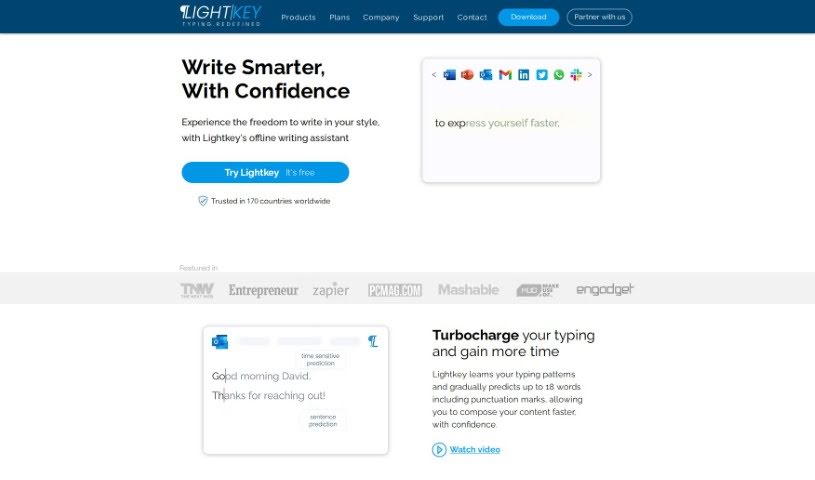
Screenshot of Lightkey

Lightkey

Freemium

Lightkey is a smart AI tool designed to make typing and correcting spelling much easier on your Windows computer, no matter what application you're using. It offers suggestions for what you might type next, corrects mistakes as you go, and even learns your personal writing style to give you tailored tips. It works with lots of different Windows desktop apps, making it a really flexible tool for anyone who writes a lot. Plus, it has great spelling correction features, all aimed at saving you time and making your writing tasks smoother.

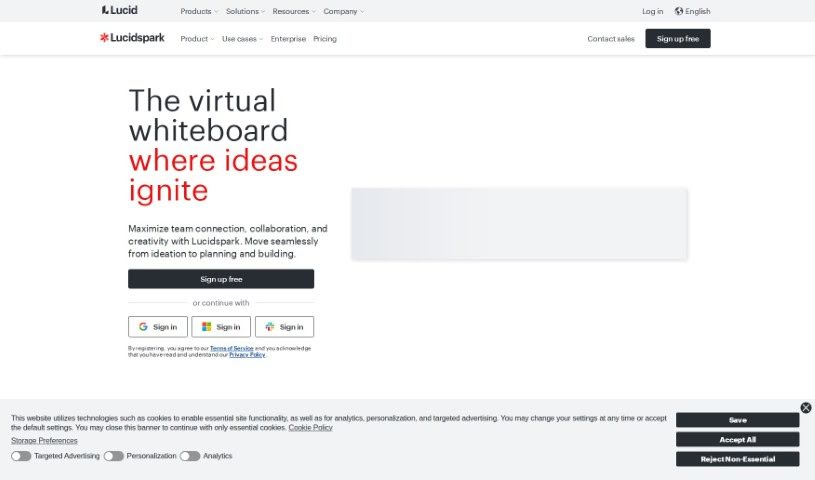
Screenshot of Lucidspark

Lucidspark

Freemium

Lucidspark is a virtual whiteboard tool built for teams to collaborate in real-time. It is a digital space where you can bring your ideas to life, run super effective brainstorming sessions, and map out your strategies. It's designed to be really easy to use, with a visual workspace that lets everyone jump in and share their thoughts without feeling limited by space. You can plan and visualize projects together, no matter where you are. Lucidspark offers an unlimited canvas, so you can brainstorm freely. It also helps with planning and tracking projects, fits different ways people like to work, and can even turn your raw ideas into solid plans. Plus, it's got cool AI features for collaboration, ready-to-use templates for all sorts of tasks, customer support, and even resources for educators.

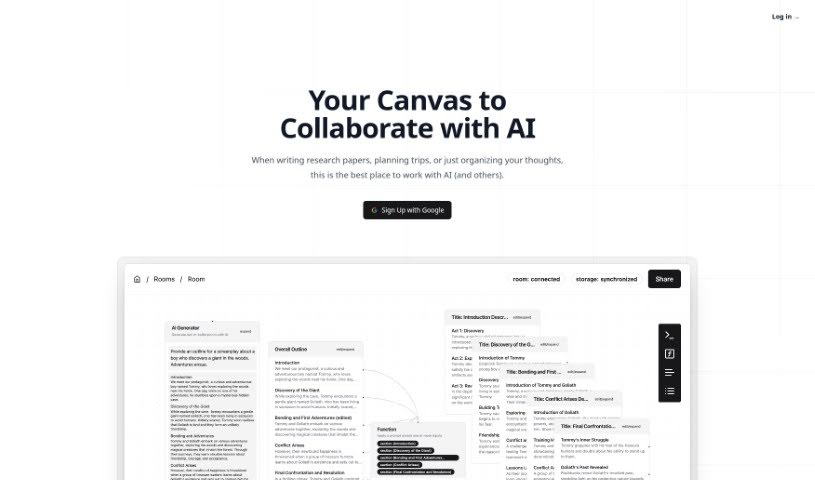
Screenshot of Lxi AI

Lxi AI

Freemium

Lxi AI is a custom tool designed to answer your questions accurately, using OpenAI's GPT model. It's built to work with your personal documents. You can upload PDFs, docx files, and text files, or even import content directly from webpages. Lxi AI breaks down your documents into manageable pieces of information, making it easier to find what you need quickly. It then gives you clear, factual answers based on that data. Keep in mind, the quality of the answers really depends on the quality of the documents you upload. Lxi AI offers a 14-day free trial. After that, they charge based on how large your documents are and how many questions you ask. It's also capable of handling a large number of documents, and they provide dedicated customer support for their enterprise clients.

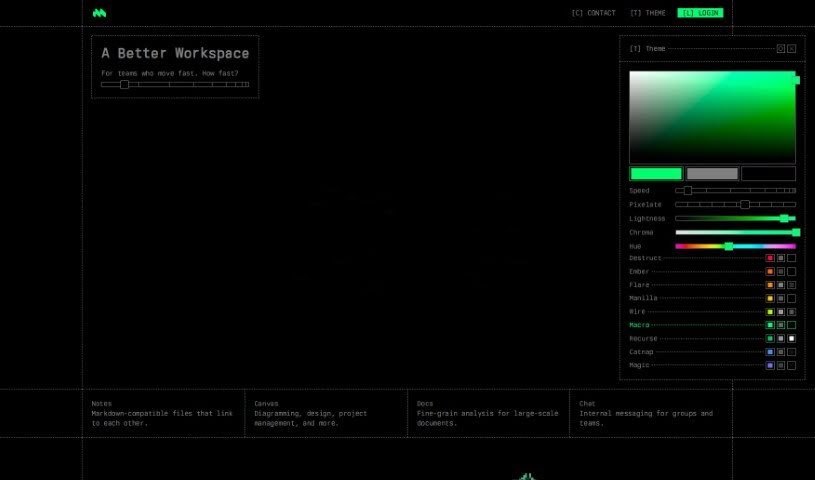
Screenshot of Macro.com

Macro.com

Freemium

Macro.com is an AI tool built to automate and improve how we edit documents. It is your smart assistant for all things document-related. It comes packed with features like data analysis, workflow automation, and general AI help, all designed to make your tasks smoother and your experience better. Macro is pretty clever; it can actually understand complicated data inside your documents, offer suggestions for improvement, and give you valuable insights thanks to its AI. It’s built for everyone, whether you're working on personal projects or running a business, and it handles all sorts of document types. Plus, there's a handy feature where you can just ask it questions. While you can download it for free, the specifics on any premium features or pricing aren't super clear on their website yet.

Screenshot of Maia Ai

Maia Ai

Freemium

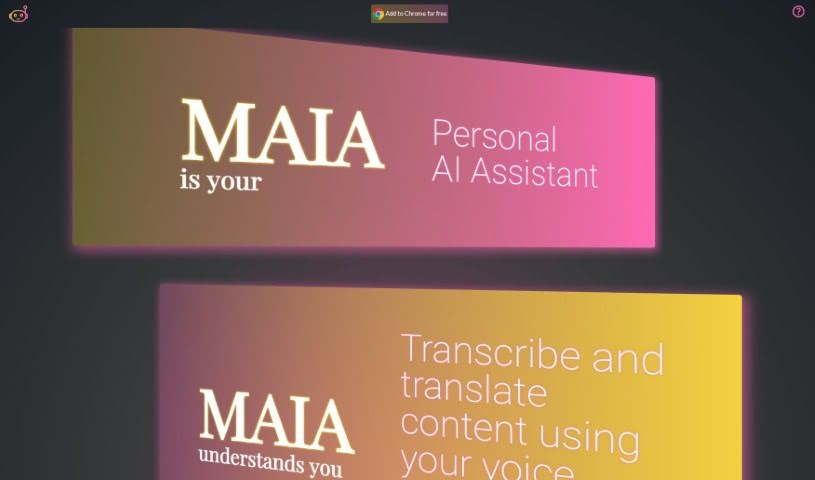
Maia Ai, which stands for My AI Assistant, is a really helpful tool designed to make powerful AI technology easy for everyone to use and afford. It's a Google Chrome extension that lets you transcribe and translate content just by speaking, which is fantastic for making things more accessible and improving how we communicate. Maia Ai packs a lot of useful functions to help you get more done, like summarizing what you're reading, creating new text, breaking down complicated subjects, making information simpler, translating languages, and turning your speech into written text. Because it works on any webpage once you add it to Chrome, it's a super versatile way to boost what you can do online.

Screenshot of MakeForms AI Form Builder

MakeForms AI Form Builder

Freemium

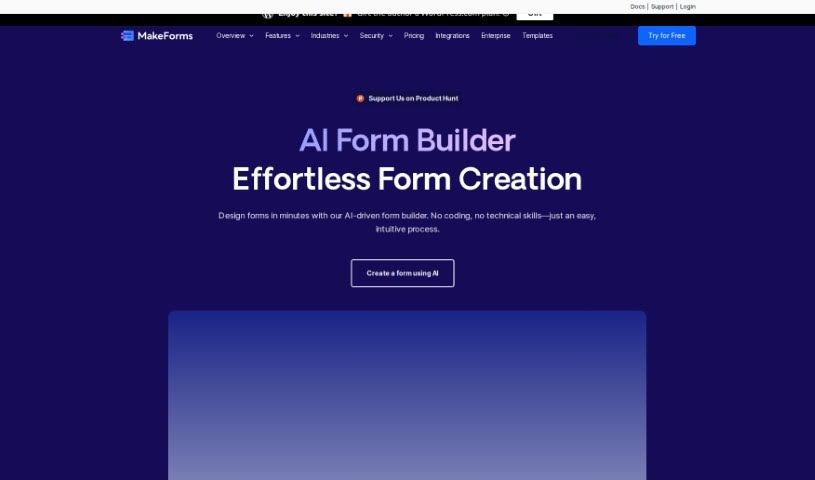
MakeForms is a really handy platform for building forms. What makes it stand out are features like no-code AMP forms that work right in your email – pretty neat, huh? You also get over 160 templates and 100 design themes to choose from, plus advanced ways to connect it with other tools and get great reporting. For businesses that need extra security, enterprise accounts come with 128-bit data encryption. The best part? People can fill out and send your forms without ever leaving their inbox. When it comes to paying, MakeForms accepts all the usual suspects: major credit cards, PayPal, ACH, and direct debit. You've also got flexibility with your subscription; you can cancel or upgrade whenever you like, and if you switch plans, you won't lose any time you've already paid for. Just a heads-up, though: MakeForms doesn't offer a way to keep all your data on your own server and database. To make sure everything runs smoothly and can handle growth, MakeForms is hosted on AWS. Your subscriptions will automatically renew each month or year. They also offer discounts for NGOs, and if you have any questions at all, their support team is there to help.

Screenshot of Marauder

Marauder

Freemium

Marauder is a neat app designed with your privacy in mind. It makes sure your location history stays just that – yours. Your data never leaves your device; it's all stored right there. If you want to learn more, you can check out their website at studiolanes.com or follow them on Twitter at @studiolanes.

Screenshot of Matilda Workspace

Matilda Workspace

Freemium

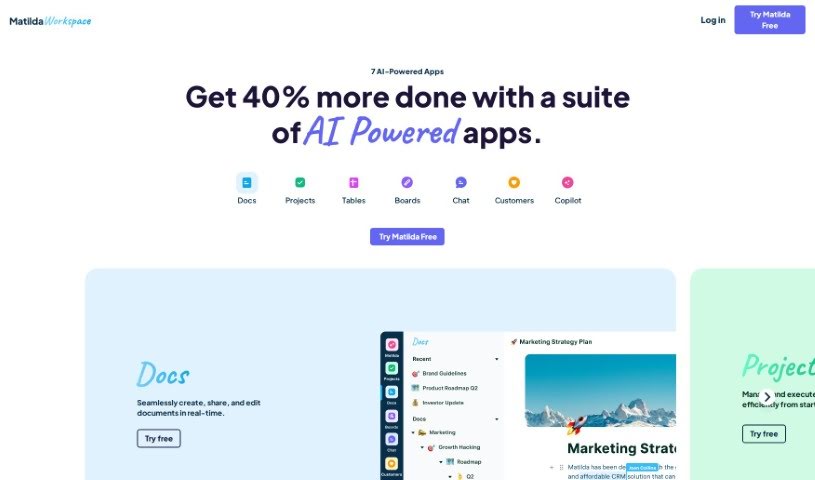
Matilda Workspace is an all-in-one platform powered by AI, designed to really boost your project management and team collaboration. It tackles the common issues found in older project management tools by offering a whole bunch of features. Think documentation, managing tasks, handling meetings, and even keeping track of customer interactions, all in one place. It works in a pretty straightforward three-step process:

Screenshot of Mentalyc

Mentalyc

Freemium

Mentalyc is an AI note generator specifically built for mental health professionals. Think psychotherapists, psychologists, and counselors – it's designed with them in mind. Plus, it's HIPAA-compliant, which is super important for keeping client data safe in the healthcare world. Basically, it takes the hassle out of writing psychotherapy progress notes. You can feed it session recordings, dictations, or even just a written summary, and it turns them into structured, personalized notes. You've got three main ways to get your sessions into Mentalyc: record the audio directly, write a summary, or dictate it. Then, it converts all that into notes you can easily edit, copy, paste, or download to use with your current EHR system.

Screenshot of Mermaid Chart

Mermaid Chart

Freemium

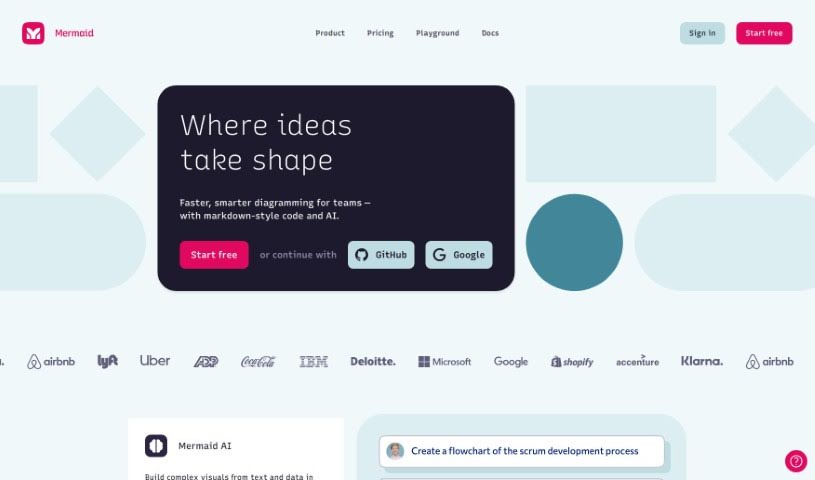
Mermaid Chart is a platform that lets you create diagrams using text. It's built on the popular Mermaid open-source project. It is a way to document code, make team projects run smoother, and visualize complicated ideas, all with a little help from AI. They've recently added Mermaid AI, which is a real game-changer. It helps you create diagrams super fast just by typing in what you want. This means you can get clear visual representations quickly, without wrestling with complicated tools that take ages to figure out.

Screenshot of Metastory

Metastory

Freemium

Metastory is a tool that's really changing the game in product management. It uses artificial intelligence to make gathering requirements much smoother. It is a tool built by product owners, specifically for product owners. Metastory is built around three main ideas: help from AI, documentation that's tied directly to the user interface, and easy integration with JIRA. This setup supports you all the way through your project management. It brings together collective intelligence to speed up how you gather requirements, it connects what users see (the UI) with what you need for the project, making communication clearer, and it works seamlessly with JIRA so your project management stays efficient. Its best features are definitely the AI-Based Assistance, the UI-Based Documentation, and the JIRA Integration. These are all designed to help product owners quickly map out what's needed and boost their productivity.

Screenshot of Microsoft Loop

Microsoft Loop

Freemium

Microsoft Loop is a collaborative workspace designed to completely change how teams work together. It offers tools that make project management smoother and boost everyone's productivity. It is a shared space where documents and tasks stay perfectly in sync, no matter where your team members are – whether they're in the office or working remotely. Because it's so intuitive and easy to use, Microsoft Loop makes collaboration feel much more efficient and accessible. By bringing projects to life with these modern, professional tools, teams can build a more open and cooperative environment.

Stay Updated with AI Tools

Get weekly updates on the latest AI tools, trends, and insights delivered to your inbox

Join 25,000+ AI enthusiasts. No spam, unsubscribe anytime.