AI Tools for Documentation

Discover the best Documentation AI tools to enhance your productivity and creativity.

Page 9 of 15 • 174 total tools

Documentation can feel like a never-ending task, full of tedious steps and confusing details. Whether you’re writing manuals, project guides, or reports, it’s easy to get stuck. Wouldn’t it be great if AI could help lighten that load?

Lately, AI tools made specifically for documentation have really changed things. They offer ways to speed up writing, organizing, and editing. These aren’t just helpers; they can truly change how you handle your documentation work.

After spending a good amount of time trying out the latest options, I’ve put together a list of the top AI tools for documentation that you might want to check out. If you need help with structure, style, or just getting things done faster, these tools are here to make your life simpler.

In this article, we’ll look at the standout tools making a splash in documentation, how they can help you be clearer and more efficient, and what to keep an eye on as this field keeps growing. Let’s jump in and find the tools that can really improve your documentation efforts.

The best AI Documentation Tools

  1. Tenorshare: Great for easily summarizing PDFs for research.
  2. Mermaid Chart: Perfect for creating code architecture diagrams.
  3. Git Book: A platform for editing documentation collaboratively.
  4. Craft Docs: Ideal for team collaboration and communication.
  5. Slite: Use it to centralize all your company’s knowledge.
  6. Macro.com: Helps you streamline document editing tasks.
  7. Supernormal: Makes meeting notes easy to access.
  8. Writingmate.ai: Offers automated documentation with AI help.
  9. Mentalyc: Provides seamless note-taking for therapists.
  10. Sembly AI: Generates meeting notes automatically.
  11. Document360: Helps create user-friendly product manuals.
  12. Mintlify: Streamlines the creation of developer documentation.
  13. Trickle AI: Manages project notes more efficiently.
  14. Single Store: For searching and analyzing documents in real-time.
  15. Bit.ai: Streamlines how teams manage documentation.

How do AI documentation tools work?

AI documentation tools work much like other AI writing tools, but they’re specifically built to make creating, managing, and updating documents smoother. Basically, they use smart algorithms and large language models to help you generate content, format text, and organize information efficiently.

These tools usually look at what you’ve written and suggest relevant content, making it easier to create thorough documentation. By understanding your questions and prompts, they can produce structured documents that fit specific needs, like technical manuals, user guides, or FAQs.

Plus, AI documentation tools often include features for teamwork, letting multiple people work on a document at the same time. This is super helpful for teams working on projects together, ensuring everyone’s ideas and expertise blend smoothly into one document.

Most of these tools come with templates and best practices learned from huge amounts of data. This means they can suggest styles, formats, and even the right words for your field, making your documentation clearer and more professional.

The technology behind them relies a lot on information from different places, like technical articles, manuals, and other formal documents. This wealth of data lets AI tools act like smart search engines, quickly finding information that can fill in gaps or answer specific questions in your documentation process.

So, in short, AI documentation tools are designed to make your workflow and productivity better when writing and maintaining documents. They help cut down the time spent on repetitive tasks and improve accuracy by using a vast amount of knowledge and understanding context. As these tools keep getting better, their ability to boost efficiency and teamwork in documentation will only grow.

Our best AI documentation tools at a glance

RankNameBest forPlans and PricingRating
1TenorshareEffortless PDF summarization for research.N/A4.64 (11 reviews)
2Mermaid ChartCode architecture diagramsN/A4.84 (19 reviews)
3GitBookCollaborative documentation editing platformN/A4.76 (25 reviews)
4Craft DocsTeam collaboration and communicationPaid plans start at $10/month.4.17 (6 reviews)
5SliteCentralizing company knowledgeN/A4.00 (15 reviews)
6Macro.comStreamlining document editing tasksN/A4.77 (30 reviews)
7SupernormalStreamline meeting notes for easy access.Paid plans start at $18/month.4.79 (19 reviews)
8Writingmate.aiAutomated documentation with AI supportN/A4.64 (11 reviews)
9MentalycSeamless note-taking for therapistsPaid plans start at $39.99/month.4.75 (12 reviews)
10Sembly AIAutomated meeting notes generationPaid plans start at $20/month.4.64 (11 reviews)
11Document360Creating user-friendly product manualsPaid plans start at $149/month.4.82 (11 reviews)
12MintlifyStreamlined developer documentation creationN/A4.17 (6 reviews)
13Trickle AIStreamline project notes managementPaid plans start at $8/month.4.67 (6 reviews)
14Single StoreReal-time document search and analysisPaid plans start at $574.9/month.4.17 (6 reviews)
15Bit.aiStreamlined team documentation managementPaid plans start at $8/month.4.64 (11 reviews)
Screenshot of MindGym

MindGym

Freemium

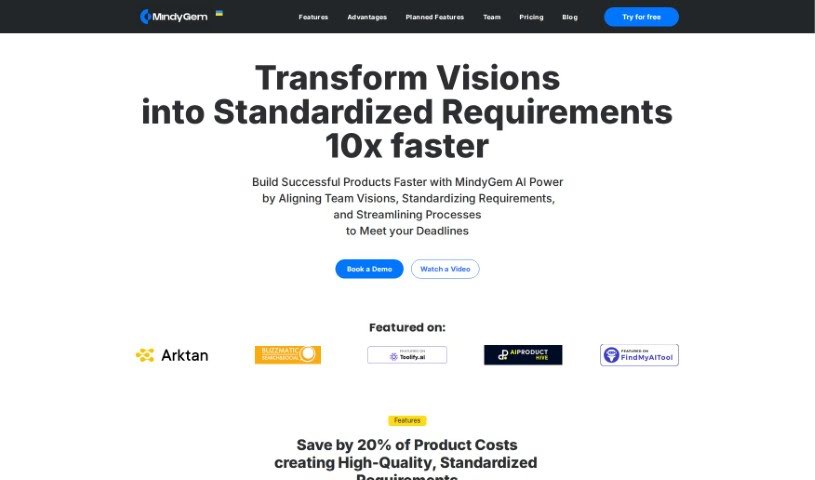
MindyGem is a software tool designed to help software teams create and manage technical documentation for their digital products. It is a smart assistant for your documentation needs. It automates much of the requirement writing process, making it faster to get your requirements down. Plus, it offers an interactive platform that really boosts team collaboration, keeping everyone on the same page throughout development. It even uses AI to help write requirements directly from your UI designs. You'll also find features like real-time discussions, the ability to create tickets for tracking progress, and integrations with popular tools like Jira and Swagger.

Screenshot of Mintlify

Mintlify

Freemium

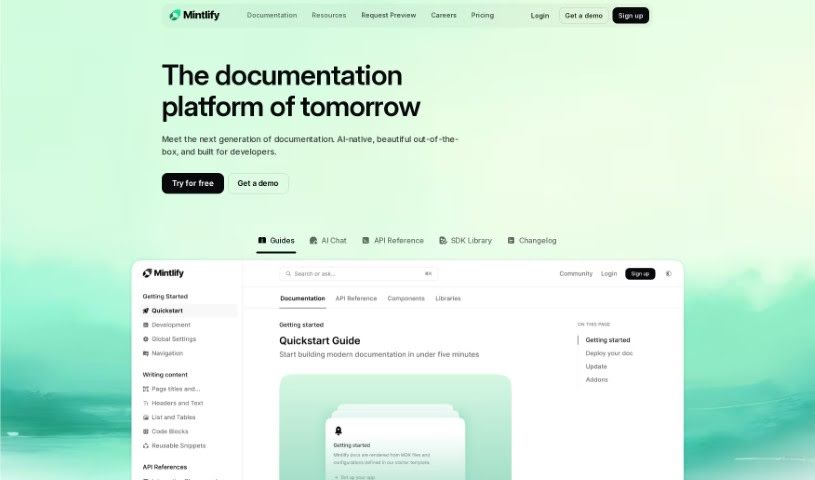
Mintlify is a platform built to help you create beautiful, user-friendly documentation. It's designed for both developers and content creators, offering a really smooth experience for building and keeping your documentation up-to-date. Because it's powered by MDX and takes a developer-first approach, you can easily connect your documentation right to your codebases. Mintlify also focuses on top-notch performance to make sure users have a great experience, and it even includes analytics right out of the box so you can see how people are using your docs. Plus, it brings in AI features to make your documentation even more powerful.

Screenshot of Monterey AI

Monterey AI

Freemium

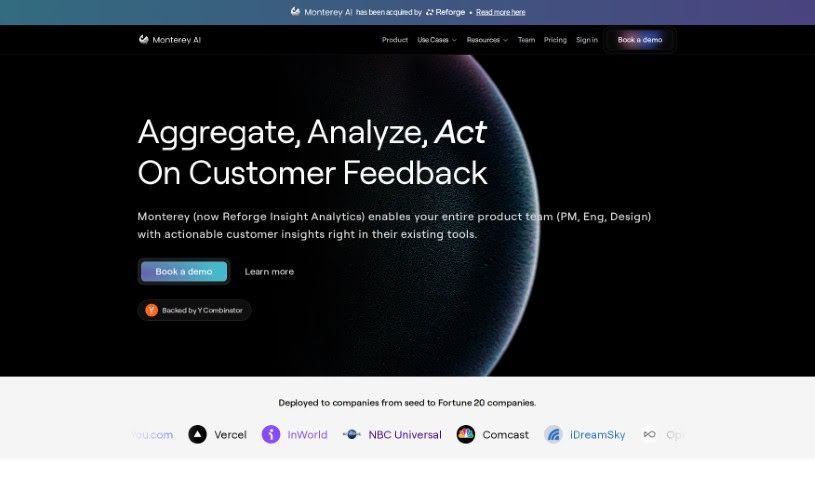
Monterey AI was started by Chun Jiang and Ben Kramer. They initially built a tool to help product teams with their documentation. Later, they broadened their scope to create an AI copilot specifically for product insights. Their big goal? To build the first AI platform for product analytics that really digs into qualitative data. The team behind Monterey AI is pretty impressive, with folks who've worked at places like Uber, Scale AI, and MIT, bringing a wide range of experience. Essentially, Monterey AI wants to completely change how businesses make sense of qualitative data, using AI to quickly uncover actionable insights.

Screenshot of MotionShot

MotionShot

Freemium

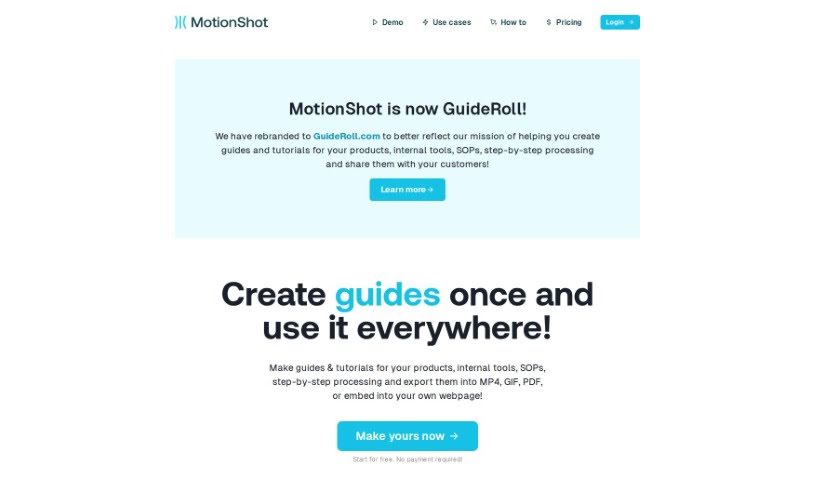
MotionShot is a really handy tool designed to help you create detailed walkthrough guides. It's perfect for documenting browser-based operations, and it does this by capturing screenshots as you go. You can then customize these guides and export them in a bunch of different ways – think MP4 videos, GIFs, PDFs, or even embedding them right onto your website. It makes creating tutorials so much simpler because it automatically grabs your screens and clicks with a handy Chrome extension. Plus, MotionShot lets you customize your guides, create a "MotionShot Hub" to share collections of your guides publicly, and it can really cut down on those customer service questions. It's great for getting new employees up to speed, creating content, or putting together product guides. You can start with a free plan, or opt for a paid subscription if you need more advanced features.

Screenshot of myReach

myReach

Freemium

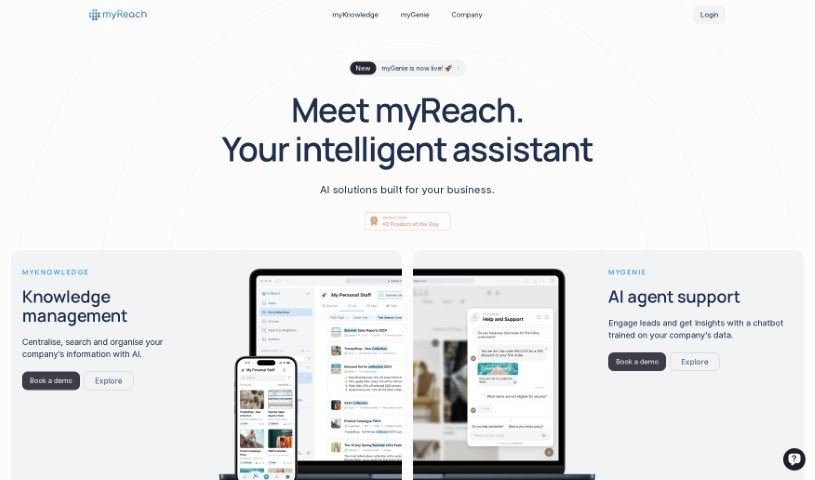
MyReach is a personal knowledge management tool that uses AI to help you store, organize, and find your information much more easily. It is a second brain; it learns and arranges everything you save, making it super simple to access later. Plus, your data is kept safe with encryption and GDPR compliance. You can even collaborate in real-time, transcribe audio and video files, and use its AI assistant, Rich.

Screenshot of Notability

Notability

Freemium

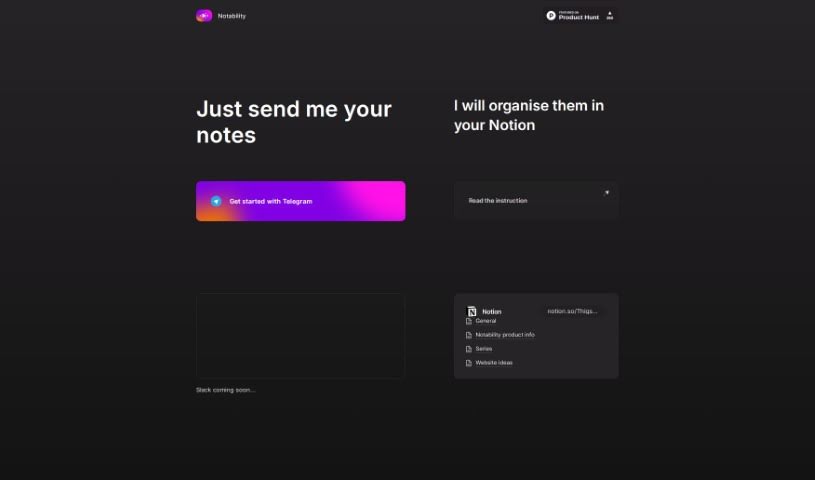
Notability is a handy tool designed to help you keep your notes organized and easy to manage. It works well with platforms like Telegram and Slack, making it simple to share your notes. The interface is really user-friendly, and the instructions are clear, so you can start using it right away. With Notability, you can organize your notes more smoothly, connect them with different platforms without a hitch, and keep everything in one convenient spot, like Notion.

Screenshot of NoteGenie

NoteGenie

Freemium

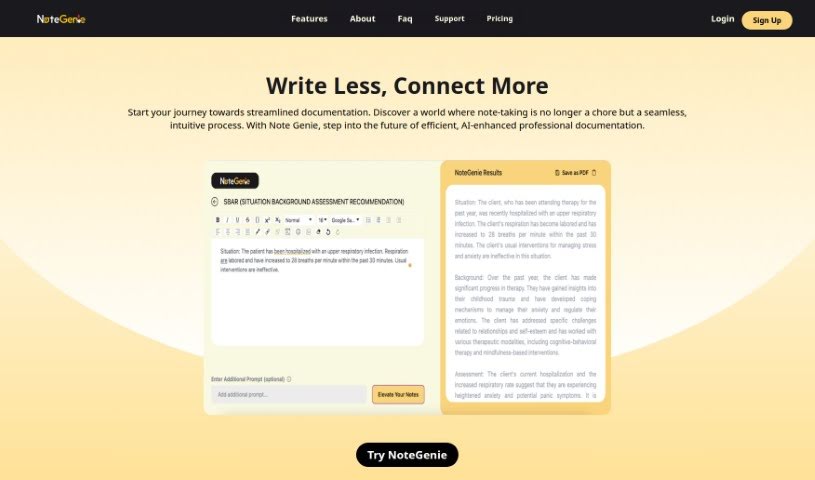
NoteGenie is a smart AI tool designed to completely change how you take notes and boost your productivity. It uses advanced technology and machine learning to handle the note-taking for you, which saves you time and makes sure your notes are more accurate. Forget about typing mistakes or missing those crucial details – NoteGenie makes note-taking much smoother and more effective.

Screenshot of Notesollama

Notesollama

Freemium

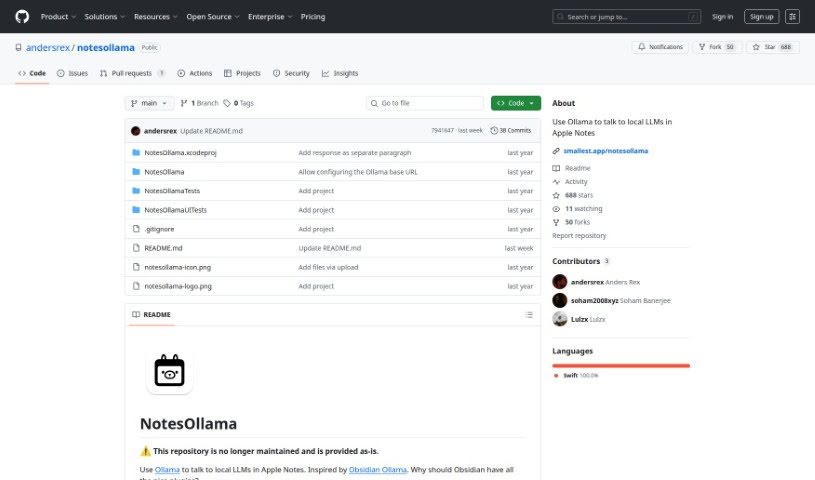
NotesOllama is a handy tool that really boosts Apple Notes' capabilities. It makes it easy to chat with Local Learning Modules (LLMs) right inside your notes. It is a way to quickly summarize your notes, ask specific questions about them, or even create your own custom prompts. The goal here is to help you get more done without sacrificing your data privacy. You can use the nine prompts that come built-in, or if you're feeling creative, you can add your own! Just a heads-up, NotesOllama is made for macOS and you'll need to have Ollama installed on macOS 13 or a newer version.

Screenshot of Omniscience

Omniscience

Freemium

Omniscience is having total knowledge or awareness of everything. It's like instantly accessing all the information and insights you need from a wide range of sources. In practice, Omniscience means you can quickly pull up relevant content from different documents, websites, and other places. This helps you avoid doing the same work over and over and makes it easier to share what you know with your team.

Screenshot of Onoco App

Onoco App

Freemium

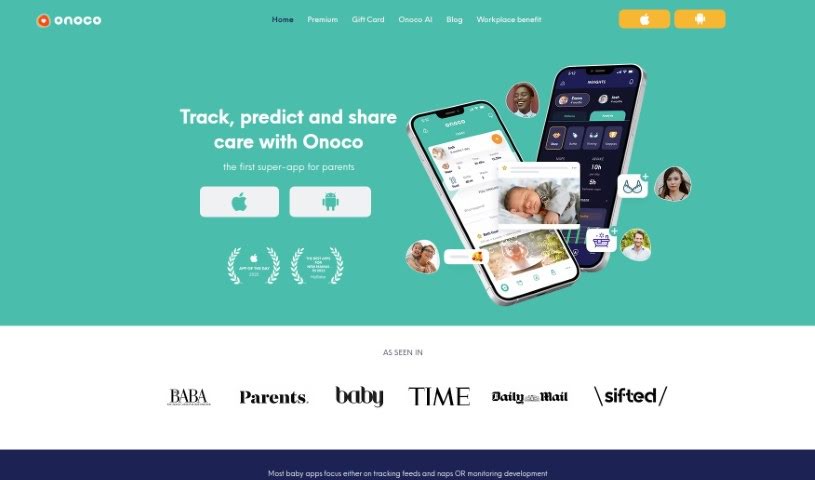
Onoco App is a really comprehensive tool designed to help parents out. It offers a bunch of helpful features, like predicting your baby's sleep schedule, offering support for their development, sending shared notifications, and integrating smoothly with other tools. Plus, you get tips for building your child's brain! The main idea behind the app is to give parents science-based education, let them create routines that work for their family, track milestones using the Early Years Foundation Stage framework, and easily share information with other caregivers. It's all about focusing on what makes each child unique and supporting parents every step of the way.

Screenshot of OpsBerry AI

OpsBerry AI

Freemium

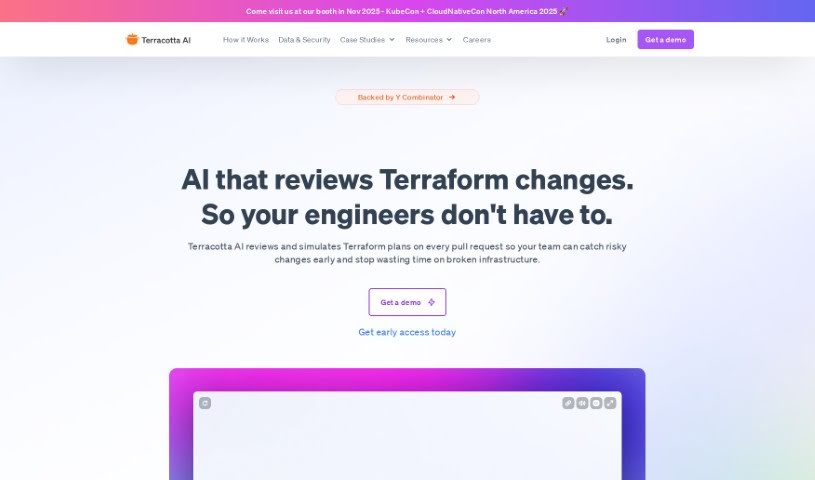
OpsBerry AI is a smart Copilot tool designed to turn your team's collective knowledge into clear, step-by-step guides. It is a way to easily capture all that 'tribal knowledge' and make it accessible. It uses artificial intelligence to transform Confluence articles into easy-to-follow how-to guides. Once created, these guides can be shared instantly with your team members and customers, really boosting how efficiently everyone learns and shares information. OpsBerry also plays nicely with other tools you might already use, offering integrations like a Chrome extension, Zendesk, Slack, and Notion. Plus, there's a web app for creating personalized guides. You'll find an AI-powered editor right in your browser for quick customizations, and the tool even offers automatic recommendations and updates to keep your guides current. It's built for collaboration too, making it simple to share guides and gather feedback.

Screenshot of Oss Chat

Oss Chat

Freemium

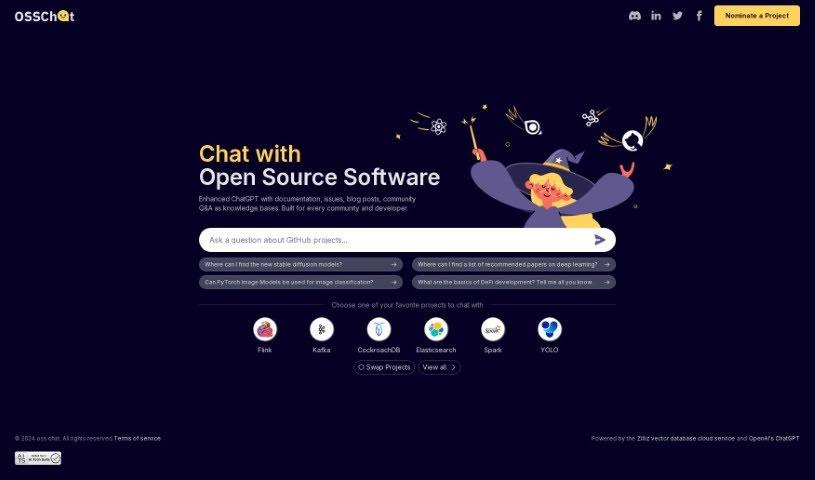
Oss Chat is a really neat platform that brings together documentation, blog posts, community Q&A, and even project issues into one handy knowledge base. It's built specifically for developers and tech communities, aiming to make interactions more helpful and relevant. It is a central hub for topics like deep learning, how image classification works, or the basics of DeFi development. It connects you with popular projects like Flink, Kafka, CockroachDB, Elasticsearch, Spark, and YOLO, offering insights and discussions on all sorts of new tech.

Stay Updated with AI Tools

Get weekly updates on the latest AI tools, trends, and insights delivered to your inbox

Join 25,000+ AI enthusiasts. No spam, unsubscribe anytime.