20Paths
Productivity Documentation
Learn more
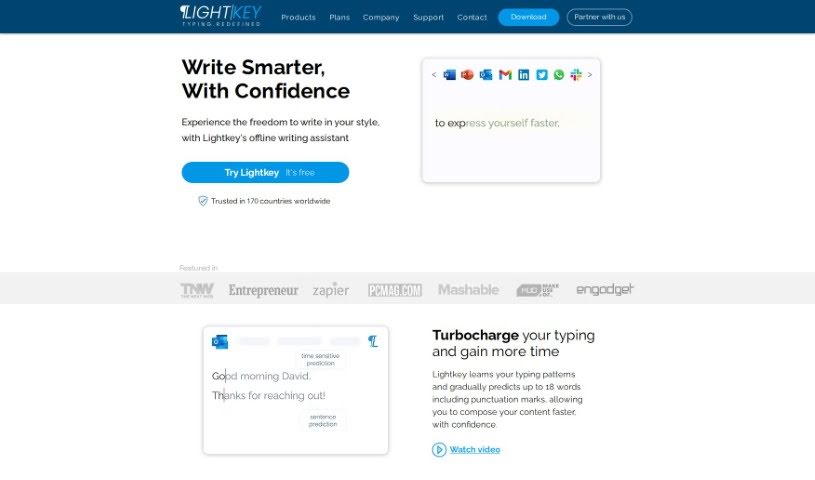
Discover what Lightkey is and how it delivers AI-powered text prediction, spelling correction, and personalized typing support across Windows desktop apps.
Lightkey is an AI-powered typing assistant for Windows that works across your desktop applications, regardless of which one you’re using. It predicts what you’ll type next, corrects mistakes as you go, and learns your personal writing style to deliver tailored suggestions. It also includes strong spelling correction features, all aimed at saving time and reducing typing effort.
Lightkey was created by Guy Katabi, Founder and CEO, alongside Co-Founder and Business Director Eran Brauer. The company’s mission is to build an intelligent typing experience that fits naturally into whatever you’re creating, with a focus on creativity, quality, and ongoing innovation.
Lightkey is designed to support users with dyslexia, SpLD, ADHD, physical disabilities, and visual impairments:
Lightkey is a serverless, on-premises solution, meaning your data stays private and setup is straightforward.
Lightkey suits professionals in any field, students, and anyone who writes frequently on Windows. Whether for work, school, or personal writing, it helps produce error-free content while reducing typing time and effort.
Related
Discover more tools in similar categories
Weekly picks of the best AI tools we've researched and added — no spam, unsubscribe anytime.
Join 25,000+ AI enthusiasts. No spam, unsubscribe anytime.