20Paths
Productivity Documentation
Learn more
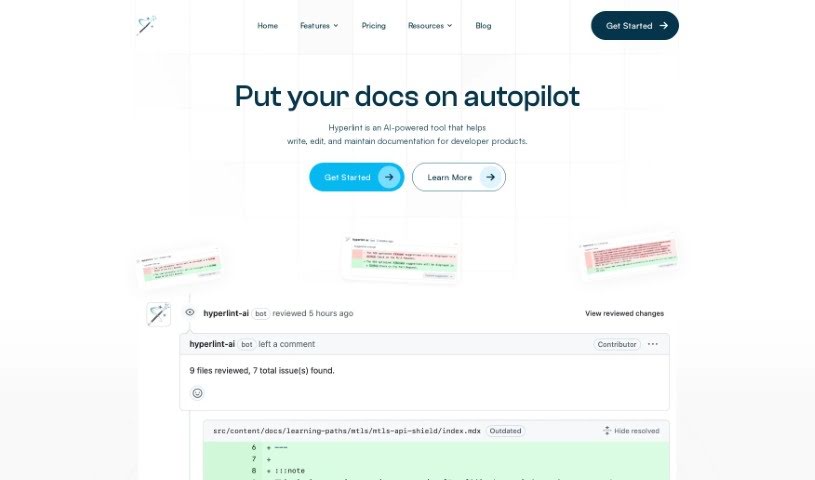
Hyperlint is a GitHub bot that reviews documentation pull requests, checks style guide compliance, and monitors APIs and CLIs to keep docs accurate.
Hyperlint is a documentation assistant that works as a GitHub bot, fitting directly into your documentation workflow. It automatically checks pull requests and provides feedback on your docs.
Beyond code documentation, it also monitors APIs and CLIs, spotting potential problems early so you can make proactive changes to keep documentation high-quality. Hyperlint can automatically check whether your docs follow style guides and offer suggestions, helping ensure consistency. It also flags common mistakes and issues that could hurt your SEO, automatically making tweaks to improve documentation quality.
Hyperlint was created by Manny Silva, who leads Docs at Skyflow and also created Doc Detective. He applies AI to documentation management and writing to make handling docs more efficient.
Hyperlint is useful for anyone involved in creating or managing documentation, including software developers, technical writers, documentation specialists, API developers, DevOps engineers, product managers, QA engineers, project managers, and content editors.
Related
Discover more tools in similar categories
Weekly picks of the best AI tools we've researched and added — no spam, unsubscribe anytime.
Join 25,000+ AI enthusiasts. No spam, unsubscribe anytime.