S
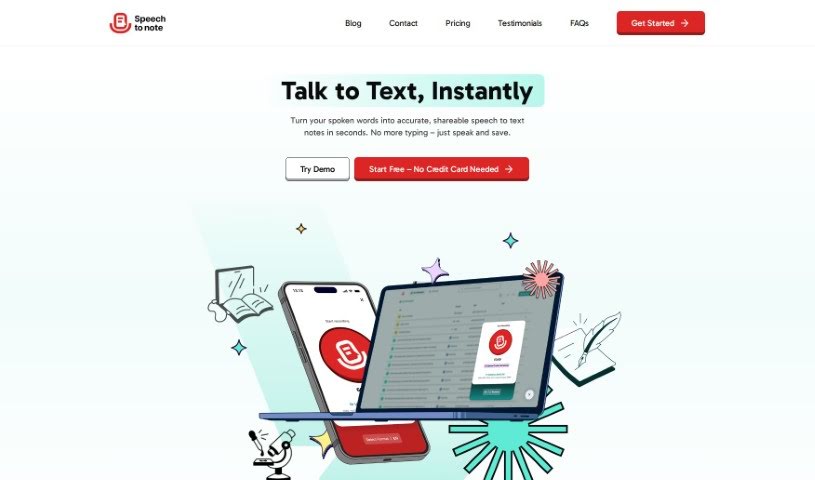
Speech To Note
FreemiumSpeech To Note is an AI tool for capturing thoughts. You speak, and it converts your words into organized summaries that you can review, edit, and save or export for later reference.
Documentation
View Tool →
Discover the best Documentation AI tools to enhance your productivity and creativity.
Speech To Note is an AI tool for capturing thoughts. You speak, and it converts your words into organized summaries that you can review, edit, and save or export for later reference.
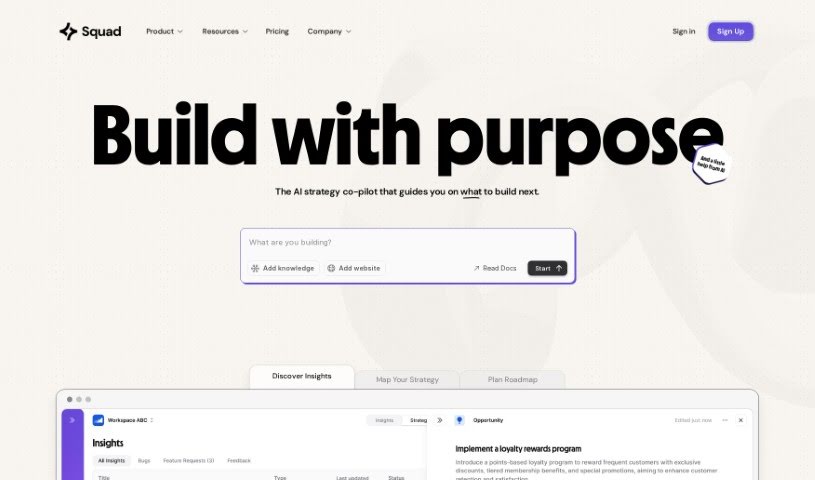
Squad helps businesses connect their goals with what customers are saying. It uses AI to turn user feedback into practical insights, making it easier to spot trends and identify what needs improving without manually sifting through large amounts of data.
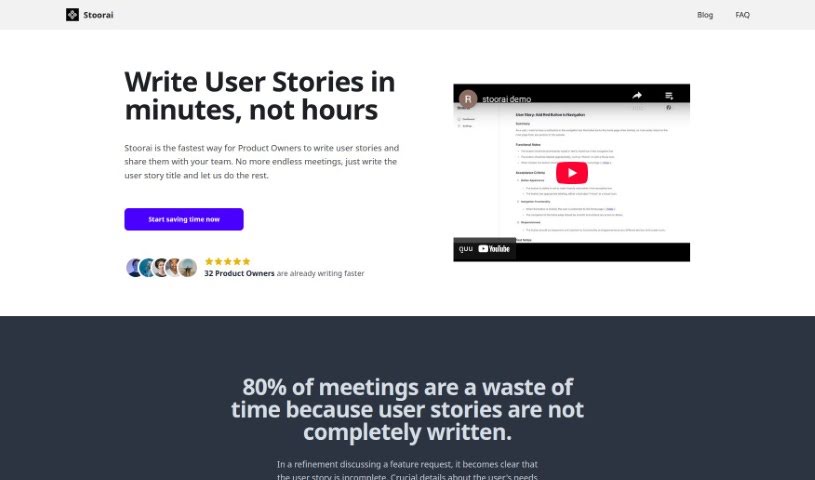
Stoorai is an app that simplifies user story creation for Agile teams. You provide a brief summary, and its AI generates a clear, concise user story in minutes, which you can then edit as needed. A history feature lets you view and reuse previously created stories, saving time and keeping output consistent. Companies using Stoorai report improved productivity and a smoother user story process.
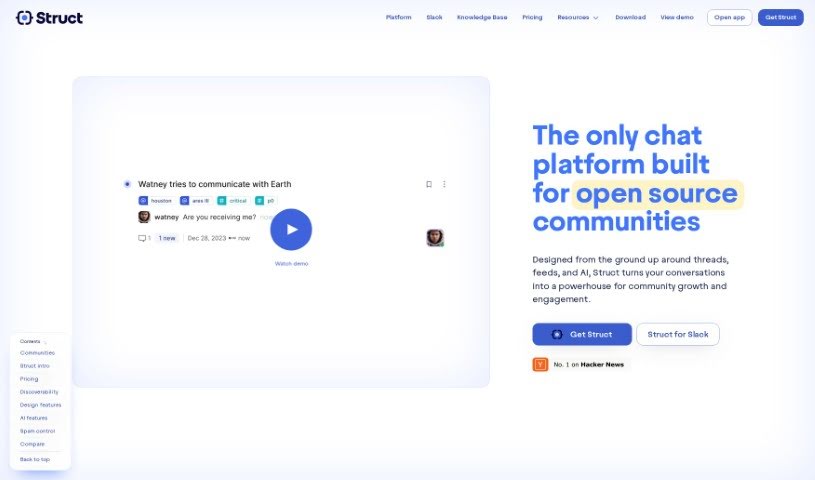
Struct Chat is a chat platform built to improve how teams communicate. It offers real-time chat, conversations organized into threads, and a feed-style way to browse content. The core idea is to help teams capture, organize, and add context to the information shared during chats, turning conversations into a searchable knowledge base.
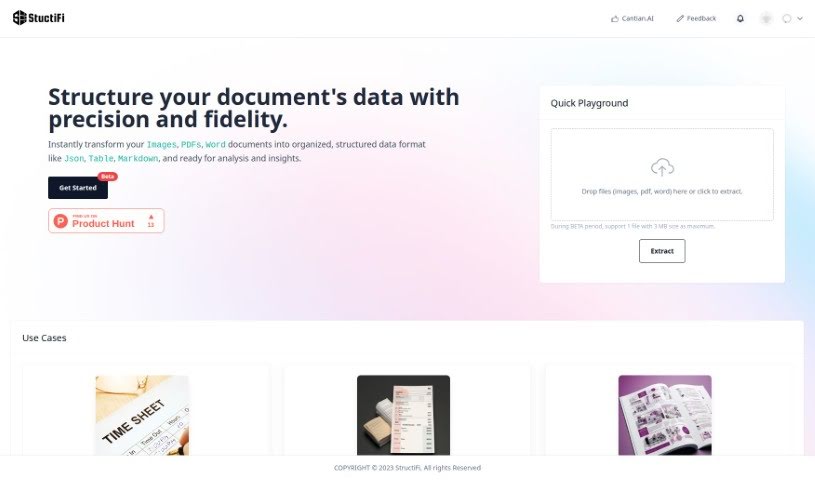
StructiFi is a tool for organizing unstructured data. It takes images, PDFs, and Word documents and converts them into structured formats like JSON, tables, or Markdown, making it easier to analyze information and extract key insights. The tool uses AI to make data organization simpler and more accurate.
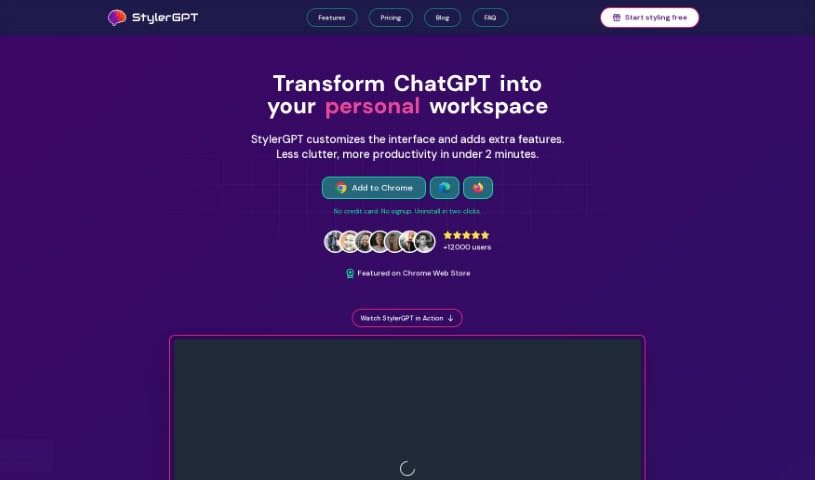
StylerGPT (also known as GPT-EZ) is a free Chrome extension that customizes how ChatGPT looks and feels. It offers 15 color schemes, multilingual output, and options to download or share your chats. It is available from the Chrome Web Store at no cost and is an independent project not affiliated with ChatGPT or OpenAI L.L.C.
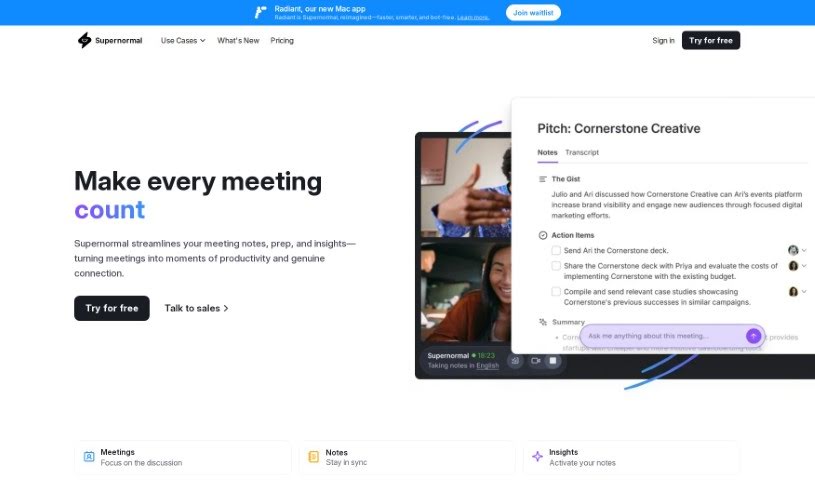
Supernormal is an AI tool that makes meetings run more smoothly. It automatically transcribes and formats meeting notes and works directly with Google Meet, saving time and keeping everything organized during busy meetings.
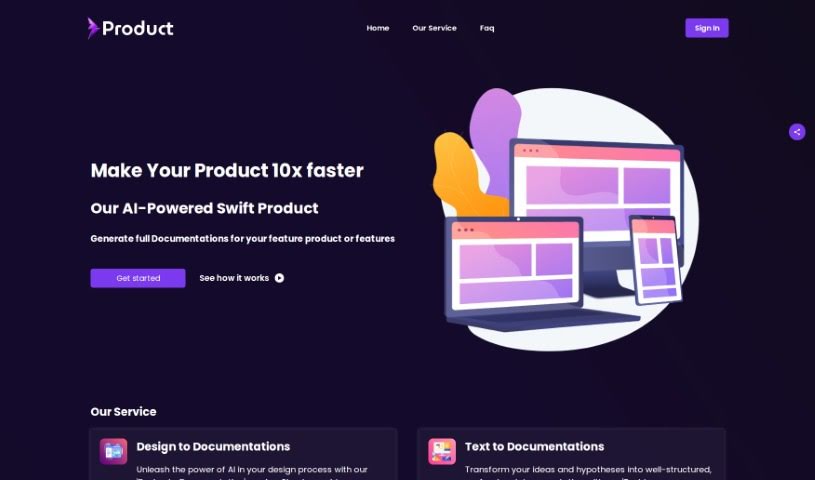
Swift Product is a platform for streamlining product development. It combines project planning, task management, collaboration tools, and reporting in a single centralized workspace, so teams can track progress, allocate resources, and manage projects from ideation through execution.
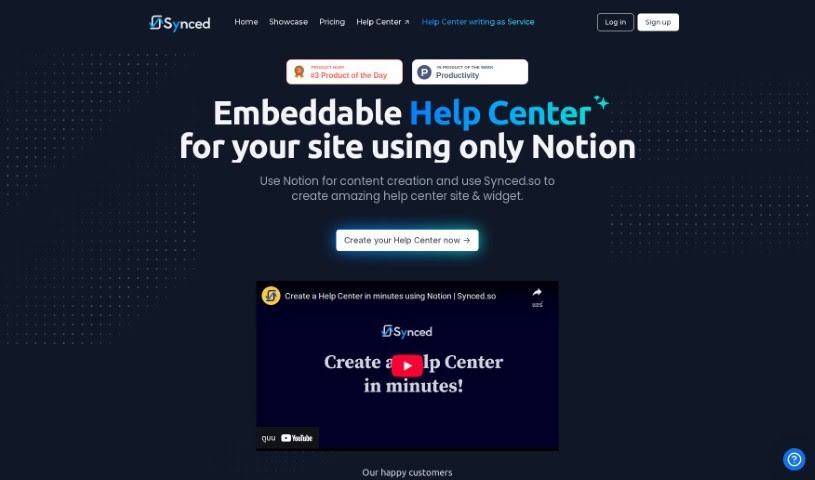
Synced turns your Notion content into a fully functional Help Center for your website. It builds both a Help Center site and an in-app widget from your Notion pages, providing contextual help within your app and natural language search so users can find answers quickly. The interface is clean, optimized for search engines, loads quickly, and supports flexible hosting options. You can customize the look and feel to match your brand.
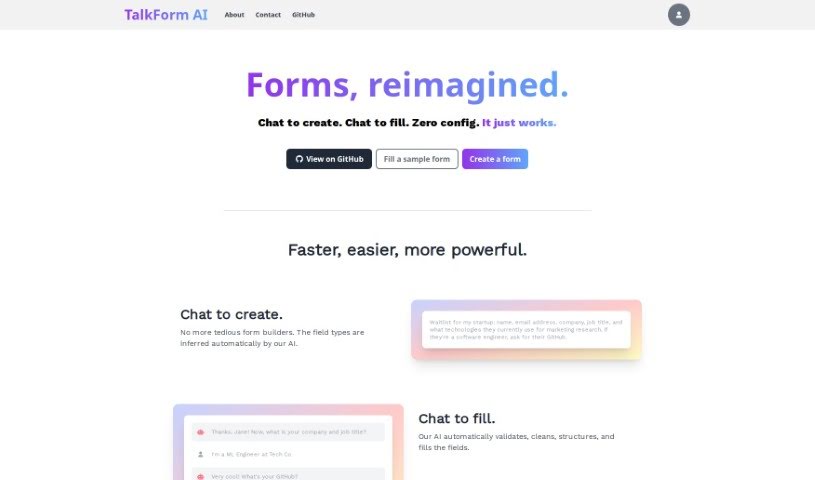
TalkForm AI lets you create and fill out forms through conversation. Instead of using a traditional form builder, describe what you need in a chat, and the AI infers the required data types for each field. As respondents complete the form, the AI validates answers, cleans the data, and keeps everything structured for analysis.
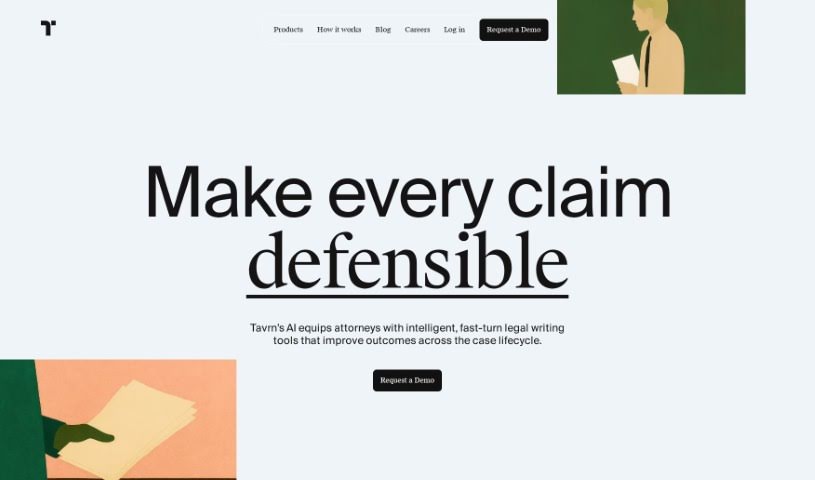
Tavrn is an AI work assistant designed to integrate with tools like Google Drive and Notion. It answers questions, summarizes long documents, and helps draft emails. Security and compliance are priorities: Tavrn uses SOC 2 compliant data centers and encrypts data both at rest and in transit.
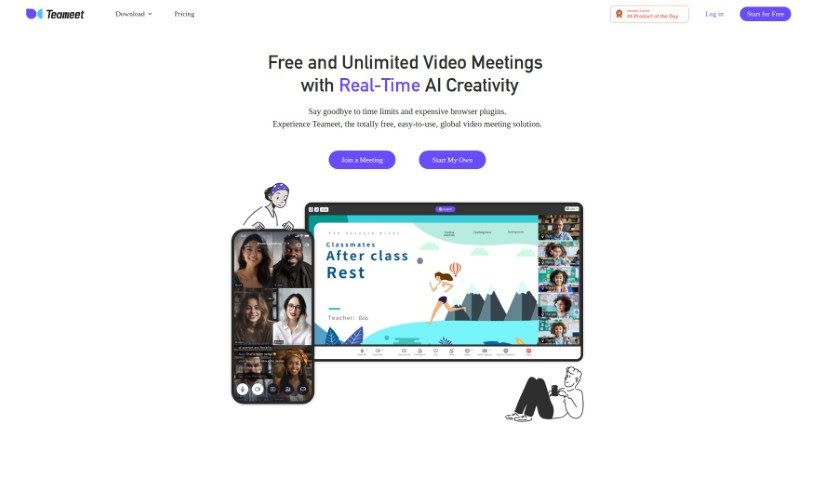
Teameet is a free online meeting tool developed by HiThink Financial Services Inc. It combines video conferencing with AI-powered features that support clearer conversations across languages and locations. Key features include:
Writing technical documentation is often the last thing developers, product managers, or team leads want to tackle. After spending weeks building a feature or mapping out an internal process, writing user guides, API references, or wiki pages feels like a slog. Yet missing or outdated docs lead to confused users, onboarding bottlenecks, and endless support tickets.
Think of the platforms in this section as specialized technical writers. They don’t invent technical specs out of thin air, but they quickly turn raw code, screen recordings, and rough notes into clean, readable guides.
Generating technical guides straight from code repositories saves massive amounts of development time. Software engineers rarely want to pause their workflow to write comments or update API endpoints. Modern documentation assistants scan pull requests and codebases, generating clear, structured explanations of functions and endpoint changes automatically. Your technical references stay current without pulling developers away from writing code.
Creating standard operating procedures (SOPs) for internal workflows gets much faster, too. Instead of manually taking screenshots and writing step-by-step instructions for routine tasks, video-capture AI tools watch your screen while you work. They capture screenshots, write descriptive step titles, and build complete visual guides in minutes.
Keeping documentation updated is usually harder than writing it the first time. When a feature changes or a company policy updates, old docs become misleading. AI documentation platforms monitor your updated codebase or modified workflows, flagging outdated pages and suggesting quick revisions so your knowledge base remains accurate.
Useful Features for Teams:
- Automated code parsing: Tools that read repositories and pull requests to generate API guides and technical references automatically.
- Screen capture step building: Software that turns screen recordings into step-by-step visual guides with screenshots.
- Knowledge base integration: Connectors that link directly to platforms like Notion, Confluence, or GitHub to keep docs updated across workspaces.
- Multi-language translation: Features that translate user guides and help articles into dozens of languages while preserving formatting.
- Natural language search: Search assistants that let users ask plain-English questions and get direct answers sourced straight from your docs.
Clear, helpful documentation will always depend on human context and real product understanding. While software parses code and captures screenshots, keeping guides intuitive for actual readers requires your direction.
Explore the documentation tools below to clean up your team’s knowledge base.
Weekly picks of the best AI tools we've researched and added — no spam, unsubscribe anytime.
Join 25,000+ AI enthusiasts. No spam, unsubscribe anytime.