AI Tools for Documentation

Discover the best Documentation AI tools to enhance your productivity and creativity.

Page 13 of 15 • 174 total tools

Documentation can feel like a never-ending task, full of tedious steps and confusing details. Whether you’re writing manuals, project guides, or reports, it’s easy to get stuck. Wouldn’t it be great if AI could help lighten that load?

Lately, AI tools made specifically for documentation have really changed things. They offer ways to speed up writing, organizing, and editing. These aren’t just helpers; they can truly change how you handle your documentation work.

After spending a good amount of time trying out the latest options, I’ve put together a list of the top AI tools for documentation that you might want to check out. If you need help with structure, style, or just getting things done faster, these tools are here to make your life simpler.

In this article, we’ll look at the standout tools making a splash in documentation, how they can help you be clearer and more efficient, and what to keep an eye on as this field keeps growing. Let’s jump in and find the tools that can really improve your documentation efforts.

The best AI Documentation Tools

  1. Tenorshare: Great for easily summarizing PDFs for research.
  2. Mermaid Chart: Perfect for creating code architecture diagrams.
  3. Git Book: A platform for editing documentation collaboratively.
  4. Craft Docs: Ideal for team collaboration and communication.
  5. Slite: Use it to centralize all your company’s knowledge.
  6. Macro.com: Helps you streamline document editing tasks.
  7. Supernormal: Makes meeting notes easy to access.
  8. Writingmate.ai: Offers automated documentation with AI help.
  9. Mentalyc: Provides seamless note-taking for therapists.
  10. Sembly AI: Generates meeting notes automatically.
  11. Document360: Helps create user-friendly product manuals.
  12. Mintlify: Streamlines the creation of developer documentation.
  13. Trickle AI: Manages project notes more efficiently.
  14. Single Store: For searching and analyzing documents in real-time.
  15. Bit.ai: Streamlines how teams manage documentation.

How do AI documentation tools work?

AI documentation tools work much like other AI writing tools, but they’re specifically built to make creating, managing, and updating documents smoother. Basically, they use smart algorithms and large language models to help you generate content, format text, and organize information efficiently.

These tools usually look at what you’ve written and suggest relevant content, making it easier to create thorough documentation. By understanding your questions and prompts, they can produce structured documents that fit specific needs, like technical manuals, user guides, or FAQs.

Plus, AI documentation tools often include features for teamwork, letting multiple people work on a document at the same time. This is super helpful for teams working on projects together, ensuring everyone’s ideas and expertise blend smoothly into one document.

Most of these tools come with templates and best practices learned from huge amounts of data. This means they can suggest styles, formats, and even the right words for your field, making your documentation clearer and more professional.

The technology behind them relies a lot on information from different places, like technical articles, manuals, and other formal documents. This wealth of data lets AI tools act like smart search engines, quickly finding information that can fill in gaps or answer specific questions in your documentation process.

So, in short, AI documentation tools are designed to make your workflow and productivity better when writing and maintaining documents. They help cut down the time spent on repetitive tasks and improve accuracy by using a vast amount of knowledge and understanding context. As these tools keep getting better, their ability to boost efficiency and teamwork in documentation will only grow.

Our best AI documentation tools at a glance

RankNameBest forPlans and PricingRating
1TenorshareEffortless PDF summarization for research.N/A4.64 (11 reviews)
2Mermaid ChartCode architecture diagramsN/A4.84 (19 reviews)
3GitBookCollaborative documentation editing platformN/A4.76 (25 reviews)
4Craft DocsTeam collaboration and communicationPaid plans start at $10/month.4.17 (6 reviews)
5SliteCentralizing company knowledgeN/A4.00 (15 reviews)
6Macro.comStreamlining document editing tasksN/A4.77 (30 reviews)
7SupernormalStreamline meeting notes for easy access.Paid plans start at $18/month.4.79 (19 reviews)
8Writingmate.aiAutomated documentation with AI supportN/A4.64 (11 reviews)
9MentalycSeamless note-taking for therapistsPaid plans start at $39.99/month.4.75 (12 reviews)
10Sembly AIAutomated meeting notes generationPaid plans start at $20/month.4.64 (11 reviews)
11Document360Creating user-friendly product manualsPaid plans start at $149/month.4.82 (11 reviews)
12MintlifyStreamlined developer documentation creationN/A4.17 (6 reviews)
13Trickle AIStreamline project notes managementPaid plans start at $8/month.4.67 (6 reviews)
14Single StoreReal-time document search and analysisPaid plans start at $574.9/month.4.17 (6 reviews)
15Bit.aiStreamlined team documentation managementPaid plans start at $8/month.4.64 (11 reviews)
Screenshot of Supernormal

Supernormal

Freemium

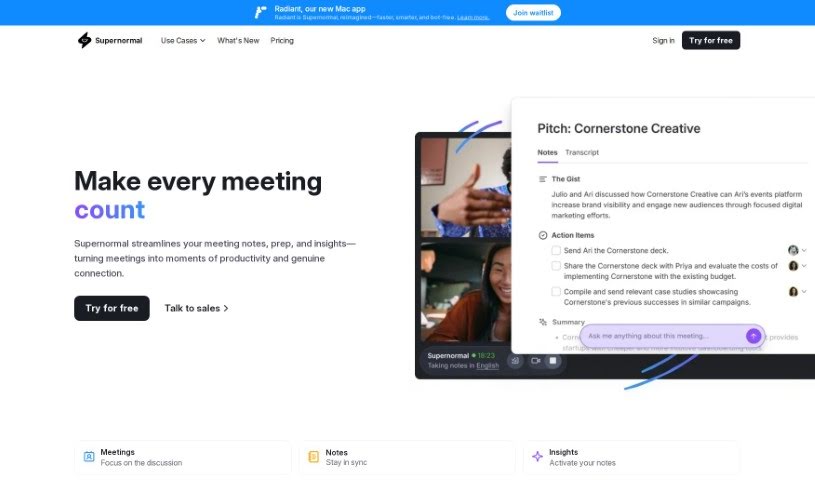
Supernormal is an AI tool built to make meetings run more smoothly. It automatically transcribes and formats your meeting notes, and it works directly with Google Meet. This means you can save a ton of time and keep everything organized, even during busy meetings. Supernormal offers a few key features to help with this: you can get AI-generated agendas to plan your meetings efficiently, it connects easily with the tools you already use, and all your meeting notes are kept in one central spot. Plus, it helps you track action items, lets you create your own note templates, and makes sharing notes a breeze. When it comes to pricing, they have options for individuals, teams, and even larger enterprises, with different storage limits. They also integrate with popular platforms like Workable, Hubspot, Salesforce, and Pipedrive. Security is a big focus for Supernormal, with enterprise-grade practices like SOC 2 certification, data encryption both when it's being sent and when it's stored, strict access controls, and secure automatic backups.

Screenshot of Swift Product

Swift Product

Freemium

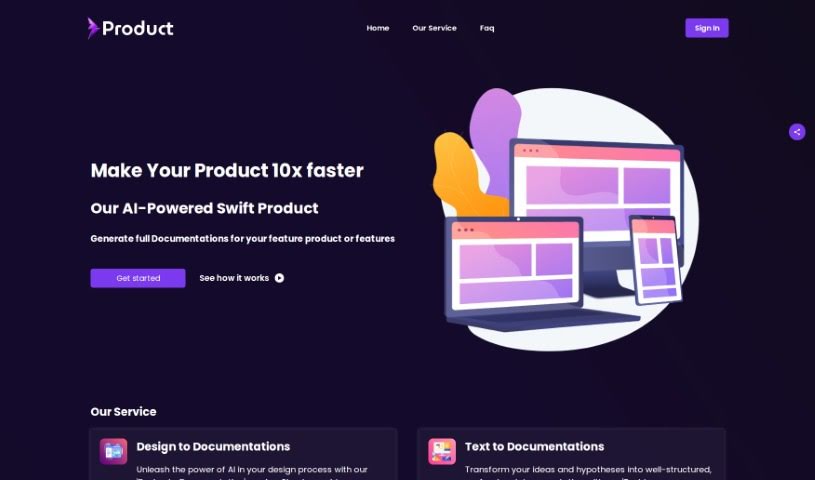
Swift Product is a comprehensive software solution designed to streamline product development processes. It offers features such as project planning, task management, collaboration tools, and reporting capabilities. Swift Product aims to enhance team productivity by providing a centralized platform for managing projects from ideation to execution. With Swift Product, teams can easily track progress, allocate resources effectively, and ensure timely delivery of products. This software is particularly beneficial for product development teams looking to improve efficiency, communication, and overall project management. By incorporating Swift Product into their workflow, organizations can optimize their product development cycle and drive innovation more effectively.

Screenshot of Synced

Synced

Freemium

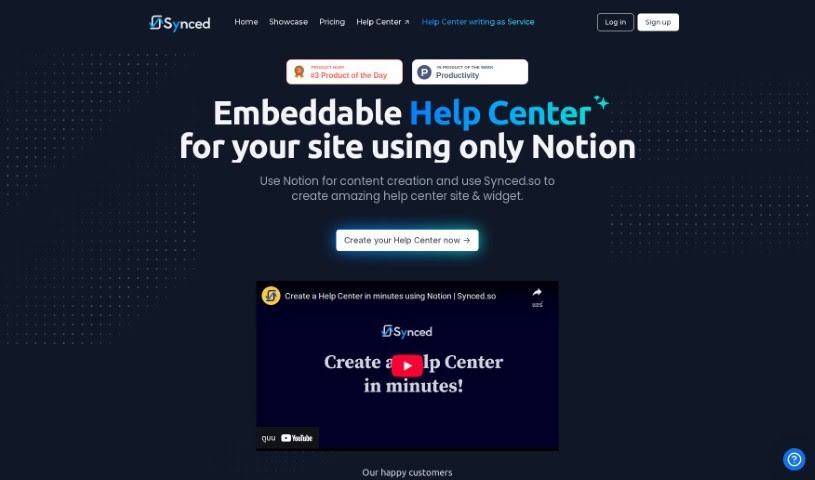
Synced is a neat AI tool that makes it super easy to build and add a Help Center to your website, all using Notion. It is a bridge between your Notion content and a fully functional help section for your users. This means you can write and manage all your help documentation right inside Notion, so there's no need to learn a whole new system. Synced handles the heavy lifting, automatically creating a Help Center site and a handy widget based on what you've written in Notion. It also offers helpful features like contextual help right within your app, a natural language search so users can find answers easily, and plenty of options to customize the look and feel to match your brand. Plus, it boasts a modern, clean interface, is optimized for search engines (SEO), loads quickly, and gives you flexible ways to host your Help Center site. Basically, Synced really simplifies the whole process of setting up and embedding a comprehensive Help Center, which is great for any business or organization wanting to give their users top-notch support.

Screenshot of TalkForm AI

TalkForm AI

Freemium

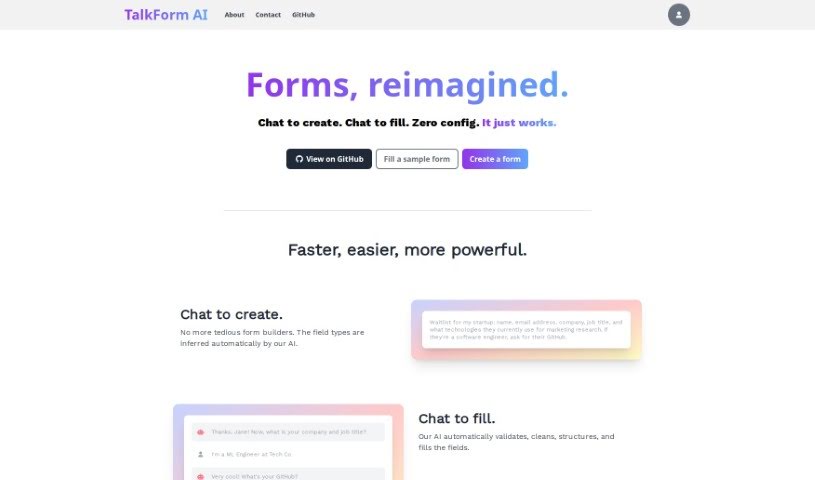
TalkForm AI is a pretty neat AI tool that completely changes how we create and fill out forms. Instead of wrestling with traditional form builders, you can just chat with it! The AI is smart enough to figure out what kind of information you need for each field – like whether it's a name, an email, or a date. This means you can build forms simply by having a conversation. When people fill out your form, the AI handles all the tricky bits like checking if the answers are valid, cleaning them up, organizing them, and putting them in the right spots. It keeps all your form responses neatly structured, making them super easy to analyze later. Plus, you can set up your own specific validation rules and even complex conditional logic if your form needs it. TalkForm AI is really flexible, perfect for things like getting people on a startup waitlist or setting up those informal VC coffee chats. It just makes getting structured responses quick and efficient.

Screenshot of Tavrn

Tavrn

Freemium

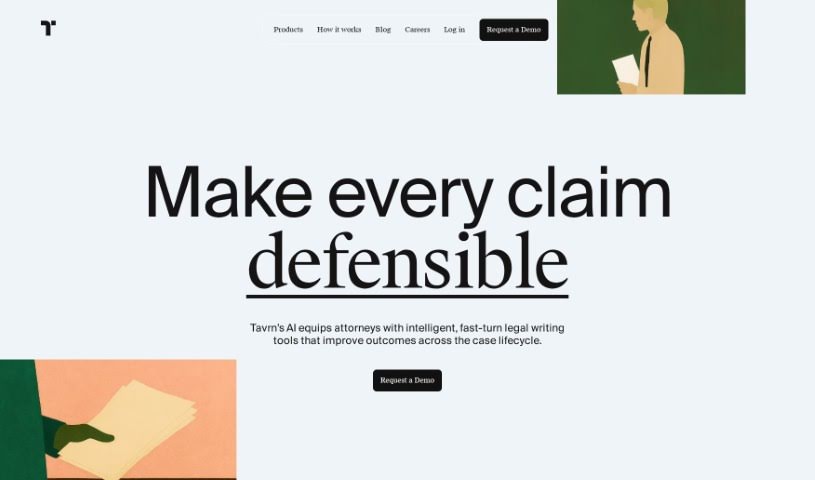
Tavrn is an AI work assistant developed by the company Tavrn. It's designed to work smoothly with tools you probably already use, like Google Drive and Notion. It is your smart helper for tasks like answering questions, boiling down long documents into summaries, and even helping you write emails. What's really great is how seriously Tavrn takes security and compliance. They use SOC 2 compliant data centers, and all your data is encrypted, both when it's stored and when it's being sent. You've got options when it comes to pricing, too: there's a free trial to get you started, a Plus plan that gives you unlimited messages, and an Enterprise plan for bigger teams that need extra integrations and custom workflows built just for them.

Screenshot of Teameet

Teameet

Freemium

Teameet is a smart online meeting tool, brought to you by HiThink Financial Services Inc. It is your AI assistant for meetings. It's packed with features designed to make your conversations smoother, no matter who you're talking to or where they are. You get real-time translation, which is a game-changer for teams spread across different countries or speaking different languages. Plus, there's video conferencing, screen sharing so you can show what you mean, and live captioning to help everyone follow along, especially those who are hearing-impaired. You can also record your meetings in the cloud and get transcriptions afterward. It's completely free to use, making it super accessible for everyone.

Screenshot of Template Prompts

Template Prompts

Freemium

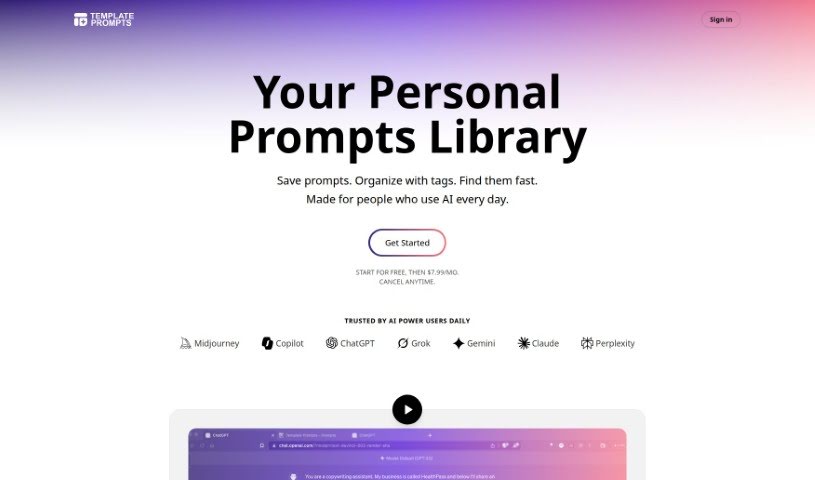
Template Prompts is a smart AI tool that helps you create, organize, and save your AI prompts. It is your personal prompt manager. It lets you build custom prompts for machine learning, then save them as templates so you can easily reuse them with different AI tools or in various situations. This really boosts your productivity by keeping your prompts neat and tailored to your needs. You can even plug your own variables right into the prompts, copy them to your AI tools with just one click, and sort everything by the tools you use or by tags. It's got a private library too, so your prompts are safe and sound. Plus, you can tweak, copy, and change prompts to fit different data sets or contexts. Template Prompts even helps you build specialized AI tools, like a copywriting assistant, thanks to its flexible prompt customization.

Screenshot of Tenorshare

Tenorshare

Freemium

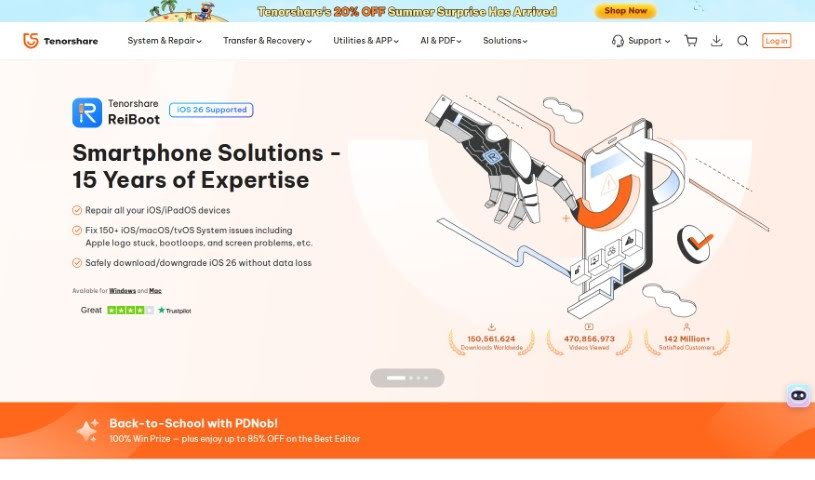
Tenorshare is a software company that's really made a name for itself with its highly recommended iOS repair tools. Think of their software, like Tenorshare ReiBoot – it's incredibly handy for getting back lost files from your iPhone. They've picked up quite a few awards and nods for their work, even getting a shout-out from Macworld. It's impressive how many people worldwide have downloaded their products; millions of users are happy with what they offer, and satisfaction rates are really high. Essentially, Tenorshare's software is built to tackle those common iOS system glitches and provide straightforward ways to recover your data if you're an iPhone user. Plus, when you buy from them, it's a secure process. They offer a money-back guarantee, and your transactions are protected with 256-bit SSL encryption.

Screenshot of Tether

Tether

Freemium

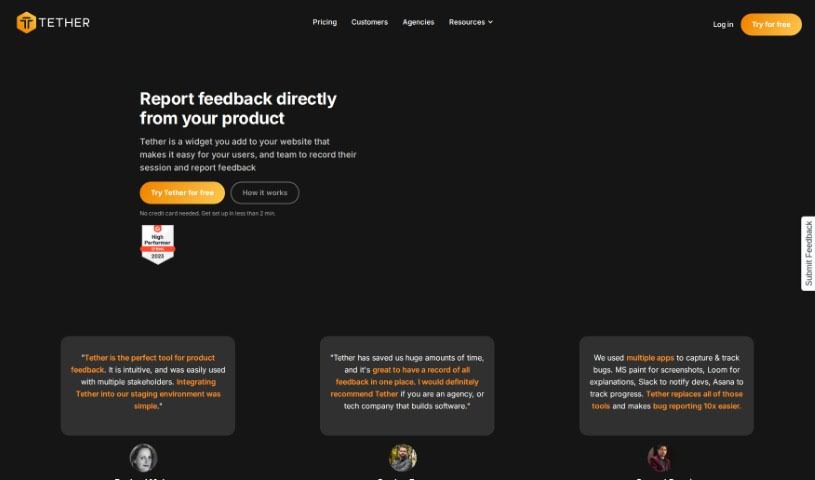
Tether is a handy tool designed to make collecting and managing feedback from everyone involved – like users and your own team members – super simple. You can easily report bugs, suggest new features, or even ask for copy changes, all in one place. It really helps save time, keeps all that feedback nicely organized, and makes teamwork smoother by sending out notifications and keeping everyone on the same page. It's a real game-changer, especially for web agencies and SaaS companies, no matter their size. Plus, it plays well with other tools you might already use, like Github, Jira, and Linear.

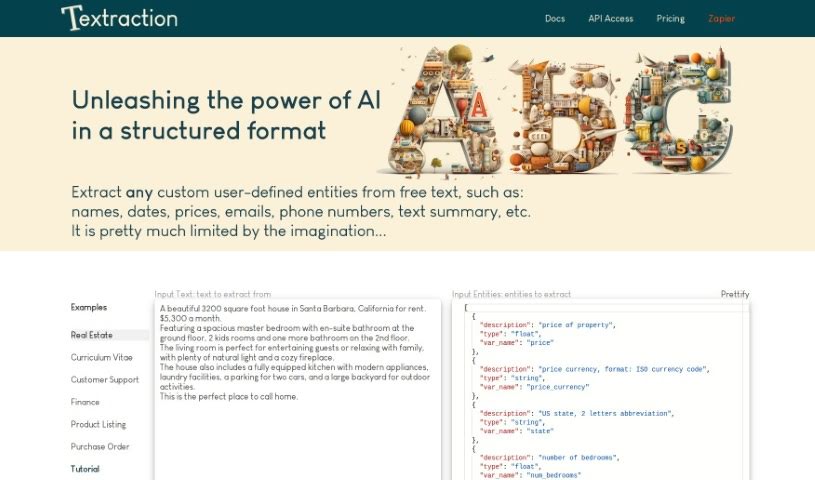
Screenshot of Textraction

Textraction

Freemium

Textraction is a really smart tool designed to take messy, unstructured text and turn it into neat, organized tables. It uses the latest AI to accurately pull out all sorts of different pieces of information. Plus, it gives you natural language descriptions, which makes it super easy to connect with other applications. The platform handles text in many languages and offers features that are simple to use, like quick integration and helpful customer support. Textraction is also upfront about how it works with its clear Terms of Use and Privacy Policy, so you can feel confident using it for your text extraction needs.

Screenshot of The Listly

The Listly

Freemium

The Listly is a really neat platform that lets you create, gather, and share lists about pretty much anything you're interested in. It is your go-to spot for compiling your favorite articles, videos, products, or anything else you can imagine. You can easily put together lists of your top picks and then share them with friends or a wider audience. The platform itself is super easy to use, with a friendly interface that makes organizing and browsing through different content a breeze. Plus, it's a great place for collaboration – you can jump in on existing lists or even start new ones with others. Basically, The Listly is a flexible tool for keeping your information organized and connecting with people who share your passions, all through the simple joy of making lists.

Screenshot of Ticket Artisan

Ticket Artisan

Freemium

Ticket Artisan is a really smart tool from AE Studio designed to make turning design files into development tasks much smoother. It is an AI assistant that looks at your design files and then creates detailed tickets your development team can use right away. It lays out clear user stories, which helps save a ton of time and cuts down on confusion during the workflow. You can upload designs as PNG or GIF files, as long as they're under 10MB. If a design is pretty complex, you can even split it into several tickets to keep things organized.

Stay Updated with AI Tools

Get weekly updates on the latest AI tools, trends, and insights delivered to your inbox

Join 25,000+ AI enthusiasts. No spam, unsubscribe anytime.