AI Tools for Documentation

Discover the best Documentation AI tools to enhance your productivity and creativity.

Page 12 of 15 • 174 total tools

Documentation can feel like a never-ending task, full of tedious steps and confusing details. Whether you’re writing manuals, project guides, or reports, it’s easy to get stuck. Wouldn’t it be great if AI could help lighten that load?

Lately, AI tools made specifically for documentation have really changed things. They offer ways to speed up writing, organizing, and editing. These aren’t just helpers; they can truly change how you handle your documentation work.

After spending a good amount of time trying out the latest options, I’ve put together a list of the top AI tools for documentation that you might want to check out. If you need help with structure, style, or just getting things done faster, these tools are here to make your life simpler.

In this article, we’ll look at the standout tools making a splash in documentation, how they can help you be clearer and more efficient, and what to keep an eye on as this field keeps growing. Let’s jump in and find the tools that can really improve your documentation efforts.

The best AI Documentation Tools

  1. Tenorshare: Great for easily summarizing PDFs for research.
  2. Mermaid Chart: Perfect for creating code architecture diagrams.
  3. Git Book: A platform for editing documentation collaboratively.
  4. Craft Docs: Ideal for team collaboration and communication.
  5. Slite: Use it to centralize all your company’s knowledge.
  6. Macro.com: Helps you streamline document editing tasks.
  7. Supernormal: Makes meeting notes easy to access.
  8. Writingmate.ai: Offers automated documentation with AI help.
  9. Mentalyc: Provides seamless note-taking for therapists.
  10. Sembly AI: Generates meeting notes automatically.
  11. Document360: Helps create user-friendly product manuals.
  12. Mintlify: Streamlines the creation of developer documentation.
  13. Trickle AI: Manages project notes more efficiently.
  14. Single Store: For searching and analyzing documents in real-time.
  15. Bit.ai: Streamlines how teams manage documentation.

How do AI documentation tools work?

AI documentation tools work much like other AI writing tools, but they’re specifically built to make creating, managing, and updating documents smoother. Basically, they use smart algorithms and large language models to help you generate content, format text, and organize information efficiently.

These tools usually look at what you’ve written and suggest relevant content, making it easier to create thorough documentation. By understanding your questions and prompts, they can produce structured documents that fit specific needs, like technical manuals, user guides, or FAQs.

Plus, AI documentation tools often include features for teamwork, letting multiple people work on a document at the same time. This is super helpful for teams working on projects together, ensuring everyone’s ideas and expertise blend smoothly into one document.

Most of these tools come with templates and best practices learned from huge amounts of data. This means they can suggest styles, formats, and even the right words for your field, making your documentation clearer and more professional.

The technology behind them relies a lot on information from different places, like technical articles, manuals, and other formal documents. This wealth of data lets AI tools act like smart search engines, quickly finding information that can fill in gaps or answer specific questions in your documentation process.

So, in short, AI documentation tools are designed to make your workflow and productivity better when writing and maintaining documents. They help cut down the time spent on repetitive tasks and improve accuracy by using a vast amount of knowledge and understanding context. As these tools keep getting better, their ability to boost efficiency and teamwork in documentation will only grow.

Our best AI documentation tools at a glance

RankNameBest forPlans and PricingRating
1TenorshareEffortless PDF summarization for research.N/A4.64 (11 reviews)
2Mermaid ChartCode architecture diagramsN/A4.84 (19 reviews)
3GitBookCollaborative documentation editing platformN/A4.76 (25 reviews)
4Craft DocsTeam collaboration and communicationPaid plans start at $10/month.4.17 (6 reviews)
5SliteCentralizing company knowledgeN/A4.00 (15 reviews)
6Macro.comStreamlining document editing tasksN/A4.77 (30 reviews)
7SupernormalStreamline meeting notes for easy access.Paid plans start at $18/month.4.79 (19 reviews)
8Writingmate.aiAutomated documentation with AI supportN/A4.64 (11 reviews)
9MentalycSeamless note-taking for therapistsPaid plans start at $39.99/month.4.75 (12 reviews)
10Sembly AIAutomated meeting notes generationPaid plans start at $20/month.4.64 (11 reviews)
11Document360Creating user-friendly product manualsPaid plans start at $149/month.4.82 (11 reviews)
12MintlifyStreamlined developer documentation creationN/A4.17 (6 reviews)
13Trickle AIStreamline project notes managementPaid plans start at $8/month.4.67 (6 reviews)
14Single StoreReal-time document search and analysisPaid plans start at $574.9/month.4.17 (6 reviews)
15Bit.aiStreamlined team documentation managementPaid plans start at $8/month.4.64 (11 reviews)
Screenshot of Silatus

Silatus

Freemium

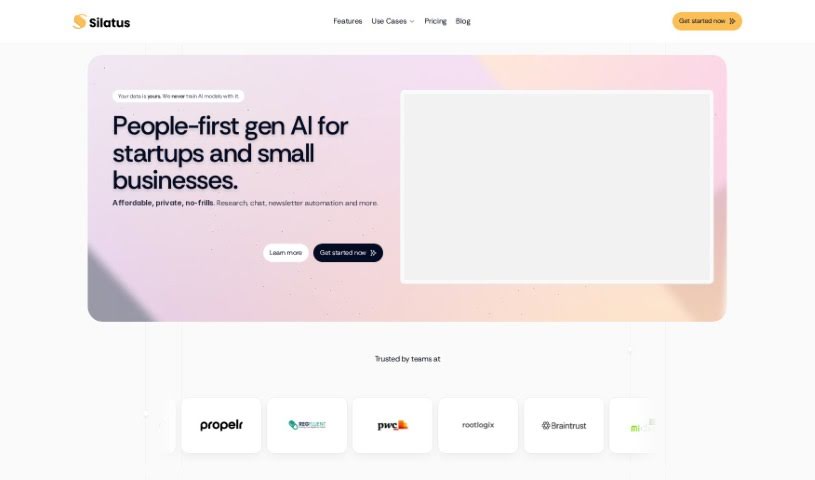
Silatus is a smart tool that uses AI to help professionals in fields like HR, product management, and business analysis. It's designed to create detailed, professional documents for you with very little input. It is your personal document assistant! It can whip up things like job descriptions, product requirements, and all sorts of other custom documents. The process is pretty straightforward: you just pick the document type, give it some context about what you need, and it quickly gives you a finished document. And if you want to tweak anything, you absolutely can edit the generated documents. Because it uses AI, Silatus makes sure the output is high-quality and thorough, helping you avoid those pesky human errors or language slip-ups. Plus, Silatus can connect with tools you might already use, like Jira, and it even has a free version so you can try it out without any cost.

Screenshot of SingleStore

SingleStore

Freemium

SingleStore Kai™ is a pretty neat technology designed to speed up analytics on JSON data within your existing MongoDB applications – we're talking up to 100 times faster! It comes with an easy-to-use API, meaning you can use the MongoDB commands you already know to get real-time analytics for your apps. The goal here is split-second response times and the ability to scale easily, really boosting analytics performance by a huge amount using that familiar MongoDB API. This also helps you create embeddings and do semantic searches right on the SingleStore platform, all through MongoDB APIs.

Screenshot of Slatebox

Slatebox

Freemium

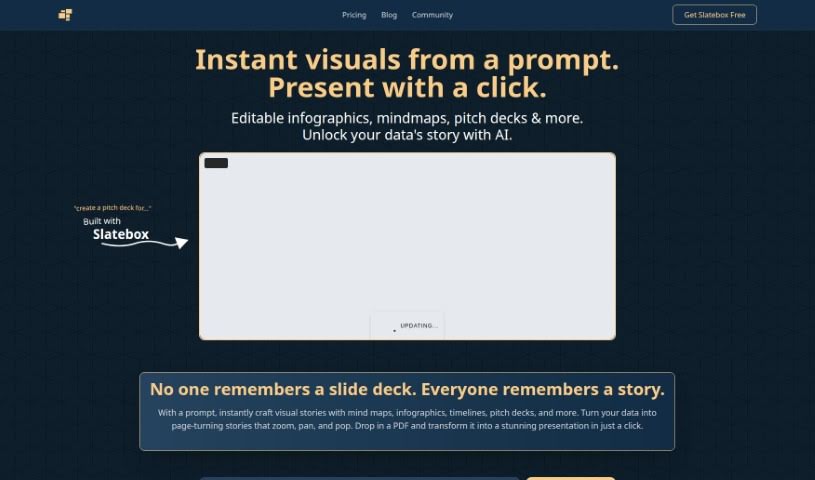
Slatebox is a really neat visual collaboration platform that's packed with AI smarts. It lets you build editable diagrams and visuals just by typing in what you want, or by giving it a web link. It is a digital whiteboard that understands your instructions! It comes with over 100 templates to get you started, so you can quickly create diagrams and then work on them with your team in real-time.

Screenshot of Slideoo: AI

Slideoo: AI

Freemium

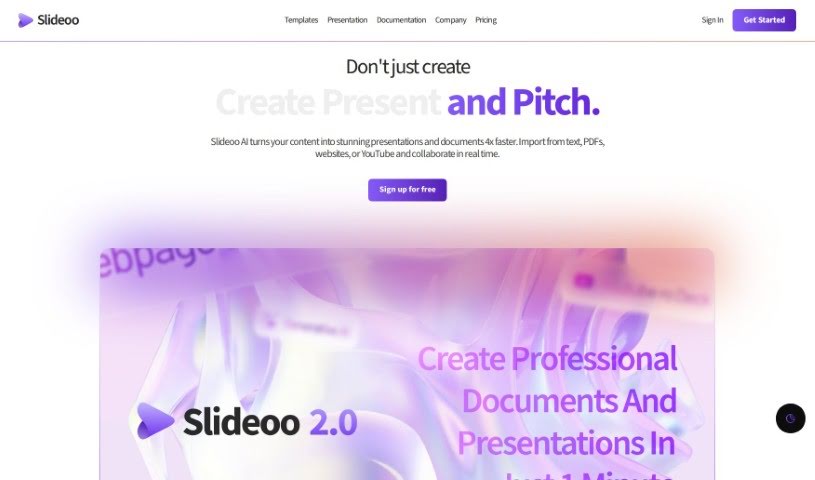
Slideoo: AI is a handy software-as-a-service (SaaS) tool that makes creating documents and presentations a breeze, thanks to its AI-powered features. It's designed to help you save time and boost your productivity. You can work on presentations and documents with others in real-time, and it even gives you analytics on who's looking at your shared files.

Screenshot of Slite

Slite

Freemium

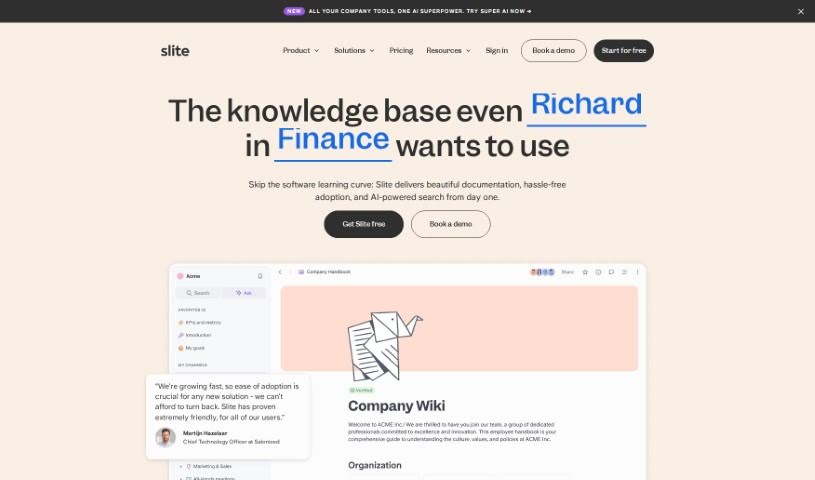
Slite is a really smart tool that acts like a company's brain, giving everyone quick access to information they can trust. It is a central hub where your team can easily document all sorts of things – from meeting notes and company handbooks to guides for new hires. What's pretty neat is its AI assistant. You can just ask it a question, and it'll give you an instant answer, saving you the hassle of digging through documents yourself. Plus, Slite uses AI to offer helpful suggestions, making sure your documents stay current and well-organized. It's also designed to cut down on those repetitive questions that pop up all the time and plays nicely with tools you probably already use, like Google Drive, Notion, and Slack. The goal is to make managing all your company's knowledge much simpler, especially as your team grows.

Screenshot of Softbuilder AI-Powered ER Diagram Generation

Softbuilder AI-Powered ER Diagram Generation

Freemium

Basically, AI-Powered ER Diagram Generation uses generative AI to automatically create Entity-Relationship diagrams (ERDs). You just give it some input, like plain English descriptions, user stories, or requirements, and the AI figures it out. It's a pretty neat way to get your data models drawn up. Once it's done, you can easily review and tweak the diagram through a user-friendly interface. This makes the whole data modeling process much faster and more accurate.

Screenshot of Speech To Note

Speech To Note

Freemium

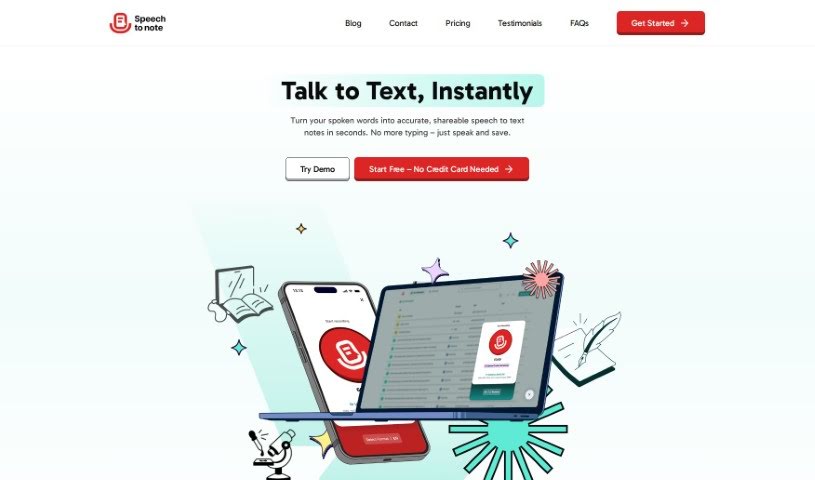
Speech To Note is your personal AI assistant for capturing thoughts. It's a handy tool that takes what you say and quickly turns it into neat, organized summaries. Team Codesign developed it, based on details from their "speech-to-note.pdf" document.

Screenshot of Squad

Squad

Freemium

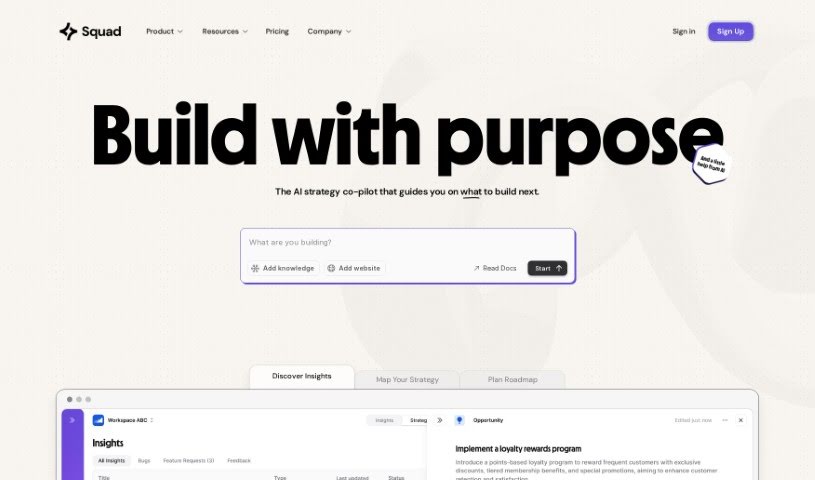
Squad is a really versatile tool designed to help your business connect its goals with what your customers are saying. It is a way to shape your strategy and plan your future based on real feedback. It uses AI to turn what users tell you into practical insights. This means you can easily spot trends and figure out what needs improving, without having to spend hours sifting through mountains of data yourself. Squad also makes it much simpler to create product documentation, requirements, and PRDs. You can even connect analytics to keep an eye on how things are performing and make smarter decisions. Plus, it helps prevent bugs by automatically creating test cases from your requirements, making sure you've got thorough test coverage.

Screenshot of Stoorai

Stoorai

Freemium

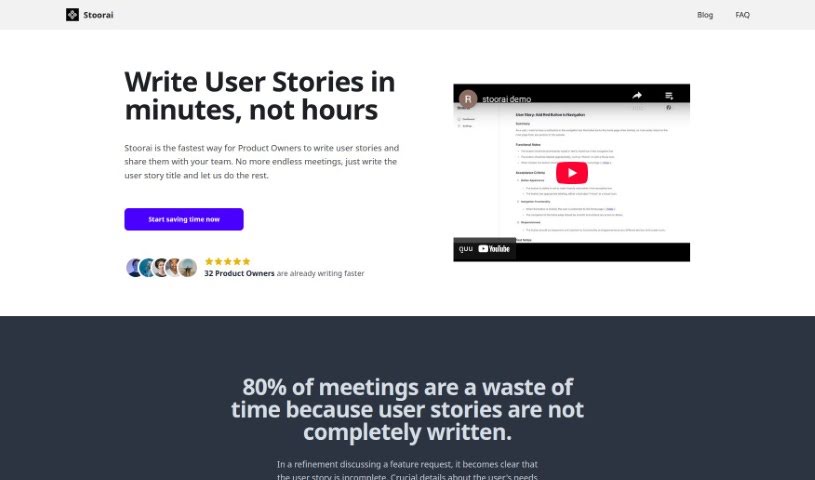
Stoorai is a really neat app designed to make creating user stories much simpler for Agile teams. It's got a super easy-to-use interface, so you can whip up clear, concise user stories in just a few minutes. It is a real time-saver that helps your workflow run much smoother. What's cool is that it uses the latest AI tech to help generate the rest of your user story once you give it a quick summary. Plus, you can tweak things if you want. Stoorai also has a history feature, letting you reuse stories you've already made, which is great for saving time and keeping things consistent as you develop. Lots of companies are already using it and have said it really boosts productivity and makes the whole user story process much less of a hassle for Agile teams.

Screenshot of Struct Chat

Struct Chat

Freemium

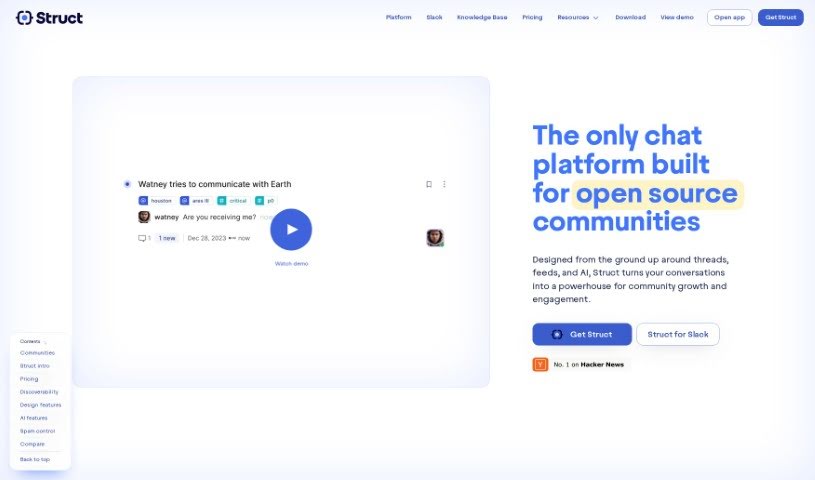
Struct Chat is a modern chat platform built to really improve how teams communicate. It comes packed with cool features like real-time chat, conversations organized into threads, and a feed-style way to browse through everything. The main idea is to help teams be more productive by capturing, organizing, and adding context to all the information shared during chats. It is turning your conversations into a searchable knowledge base. Struct Chat also includes helpful AI features, such as generative AI to create context, vector search for much better search results, and SEO-optimized pages that make information easy to find and reference later. Plus, they offer clear pricing plans to fit different team sizes and needs, making it easier for everyone to communicate and share knowledge smoothly.

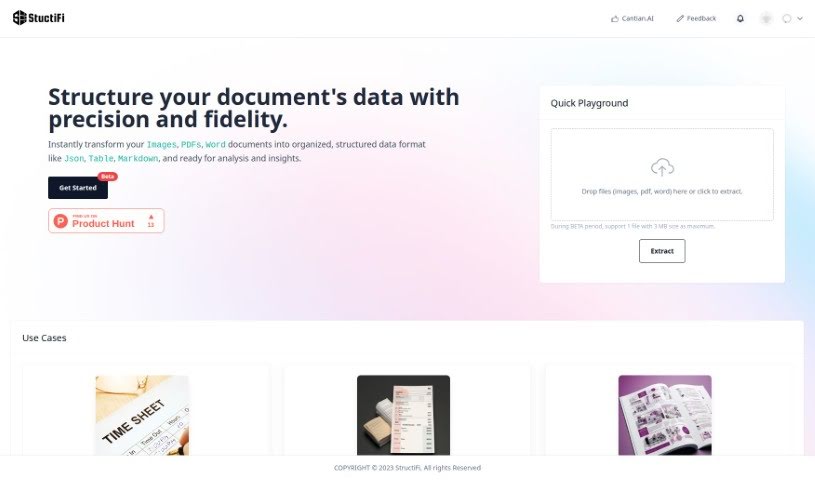
Screenshot of StructiFi

StructiFi

Freemium

StructiFi is a really handy tool designed to help you organize your data. It is a smart assistant that takes your images, PDFs, and even Word documents and turns them into neat, structured formats like JSON, tables, or Markdown. This makes it super easy to analyze your information and pull out key insights. The whole idea behind StructiFi is to make organizing your data much simpler and more accurate, using advanced AI and the latest digital innovations. Right now, it's in BETA, and they're proud to be working with Microsoft Startups. You can find StructiFi on Product Hunt, and if you have questions, reaching out to the team is a great way to get more info.

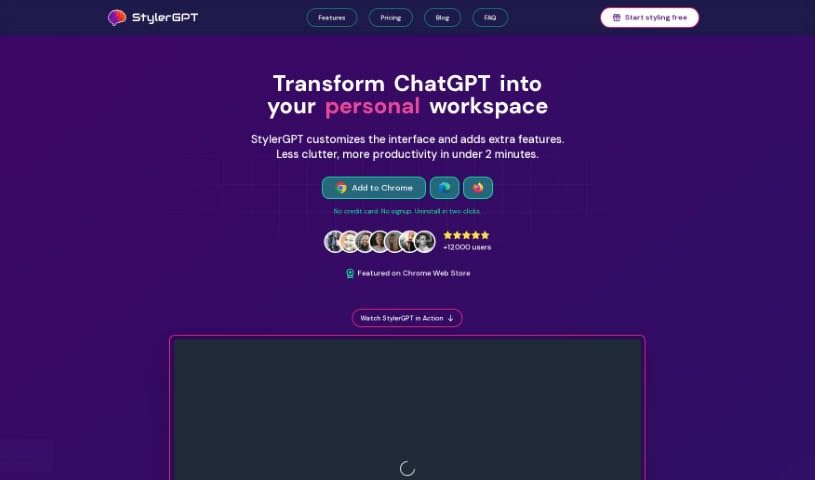
Screenshot of StylerGPT

StylerGPT

Freemium

GPT-EZ is a free Chrome extension that really spruces up your ChatGPT experience. It's designed to let you customize and personalize how ChatGPT looks and feels. What can it do? Well, it lets you tweak the interface, supports output in different languages, lets you download your chats in a bunch of formats, and even lets you share them easily with a link. It supports various languages, offers 15 color schemes to play with for the interface, and importantly, it keeps your shared conversations anonymous and private. You can grab GPT-EZ from the Chrome Web Store at no cost. Just a heads-up, it's not connected to ChatGPT or OpenAI in any official way. We're also planning to add even more cool features to GPT-EZ down the line!

Stay Updated with AI Tools

Get weekly updates on the latest AI tools, trends, and insights delivered to your inbox

Join 25,000+ AI enthusiasts. No spam, unsubscribe anytime.