AI Tools for Documentation

Discover the best Documentation AI tools to enhance your productivity and creativity.

Page 11 of 15 • 174 total tools

Documentation can feel like a never-ending task, full of tedious steps and confusing details. Whether you’re writing manuals, project guides, or reports, it’s easy to get stuck. Wouldn’t it be great if AI could help lighten that load?

Lately, AI tools made specifically for documentation have really changed things. They offer ways to speed up writing, organizing, and editing. These aren’t just helpers; they can truly change how you handle your documentation work.

After spending a good amount of time trying out the latest options, I’ve put together a list of the top AI tools for documentation that you might want to check out. If you need help with structure, style, or just getting things done faster, these tools are here to make your life simpler.

In this article, we’ll look at the standout tools making a splash in documentation, how they can help you be clearer and more efficient, and what to keep an eye on as this field keeps growing. Let’s jump in and find the tools that can really improve your documentation efforts.

The best AI Documentation Tools

  1. Tenorshare: Great for easily summarizing PDFs for research.
  2. Mermaid Chart: Perfect for creating code architecture diagrams.
  3. Git Book: A platform for editing documentation collaboratively.
  4. Craft Docs: Ideal for team collaboration and communication.
  5. Slite: Use it to centralize all your company’s knowledge.
  6. Macro.com: Helps you streamline document editing tasks.
  7. Supernormal: Makes meeting notes easy to access.
  8. Writingmate.ai: Offers automated documentation with AI help.
  9. Mentalyc: Provides seamless note-taking for therapists.
  10. Sembly AI: Generates meeting notes automatically.
  11. Document360: Helps create user-friendly product manuals.
  12. Mintlify: Streamlines the creation of developer documentation.
  13. Trickle AI: Manages project notes more efficiently.
  14. Single Store: For searching and analyzing documents in real-time.
  15. Bit.ai: Streamlines how teams manage documentation.

How do AI documentation tools work?

AI documentation tools work much like other AI writing tools, but they’re specifically built to make creating, managing, and updating documents smoother. Basically, they use smart algorithms and large language models to help you generate content, format text, and organize information efficiently.

These tools usually look at what you’ve written and suggest relevant content, making it easier to create thorough documentation. By understanding your questions and prompts, they can produce structured documents that fit specific needs, like technical manuals, user guides, or FAQs.

Plus, AI documentation tools often include features for teamwork, letting multiple people work on a document at the same time. This is super helpful for teams working on projects together, ensuring everyone’s ideas and expertise blend smoothly into one document.

Most of these tools come with templates and best practices learned from huge amounts of data. This means they can suggest styles, formats, and even the right words for your field, making your documentation clearer and more professional.

The technology behind them relies a lot on information from different places, like technical articles, manuals, and other formal documents. This wealth of data lets AI tools act like smart search engines, quickly finding information that can fill in gaps or answer specific questions in your documentation process.

So, in short, AI documentation tools are designed to make your workflow and productivity better when writing and maintaining documents. They help cut down the time spent on repetitive tasks and improve accuracy by using a vast amount of knowledge and understanding context. As these tools keep getting better, their ability to boost efficiency and teamwork in documentation will only grow.

Our best AI documentation tools at a glance

RankNameBest forPlans and PricingRating
1TenorshareEffortless PDF summarization for research.N/A4.64 (11 reviews)
2Mermaid ChartCode architecture diagramsN/A4.84 (19 reviews)
3GitBookCollaborative documentation editing platformN/A4.76 (25 reviews)
4Craft DocsTeam collaboration and communicationPaid plans start at $10/month.4.17 (6 reviews)
5SliteCentralizing company knowledgeN/A4.00 (15 reviews)
6Macro.comStreamlining document editing tasksN/A4.77 (30 reviews)
7SupernormalStreamline meeting notes for easy access.Paid plans start at $18/month.4.79 (19 reviews)
8Writingmate.aiAutomated documentation with AI supportN/A4.64 (11 reviews)
9MentalycSeamless note-taking for therapistsPaid plans start at $39.99/month.4.75 (12 reviews)
10Sembly AIAutomated meeting notes generationPaid plans start at $20/month.4.64 (11 reviews)
11Document360Creating user-friendly product manualsPaid plans start at $149/month.4.82 (11 reviews)
12MintlifyStreamlined developer documentation creationN/A4.17 (6 reviews)
13Trickle AIStreamline project notes managementPaid plans start at $8/month.4.67 (6 reviews)
14Single StoreReal-time document search and analysisPaid plans start at $574.9/month.4.17 (6 reviews)
15Bit.aiStreamlined team documentation managementPaid plans start at $8/month.4.64 (11 reviews)
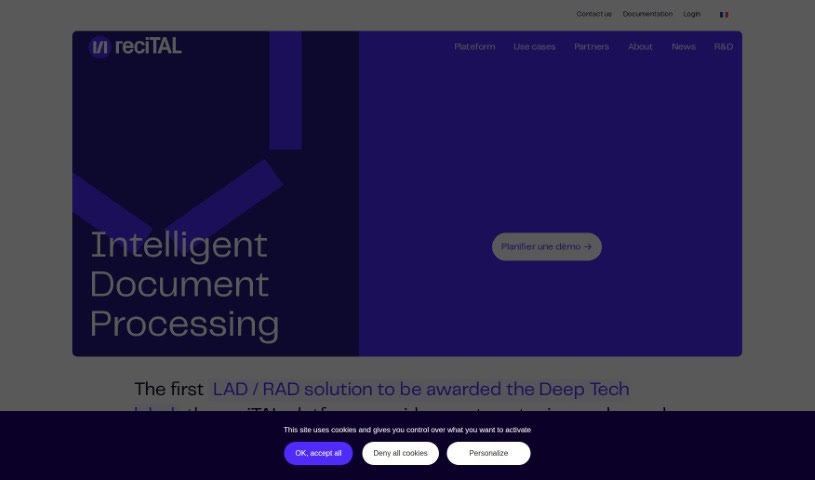
Screenshot of Recital

Recital

Freemium

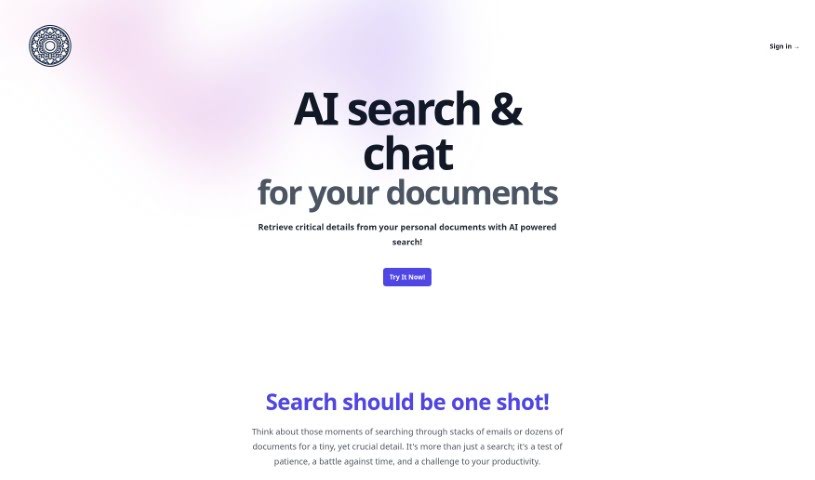
Recital is a platform that helps you capture, type, and search through all sorts of documents and emails. It was founded back in 2017, and the team behind it was actually one of the first international groups to use large, pre-trained language models for processing documents. What's really neat about these models is that they help computers understand the meaning behind words and phrases, which means they don't need as much data to learn. Recital really embraces the latest in AI, using a combination of text and layout analysis with these powerful language models to handle complex documents efficiently.

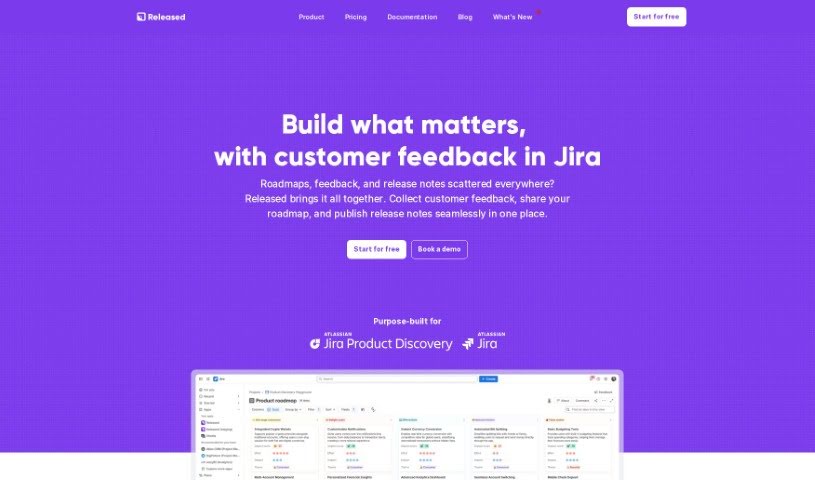
Screenshot of Released

Released

Freemium

Released is a platform built to make product communication much simpler. It is a way to take your Jira tickets and turn them into really nice-looking, customizable release notes and roadmaps. It handles a lot of the creation process automatically, and you can easily add things like images and lists. Plus, it connects smoothly with Jira, so your workflow stays nice and streamlined.

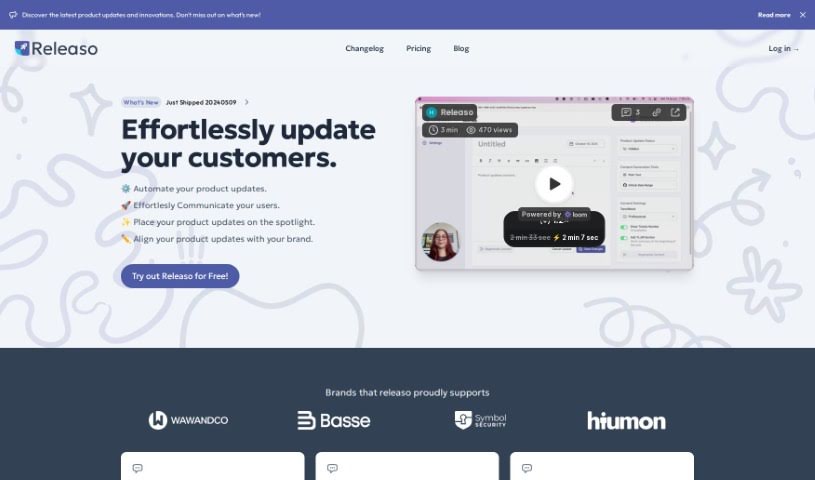
Screenshot of Releaso

Releaso

Freemium

Releaso is a handy tool designed to make communicating product updates much smoother. It connects with your development tools, like GitHub, to automatically create AI-powered release notes. This means you can say goodbye to the tedious manual work of telling your customers about changes. Plus, it helps you keep your brand's message consistent every time. Releaso also makes it super simple to share these updates with your customers – just one click, and they're published right on your website. This really boosts how you connect with your audience and makes communication more efficient. They offer different pricing plans to fit where you are in your journey, with features like keeping all your data in one place, lots of customization options, and that seamless GitHub integration for generating updates.

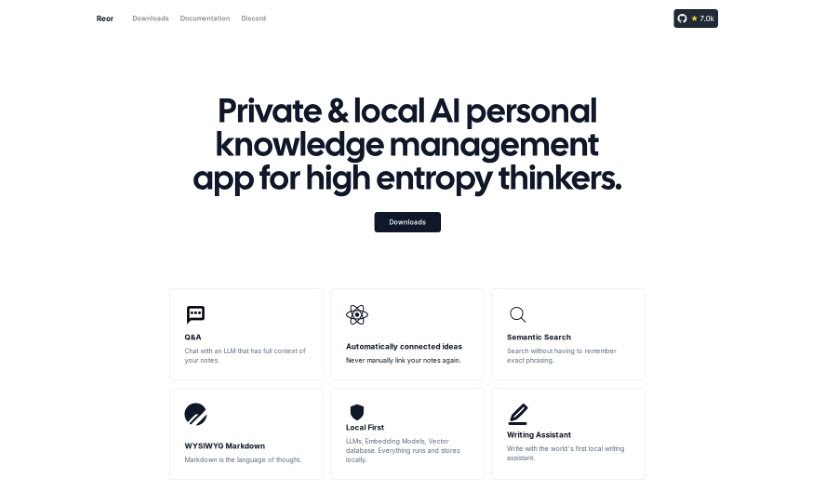
Screenshot of Reor Project

Reor Project

Freemium

Reor Project is essentially a personal knowledge management app that runs privately and locally on your device, powered by AI. It's designed for people who want to manage their own information. For a monthly fee of $19, you get a lot of great features, including the ability to create an unlimited number of posts for your blog, options to use your own custom domain, access to dashboard analytics to see how things are going, entry into their Discord server, and premium support.

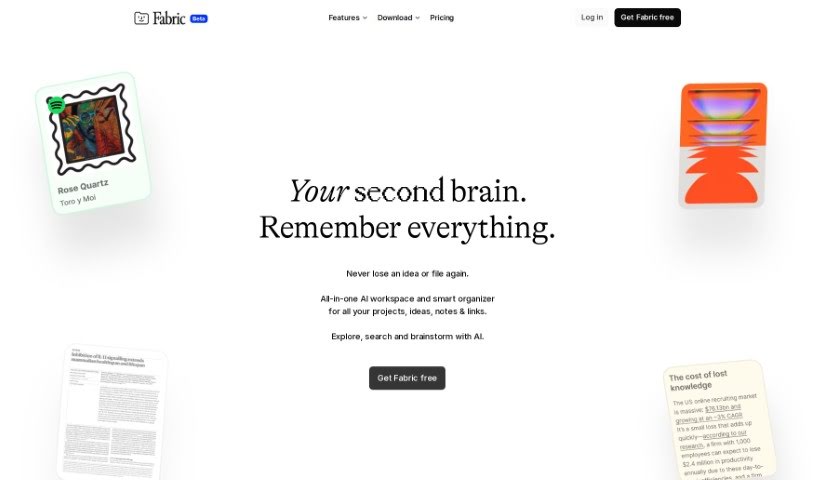
Screenshot of ScreenshotAI By Fabric

ScreenshotAI By Fabric

Freemium

ScreenshotAI by Fabric is a pretty neat tool designed specifically for analyzing screenshots. It uses advanced AI to help you quickly get insights from them. It is a smart assistant for your screenshots. You can easily pull out text, spot objects, and even figure out what kind of image you're looking at. By using artificial intelligence and machine learning, ScreenshotAI really simplifies how you understand and organize the information you capture. It's especially helpful if you need to pull data, sort content, or recognize images, making it a great way to boost your productivity and manage your information better.

Screenshot of Scribe How Scribe AI

Scribe How Scribe AI

Freemium

Scribe AI is a handy tool that turns your processes into clear, step-by-step visual guides. This means you can focus on what really matters in your work. It lets you customize guides in just seconds, adding titles, descriptions, and context, plus you can easily redact any sensitive information. Scribe AI is committed to sharing straightforward information about AI and data security, with user privacy being their absolute top priority. They make sure your data isn't used to train AI models, and the AI service providers they use don't store your data long-term. They've put strong security measures in place, like data encryption, backups, and careful retention policies, all to keep your information safe.

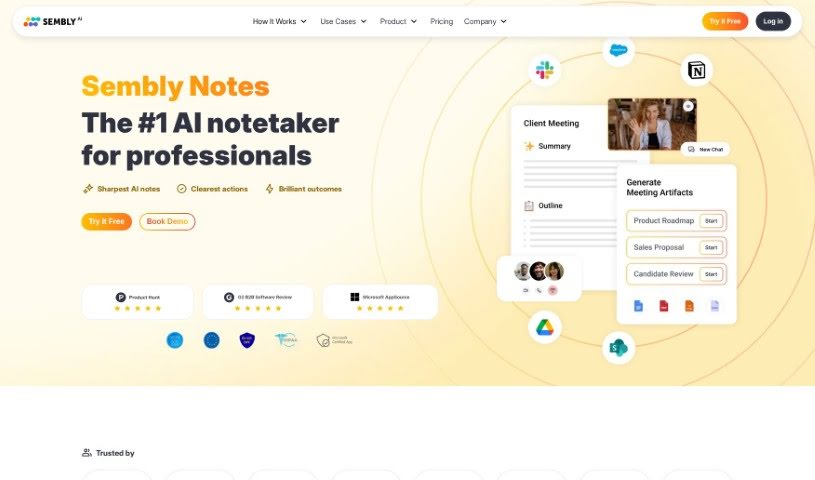
Screenshot of Sembly AI

Sembly AI

Freemium

Sembly AI is a smart platform built to make your meetings more productive and efficient. It is your AI assistant that handles the tedious task of note-taking. It automatically picks out all the important stuff from your meetings – like decisions made, requirements agreed upon, and key events that happened. It's really good at spotting risk items, notable facts, and even important financial figures, making sure nothing crucial gets missed.

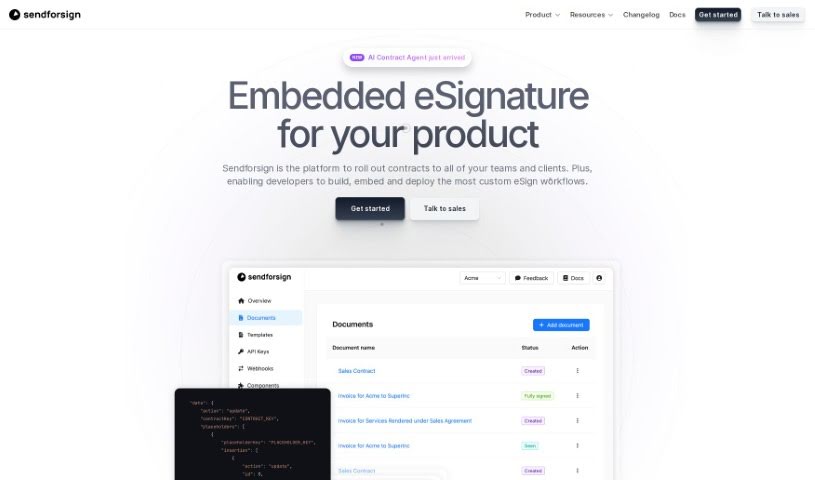
Screenshot of Sendforsign

Sendforsign

Freemium

Sendforsign is a modern, fast, and straightforward digital contract service. It uses an API and AI technology to help you manage your digital contracts and documents. You can store them, search for them, draft new ones, review them, get approvals, negotiate terms, and sign them electronically – all with absolutely no setup needed. It's designed to make things simpler, offering features like easy drafting, document review with text highlighting, and strong safety and security measures. Plus, Sendforsign provides detailed documentation covering everything from its vision and changelog to its core functions, making it a reliable tool for handling digital contracts efficiently.

Screenshot of Sensible Instruct

Sensible Instruct

Freemium

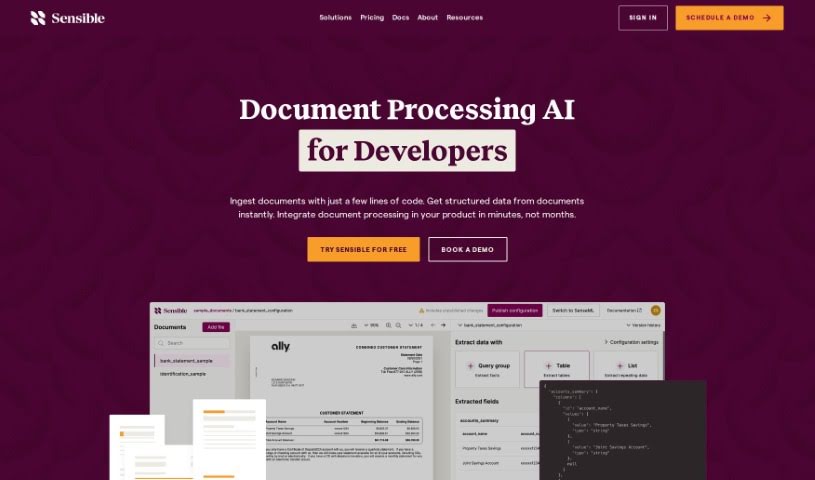
"Sensible Instruct" is your go-to tool for pulling information out of documents. It's designed with an API-first approach, meaning it's built to be easily integrated into other systems. It offers really strong extraction capabilities, lets you define specific areas within documents to focus on, and can even process information in real-time. You can use it to extract data from all sorts of documents, whether it's resumes, contracts, or invoices. What's neat is that it uses GPT-4's advanced Natural Language Processing to understand and extract the data. Plus, it uses something called SenseML, which gives you a lot of flexibility to customize how it works. For businesses, Sensible Instruct also provides enterprise-grade security, ensures compliance with regulations, and delivers reliable performance. Even if you're new to this or not a developer, you can jump right in. Its interface is really user-friendly, and you get instant results without needing to train it yourself. It also plays nicely with Zapier, has its own dashboard, and can handle large volumes of data extraction without breaking a sweat.

Screenshot of Sidekic Ai

Sidekic Ai

Freemium

Sidekic is your personal AI-powered knowledge hub. It's designed to help you easily save and organize all sorts of things you find online. You can use a handy browser extension to grab screenshots, entire websites, videos, and much more. What's really neat is that Sidekic automatically tags everything and sorts it into smart collections, making it super simple to find what you need later. Plus, you can create shared collections with friends or colleagues, which is great for discovering resources together. Sidekic's AI search makes digging through your saved stuff a breeze – it's fast and efficient. It really aims to be a central spot for all your data, and it's set up to connect with different sources to keep your information well-managed. All in all, Sidekic offers a straightforward and collaborative way to save, organize, and share what you find, making knowledge sharing and discovery much smoother.

Screenshot of Sider ChatPDF

Sider ChatPDF

Freemium

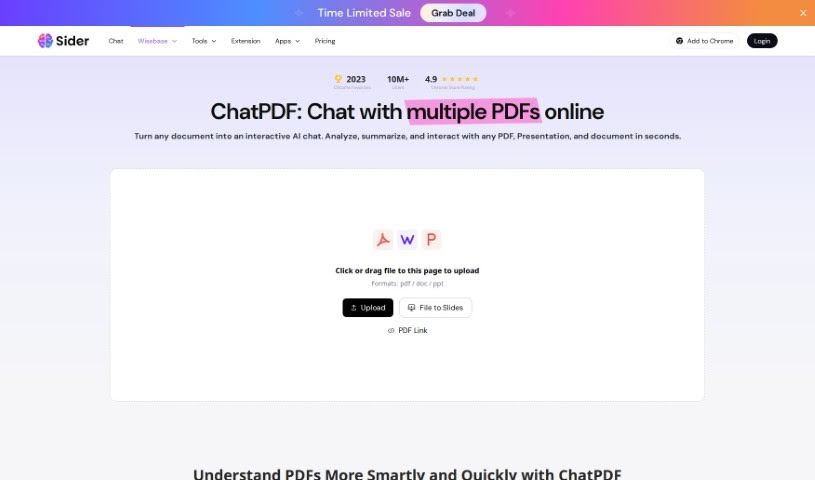
ChatPDF is your go-to digital assistant for handling PDF documents. It's built to make managing your PDFs much simpler, especially when you need to work with the content inside them. Essentially, it turns your PDFs into formats you can easily edit, like Word, Excel, or PowerPoint, and even image files. This means you get a lot more flexibility with your documents. The whole idea behind ChatPDF is to help you get more done, faster, whether you're an individual or part of a business that deals with tons of PDFs. Its easy-to-use design and various conversion options really make it a handy tool if you need to tweak or extract information from PDFs.

Stay Updated with AI Tools

Get weekly updates on the latest AI tools, trends, and insights delivered to your inbox

Join 25,000+ AI enthusiasts. No spam, unsubscribe anytime.