20Paths
Productivity Documentation
Learn more
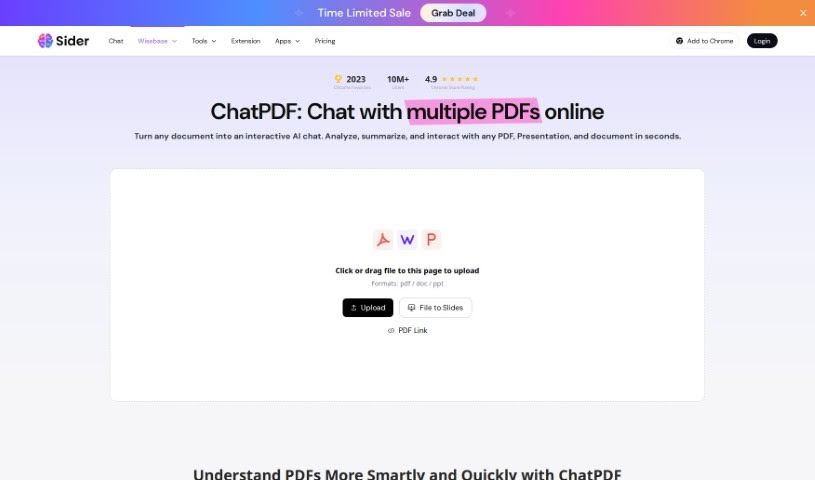
Discover what Sider ChatPDF is, how it converts and edits PDFs, and what it offers for working with document content.
Sider ChatPDF is an AI assistant for working with PDF documents. It converts PDFs into editable formats such as Word, Excel, PowerPoint, and image files, giving you more flexibility over your documents. It also supports direct editing of PDF content, making it useful for individuals and businesses that regularly handle PDFs and need to tweak or extract information from them.
Sider ChatPDF is made by Sider Labs, a company known for building AI tools including ChatGPT, Claude, and Gemini. Its focus is on using AI to simplify working with PDFs, documents, and other content.
Using ChatPDF is straightforward:
From there you can edit text, highlight, underline, or cross out content, and add your own comments. A search function lets you quickly find specific words or phrases. When you’re done, download the updated PDF or save it directly to your cloud storage. Remember to save your progress periodically so you don’t lose your work.
Related
Discover more tools in similar categories
Weekly picks of the best AI tools we've researched and added — no spam, unsubscribe anytime.
Join 25,000+ AI enthusiasts. No spam, unsubscribe anytime.