AI Tools for Documentation

Discover the best Documentation AI tools to enhance your productivity and creativity.

Page 14 of 15 • 174 total tools

Documentation can feel like a never-ending task, full of tedious steps and confusing details. Whether you’re writing manuals, project guides, or reports, it’s easy to get stuck. Wouldn’t it be great if AI could help lighten that load?

Lately, AI tools made specifically for documentation have really changed things. They offer ways to speed up writing, organizing, and editing. These aren’t just helpers; they can truly change how you handle your documentation work.

After spending a good amount of time trying out the latest options, I’ve put together a list of the top AI tools for documentation that you might want to check out. If you need help with structure, style, or just getting things done faster, these tools are here to make your life simpler.

In this article, we’ll look at the standout tools making a splash in documentation, how they can help you be clearer and more efficient, and what to keep an eye on as this field keeps growing. Let’s jump in and find the tools that can really improve your documentation efforts.

The best AI Documentation Tools

  1. Tenorshare: Great for easily summarizing PDFs for research.
  2. Mermaid Chart: Perfect for creating code architecture diagrams.
  3. Git Book: A platform for editing documentation collaboratively.
  4. Craft Docs: Ideal for team collaboration and communication.
  5. Slite: Use it to centralize all your company’s knowledge.
  6. Macro.com: Helps you streamline document editing tasks.
  7. Supernormal: Makes meeting notes easy to access.
  8. Writingmate.ai: Offers automated documentation with AI help.
  9. Mentalyc: Provides seamless note-taking for therapists.
  10. Sembly AI: Generates meeting notes automatically.
  11. Document360: Helps create user-friendly product manuals.
  12. Mintlify: Streamlines the creation of developer documentation.
  13. Trickle AI: Manages project notes more efficiently.
  14. Single Store: For searching and analyzing documents in real-time.
  15. Bit.ai: Streamlines how teams manage documentation.

How do AI documentation tools work?

AI documentation tools work much like other AI writing tools, but they’re specifically built to make creating, managing, and updating documents smoother. Basically, they use smart algorithms and large language models to help you generate content, format text, and organize information efficiently.

These tools usually look at what you’ve written and suggest relevant content, making it easier to create thorough documentation. By understanding your questions and prompts, they can produce structured documents that fit specific needs, like technical manuals, user guides, or FAQs.

Plus, AI documentation tools often include features for teamwork, letting multiple people work on a document at the same time. This is super helpful for teams working on projects together, ensuring everyone’s ideas and expertise blend smoothly into one document.

Most of these tools come with templates and best practices learned from huge amounts of data. This means they can suggest styles, formats, and even the right words for your field, making your documentation clearer and more professional.

The technology behind them relies a lot on information from different places, like technical articles, manuals, and other formal documents. This wealth of data lets AI tools act like smart search engines, quickly finding information that can fill in gaps or answer specific questions in your documentation process.

So, in short, AI documentation tools are designed to make your workflow and productivity better when writing and maintaining documents. They help cut down the time spent on repetitive tasks and improve accuracy by using a vast amount of knowledge and understanding context. As these tools keep getting better, their ability to boost efficiency and teamwork in documentation will only grow.

Our best AI documentation tools at a glance

RankNameBest forPlans and PricingRating
1TenorshareEffortless PDF summarization for research.N/A4.64 (11 reviews)
2Mermaid ChartCode architecture diagramsN/A4.84 (19 reviews)
3GitBookCollaborative documentation editing platformN/A4.76 (25 reviews)
4Craft DocsTeam collaboration and communicationPaid plans start at $10/month.4.17 (6 reviews)
5SliteCentralizing company knowledgeN/A4.00 (15 reviews)
6Macro.comStreamlining document editing tasksN/A4.77 (30 reviews)
7SupernormalStreamline meeting notes for easy access.Paid plans start at $18/month.4.79 (19 reviews)
8Writingmate.aiAutomated documentation with AI supportN/A4.64 (11 reviews)
9MentalycSeamless note-taking for therapistsPaid plans start at $39.99/month.4.75 (12 reviews)
10Sembly AIAutomated meeting notes generationPaid plans start at $20/month.4.64 (11 reviews)
11Document360Creating user-friendly product manualsPaid plans start at $149/month.4.82 (11 reviews)
12MintlifyStreamlined developer documentation creationN/A4.17 (6 reviews)
13Trickle AIStreamline project notes managementPaid plans start at $8/month.4.67 (6 reviews)
14Single StoreReal-time document search and analysisPaid plans start at $574.9/month.4.17 (6 reviews)
15Bit.aiStreamlined team documentation managementPaid plans start at $8/month.4.64 (11 reviews)
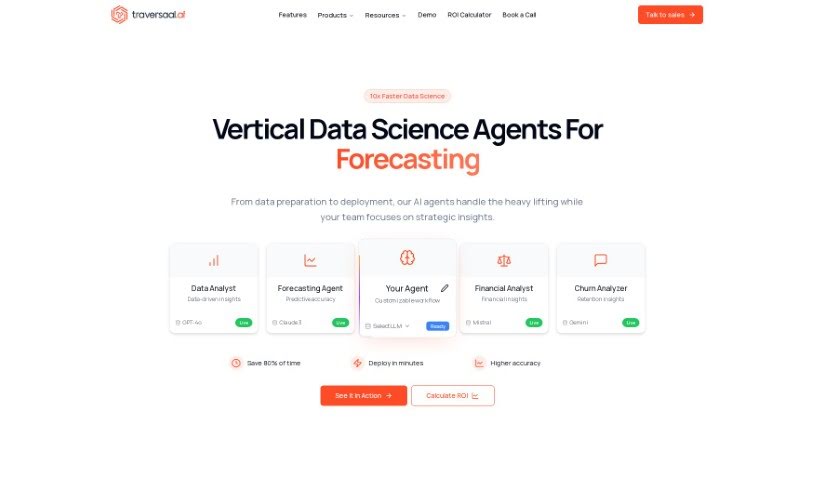
Screenshot of Traversaal

Traversaal

Freemium

Traversaal is an AI-powered conversational search tool. It uses natural language processing and machine learning to make finding your company's private information much simpler. It is a smart assistant for your internal data. It can connect to all sorts of data formats, applications, and even do searches on the internet specific to your industry. Traversaal has a special algorithm that builds a 'knowledge graph' from the data it collects. This helps make search results more relevant and speeds things up, cutting down on those frustrating 'hallucinations' where AI makes things up.

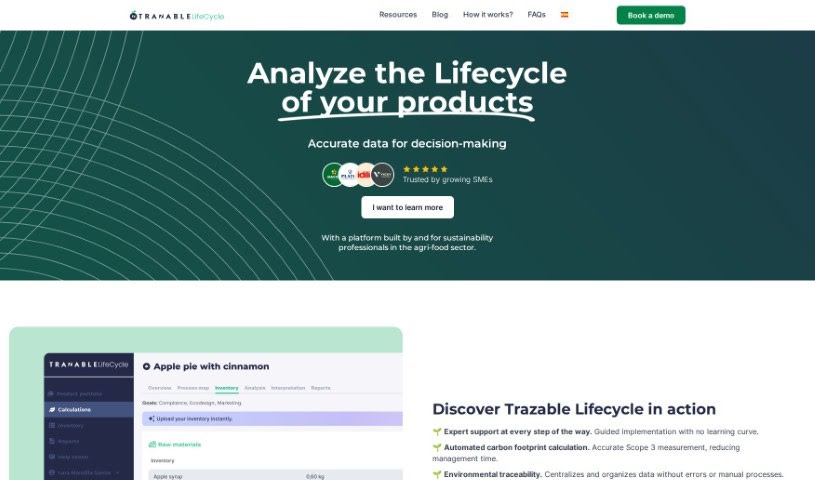
Screenshot of Trazable

Trazable

Freemium

Trazable Copilot is a real-time communication tool built specifically to help quality departments in the food industry. It is a smart assistant that can answer your questions, give you the latest on regulations, and help your team stick to food laws. It’s designed to make your daily work smoother and boost efficiency by simplifying tasks and improving how your team communicates in real-time. It’s really easy to get started with, even if you're new to these kinds of tools, and it’s tailored just for the food sector's unique needs.

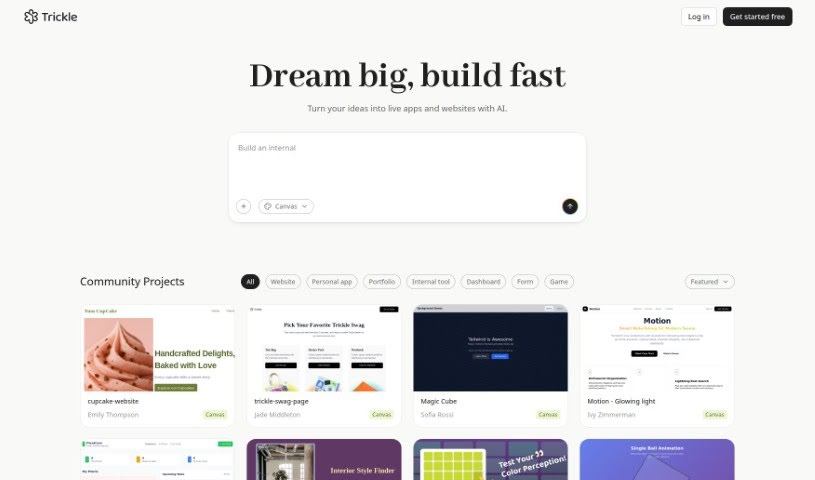
Screenshot of Trickle AI

Trickle AI

Freemium

Trickle AI is a smart tool powered by artificial intelligence, built to help you manage and organize all your screenshots with ease. It is your personal assistant for keeping track of all those visual notes you take. With Trickle, you can upload and arrange your screenshots, turning them into memories that are not only accessible but also genuinely insightful. What sets Trickle apart is its AI, which uses GPT-4 Vision. This means it can do more than just pull out text; it actually understands the core idea behind your captures. It automatically creates summaries for each screenshot, making it super simple to find exactly what you're looking for. Whether you're trying to clear out your camera roll or gain deeper understanding from your visuals, Trickle is a fantastic companion for turning digital clutter into organized, valuable resources.

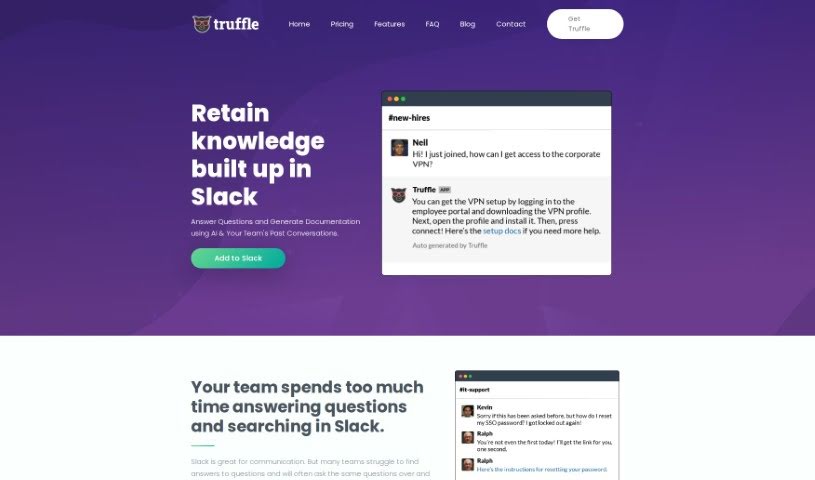
Screenshot of Truffle

Truffle

Freemium

Truffle is a really neat tool that uses smart AI to turn your team's past Slack conversations into searchable documentation. Think about it: instead of digging through endless messages, Truffle automatically summarizes key discussions, creating a handy knowledge base. This saves everyone a ton of time and stops those repetitive questions that pop up all the time. You can try it out for free in one Slack channel, or if you need it everywhere, the premium plan is $199 a month, with a 14-day free trial – no credit card needed.

Screenshot of Typedesk

Typedesk

Freemium

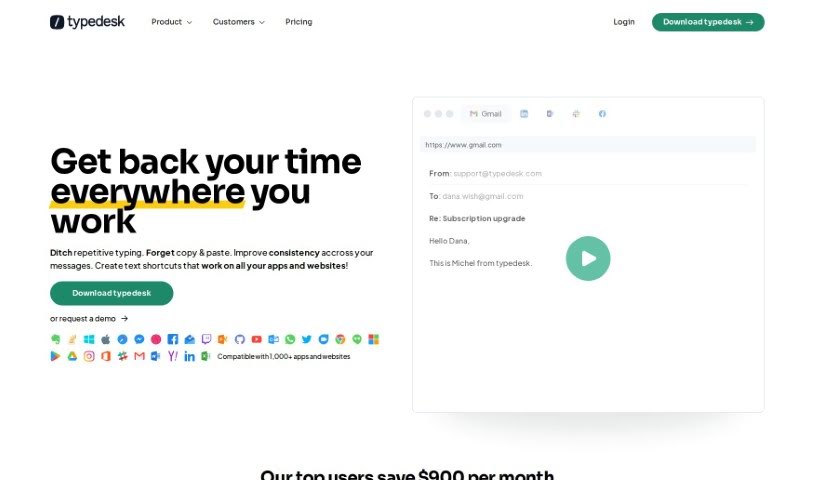
Typedesk is a really handy keyboard automation and text expansion app. Its main goal is to cut down on all that repetitive typing and make sure your business communication stays consistent. It is a smart way to manage your canned responses, letting you create text shortcuts, email scripts, and even auto-correct your typing. Lots of people use Typedesk for communicating, whether it's just them or a whole team, across places like Gmail, Zendesk, and Helpscout. You can automate all sorts of messages, tweak your replies, and boost your productivity by not having to type the same things over and over. Honestly, people love Typedesk because it saves them so much time, it's easy to use, and it really makes communicating across different channels much smoother.

Screenshot of Ubiai

Ubiai

Freemium

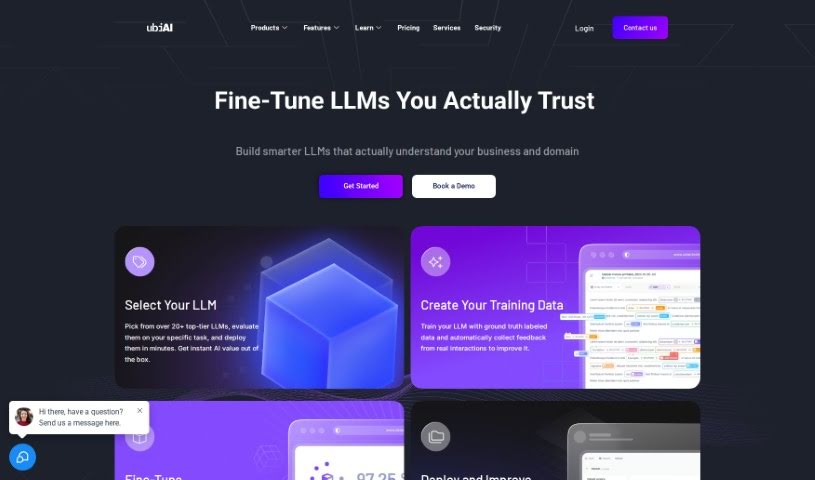
UBIAI is a text annotation tool built to make natural language processing (NLP) and machine learning (ML) solutions more accessible and affordable for everyone. It comes packed with features like document classification, auto-labeling, multi-lingual annotation, named entity recognition (NER), and OCR annotation. Its AI Builder engine is a helpful assistant for creating intelligent document applications, as it supports training deep learning models using your annotated datasets.

Screenshot of Umbrellabird

Umbrellabird

Freemium

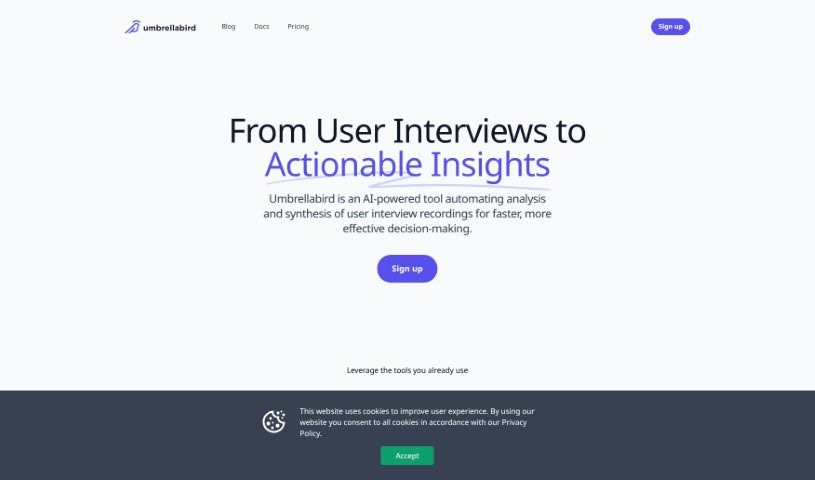
Umbrellabird is a smart AI tool built specifically for product teams. Its main job is to take your user-interview recordings and automatically create product documents from them. It is a super-efficient assistant that listens to your interviews, pulls out the important stuff, and then writes up the documents for you. It can grab transcripts, create summaries, and pinpoint crucial details like what users are struggling with (pains), what they're looking for (gains), and what they want to achieve (desired outcomes). This means your team can quickly get comprehensive drafts ready to go. Umbrellabird also plays nicely with tools you probably already use, like Google Meet and Google Drive, and makes it super easy to export the documents it creates. What's really neat is how fast it is – it can turn your recordings into product documents in just seconds, meaning you skip the whole manual transcription step.

Screenshot of Userdoc

Userdoc

Freemium

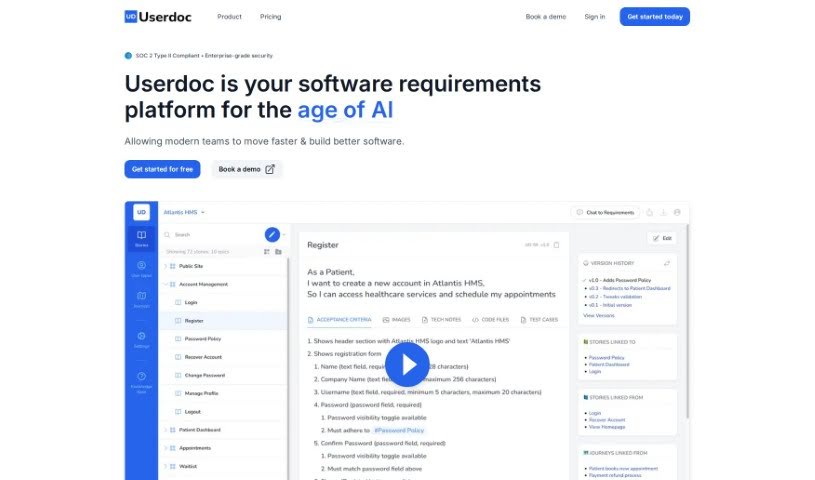
Userdoc is a software platform built to help you manage your software requirements smoothly and efficiently. It is your digital assistant for all things requirements. It comes packed with features like an AI Scoping Copilot that helps you quickly define the scope of your features. You can also organize and sync your requirements directly with your favorite project management tools, get help with compliance, manage different versions of your requirements, and collaborate easily with your team. Plus, you can export everything in various formats. People who use Userdoc often say it really speeds up how they gather user requirements, makes it much simpler to get stakeholders involved, and provides genuinely useful AI-generated requirements. The AI can whip up detailed user stories, acceptance criteria, personas, and user journeys, saving you a ton of time and effort. Users also love how it keeps everything organized, makes collaboration a breeze, and ensures your software requirements are spot-on. Ultimately, Userdoc aims to help teams create requirements faster and build better software by using smart AI tools and integrating seamlessly with the project management tools you already use. And for peace of mind, Userdoc is SOC2 Type 1 compliant, meaning your data is kept secure and private.

Screenshot of Vidura

Vidura

Freemium

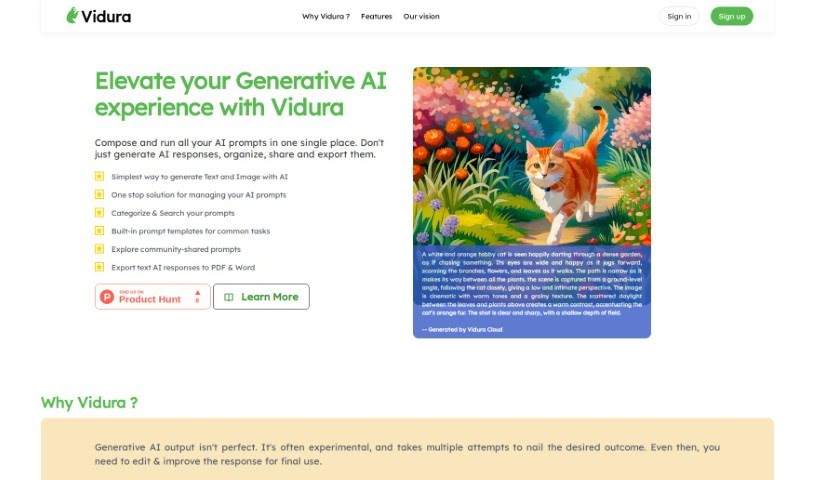
Vidura is a smart system designed to help you manage prompts for various AI tools, including those that generate text and images. It is your central hub for all things prompts, built to boost your productivity when working with Generative AI. Vidura's goal is to make these powerful AI systems more accessible to everyone, all while keeping user experience and flexibility front and center. Interestingly, the name "Vidura" comes from Sanskrit and means "wise, intelligent, clever, smart, skilled, or learned."

Screenshot of Waspnote

Waspnote

Freemium

Waspnote is an AI-powered app built for students and professionals who want to take better notes. It’s packed with features designed to make your life easier. You can easily capture ideas using your voice, get quick AI-generated summaries of your notes, and find anything you need in seconds with its super-fast search. Plus, it syncs your notes across all your devices so you can access them anywhere, anytime. It also lets you scan documents, keeps your information secure, and lets you export notes as PDFs, which is great for sharing and working with others. Waspnote even offers clear pricing plans that work for teams of any size. Basically, Waspnote uses AI to help you be more productive and organized with your notes.

Screenshot of Watto AI

Watto AI

Freemium

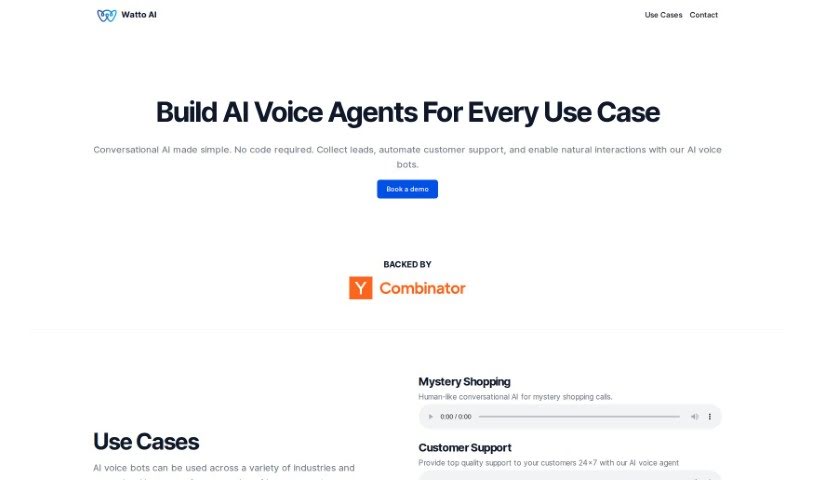
Watto AI is a platform designed to really speed things up for product teams. It does this by automating the creation and review of documents, which can cut down your time-to-market by a solid 40%. Imagine turning user feedback and research into high-quality PRDs and 1-pagers almost instantly – that's what Watto AI does! The big goal here is to help teams become more dynamic storytellers and leaders. Plus, Watto AI also offers services related to AI chatbots, note-taking and writing apps, knowledge base software, automation tools, user research, and tracking product status.

Screenshot of Workhub

Workhub

Freemium

Workhub is your organization's central hub for all its knowledge and automated tasks. It's built to break down those annoying knowledge silos by bringing together all your different data sources into one easy-to-use platform. What's really great is that Workhub puts a huge emphasis on keeping your data private and secure. This means you're always in control of who sees what and how your data is handled. The platform also includes the AI Command Center, called WorkBot. This handy tool lets you connect and access data from all sorts of places smoothly, all while making sure everything stays compliant. You can bring in all sorts of file types and databases into Workhub's secure, privacy-first environment, opening up pretty much unlimited access to information and really changing how your organization works.

Stay Updated with AI Tools

Get weekly updates on the latest AI tools, trends, and insights delivered to your inbox

Join 25,000+ AI enthusiasts. No spam, unsubscribe anytime.