1Ptai
Productivity Data Analytics
Learn More
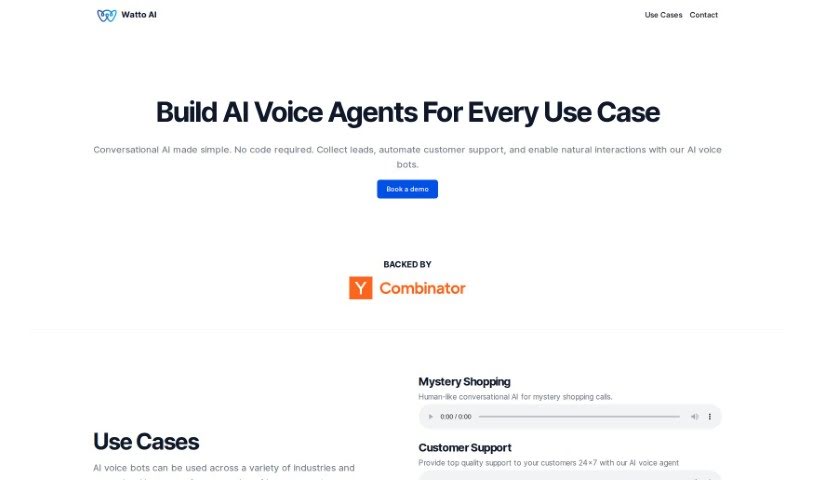
Discover what Watto AI is and how to use it effectively in 2025. We'll explore its features and see how it stacks up against other documentation tools.
Watto AI is a platform designed to really speed things up for product teams. It does this by automating the creation and review of documents, which can cut down your time-to-market by a solid 40%. Imagine turning user feedback and research into high-quality PRDs and 1-pagers almost instantly – that’s what Watto AI does! The big goal here is to help teams become more dynamic storytellers and leaders. Plus, Watto AI also offers services related to AI chatbots, note-taking and writing apps, knowledge base software, automation tools, user research, and tracking product status.
Rishabh Aggarwal is the mind behind Watto AI. The company has support from Y Combinator and provides AI voice bots for different industries, including mystery shopping, customer support, and helping out in restaurants. Essentially, Watto AI aims to help product teams move faster by automating document creation and reviews, empowering them to be great storytellers and leaders.
Getting started with Watto AI is pretty straightforward. Here’s a quick rundown:
By following these steps, you can really make the most of Watto AI. It’s a great way to streamline your processes, boost productivity, and ultimately drive success in your projects.
Discover more tools in similar categories that might interest you
Get weekly updates on the latest AI tools, trends, and insights delivered to your inbox
Join 25,000+ AI enthusiasts. No spam, unsubscribe anytime.