AI Design Tools

AI Tools for Design

Discover the best Design AI tools to enhance your productivity and creativity.

Page 6 of 18 • 213 total tools
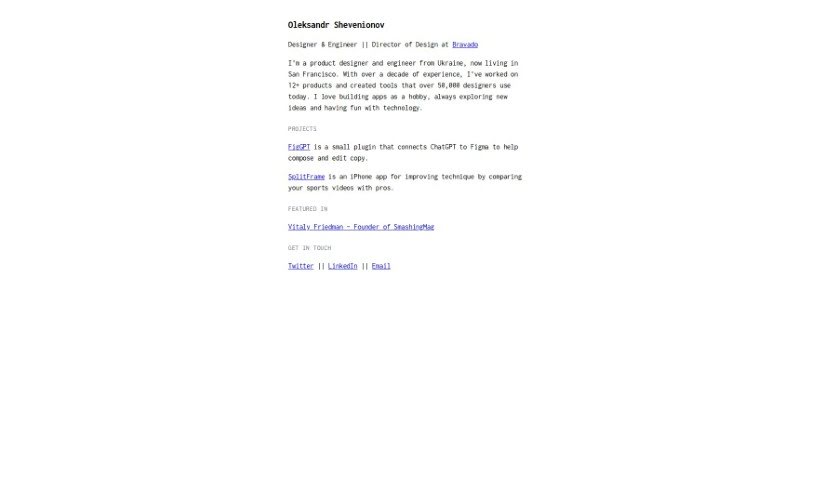
Screenshot of Figgpt

Figgpt

Freemium

FigGPT is a plugin that brings ChatGPT's conversational AI into design tools like Figma and FigJam. It's built for designers, copywriters, and teams who want to improve text elements in their designs using AI. The plugin has over 55.2k downloads and 1.3k likes from the design community.

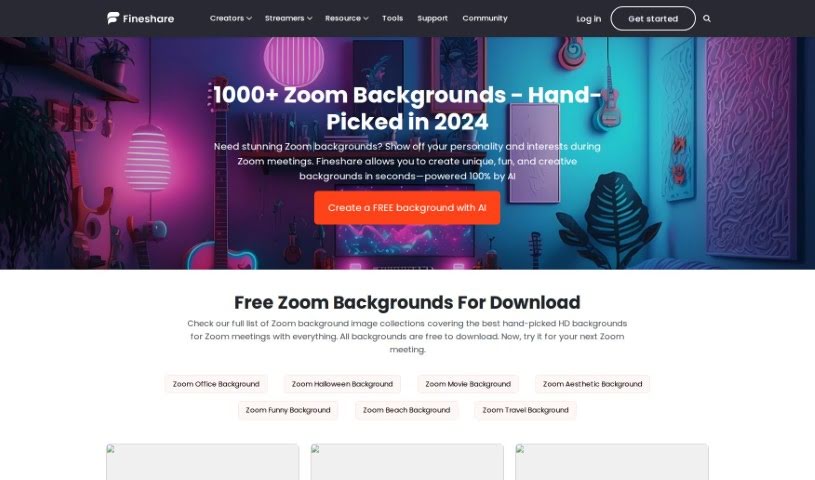
Screenshot of FineShare Zoom Background

FineShare Zoom Background

Freemium

FineShare Zoom Background is a resource from FineShare for digital backgrounds—images or videos—that replace your real surroundings during Zoom calls. Options range from a professional office look to a beach scene, a movie backdrop, or a festive theme like Halloween, letting you personalize your virtual meetings.

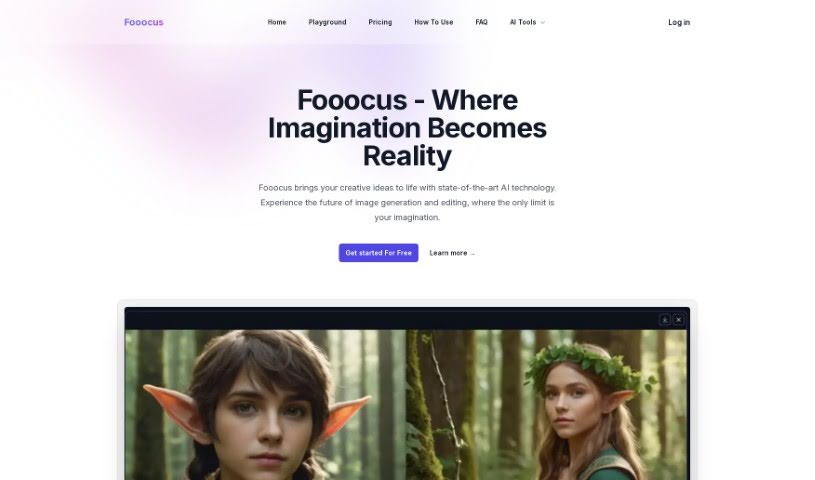
Screenshot of Fooocus

Fooocus

Freemium

Fooocus is an AI tool for generating and editing images from your creative ideas. Its core features include a smart inpainting algorithm for editing and completing images, an image prompt system that keeps output closely matched to your input, support for multiple SDXL models, customizable aspect ratios, and precise face swapping. It runs efficiently across different hardware setups.

Screenshot of Freepik AI Image Upscaler

Freepik AI Image Upscaler

Freemium

Freepik AI Image Upscaler uses artificial intelligence to increase the size and detail of images without making them blurry or degrading original quality. It improves sharpness and detail quickly, making it useful for anyone who wants better visuals without lengthy manual editing.

Screenshot of Freepik AI Sketch to Image

Freepik AI Sketch to Image

Freemium

Freepik AI Sketch to Image turns hand-drawn sketches into realistic, detailed images using artificial intelligence. You upload or draw a basic sketch, and the tool generates a polished image from it. It is designed to speed up the visual creation process for graphic designers, artists, and other creative professionals who need to move from concept to finished visual quickly — even simple sketches can be refined into professional-looking results.

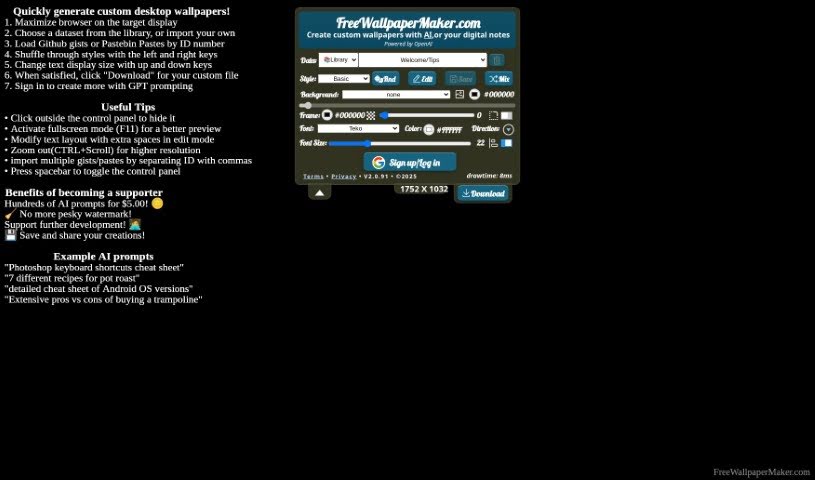
Screenshot of Freewallpapermaker

Freewallpapermaker

Freemium

Free Wallpaper Maker is a free tool for creating custom wallpapers for desktop and mobile devices. You can add your own text, gists, or JSON data to build backgrounds that match your style, with a range of themes, font choices, and color options, plus a feature for mixing and blending designs.

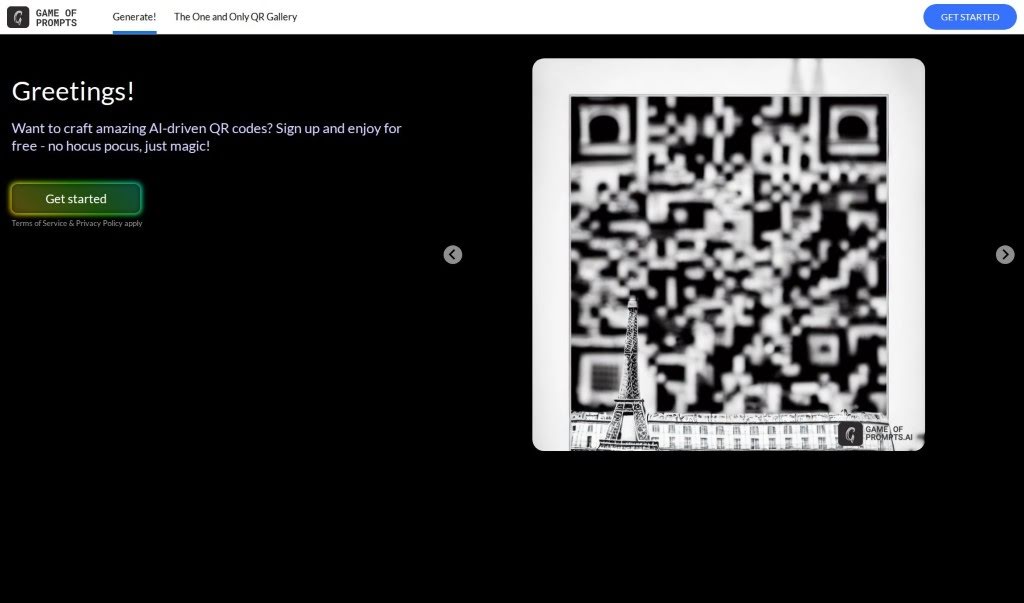
Screenshot of Gameofpromptsqr

Gameofpromptsqr

Freemium

Game of Prompts QR (ImagineQR) is a free platform for creating AI-powered QR codes that are visually engaging and designed to encourage scanning. It requires no technical skills: the interface is simple to navigate, offers extensive customization options, and includes a gallery of design ideas for inspiration. It works for personal projects as well as business branding and promotions.

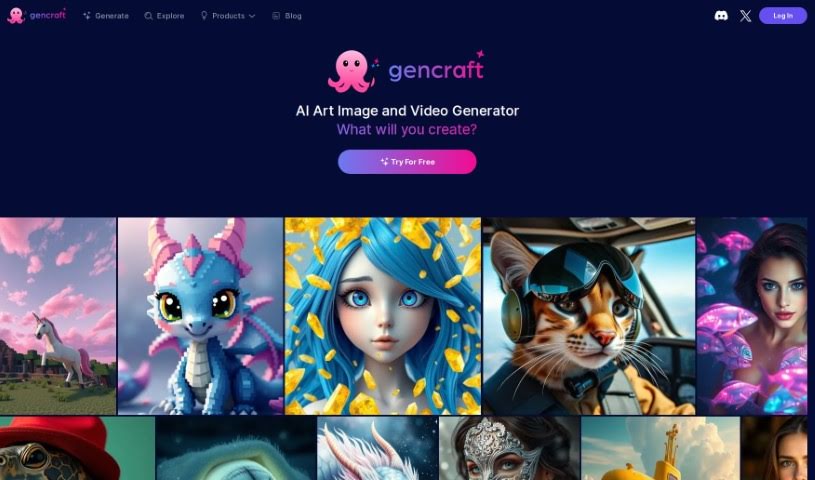
Screenshot of Gencraft

Gencraft

Freemium

Gencraft is a software tool aimed at design and creative work. Publicly available details about the product are limited, so this overview covers only what can be stated with confidence: it is a user-friendly program built around design, creativity, and innovation. For the most current and accurate information, visit the [official Gencraft website](https://gencraft.com/).

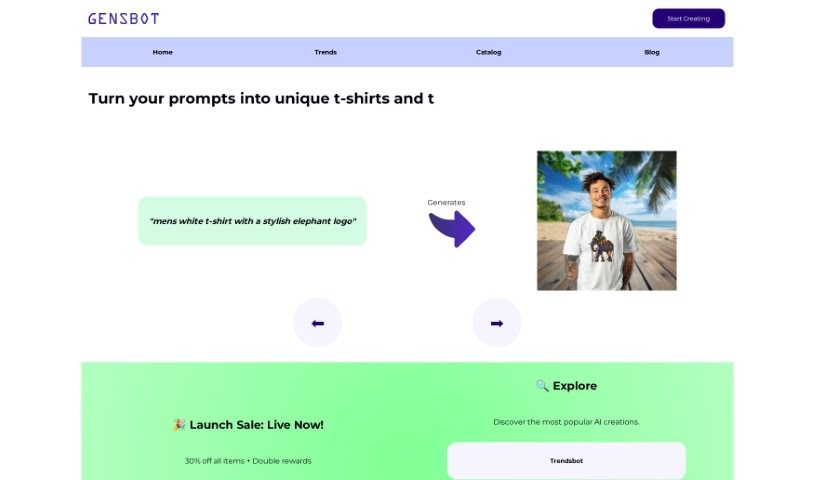
Screenshot of Gensbot

Gensbot

Freemium

Gensbot is a platform that uses artificial intelligence to create custom printed merchandise for unique gifts, company branding, and personalized items. It was built by a team focused on combining AI with creativity, aiming to meet users' customization needs through smart technology.

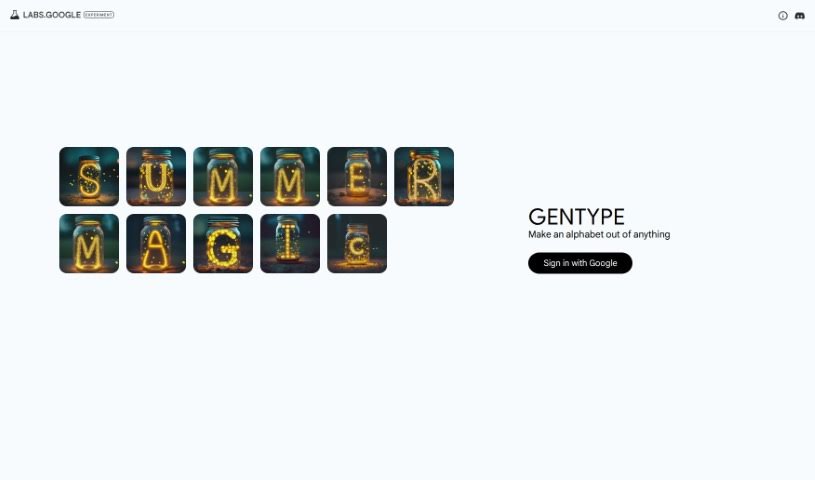
Screenshot of GenType by Google

GenType by Google

Freemium

GenType by Google is a creative playground for designing unique letterforms. Instead of working with standard fonts, you build your own alphabets by combining objects, patterns, and visual elements. The tool turns everyday images into alphabet characters, offering a simple way to experiment with design and typography.

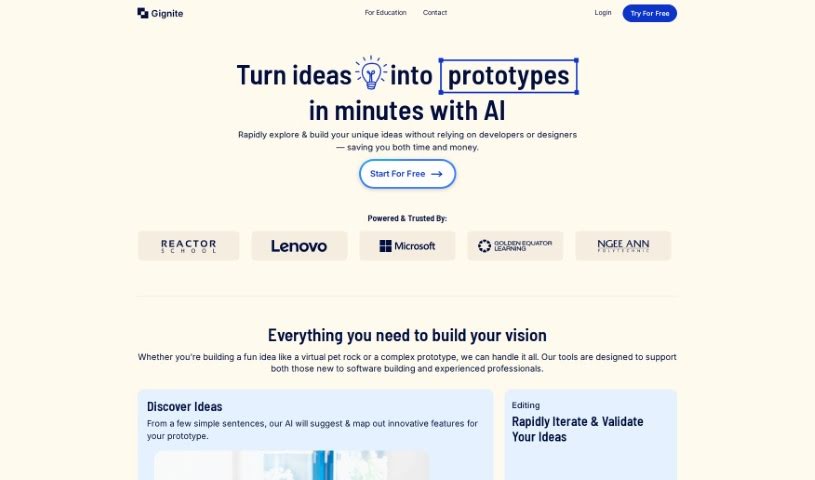
Screenshot of Gignite

Gignite

Freemium

Gignite is an AI-powered tool that turns written ideas into visual prototypes. It targets the early stages of ideation, helping users map out and develop minimum viable products (MVPs). You describe your idea on the platform, and the AI generates screens that visually capture your concepts. Those screens can then be shared with others for feedback or to move a project forward.

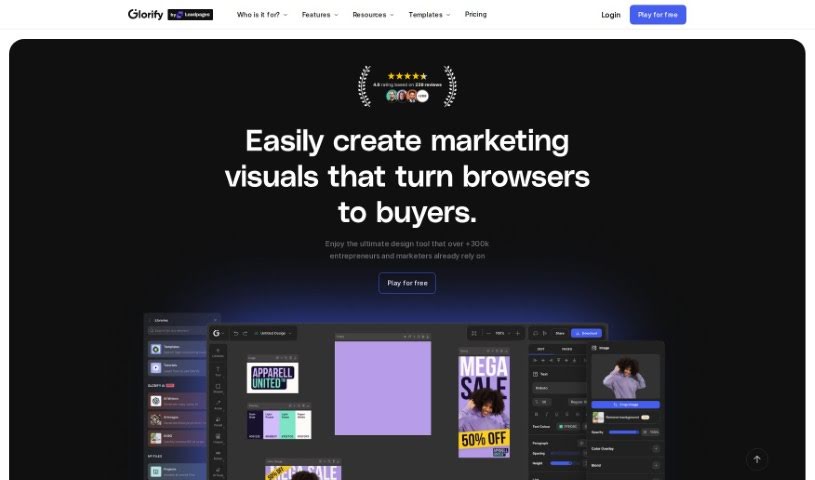
Screenshot of Glorify App

Glorify App

Freemium

Glorify App is a design tool built for e-commerce businesses. It functions as an online graphic design studio for creating social media posts, ads, infographics, presentations, and product graphics. Its AI features let you generate visuals from a text prompt, place products into AI-created scenes, and get help writing copy for your designs. It also includes a Background Remover, batch editing tools, premium stock photos, and team collaboration features. Planned additions include a video editor, live collaboration, more batch processing options, a plugin marketplace, and additional AI tools.

About Design tools

Starting a design project from scratch takes time. Staring at a blank artboard, creating layout options, adjusting pixel spacing, and reformatting graphics across a dozen screen sizes can consume hours of tedious setup. It’s easy to spend more time preparing files than actually designing.

Rather than replacing human taste or visual judgment, the tools in this category handle repetitive technical labor, speed up wireframing, and prepare production files so you can focus on overall creative strategy.

Accelerating Layout Prototyping and Asset Cleanup

Generating initial layout ideas used to require hours of manual sketching. Modern design platforms build wireframes and visual concepts straight from text prompts or rough hand-drawn notes. You can evaluate different grid structures, visual directions, and typography pairings in seconds before committing to a final polished layout.

Asset editing and photo touch-ups become far simpler, too. Tasks like erasing backgrounds, extending canvas boundaries, or upscaling low-res images traditionally required tedious layer masking and cloning. Smart editing tools handle those fixes automatically, letting you touch up photos and prepare visual assets in seconds.

Maintaining consistency across large design systems is another huge benefit. Keeping visual elements aligned across social banners, web pages, and marketing decks often leads to minor formatting errors. AI design tools analyze your brand guidelines, apply matching color palettes automatically, and format typography across multiple aspect ratios to keep your project look unified.

Capabilities to Consider

  • Generative layout prototyping: Tools that create wireframe ideas and layout concepts from text prompts or rough sketches.
  • Automated asset cleanup: Features that remove backgrounds, expand canvas margins, and upscale image resolution cleanly.
  • Editable vector output: Software that generates clean, scalable SVG paths rather than static raster files.
  • Design system alignment: Applications that apply custom brand colors, fonts, and spacing rules across whole asset packages.
  • Editor plugin support: Integrations that link directly into existing tools like Figma, Adobe Creative Cloud, or Canva.

Great design will always depend on visual hierarchy, human taste, and clear communication. Software can clean up backgrounds and align pixels, but understanding how real people interact with your work requires a creative eye.

Check out the design assistants below to upgrade your workspace.

The Best AI Design Generators

  1. Canva: for easily creating social media graphics.
  2. Ideogram: for custom logo creation for brands.
  3. Renderforest: for custom logo design for startups.
  4. BeFunky: for effortlessly creating custom graphics.
  5. Icons8: for generating unique design templates.
  6. Microsoft Designer: for quickly generating unique social media graphics.
  7. Imagine AI Art Generator: for designing prototypes for branding.
  8. Meshy: for rapid 3D design creation from prompts.
  9. Kittl: for creating custom logos in seconds.
  10. Shakker AI: for dynamic logo creation for brands.
  11. Stylar: for instantly generating unique art styles.
  12. Tripo AI: for creating custom product prototypes.
  13. Homestyler: for creating custom room layouts and styles.
  14. Phot Ai: for dynamic vector art creation from prompts.
  15. Designs AI: for instant graphic design for social media.
New tools, in your inbox.

Weekly picks of the best AI tools we've researched and added — no spam, unsubscribe anytime.

Join 25,000+ AI enthusiasts. No spam, unsubscribe anytime.