AI Tools for Design

Discover the best Design AI tools to enhance your productivity and creativity.

Page 7 of 19 • 227 total tools

Designing visuals used to be something only artists or those with advanced software skills could do. But AI design generators are changing all that for everyone. Now, creating amazing graphics, logos, and layouts can be as simple as typing in a prompt.

These tools have gotten really good, really fast, making design more accessible and way less time-consuming. You no longer have to struggle with complicated software or spend hours perfecting an idea. With just a few clicks, you can generate professional-looking designs.

After spending weeks exploring and testing a bunch of AI design generators, I’ve put together a list of the best ones out there right now. Whether you’re looking for easy-to-use apps or powerful tools for experienced designers, there’s something here for you.

So, if you want to jazz up your social media posts or need eye-catching marketing materials, this guide will help you find the right AI design assistant to make your visuals stand out. Let’s dive in and see what the future of design looks like!

The Best AI Design Generators

  1. Canva for easily creating social media graphics.
  2. Ideogram for custom logo creation for brands.
  3. Renderforest for custom logo design for startups.
  4. BeFunky for effortlessly creating custom graphics.
  5. Icons8 for generating unique design templates.
  6. Microsoft Designer for quickly generating unique social media graphics.
  7. Imagine AI Art Generator for designing prototypes for branding.
  8. Meshy for rapid 3D design creation from prompts.
  9. Kittl for creating custom logos in seconds.
  10. Shakker AI for dynamic logo creation for brands.
  11. Stylar for instantly generating unique art styles.
  12. Tripo AI for creating custom product prototypes.
  13. Homestyler for creating custom room layouts and styles.
  14. Phot Ai for dynamic vector art creation from prompts.
  15. Designs AI for instant graphic design for social media.

How Do AI Design Generators Work?

AI design generators use advanced algorithms and huge datasets to create visual content. Basically, they use deep learning and neural networks to understand your input and then create new images, graphics, or designs. These generators often rely on convolutional neural networks (CNNs), which are great at processing visual information.

To get designs made, users usually give prompts – think keywords or style preferences. The AI then looks at existing design elements like colors, patterns, and shapes to create something unique and relevant. This ability to learn from countless designs means the AI can copy different styles and adapt to various aesthetics.

Many design generators are built using pre-trained models that have processed large databases of artwork, photos, and design templates. By learning from all this visual information, the AI can spot patterns and understand what makes a design appealing. It then uses this knowledge to create new pieces.

It’s important to remember that while AI design tools can produce striking results, they still need human input. Users have to choose the right input, refine their prompts, and pick the results that best match their vision. Ultimately, these tools act as collaborators, enhancing the creative process instead of completely replacing human designers.

If you’re curious to explore this technology more, lots of platforms let you try out AI design tools yourself. You can see how they turn simple ideas into compelling visuals. As technology keeps advancing, the possibilities for AI in design keep growing, pushing what we can do.

Our Best AI Design Generators at a Glance

RankNameBest ForPlans and PricingRating
1CanvaCreating social media graphics easily.N/A4.73 (11 reviews)
2IdeogramCustom logo creation for brands.N/A4.85 (26 reviews)
3RenderforestCustom logo design for startups.N/A4.50 (14 reviews)
4BeFunkyEffortlessly create custom graphics.Paid plans start at $83.88/year.4.69 (13 reviews)
5Icons8Generate unique design templates.N/A3.64 (11 reviews)
6Microsoft DesignerQuickly generate unique social media graphics.N/A4.64 (11 reviews)
7Imagine AI Art GeneratorDesign prototypes for branding.N/A4.80 (5 reviews)
8MeshyRapid 3D design creation from prompts.Paid plans start at $1.60/100 credits (billed yearly).4.58 (12 reviews)
9KittlCreate custom logos in seconds.Paid plans start at $120/annually.4.80 (10 reviews)
10Shakker AIDynamic logo creation for brands.N/A4.67 (21 reviews)
11StylarInstantly generate unique art styles.Paid plans start at $50/month.4.11 (9 reviews)
12Tripo AICreating custom product prototypes.N/A4.42 (12 reviews)
13HomestylerCustom room layouts and styles creation.Paid plans start at $9.9/month.4.77 (13 reviews)
14Phot AiDynamic vector art creation from prompts.N/A4.77 (13 reviews)
15Designs AIInstant graphic design for social media.N/A4.27 (11 reviews)
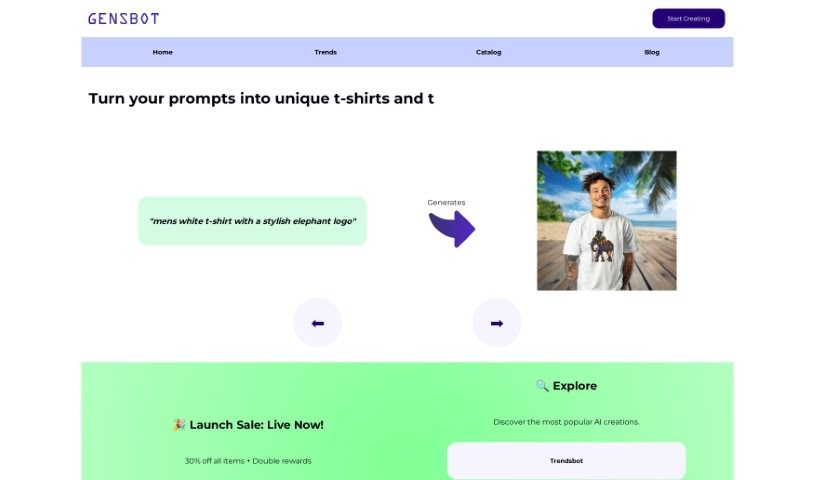
Screenshot of Gensbot

Gensbot

Freemium

Gensbot is a platform that uses artificial intelligence to create custom printed merchandise. It's designed to help you with unique gift ideas, company branding, or just creating personalized items. What's neat is that Gensbot combines AI with creative design to tailor products exactly how you want them. Plus, it's eco-friendly! They produce your ordered items locally, which really cuts down on shipping emissions. Getting started is super simple, just a three-step process: describe what you want, pick a design Gensbot generates for you, and then check out. You can personalize all sorts of things with Gensbot, like art prints, notebooks, clothes, phone cases, water bottles, mugs, and tote bags. It also makes online shopping easier by cutting out the need to search endlessly for the right product. You can count on good quality, and they make sure it gets to you safely and on time, all while supporting sustainability.

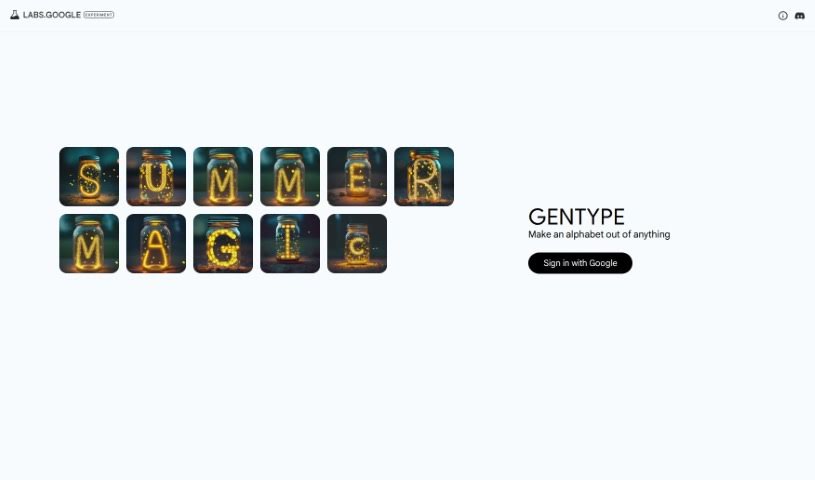
Screenshot of GenType by Google

GenType by Google

Freemium

GenType by Google is a really cool project that lets you build your own alphabets using all sorts of different elements. It is a creative playground where you can design unique letterforms by combining various objects or patterns. The platform gives you the freedom to craft personalized alphabets by mixing and matching a wide array of visual elements in creative ways. With GenType, you can really let your imagination run wild, turning everyday objects into something as fundamental as alphabet characters. This neat tool from Google offers a fun and engaging way to play around with design and typography, making the whole process of creating custom alphabets an enjoyable and artistic adventure.

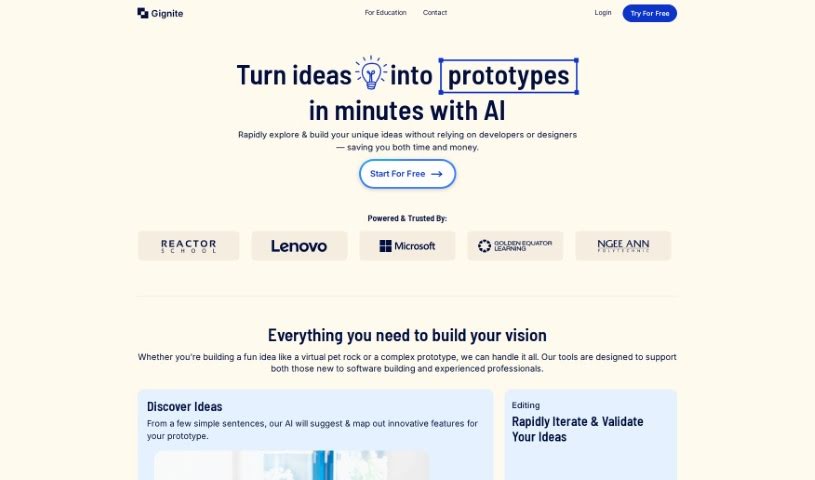
Screenshot of Gignite

Gignite

Freemium

Gignite is a smart, AI-powered tool designed to bring your ideas to life visually, really fast. It is your go-to for quickly turning concepts into something you can see and touch, or at least a solid visual representation. It's a fantastic aid for the early stages of ideation, helping you map out and develop your minimum viable products (MVPs). What's cool is that Gignite lets you generate visual prototypes in a flash, and you can regenerate screens as many times as you need – there's no limit!

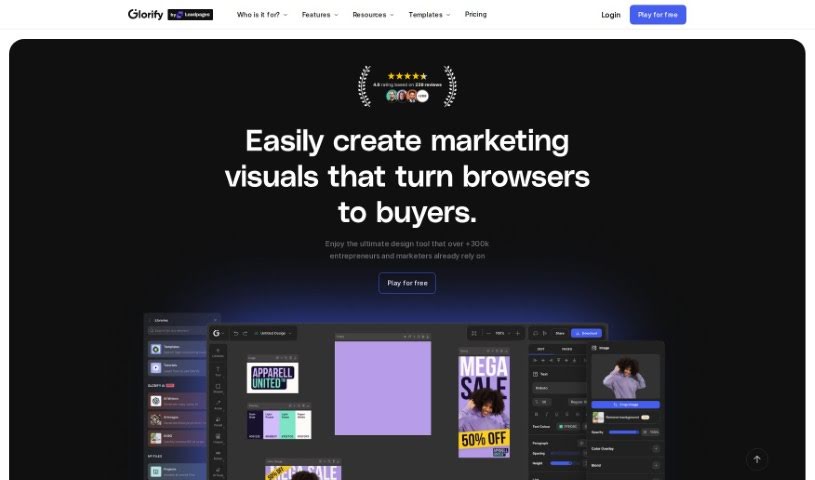
Screenshot of Glorify App

Glorify App

Freemium

Glorify App is a really useful design tool built specifically for folks running e-commerce businesses. It is your go-to online graphic design studio, giving you the power to create all sorts of professional-looking materials – from social media posts and ads to infographics and presentations. What makes Glorify App stand out are its AI-powered features. You can generate visuals just by typing in a prompt, place your products into AI-created scenes, and even get help writing compelling copy for your designs. Plus, it comes with a handy Background Remover, batch editing tools for when you need to do a lot at once, access to premium stock photos, and ways for your team to collaborate. Looking ahead, they're planning to add a video editor, live collaboration, more batch processing options, a plugin marketplace, and even more AI tools.

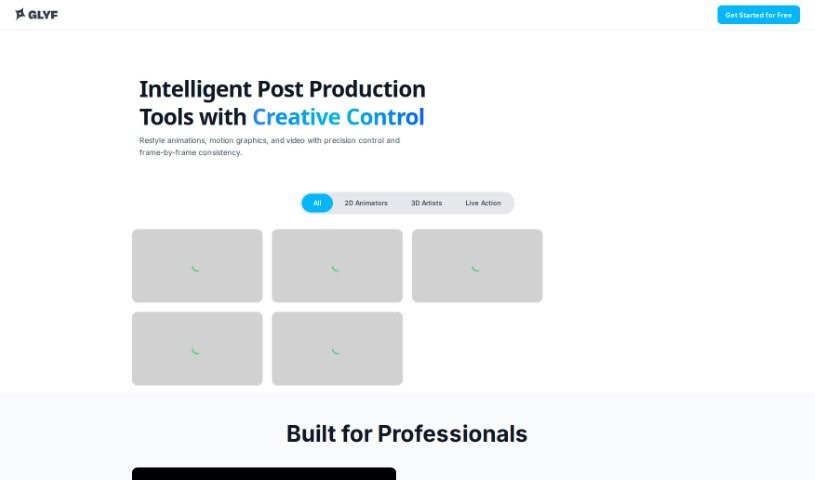
Screenshot of Glyf.space

Glyf.space

Freemium

Glyf.space is a really neat AI tool specifically built for making 3D design assets right from your SVG files. It is a way to bring your flat designs to life in three dimensions. You can generate 3D models by transforming your SVGs, and it offers a good amount of control. You can customize things like the color palette, and even choose how much the 3D model should stick to or deviate from the original SVG shape. The tool also features a handy model strength setting, an interactive interface that's easy to use, and cool artistic effects like a 'glass' style, which can give your 3D designs a truly unique look. Basically, it's all about making your 3D creations visually pop with its customization options.

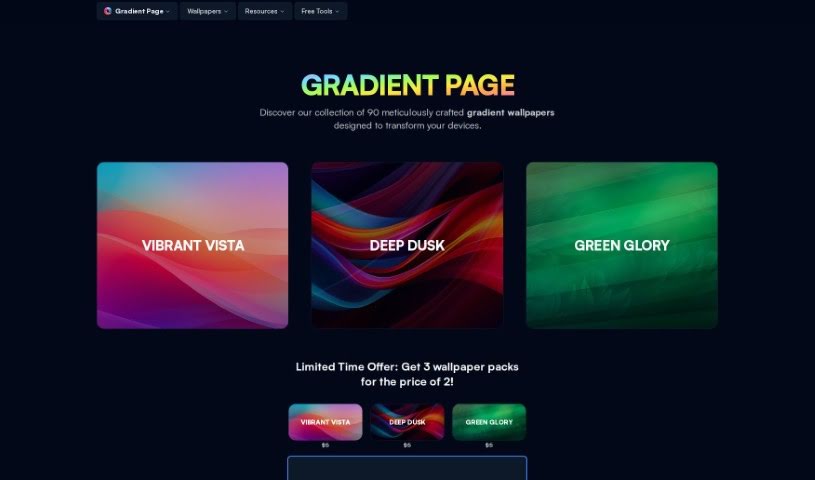
Screenshot of Gradient Page

Gradient Page

Freemium

Gradient Page is a fantastic platform where you can find really beautiful, premium gradient wallpapers. They're designed to look great on all sorts of devices and in different applications, really making your digital spaces pop. The team has put a lot of care into crafting these visuals, aiming to seriously upgrade how your interfaces look. You'll find some amazing themes already available, like 'Vibrant Vista,' 'Deep Dusk,' and 'Green Glory.' Plus, they've got more coming soon, including 'Beautiful Blue' and 'Pretty in Pink.' Beyond the wallpapers, Gradient Page also offers some genuinely useful resources for anyone creating things, like UI color gradients and handy tools like the 'Gradient Picker.' Their whole goal is to boost creativity and make collaboration easier, and they're even offering a special 10% discount with the code 'LAUNCHDAY' – pretty neat!

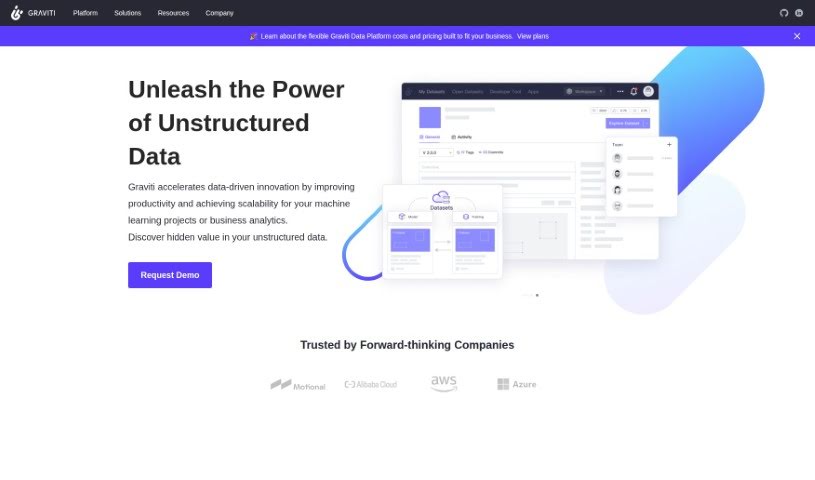
Screenshot of Graviti

Graviti

Freemium

Graviti is a platform designed for artists and art lovers alike, offering a smooth and easy way to show off digital artwork. It takes care of all the technical bits involved in presenting art, so you can really dive into your creative work. The platform has a super user-friendly interface, making it simple to manage, upload, and display your digital art. Plus, GRAVITI Diffus comes packed with helpful features like affiliate programs, tutorials, pricing guides, and API support for customization. This makes it a great fit for both seasoned digital artists and those just starting out.

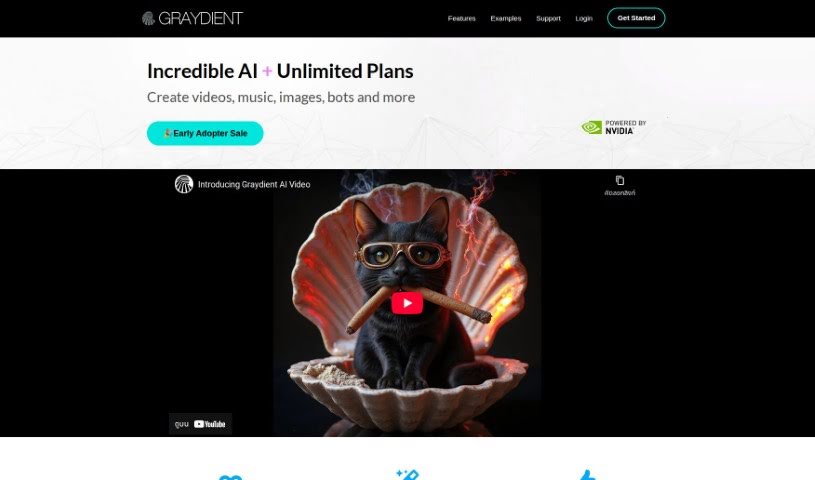
Screenshot of Graydient

Graydient

Freemium

Graydient is an AI platform built specifically for creators. It offers powerful image generation tools, and the best part? You don't need your own powerful graphics card (GPU) to use it. You can start creating AI-based images right away, either through their web app or a chatbot interface. Graydient brings you features like stable diffusion technology, instant cloud capabilities, and the ability to create an unlimited number of renders. Plus, you can access Graydient AI from any device, easily syncing your work between your phone and PC. They also offer a wide variety of models and styles to choose from, and you can try it out with a 7-day risk-free trial.

Screenshot of Hive3

Hive3

Freemium

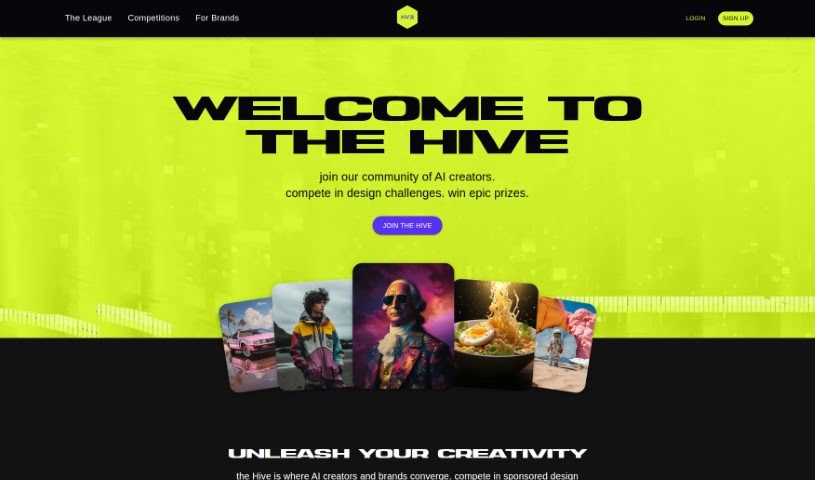
Hive3 is a really interesting platform that connects AI creators with major brands. How does it do this? Through sponsored competitions! These challenges are designed to reward your skills and really get innovation going. It is a hub where both creators and brands can come together to let their creativity flow and develop their talents. For creators, Hive3 offers a fantastic chance to enter sponsored design contests, compete for cash prizes, and get noticed. Plus, there's the exciting possibility of brands reaching out for private projects. These competitions are tailored to specific brands and happen every week, giving you a regular opportunity to test your limits and show off what you can do in the AI design world.

Screenshot of Homedesignsai

Homedesignsai

Freemium

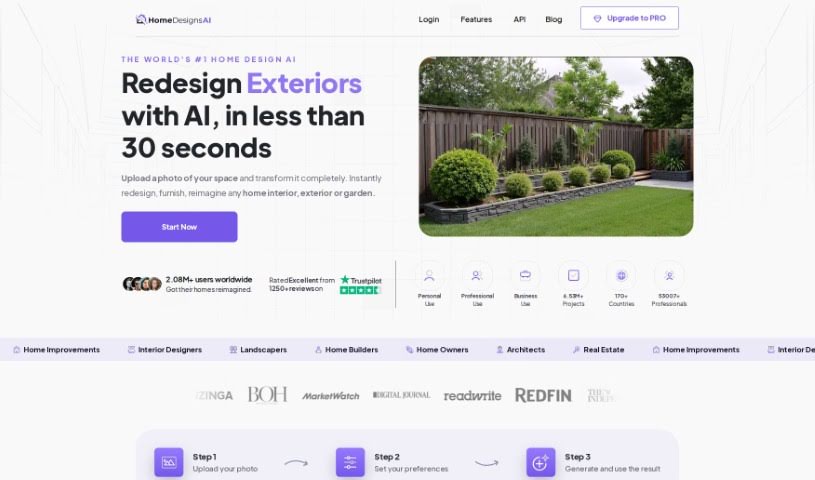
HomedesignsAI is a really neat web-based tool that lets you completely change and redesign all sorts of areas in your home. Think interiors, exteriors, gardens, even patios – it covers it all! What makes it special is how it uses Artificial Intelligence to keep churning out fresh design ideas. You get a huge variety of styles, modes, and room types, all designed to help you get exactly the look you're going for. Plus, it boasts features like Interior & Exterior Image Generation, High-Quality Images, and Unlimited AI Ideas, making it a super flexible and dynamic platform for any home design project.

Screenshot of Homestyler

Homestyler

Freemium

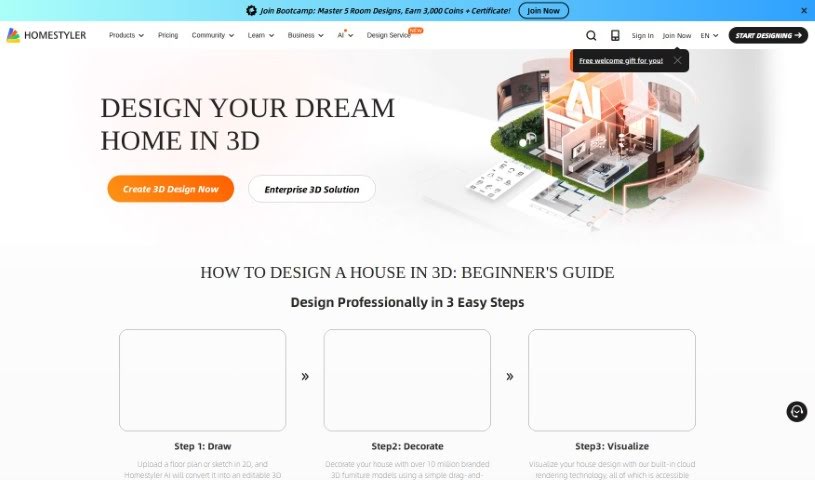
Homestyler is a really versatile design software. It's built for everyone, whether you're just starting out with interior design or you're a seasoned pro. It gives you the tools to create high-quality projects. You can get personalized design ideas, plan out floor layouts, design specific areas like kitchens and bathrooms, work with others on projects, and even use it on your phone. Plus, it has this neat AI feature that helps you create interior designs tailored to what you like and the styles you prefer.

Screenshot of HueHive

HueHive

Freemium

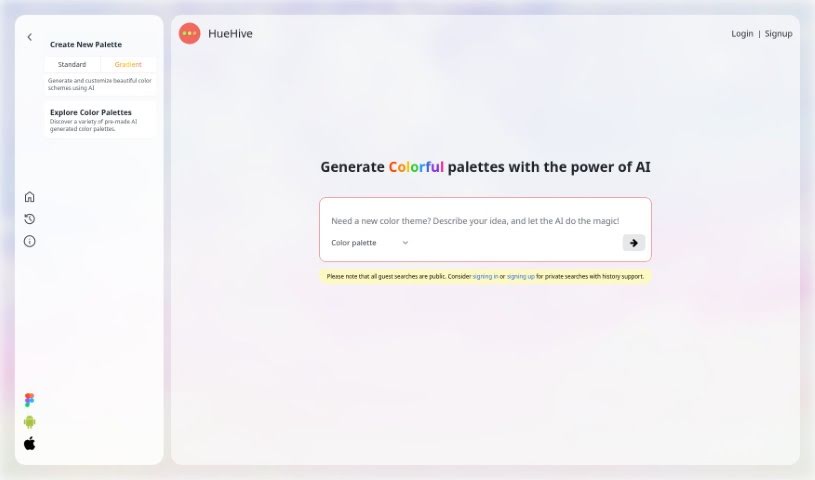
HueHive is a smart AI tool that makes creating beautiful color palettes super easy. It is your personal AI assistant for all things color. It's designed to help you generate stunning color combinations for pretty much any design project you're working on. What's really neat is that it has a Figma plugin. This means you can use HueHive's palettes directly inside Figma, which is a huge time-saver for designers. Plus, there's a palette generator that uses Chat GPT technology. You just type in a theme – like 'cosmetic,' 'Indian recipes,' 'futuristic,' 'Makoto Shinkai,' or 'dark fantasy' – and it whips up a color palette for you. You'll see the colors clearly laid out, each with its own name. HueHive also offers other resources, like apps for Android and iOS, a web version called Croma, and even a Github repository where you can check out palettes that have already been made. Connecting with HueHive on social media is a great way to keep up with updates and get fresh inspiration for your color choices. It's a really handy resource for anyone in design or creative fields who wants to make great color palettes with a little help from AI.

Stay Updated with AI Tools

Get weekly updates on the latest AI tools, trends, and insights delivered to your inbox

Join 25,000+ AI enthusiasts. No spam, unsubscribe anytime.