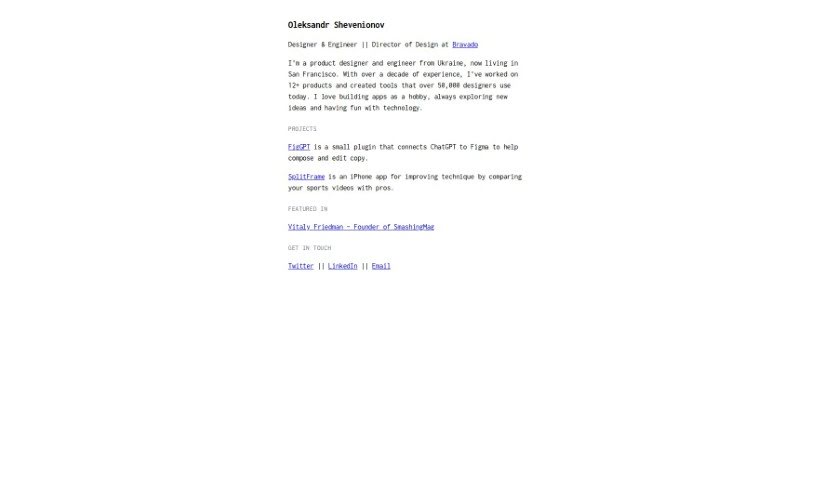
Screenshot of Figgpt

Figgpt

Discover what Figgpt is and how to use it effectively in 2025. We'll explore its features and see how it stacks up against other Design Generators.

Screenshot

What is Figgpt?

FigGPT is a really handy plugin that brings ChatGPT’s conversational smarts right into your design tools, like Figma and FigJam. It’s built for designers, copywriters, and teams who want to make their text elements in designs shine using AI. It’s become quite popular, with over 55.2k downloads and 1.3k likes from the design community. What’s great about it is how it simplifies text editing. You get quick actions to easily adjust style, length, and formatting. Plus, it supports over 40 languages, which is fantastic for global teams. It also has a “magic populate” button that quickly fills your designs with sample data, and a bulk editing feature to work on multiple text layers at once, saving you tons of time and keeping things consistent.

Who created Figgpt?

FigGPT was developed by Oleksandr Shevenionov, a designer and builder based in San Francisco. He’s got over a decade of experience under his belt, having worked on more than 12 products, and has created tools used by over 25,000 designers. His goal with FigGPT was to weave conversational AI capabilities directly into design tools like Figma and FigJam. It’s designed for designers, copywriters, and teams who want to leverage AI for their text. The plugin has really taken off, racking up over 55.2k downloads and 1.3k likes. It offers handy quick actions for text editing, supports over 40 languages, has that useful magic populate button for instant data filling, and lets you do bulk editing to keep your design work efficient and consistent.

What is Figgpt used for?

FigGPT helps you do a lot of things:

  • Integrate AI Chat: It seamlessly brings ChatGPT’s conversational abilities into your design and prototyping tools like Figma and FigJam.
  • Boost Design Text: It’s there to help designers, copywriters, and teams craft and polish text elements right within the design interface.
  • Speed Up Editing: You can streamline text editing with quick actions that let you easily change style, length, and formatting.
  • Custom Prompts: Need something specific? You can create your own custom actions using personalized prompts for those specialized requirements.
  • Global Reach: With support for over 40 languages, it’s a super versatile tool for teams working across different regions.
  • Quick Content Filling: The “magic populate” button is a lifesaver – it instantly fills your designs with sample data, which really speeds up ideation and prototyping.
  • Efficient Bulk Edits: Need to change text on multiple layers at once? The bulk editing feature handles simultaneous edits across many text layers, saving you time and ensuring everything looks consistent.

Essentially, it helps designers, copywriters, and teams use AI to craft and refine text elements within their design interfaces. It streamlines text editing with quick actions for style, length, and formatting changes. You can even create custom actions with personalized prompts. Since it supports over 40 languages, it’s really versatile for global teams. The magic populate button is great for instantly filling designs with sample data to speed up ideation and prototyping. Plus, the bulk editing feature lets you make simultaneous edits across multiple text layers, saving time and ensuring consistency. It really helps speed up ideation and prototyping processes and enhances efficiency and consistency in design workflows. It’s no wonder it has over 55.2k downloads and 1.3k likes! It integrates ChatGPT’s conversational capabilities into Figma and FigJam, catering to designers, copywriters, and teams looking to use AI for text elements. It streamlines text editing with quick actions for style, length, and formatting changes, and allows for custom actions with personalized prompts. Its support for over 40 languages makes it versatile for global teams. The magic populate button fills designs with sample data for faster ideation and prototyping, and the bulk editing feature enables simultaneous edits across multiple text layers for efficiency and consistency. It helps designers, copywriters, and teams utilize artificial intelligence for text editing within design interfaces, offering user-friendly features for quick actions in text editing, style changes, length adjustments, and formatting. You can create custom actions with personalized prompts for specialized requirements, and the magic populate button instantly fills designs with sample data to speed up the ideation and prototyping process. Bulk editing is also available for simultaneous edits across multiple text layers to save time and ensure consistency. It seamlessly integrates ChatGPT conversational capabilities into Figma and FigJam, helping you craft and refine text elements within the design interface using AI. You can create custom actions with personalized prompts for specialized requirements, and it supports over 40 languages for global teams. It instantly fills designs with sample data using the magic populate button, and the bulk editing feature allows for simultaneous edits across multiple text layers.

Who is Figgpt for?

FigGPT is perfect for:

  • Designers
  • Copywriters
  • Teams

How to use Figgpt?

Using FigGPT is pretty straightforward. Here’s how you can get started:

  1. Installation: First, you’ll want to add the FigGPT plugin to your Figma setup. It’s a really simple and quick process, so you can get it integrated into your design workflow without any hassle.
  2. Quick Actions: Once it’s installed, FigGPT gives you a bunch of quick actions to make text editing much smoother. You can easily tweak style, length, and formatting with just a click. If you have more specific needs, you can even set up your own personalized prompts.
  3. Multilingual Support: FigGPT is great because it supports over 40 languages. This makes it a fantastic choice for global teams who work with different languages. Designers and teams from all over can use it effectively.
  4. Magic Populate Button: One of the standout features is the “Magic Populate” button. It instantly fills your designs with sample data, which really speeds up how you brainstorm and create prototypes. It gives you content to work with right away.
  5. Bulk Editing: FigGPT also lets you do bulk editing. This means you can change text on multiple layers all at the same time. It’s a huge time-saver and helps make sure all your text elements look consistent throughout your design.

By following these steps, you can really make the most of FigGPT’s conversational abilities within Figma and FigJam, making your design workflow more efficient and creative.

Related AI Tools

Discover more tools in similar categories that might interest you

123RF AI Image Generator

Creative Image Generation
Learn More

Stay Updated with AI Tools

Get weekly updates on the latest AI tools, trends, and insights delivered to your inbox

Join 25,000+ AI enthusiasts. No spam, unsubscribe anytime.