123RF AI Image Generator
Creative Image Generation
Learn more
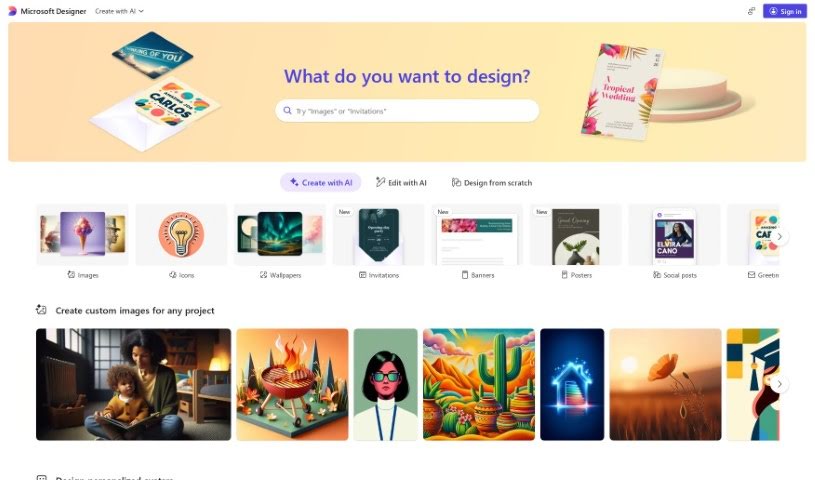
Microsoft Designer is a suite of design tools from Microsoft that helps users create polished graphics, presentations, and social media content.
Microsoft Designer is a collection of design tools that help you create polished content across Microsoft apps. The suite includes several components:
The goal is to make design accessible for everyone using Microsoft apps, so you can produce quality materials without a steep learning curve.
Microsoft Designer was developed by Microsoft Corporation, founded in 1975 by Bill Gates and Paul Allen. Headquartered in Redmond, Washington, Microsoft produces software, hardware, and services worldwide.
It suits both beginners and experienced designers, helping speed up the design process while producing quality results.
Typical users include graphic designers, marketing specialists, content creators, educators, business analysts, event planners, social media managers, project managers, public relations professionals, and web designers.
Related
Discover more tools in similar categories
Weekly picks of the best AI tools we've researched and added — no spam, unsubscribe anytime.
Join 25,000+ AI enthusiasts. No spam, unsubscribe anytime.