AI Tools for Design

Discover the best Design AI tools to enhance your productivity and creativity.

Page 5 of 19 • 227 total tools

Designing visuals used to be something only artists or those with advanced software skills could do. But AI design generators are changing all that for everyone. Now, creating amazing graphics, logos, and layouts can be as simple as typing in a prompt.

These tools have gotten really good, really fast, making design more accessible and way less time-consuming. You no longer have to struggle with complicated software or spend hours perfecting an idea. With just a few clicks, you can generate professional-looking designs.

After spending weeks exploring and testing a bunch of AI design generators, I’ve put together a list of the best ones out there right now. Whether you’re looking for easy-to-use apps or powerful tools for experienced designers, there’s something here for you.

So, if you want to jazz up your social media posts or need eye-catching marketing materials, this guide will help you find the right AI design assistant to make your visuals stand out. Let’s dive in and see what the future of design looks like!

The Best AI Design Generators

  1. Canva for easily creating social media graphics.
  2. Ideogram for custom logo creation for brands.
  3. Renderforest for custom logo design for startups.
  4. BeFunky for effortlessly creating custom graphics.
  5. Icons8 for generating unique design templates.
  6. Microsoft Designer for quickly generating unique social media graphics.
  7. Imagine AI Art Generator for designing prototypes for branding.
  8. Meshy for rapid 3D design creation from prompts.
  9. Kittl for creating custom logos in seconds.
  10. Shakker AI for dynamic logo creation for brands.
  11. Stylar for instantly generating unique art styles.
  12. Tripo AI for creating custom product prototypes.
  13. Homestyler for creating custom room layouts and styles.
  14. Phot Ai for dynamic vector art creation from prompts.
  15. Designs AI for instant graphic design for social media.

How Do AI Design Generators Work?

AI design generators use advanced algorithms and huge datasets to create visual content. Basically, they use deep learning and neural networks to understand your input and then create new images, graphics, or designs. These generators often rely on convolutional neural networks (CNNs), which are great at processing visual information.

To get designs made, users usually give prompts – think keywords or style preferences. The AI then looks at existing design elements like colors, patterns, and shapes to create something unique and relevant. This ability to learn from countless designs means the AI can copy different styles and adapt to various aesthetics.

Many design generators are built using pre-trained models that have processed large databases of artwork, photos, and design templates. By learning from all this visual information, the AI can spot patterns and understand what makes a design appealing. It then uses this knowledge to create new pieces.

It’s important to remember that while AI design tools can produce striking results, they still need human input. Users have to choose the right input, refine their prompts, and pick the results that best match their vision. Ultimately, these tools act as collaborators, enhancing the creative process instead of completely replacing human designers.

If you’re curious to explore this technology more, lots of platforms let you try out AI design tools yourself. You can see how they turn simple ideas into compelling visuals. As technology keeps advancing, the possibilities for AI in design keep growing, pushing what we can do.

Our Best AI Design Generators at a Glance

RankNameBest ForPlans and PricingRating
1CanvaCreating social media graphics easily.N/A4.73 (11 reviews)
2IdeogramCustom logo creation for brands.N/A4.85 (26 reviews)
3RenderforestCustom logo design for startups.N/A4.50 (14 reviews)
4BeFunkyEffortlessly create custom graphics.Paid plans start at $83.88/year.4.69 (13 reviews)
5Icons8Generate unique design templates.N/A3.64 (11 reviews)
6Microsoft DesignerQuickly generate unique social media graphics.N/A4.64 (11 reviews)
7Imagine AI Art GeneratorDesign prototypes for branding.N/A4.80 (5 reviews)
8MeshyRapid 3D design creation from prompts.Paid plans start at $1.60/100 credits (billed yearly).4.58 (12 reviews)
9KittlCreate custom logos in seconds.Paid plans start at $120/annually.4.80 (10 reviews)
10Shakker AIDynamic logo creation for brands.N/A4.67 (21 reviews)
11StylarInstantly generate unique art styles.Paid plans start at $50/month.4.11 (9 reviews)
12Tripo AICreating custom product prototypes.N/A4.42 (12 reviews)
13HomestylerCustom room layouts and styles creation.Paid plans start at $9.9/month.4.77 (13 reviews)
14Phot AiDynamic vector art creation from prompts.N/A4.77 (13 reviews)
15Designs AIInstant graphic design for social media.N/A4.27 (11 reviews)
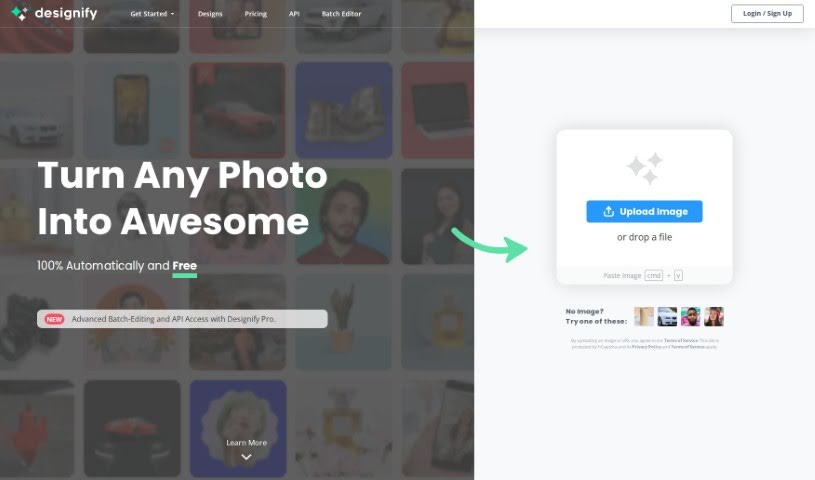
Screenshot of Designify

Designify

Freemium

Designify is a really handy platform that offers a bunch of design tools, all aimed at making your design process smoother and quicker. One of its standout features is the "Smart Editor." Think of it as your personal design assistant; it lets you easily tweak designs by adding your logo, other pictures, adjusting shadows, or even automatically matching colors to your brand. When you sign up, you can save all your creations, which is super useful for speeding up your editing workflow. Plus, Designify really simplifies editing photos by automating a lot of the heavy lifting, meaning you can process tons of images without breaking a sweat. Whether you're customizing a design or batch-editing photos, Designify offers a user-friendly interface that makes the whole experience feel natural and easy.

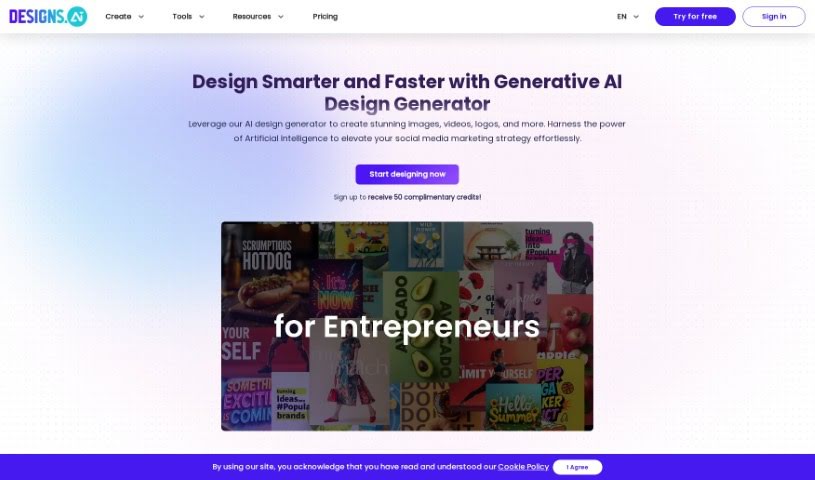
Screenshot of Designs AI

Designs AI

Freemium

Designs AI is an online platform built to bring your imagination to life using artificial intelligence. It offers a collection of tools powered by its own AI technology, making design accessible to absolutely everyone. With Designs AI, you can whip up eye-catching graphics, engaging videos, custom logos, and smart mockups in under two minutes – seriously, no prior design experience needed! Plus, the platform makes it easy for teams to work together and keeps your brand assets handy, so creating across different projects feels super smooth.

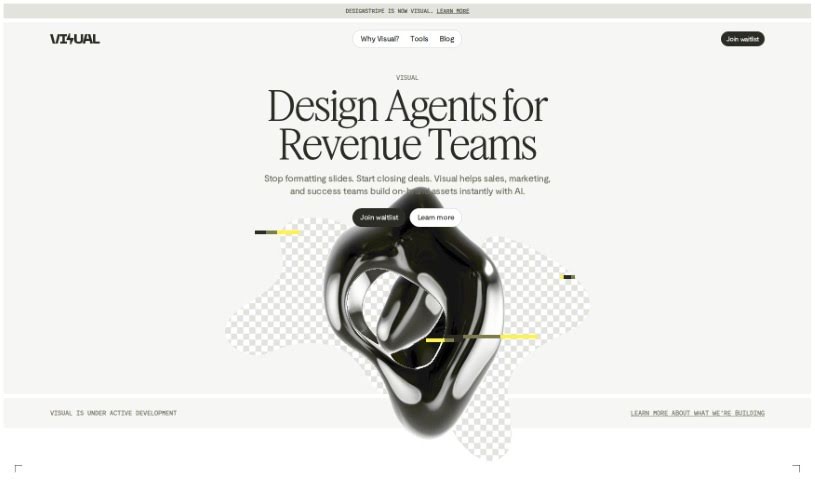
Screenshot of DesignStripe

DesignStripe

Freemium

Designstripe's AI Holiday Cards feature is a platform that uses AI technology to help you create personalized and really nice-looking holiday cards. You can choose from lots of different templates for various occasions, and it's easy to add your own messages, photos, and custom designs. The site has smart AI tools that can suggest design ideas based on what you like and show you a live preview as you work. This makes creating unique holiday cards much simpler, so you don't have to sift through generic options in stores. Plus, Designstripe offers online printing and delivery, making it super convenient to send out those special cards to friends and family.

Screenshot of DesignStripe AI Cards

DesignStripe AI Cards

Freemium

AI Cards is your go-to platform for creating content that's not just visually appealing, but also interactive and engaging. It's powered by AI, meaning it helps you whip up all sorts of personalized content – like cards, posters, and social media graphics – using a bunch of pre-designed templates. The AI handles a lot of the heavy lifting in the creation process, making it super efficient and easy to use, even if you're not a design whiz. It's a fantastic tool for anyone, whether you're an individual or a business, who needs to quickly produce eye-catching materials for any occasion. The interface is really straightforward, and the AI technology makes creating custom graphics a breeze.

Screenshot of Diagramgpt

Diagramgpt

Freemium

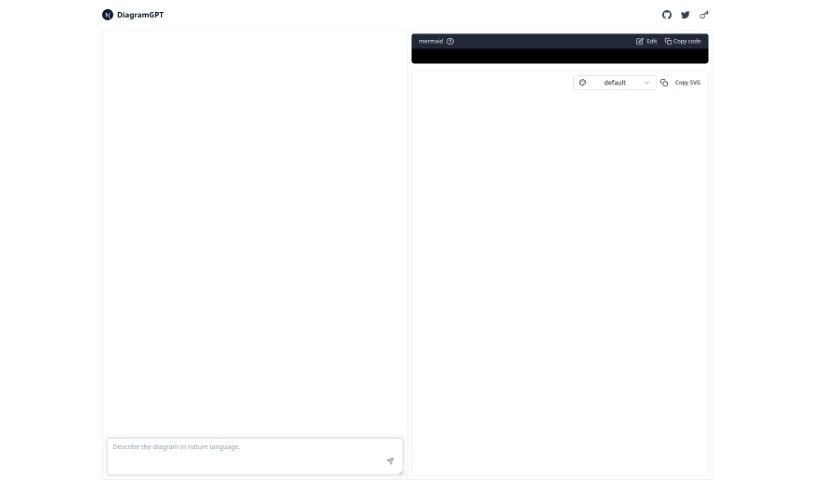
DiagramGPT is a really smart AI tool that helps you create all sorts of diagrams just by typing what you need. Think flowcharts, sequence diagrams, class diagrams, user journey maps, Gantt charts, and even C4C diagrams – it handles them all! It's designed to be super user-friendly, and you can easily share your creations or collaborate with others thanks to its integrations with GitHub and Twitter. Plus, you can tweak and customize your diagrams using the handy Mermaid Editor.

Screenshot of Dipickt

Dipickt

Freemium

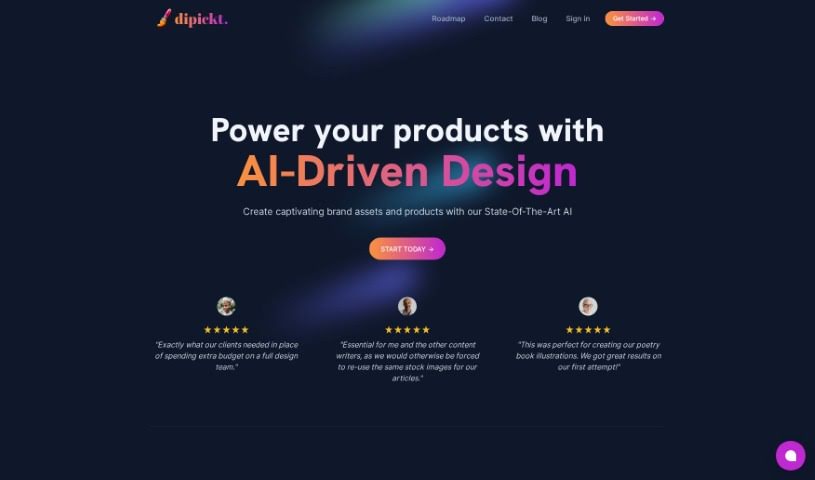
Dipickt is your personal AI design assistant. It's a platform built to help you create all sorts of branding materials – like logos, illustrations, and icons – just by typing in a description. Whether you need a logo for your new company or a specific illustration, you can simply describe it, and Dipickt will whip up a variety of options for you. You're not stuck with the first thing it generates, either. You can tweak the logos and illustrations by picking different styles and colors. Plus, it has built-in image editing tools to fine-tune your creations. The best part? Each design is unique, made just for your business, and you can use them commercially without any hassle. For a single payment of $59, you get unlimited access, and they even throw in a welcome package filled with logos, icons, and illustrations specifically chosen for your business.

Screenshot of Domsy.io

Domsy.io

Freemium

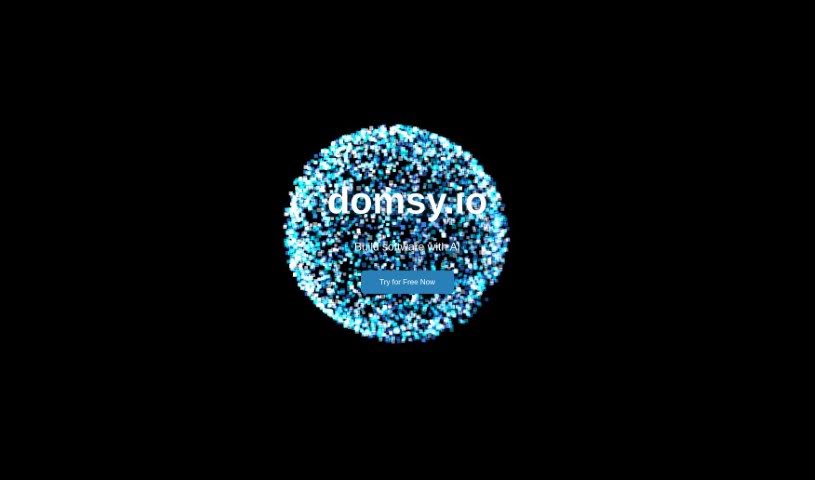
Domsy.io is a smart AI tool that helps you turn your creative ideas into actual designs. What makes it different from other design software is how it uses artificial intelligence to make the whole design process simpler and better, no matter your skill level. It's built to be really easy to use, so you don't need any special skills or background knowledge to get started. This means both beginners and experienced folks can use it to speed up designing and prototyping without needing to be tech wizards.

Screenshot of Draw Things

Draw Things

Freemium

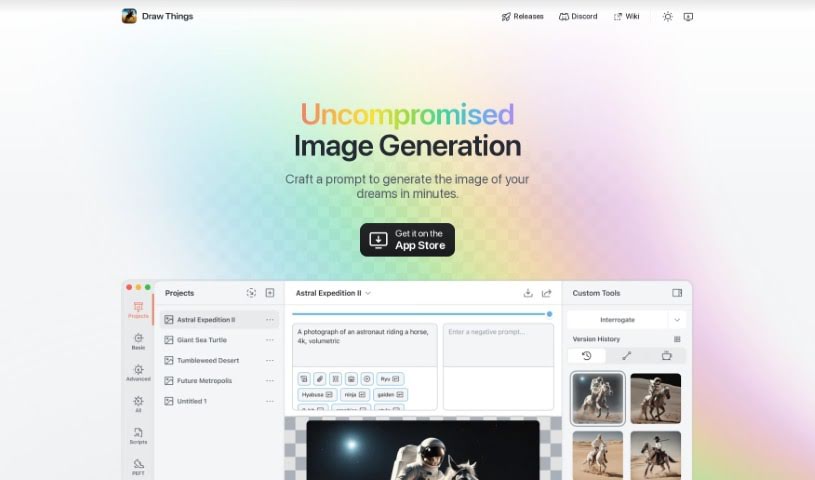
Draw Things is a really neat, free app that lets you create AI-generated images right on your phone, and the best part? It works offline! It uses Stable Diffusion models, which means it can whip up all sorts of cool pictures based on whatever you can imagine, and it does it pretty quickly. Before you download it, though, it's a good idea to check if your device is on the supported list – you can usually find that on their homepage. The app comes with a bunch of different models, so you can create images that look like anime, paintings, sketches, and lots of other styles.

Screenshot of Drawanything

Drawanything

Freemium

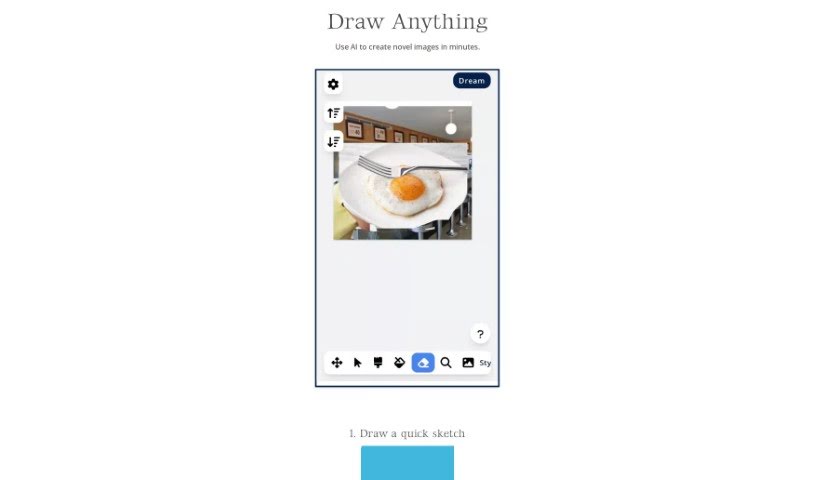
Drawanything is a really handy online platform where you can create all sorts of custom graphics and designs. It's super easy to generate unique images, logos, and illustrations that fit exactly what you need, thanks to its straightforward tools and features. Whether you're designing a logo for your business or just want to make some personal art, Drawanything offers a user-friendly experience for anyone looking to get creative. With plenty of options to customize and templates to get you started, it's a great resource for both beginners and experienced designers who need graphic design help.

Screenshot of Dream3D

Dream3D

Freemium

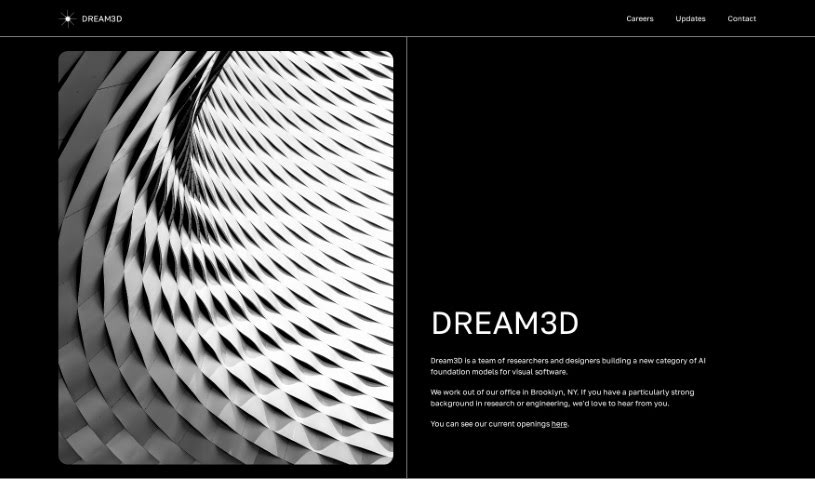
Dream3D is a really neat AI tool that helps you create and render 3D visuals. What's great about it is its super intuitive interface, meaning you don't need to be a seasoned pro to make studio-quality 3D graphics. It's all about letting your creativity flow, so you can really explore and design unique 3D scenes. Whether you're an artist, a designer, or just someone who loves to create, Dream3D aims to be super user-friendly. It really sets itself apart from other tools by focusing on making interaction simple and using AI to make the whole process smoother. The folks behind Dream3D are Tony Francis and Justin Woodbridge. Tony was previously involved with a company called Inokyo, and Justin helped start Bayes.

Screenshot of Dreamspace.art

Dreamspace.art

Freemium

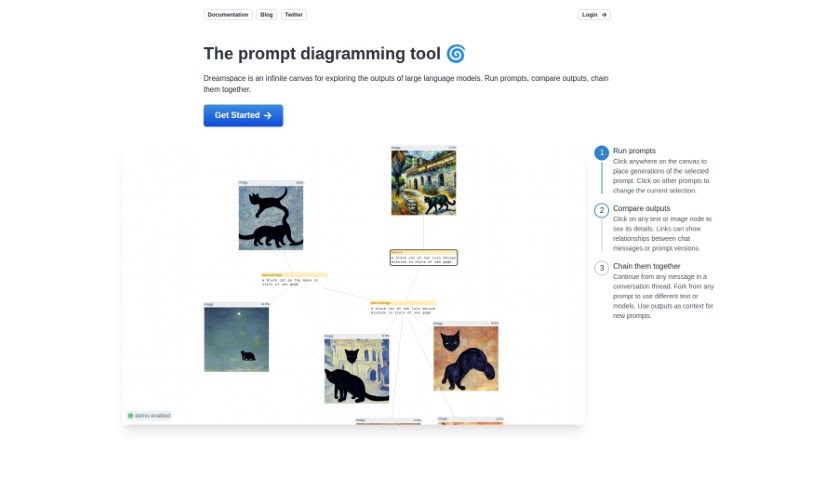
DreamSpace.art is a really neat tool that lets you bring your ideas to life visually. It is a way to create and tweak images by building diagrams using nodes and edges. You can interact with it using keyboard shortcuts to select these nodes and edges, change how big your diagrams are, and even pick different modes like 'Loosely Follow Prompt' or 'Exactly Follow Prompt' to adjust how challenging the process is. There are also handy Start and Back buttons for specific actions. To use DreamSpace.art, you'll need to be logged in. It also lets you undo your actions and move nodes around freely, which is super helpful. While they don't go into super deep detail on every single guidance point, there are various diagram modes available to help you manage the difficulty. The whole idea is to make it easy to use, so you don't need any special background knowledge to get started.

Screenshot of Droplette

Droplette

Freemium

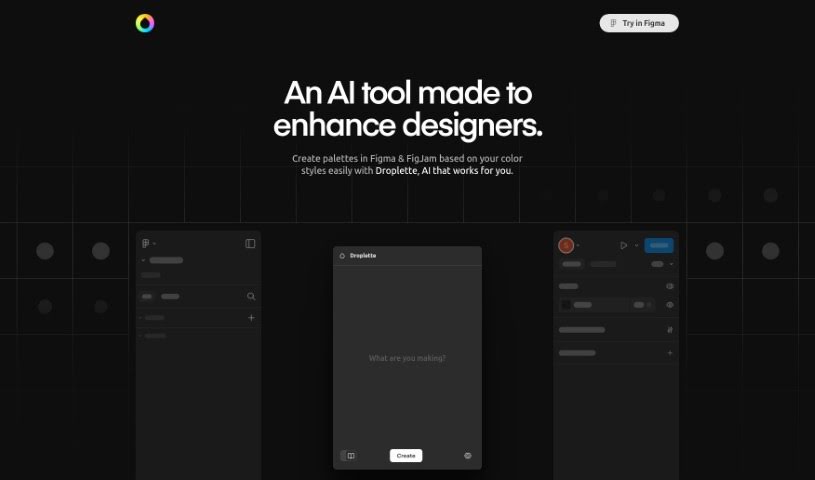
Droplette is a smart AI tool that helps you generate color palettes, and it works right inside Figma, a really popular design program. It's built to make the creative process smoother for designers by offering custom, AI-driven color schemes. With Droplette, you can easily create palettes in Figma that match your preferred color styles. All you need to do is connect your Figma color system to Droplette. This connection lets you generate color harmonies that really fit your unique design look. It promises to make designers' workflows more productive and enjoyable. While we don't have all the specifics yet, like pricing or supported languages, Droplette is shaping up to be a fantastic tool for designers who want to create beautiful, personalized color palettes quickly.

Stay Updated with AI Tools

Get weekly updates on the latest AI tools, trends, and insights delivered to your inbox

Join 25,000+ AI enthusiasts. No spam, unsubscribe anytime.