AI Tools for Design

Discover the best Design AI tools to enhance your productivity and creativity.

Page 4 of 19 • 227 total tools

Designing visuals used to be something only artists or those with advanced software skills could do. But AI design generators are changing all that for everyone. Now, creating amazing graphics, logos, and layouts can be as simple as typing in a prompt.

These tools have gotten really good, really fast, making design more accessible and way less time-consuming. You no longer have to struggle with complicated software or spend hours perfecting an idea. With just a few clicks, you can generate professional-looking designs.

After spending weeks exploring and testing a bunch of AI design generators, I’ve put together a list of the best ones out there right now. Whether you’re looking for easy-to-use apps or powerful tools for experienced designers, there’s something here for you.

So, if you want to jazz up your social media posts or need eye-catching marketing materials, this guide will help you find the right AI design assistant to make your visuals stand out. Let’s dive in and see what the future of design looks like!

The Best AI Design Generators

  1. Canva for easily creating social media graphics.
  2. Ideogram for custom logo creation for brands.
  3. Renderforest for custom logo design for startups.
  4. BeFunky for effortlessly creating custom graphics.
  5. Icons8 for generating unique design templates.
  6. Microsoft Designer for quickly generating unique social media graphics.
  7. Imagine AI Art Generator for designing prototypes for branding.
  8. Meshy for rapid 3D design creation from prompts.
  9. Kittl for creating custom logos in seconds.
  10. Shakker AI for dynamic logo creation for brands.
  11. Stylar for instantly generating unique art styles.
  12. Tripo AI for creating custom product prototypes.
  13. Homestyler for creating custom room layouts and styles.
  14. Phot Ai for dynamic vector art creation from prompts.
  15. Designs AI for instant graphic design for social media.

How Do AI Design Generators Work?

AI design generators use advanced algorithms and huge datasets to create visual content. Basically, they use deep learning and neural networks to understand your input and then create new images, graphics, or designs. These generators often rely on convolutional neural networks (CNNs), which are great at processing visual information.

To get designs made, users usually give prompts – think keywords or style preferences. The AI then looks at existing design elements like colors, patterns, and shapes to create something unique and relevant. This ability to learn from countless designs means the AI can copy different styles and adapt to various aesthetics.

Many design generators are built using pre-trained models that have processed large databases of artwork, photos, and design templates. By learning from all this visual information, the AI can spot patterns and understand what makes a design appealing. It then uses this knowledge to create new pieces.

It’s important to remember that while AI design tools can produce striking results, they still need human input. Users have to choose the right input, refine their prompts, and pick the results that best match their vision. Ultimately, these tools act as collaborators, enhancing the creative process instead of completely replacing human designers.

If you’re curious to explore this technology more, lots of platforms let you try out AI design tools yourself. You can see how they turn simple ideas into compelling visuals. As technology keeps advancing, the possibilities for AI in design keep growing, pushing what we can do.

Our Best AI Design Generators at a Glance

RankNameBest ForPlans and PricingRating
1CanvaCreating social media graphics easily.N/A4.73 (11 reviews)
2IdeogramCustom logo creation for brands.N/A4.85 (26 reviews)
3RenderforestCustom logo design for startups.N/A4.50 (14 reviews)
4BeFunkyEffortlessly create custom graphics.Paid plans start at $83.88/year.4.69 (13 reviews)
5Icons8Generate unique design templates.N/A3.64 (11 reviews)
6Microsoft DesignerQuickly generate unique social media graphics.N/A4.64 (11 reviews)
7Imagine AI Art GeneratorDesign prototypes for branding.N/A4.80 (5 reviews)
8MeshyRapid 3D design creation from prompts.Paid plans start at $1.60/100 credits (billed yearly).4.58 (12 reviews)
9KittlCreate custom logos in seconds.Paid plans start at $120/annually.4.80 (10 reviews)
10Shakker AIDynamic logo creation for brands.N/A4.67 (21 reviews)
11StylarInstantly generate unique art styles.Paid plans start at $50/month.4.11 (9 reviews)
12Tripo AICreating custom product prototypes.N/A4.42 (12 reviews)
13HomestylerCustom room layouts and styles creation.Paid plans start at $9.9/month.4.77 (13 reviews)
14Phot AiDynamic vector art creation from prompts.N/A4.77 (13 reviews)
15Designs AIInstant graphic design for social media.N/A4.27 (11 reviews)
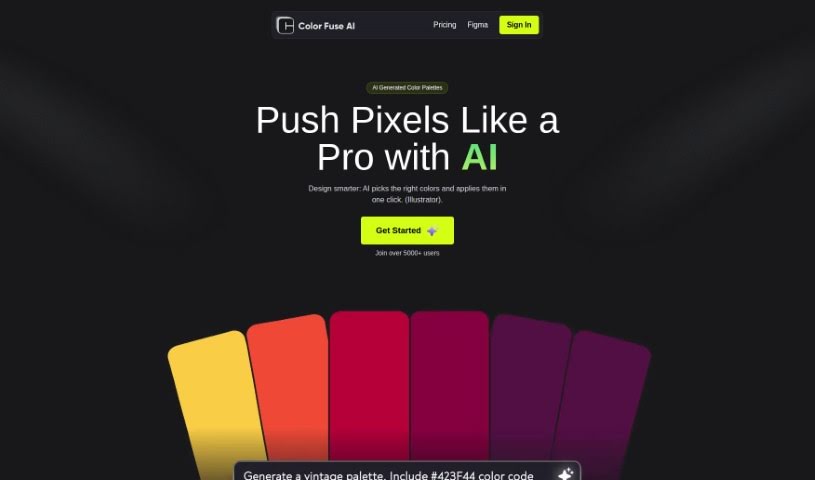
Screenshot of Color Fuse AI

Color Fuse AI

Freemium

Color Fuse AI is a handy tool designed to make your design projects shine. It uses artificial intelligence to suggest and apply color palettes with just a single click, right inside popular design software like Illustrator and Photoshop. It is your AI color assistant! You can get AI-generated color schemes, tweak them how you like, chat with a helpful AI chatbot for support, and even save your favorite palettes to use later, from anywhere. The whole idea is to speed up how you pick colors, so you don't have to spend ages sifting through endless options or get stuck wondering which colors work best together. Color Fuse AI is available in both a free version and a pro subscription, with the pro option giving you even more cool features.

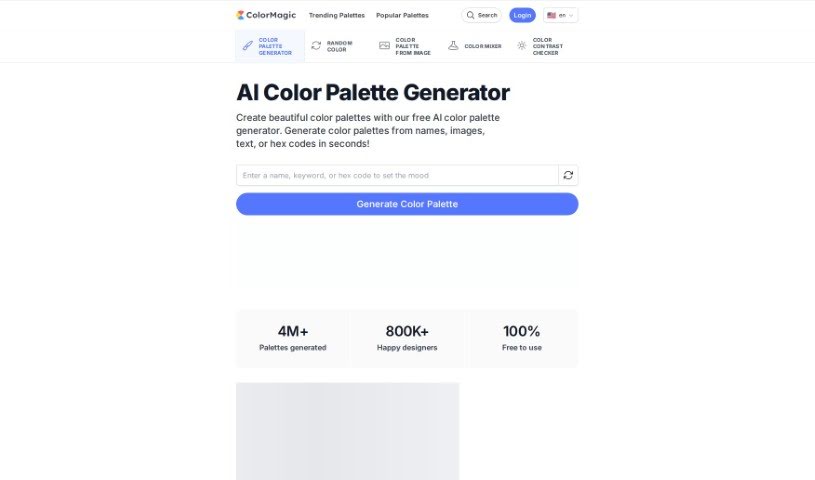
Screenshot of ColorMagic

ColorMagic

Freemium

ColorMagic is a really neat AI tool that helps you create gorgeous color palettes without any fuss. If you're an artist, a designer, or just want to make your projects pop with colors that just work together, ColorMagic is a fantastic choice. You can type in a keyword or even upload a picture that has the colors you're dreaming of, and the tool will whip up a palette that matches your vision. It's super easy to use, letting you create and tweak palettes quickly, which makes it a go-to resource for anyone needing color inspiration. Plus, they've got clear terms of use and a privacy policy available in several languages, including English and 日本語.

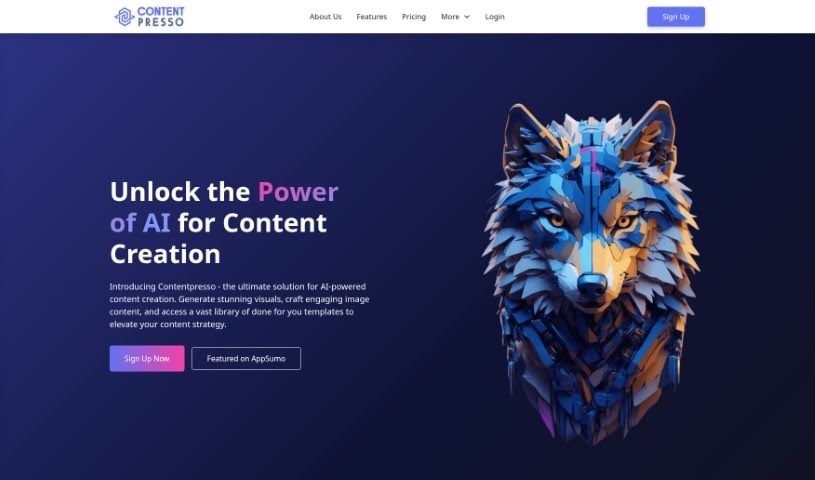
Screenshot of Contentpresso

Contentpresso

Freemium

Contentpresso is a really smart platform that uses AI to help you create great images and find content. It is a two-in-one tool: it can generate eye-catching graphics for you, and it also gives you access to a huge library of content. This means you can easily make high-quality visuals that are perfect for whatever you need. The AI helps create these graphics based on what's on your website, and you also get a massive collection of Canva templates you can easily tweak. You can then customize everything to match your brand and who you're trying to reach, which saves a ton of time and effort on making content. Basically, Contentpresso is designed to make your business run smoother by giving you awesome graphics, templates you can play with, and AI to help create it all.

Screenshot of Controlmeme

Controlmeme

Freemium

ControlMeme is a fantastic online platform designed to help you create your own personalized memes with total ease. It's a user-friendly meme generator that actually uses Stable Diffusion ControlNet technology to produce really high-quality results. With ControlMeme, anyone who loves memes can whip up engaging and funny content without spending a dime. Plus, you can share what you make with the rest of the ControlMeme community. The site has a huge library of meme templates covering all sorts of genres and styles, which is perfect for social media folks or anyone who just wants to add a bit of humor to their online life. Some of the best parts are that it's free to generate memes, you can connect with others, it's super easy to use, offers lots of different meme styles, and you don't even need to sign up to start creating and sharing right away.

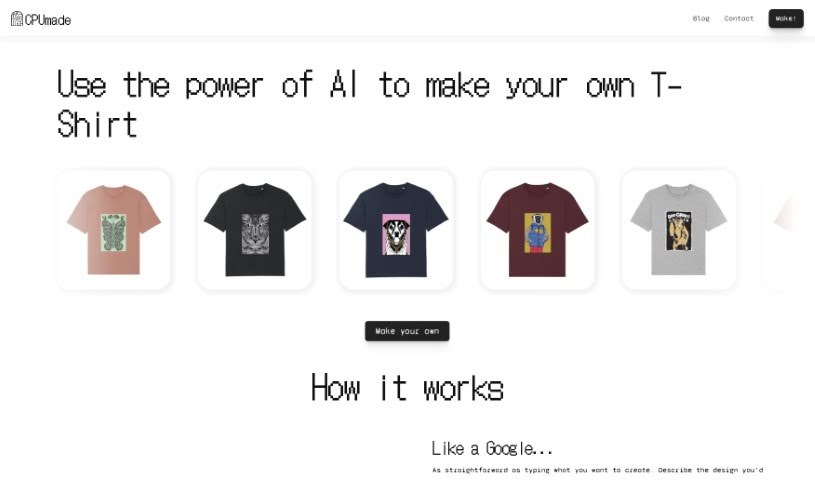
Screenshot of CPUmade

CPUmade

Freemium

CPUmade is a really neat platform that uses artificial intelligence to make designing and creating your own custom t-shirts super easy. You just describe the design you're picturing, and CPUmade's AI model whips up a personalized t-shirt design just for you. After that, you can pick your t-shirt color and size, and then add it to your cart to buy. It's pretty straightforward!

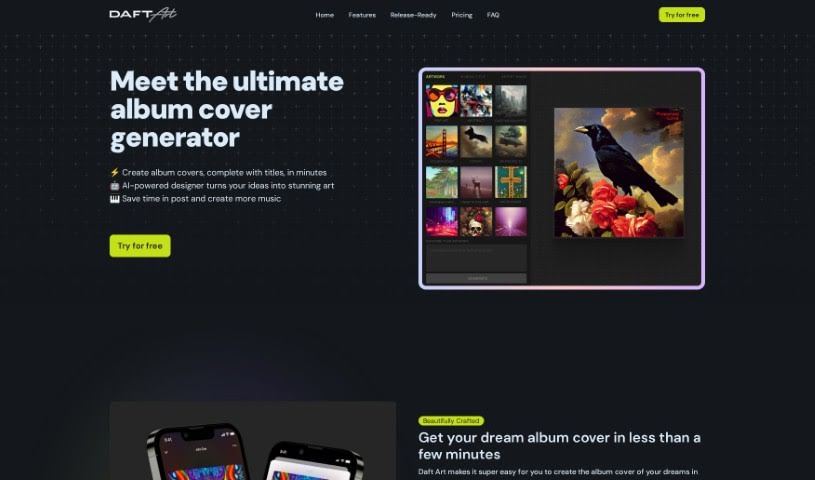
Screenshot of Daft Art

Daft Art

Freemium

Daft Art is a really cool platform built for musicians, producers, bands, podcasters, and artists. It helps you create album and track covers using AI. You can pick a style you like, describe the artwork you're imagining, add your album or track title, and then download the finished art. Just so you know, Daft Art isn't free; you'll need to get on the Pro plan. It costs $9.97 for a 7-day pass or $24.97 for a 30-day pass to get all the features. The best part? You keep all the rights to the artwork you create on the platform. Thanks to advances in AI image generation, Daft Art offers high-quality art creation at prices that are easy on the wallet. If you have any feedback or need support, you can always reach out to them via email at [[email protected]](/cdn-cgi/l/email-protection#750c1a35111413011407015b141c).

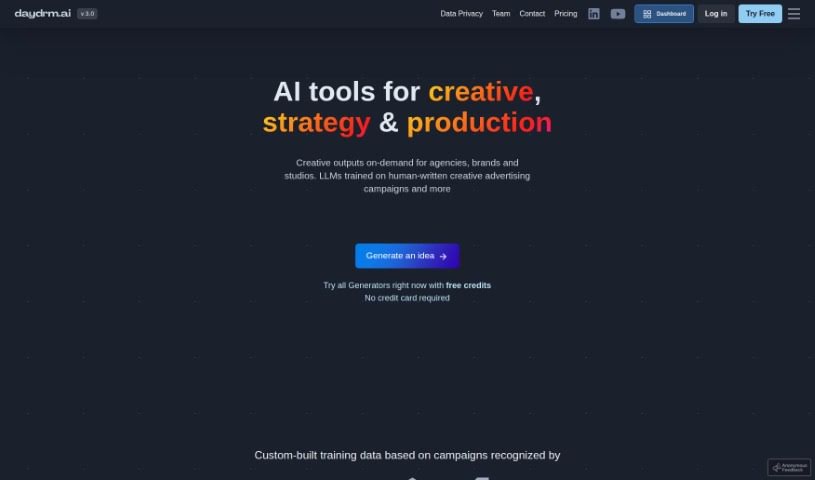
Screenshot of Daydrm.ai

Daydrm.ai

Freemium

Daydrm.ai is an AI-powered creative tool designed to help you brainstorm and develop creative ideas and concepts. It is your personal creative partner, working with you through a natural chat interface to spark new thinking. It's great for generating all sorts of creative formats, whether you're thinking about experiential events, interactive campaigns, or social media content. Importantly, you own everything you create with Daydrm.ai; the tool doesn't claim any rights to your ideas.

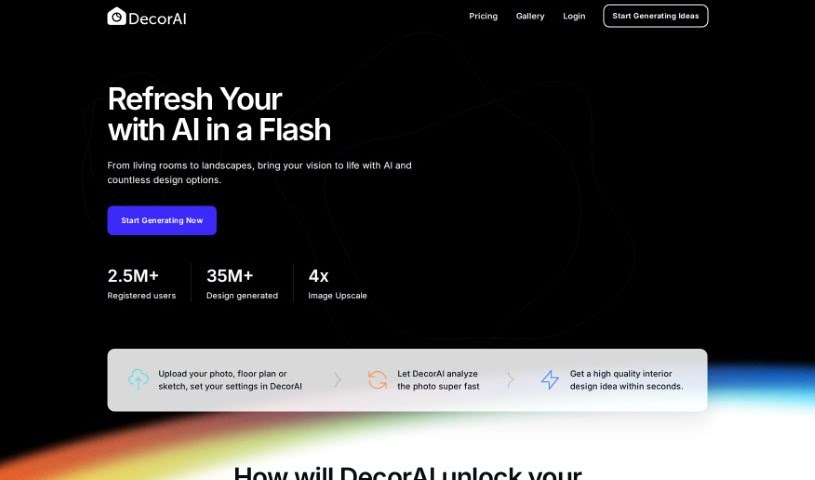
Screenshot of DecorAI

DecorAI

Freemium

DecorAI is a smart AI platform built specifically for interior designers. It is a way to save time and money while getting a ton of design options. It lets you create personalized mood boards, turn your sketches into realistic photos with just one click, and explore different room styles for all sorts of occasions. Essentially, DecorAI is here to boost your creativity and resourcefulness, helping you come up with unique and efficient design concepts. You can quickly generate custom layouts, browse through various room styles, and really wow your clients with bespoke mood boards and designs.

Screenshot of Deflamel

Deflamel

Freemium

Deflamel is a platform that uses smart, AI-powered design solutions to make creating designs much simpler for everyone, whether you're an individual or a business. You just describe what you want in text, and the AI figures out your mood and generates designs that match it. It's packed with helpful features like neural style transfer, font suggestions, color ideas, and lots of different design options to really boost your creative process. Deflamel is designed to be super easy to use, so you don't need any fancy graphic design software skills to create professional-looking designs quickly. Plus, they really stand behind their work, promising unlimited file revisions and letting you pay only when you're completely happy with the final result.

Screenshot of Design Buddy

Design Buddy

Freemium

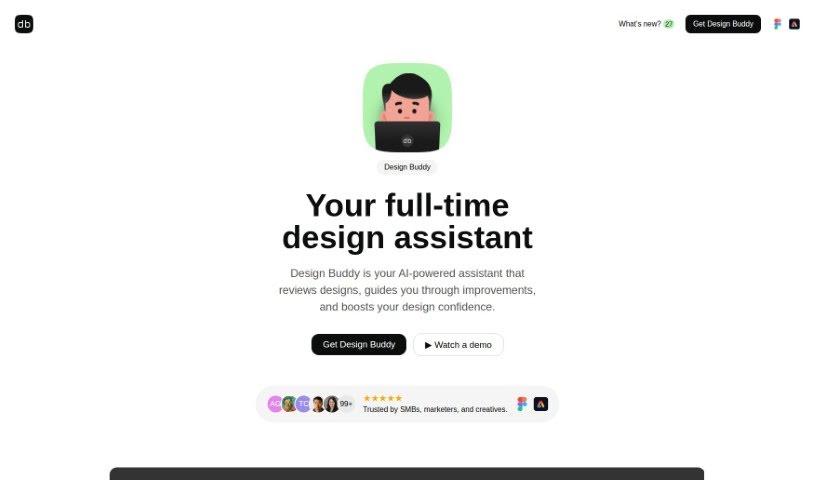
Design Buddy is your AI design assistant, built right into Figma and Adobe Express. It's a plugin that gives you structured feedback on your user interface designs. It looks at things like your layout, color choices, typography, and even how accessible your design is for everyone. It then gives each of these areas an objective score, helping you spot any design mistakes or areas where you could make improvements. Design Buddy works on a subscription basis, with different plans that give you a certain number of reviews each month. The goal is to make your design process smoother, cut down on those annoying revision cycles, and give you more confidence in your work.

Screenshot of Design Sparks

Design Sparks

Freemium

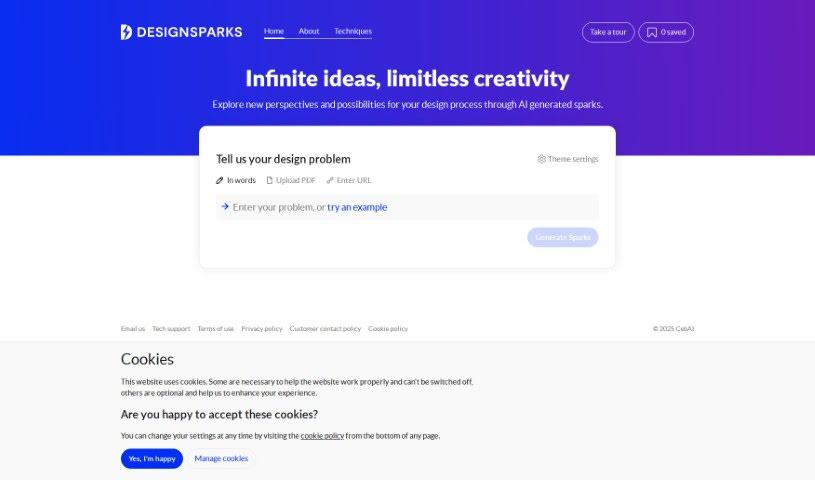
Design Sparks is a web application that uses AI to help you come up with and explore design ideas. It combines creative problem-solving methods with artificial intelligence, aiming to boost your creativity and improve your productivity, competitiveness, and critical thinking skills. You can give it your design problems or ideas by typing them out, pasting a link, or even uploading a PDF. This tool is really designed to help designers during the ideation phase, and it also lets you save ideas for later and tweak how it explores different themes.

Screenshot of Designedbyai

Designedbyai

Freemium

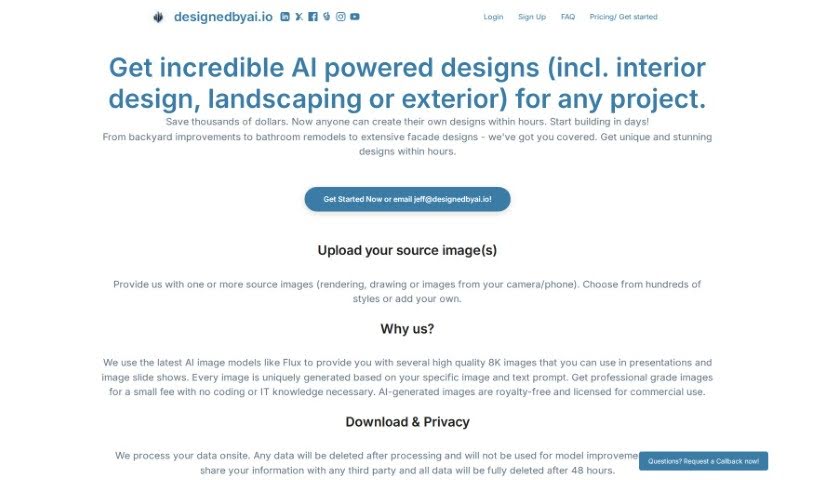
Designedbyai is a platform that offers AI-powered design solutions for a whole range of projects. Think interior design, landscaping, and even exterior design. The cool part? You can whip up your own designs super fast and without breaking the bank. Just upload your existing images, and you'll get back stunning, high-quality 8K images. They're really big on privacy too, saying all your data stays on-site, gets deleted after processing, and isn't shared with anyone else. People who've used it often mention how easy it is and how it helps them actually see their architectural ideas come to life.

Stay Updated with AI Tools

Get weekly updates on the latest AI tools, trends, and insights delivered to your inbox

Join 25,000+ AI enthusiasts. No spam, unsubscribe anytime.