AI Tools for Design

Discover the best Design AI tools to enhance your productivity and creativity.

Page 3 of 19 • 227 total tools

Designing visuals used to be something only artists or those with advanced software skills could do. But AI design generators are changing all that for everyone. Now, creating amazing graphics, logos, and layouts can be as simple as typing in a prompt.

These tools have gotten really good, really fast, making design more accessible and way less time-consuming. You no longer have to struggle with complicated software or spend hours perfecting an idea. With just a few clicks, you can generate professional-looking designs.

After spending weeks exploring and testing a bunch of AI design generators, I’ve put together a list of the best ones out there right now. Whether you’re looking for easy-to-use apps or powerful tools for experienced designers, there’s something here for you.

So, if you want to jazz up your social media posts or need eye-catching marketing materials, this guide will help you find the right AI design assistant to make your visuals stand out. Let’s dive in and see what the future of design looks like!

The Best AI Design Generators

  1. Canva for easily creating social media graphics.
  2. Ideogram for custom logo creation for brands.
  3. Renderforest for custom logo design for startups.
  4. BeFunky for effortlessly creating custom graphics.
  5. Icons8 for generating unique design templates.
  6. Microsoft Designer for quickly generating unique social media graphics.
  7. Imagine AI Art Generator for designing prototypes for branding.
  8. Meshy for rapid 3D design creation from prompts.
  9. Kittl for creating custom logos in seconds.
  10. Shakker AI for dynamic logo creation for brands.
  11. Stylar for instantly generating unique art styles.
  12. Tripo AI for creating custom product prototypes.
  13. Homestyler for creating custom room layouts and styles.
  14. Phot Ai for dynamic vector art creation from prompts.
  15. Designs AI for instant graphic design for social media.

How Do AI Design Generators Work?

AI design generators use advanced algorithms and huge datasets to create visual content. Basically, they use deep learning and neural networks to understand your input and then create new images, graphics, or designs. These generators often rely on convolutional neural networks (CNNs), which are great at processing visual information.

To get designs made, users usually give prompts – think keywords or style preferences. The AI then looks at existing design elements like colors, patterns, and shapes to create something unique and relevant. This ability to learn from countless designs means the AI can copy different styles and adapt to various aesthetics.

Many design generators are built using pre-trained models that have processed large databases of artwork, photos, and design templates. By learning from all this visual information, the AI can spot patterns and understand what makes a design appealing. It then uses this knowledge to create new pieces.

It’s important to remember that while AI design tools can produce striking results, they still need human input. Users have to choose the right input, refine their prompts, and pick the results that best match their vision. Ultimately, these tools act as collaborators, enhancing the creative process instead of completely replacing human designers.

If you’re curious to explore this technology more, lots of platforms let you try out AI design tools yourself. You can see how they turn simple ideas into compelling visuals. As technology keeps advancing, the possibilities for AI in design keep growing, pushing what we can do.

Our Best AI Design Generators at a Glance

RankNameBest ForPlans and PricingRating
1CanvaCreating social media graphics easily.N/A4.73 (11 reviews)
2IdeogramCustom logo creation for brands.N/A4.85 (26 reviews)
3RenderforestCustom logo design for startups.N/A4.50 (14 reviews)
4BeFunkyEffortlessly create custom graphics.Paid plans start at $83.88/year.4.69 (13 reviews)
5Icons8Generate unique design templates.N/A3.64 (11 reviews)
6Microsoft DesignerQuickly generate unique social media graphics.N/A4.64 (11 reviews)
7Imagine AI Art GeneratorDesign prototypes for branding.N/A4.80 (5 reviews)
8MeshyRapid 3D design creation from prompts.Paid plans start at $1.60/100 credits (billed yearly).4.58 (12 reviews)
9KittlCreate custom logos in seconds.Paid plans start at $120/annually.4.80 (10 reviews)
10Shakker AIDynamic logo creation for brands.N/A4.67 (21 reviews)
11StylarInstantly generate unique art styles.Paid plans start at $50/month.4.11 (9 reviews)
12Tripo AICreating custom product prototypes.N/A4.42 (12 reviews)
13HomestylerCustom room layouts and styles creation.Paid plans start at $9.9/month.4.77 (13 reviews)
14Phot AiDynamic vector art creation from prompts.N/A4.77 (13 reviews)
15Designs AIInstant graphic design for social media.N/A4.27 (11 reviews)
Screenshot of Blend

Blend

Freemium

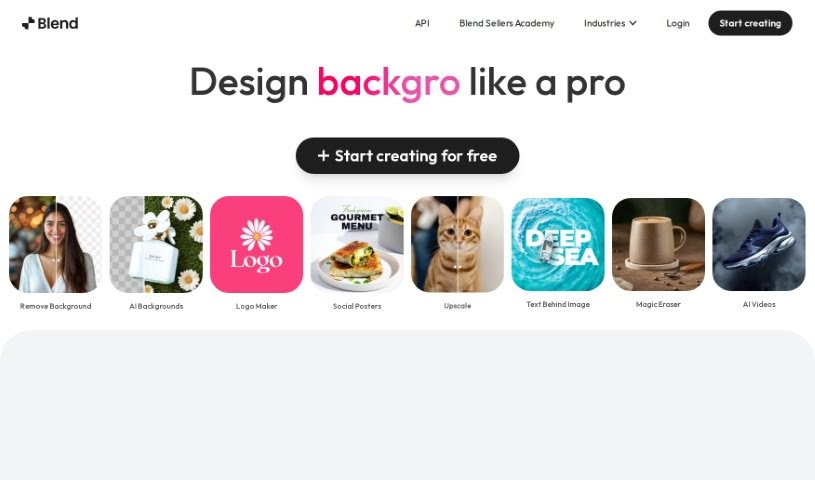
Blend is a really neat tool that uses AI to quickly remove backgrounds from images and make your product photos look amazing. It's designed to make things easy for entrepreneurs who want to boost their sales and improve their online look with professional-quality visuals. You get automatic background removal, the ability to swap out backgrounds, tons of templates, and features specifically for social media graphics and product shots. Plus, it helps optimize your images for search engines, resizes them for different platforms, and even has a 'magic resize' feature.

Screenshot of BlueWillow

BlueWillow

Freemium

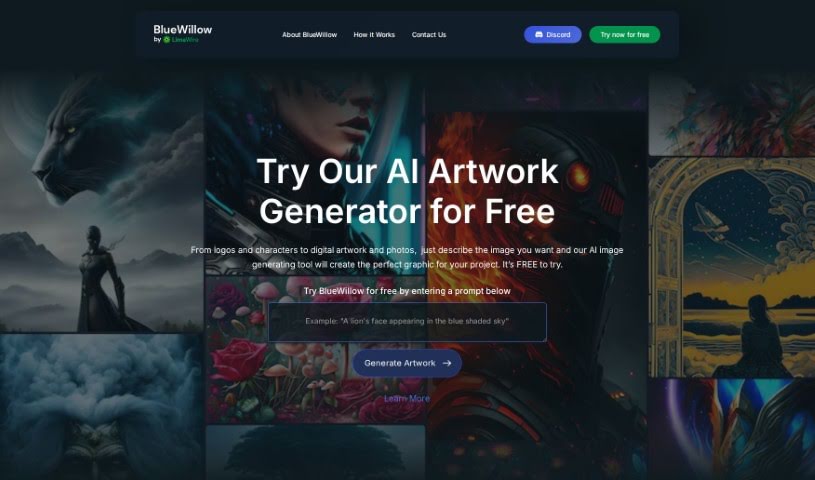
BlueWillow is a really neat AI tool that acts as your own personal AI artwork generator. It makes it super easy for anyone to create logos, graphics, and even photo-realistic images, all just by typing in a prompt. Seriously, its interface is so user-friendly that you don't need any special skills to generate amazing images. You can tweak them, generate them again if they're not quite right, and even share your creations with the BlueWillow community. Plus, if you want to keep up with what's new or get helpful tutorials, you can subscribe to their newsletter.

Screenshot of Bohita

Bohita

Freemium

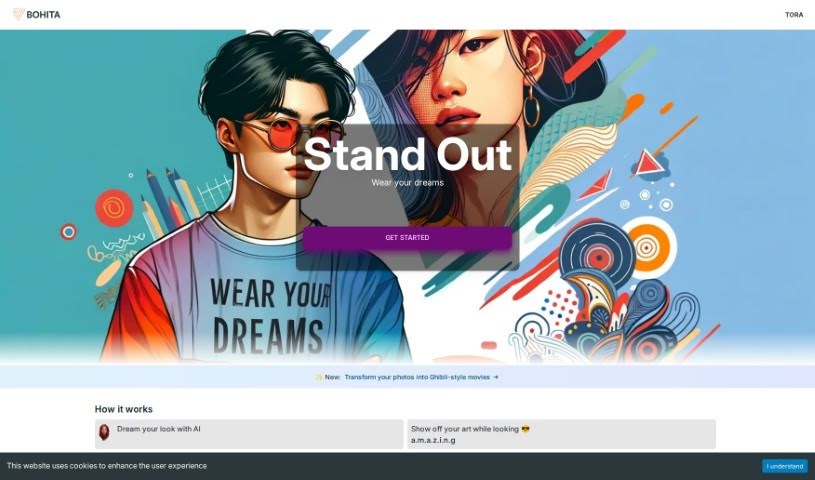
Bohita is a really cool platform that uses advanced AI to help you turn your own ideas and words into unique, stylish clothing designs. The main idea behind Bohita is to give everyone a way to really express their creativity and what makes them unique through personalized clothes. You can actually chat with an AI design buddy, kind of like a creative partner, to explore what you like and then create custom apparel that perfectly matches your personal style and interests. They're serious about using high-quality materials too, so everything feels comfortable, lasts a long time, and fits just right. Bohita wants to help you stand out, show off your individuality, and wear what you love with total confidence and style. It's pretty neat that they were even featured in the Microsoft Keynote 2023 for their innovative approach, and the whole experience is designed to be super easy to use.

Screenshot of Botroast

Botroast

Freemium

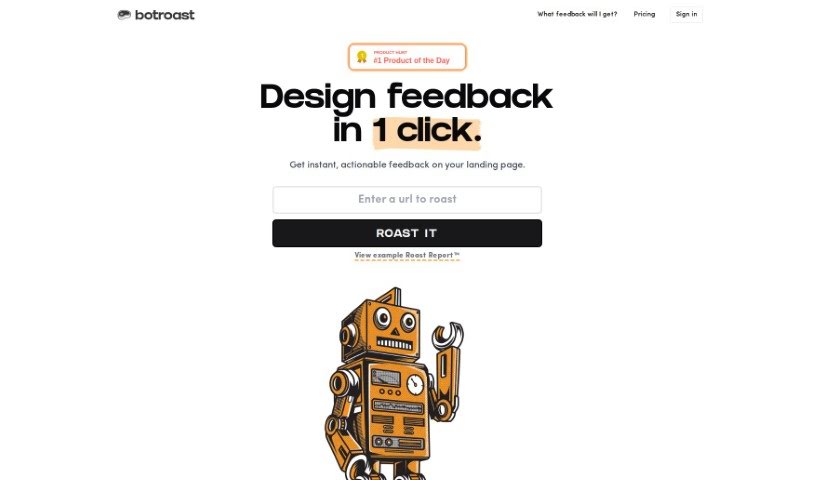
Botroast is a platform built to give users feedback on their designs. It offers a detailed critique through something called the 'Roast Report.' This report dives into many design elements, like the basics of design, how visual elements are arranged, the overall layout, the fonts used, color choices, how depth is created, the design assets themselves, and even the finer details. If you want to focus on specific parts of your design, you can buy 'roast credits' to get a review of those areas. The goal of the Roast Report is to give you practical advice so you can improve your designs on your own, right away. Botroast has different credit packages that fit various project sizes, whether you're working on something small or reviewing your whole portfolio. Prices range from $2.90 to $9 per review.

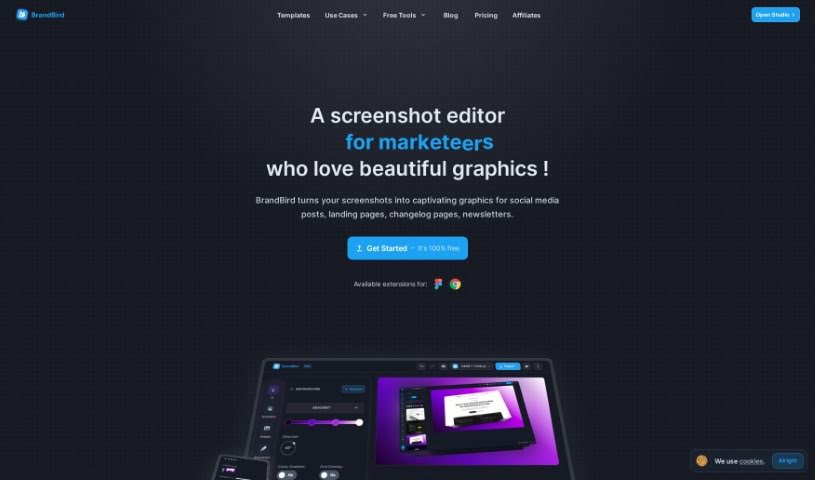
Screenshot of BrandBird

BrandBird

Freemium

BrandBird is a really handy platform, created by Jim Raptis, designed specifically to help SaaS founders easily whip up engaging visuals. Think graphics for product updates, social media posts, and newsletters – all without needing a design background. The whole idea behind BrandBird is to make designing super simple. It offers features that let you quickly create things like screenshot mockups and other graphics. Plus, it's got a super user-friendly interface, works great for all sorts of digital needs, helps boost your brand's look, and delivers professional-quality results. It's even great at turning ordinary images into polished graphics that perfectly match your brand's unique style. People have also really liked its features like 3D effects, smart positioning tools, mockups and frames, annotation layers, different backgrounds, support for social media sizes, and secure ways to handle your data. Users often praise it for how efficient it is, the professional look of the designs it produces, and how easy it is to use.

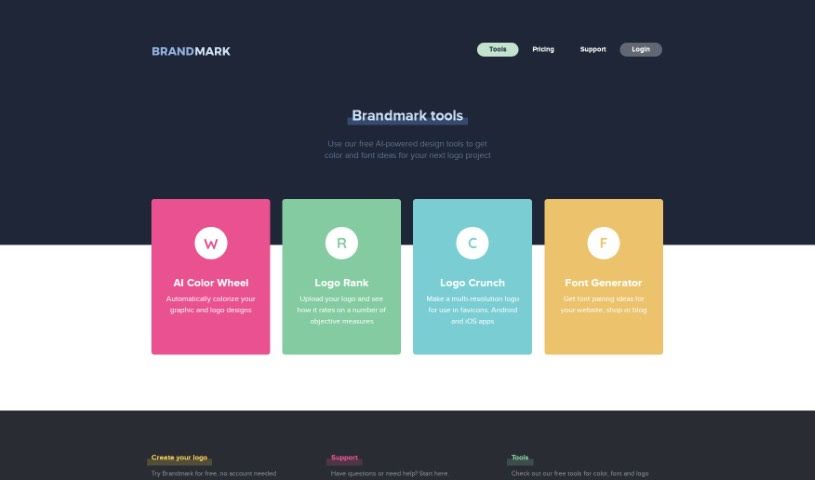
Screenshot of Brandmark Tools

Brandmark Tools

Freemium

BrandMark offers a suite of free design tools that can really help you out. You've got the AI Color Wheel, which automatically suggests color schemes for your graphic designs. Then there's Logo Rank, a neat tool that assesses your logos based on objective standards. Need logos for different places? Logo Crunch helps you create multi-resolution versions for various platforms. And if you're stuck on fonts, the Font Generator can give you great ideas for pairing fonts on your website, online shop, or blog. These tools use AI to make optimizing your design projects simple and efficient. Basically, BrandMark's tools are designed to make the design process smoother and spark your creativity by offering quick, smart solutions for colors, fonts, and logos.

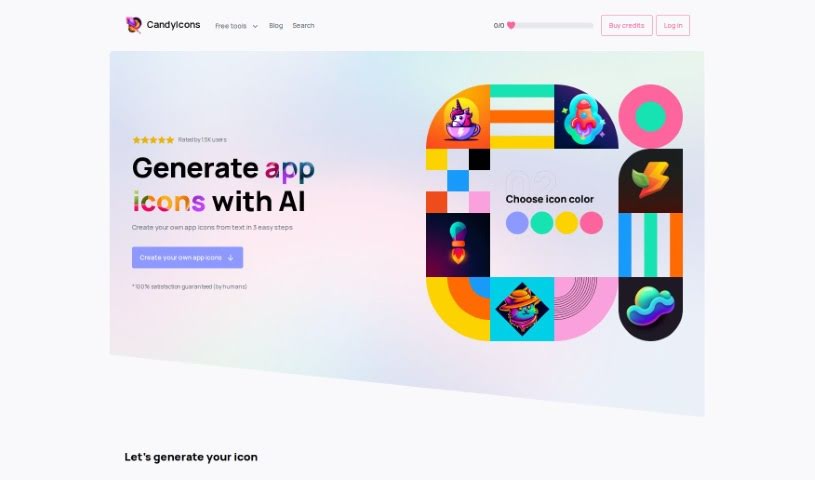
Screenshot of CandyIcons

CandyIcons

Freemium

CandyIcons is a really neat AI design tool that makes it super easy for anyone to create high-quality app icons. You can get a great icon in just three simple steps. Plus, it offers a huge library of pre-made icons, and you can even generate custom favicons and app icons that meet all those tricky app store requirements. It is your go-to for design assets, with handy tools like an AI App Icon Generator, Favicon Generator, and an iOS/macOS Asset Generator all conveniently located in the Design section. It's a paid service, but people seem to really like it!

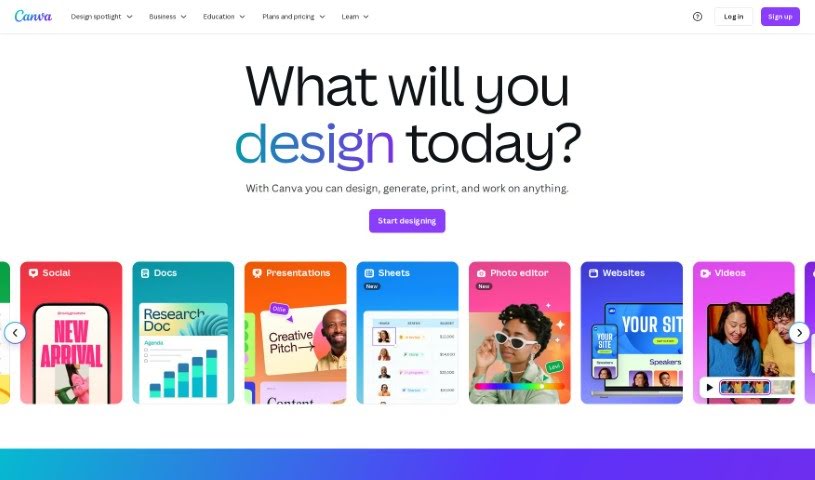
Screenshot of Canva

Canva

Freemium

Canva is a super user-friendly graphic design tool that lets just about anyone create amazing visuals without a fuss. It's packed with tons of templates, images, and design elements to help you bring your ideas to life.

Screenshot of Canva AI Avatar Generator

Canva AI Avatar Generator

Freemium

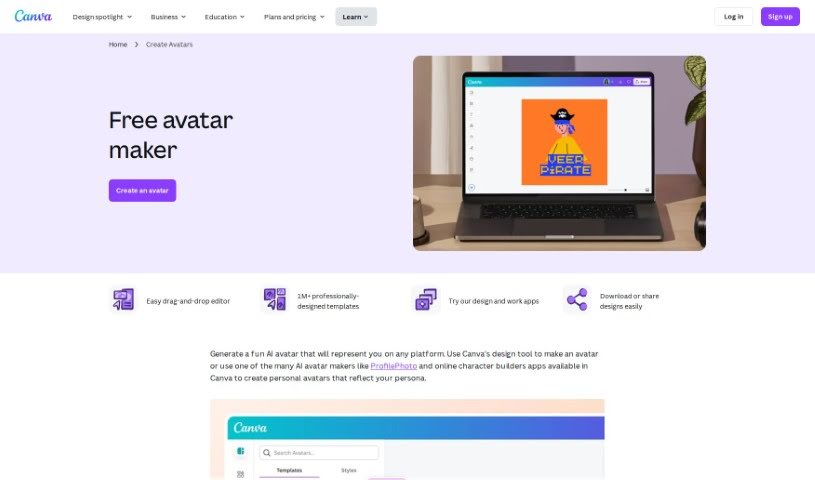
The Canva AI Avatar Generator is a super handy tool built right into Canva. It lets you whip up personalized avatars pretty quickly for all sorts of things. You can kick things off by picking a customizable avatar template that catches your eye, or if you're feeling creative, you can build a character from the ground up using their free avatar generator. This tool gives you plenty of ways to make your avatar truly yours – think adding borders, frames, and backgrounds. You can even tweak image settings and apply filters to get just the right look. Plus, there are AI avatar generator apps you can explore to create realistic AI avatars without breaking a sweat. These custom avatars are fantastic for all sorts of uses, like sprucing up your online profiles, making professional business cards, creating engaging instructional materials, jazzing up presentations, and so much more. They really add a personal touch and help you make a memorable impression.

Screenshot of Canva Magic Studio

Canva Magic Studio

Freemium

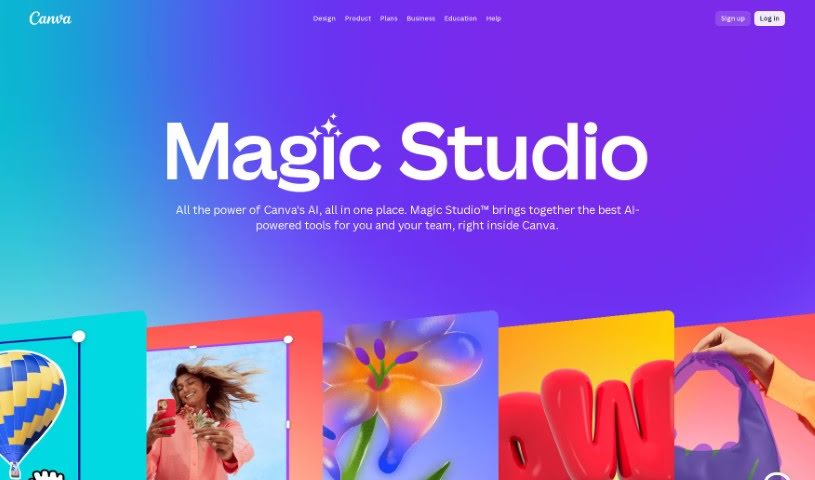
Canva Magic Studio is a really comprehensive platform packed with design tools and features. It's designed to help users create absolutely stunning graphics, presentations, social media posts, and so much more. With Magic Studio, you get access to a huge variety of templates, images, fonts, and all sorts of design elements that you can easily customize. Basically, it empowers both individuals and businesses to whip up professional-looking content without breaking a sweat, whether it's for a personal project or important marketing materials. It truly simplifies the whole design process, letting you unleash your creativity even if you don't have advanced design skills. It is your go-to spot for everything design-related, which is why it's such a hit with everyone from total beginners to seasoned pros.

Screenshot of Car Concepts AI

Car Concepts AI

Freemium

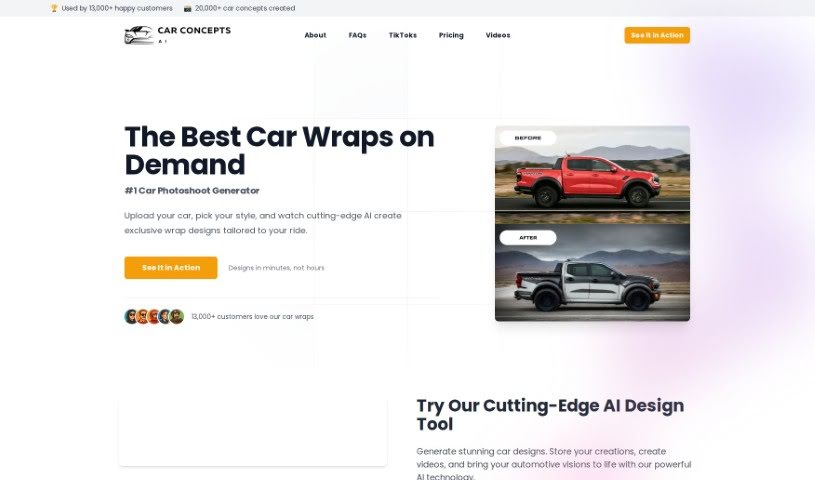
CarConceptsAI is a neat tool that uses artificial intelligence to help you dream up some really cool car wrap designs. Basically, you upload a picture of your car, tell it what kind of style you're going for, and the AI whips up some unique ideas just for you. It's pretty flexible, too – it accepts different image types, lets you add extra details to really nail your vision, and uses smart algorithms to create wraps that look great and are totally personalized. While they don't give specifics on how spot-on the designs are, the goal is definitely to match what you're looking for. You can even include special touches in your designs, and the whole process is made super easy with a user-friendly interface. Just a heads-up, though: you don't get unlimited free images, and sometimes the designs might not be exactly what you hoped for. It's also worth being aware of potential security considerations when uploading images.

Screenshot of Christmas Card Factory

Christmas Card Factory

Freemium

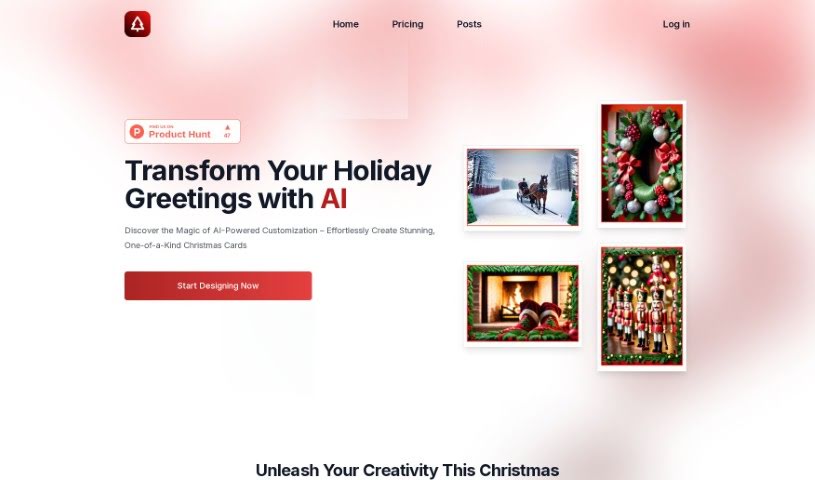
Christmas Card Factory is a neat online tool that uses AI to help you design really unique Christmas cards. You just describe the Christmas scene you have in mind, and the system brings it to life. It's super flexible, letting you tweak everything from the card's size and text to the imagery and even the border style. Whether you're an individual wanting a special card or a business needing to send out festive greetings, this platform has you covered. You can choose from a free option, pay once for a specific card, or get an annual subscription if you plan on designing cards regularly. The AI is pretty smart, learning what you like to create designs that fit your taste, whether you're into classic looks or something more modern. You can really make each card your own by customizing the size, text, imagery, border theme, and overall style. It’s a really versatile way to create your holiday greetings.

Stay Updated with AI Tools

Get weekly updates on the latest AI tools, trends, and insights delivered to your inbox

Join 25,000+ AI enthusiasts. No spam, unsubscribe anytime.