123RF AI Image Generator
Creative Image Generation
Learn more
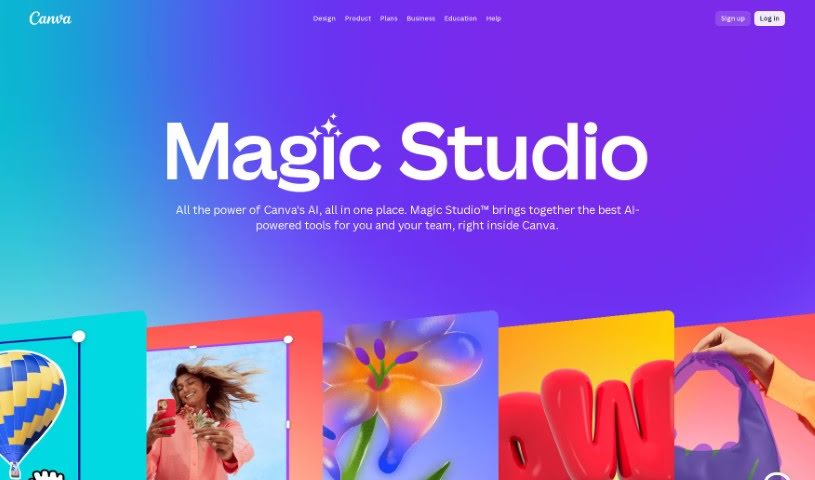
Discover what Canva Magic Studio is and how its design tools help you create graphics, presentations, and social media content.
Canva Magic Studio is a suite of design tools and features built into Canva. It helps users create graphics, presentations, social media posts, and other visual content. Magic Studio provides a large library of templates, images, fonts, and design elements that can be customized to fit your needs, making it possible to produce professional-looking content without advanced design skills.
Canva Magic Studio was created by Melanie Perkins, Cliff Obrecht, and Cameron Adams. Melanie Perkins is the co-founder and CEO of Canva, the graphic design platform behind Magic Studio. Canva focuses on making visual content creation easy and accessible for both designers and non-designers.
Related
Discover more tools in similar categories
Weekly picks of the best AI tools we've researched and added — no spam, unsubscribe anytime.
Join 25,000+ AI enthusiasts. No spam, unsubscribe anytime.