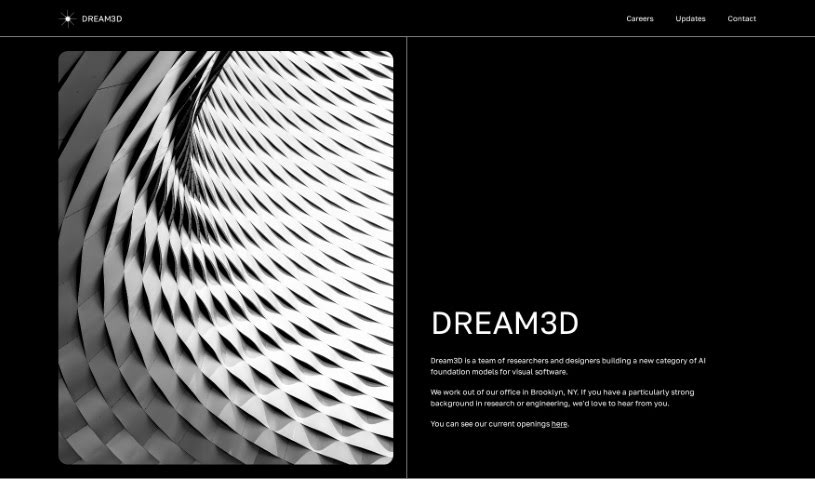
Screenshot of Dream3D

Dream3D

Curious about Dream3D? We'll walk you through what this AI-powered 3D design tool is all about and how you can start using it effectively in 2025. Discover its features and see how it stacks up against other design generators.

Screenshot

What is Dream3D?

Dream3D is a really neat AI tool that helps you create and render 3D visuals. What’s great about it is its super intuitive interface, meaning you don’t need to be a seasoned pro to make studio-quality 3D graphics. It’s all about letting your creativity flow, so you can really explore and design unique 3D scenes. Whether you’re an artist, a designer, or just someone who loves to create, Dream3D aims to be super user-friendly. It really sets itself apart from other tools by focusing on making interaction simple and using AI to make the whole process smoother. The folks behind Dream3D are Tony Francis and Justin Woodbridge. Tony was previously involved with a company called Inokyo, and Justin helped start Bayes.

Who created Dream3D?

Dream3D was brought to life by Tony Francis and Justin Woodbridge. Tony Francis, who’s the CEO, actually co-founded Inokyo before this. Justin Woodbridge, the other co-founder, was instrumental in starting Bayes. They’re based right here in Brooklyn, New York, and their main goal is to offer creative tools for 3D graphics. Dream3D officially launched on May 14, 2023, offering this AI-powered way to create and render 3D visuals, with a big emphasis on making the interface easy to use and producing really high-quality graphics.

Who is Dream3D for?

  • Artists
  • Designers
  • Creatives

How to use Dream3D?

Getting started with Dream3D is pretty straightforward. Here’s how you can dive in:

  1. First off, head over to the Dream3D website. You can join their beta program by connecting with them through their Discord group – it’s a great place to get involved early.
  2. Take some time to get comfortable with the interface. It’s designed to be really easy to interact with, so you can jump right into creating.
  3. Now, start building your 3D scenes! You can really lean into the AI-powered features; they’re there to help streamline both the creation and rendering process.
  4. Remember, Dream3D really focuses on creative expression. Feel free to explore and design whatever you can imagine in 3D.
  5. You can produce studio-quality 3D graphics even if you’ve never touched computer graphics software before. It’s designed for accessibility.
  6. Don’t forget to check out the community forum on Discord. It’s a fantastic place to share your work, give feedback, and learn from what other users are doing.
  7. Feel free to use the tool for whatever you’re working on – personal projects, professional client work, or just for fun experiments. It’s built for artists and designers alike.

What really makes Dream3D stand out is its user-friendly design, how smoothly it handles rendering, and the high-quality 3D visuals it produces. It’s truly an ideal tool for anyone looking to explore and create in the exciting world of 3D graphics.

Related AI Tools

Discover more tools in similar categories that might interest you

123RF AI Image Generator

Creative Image Generation
Learn More

Stay Updated with AI Tools

Get weekly updates on the latest AI tools, trends, and insights delivered to your inbox

Join 25,000+ AI enthusiasts. No spam, unsubscribe anytime.